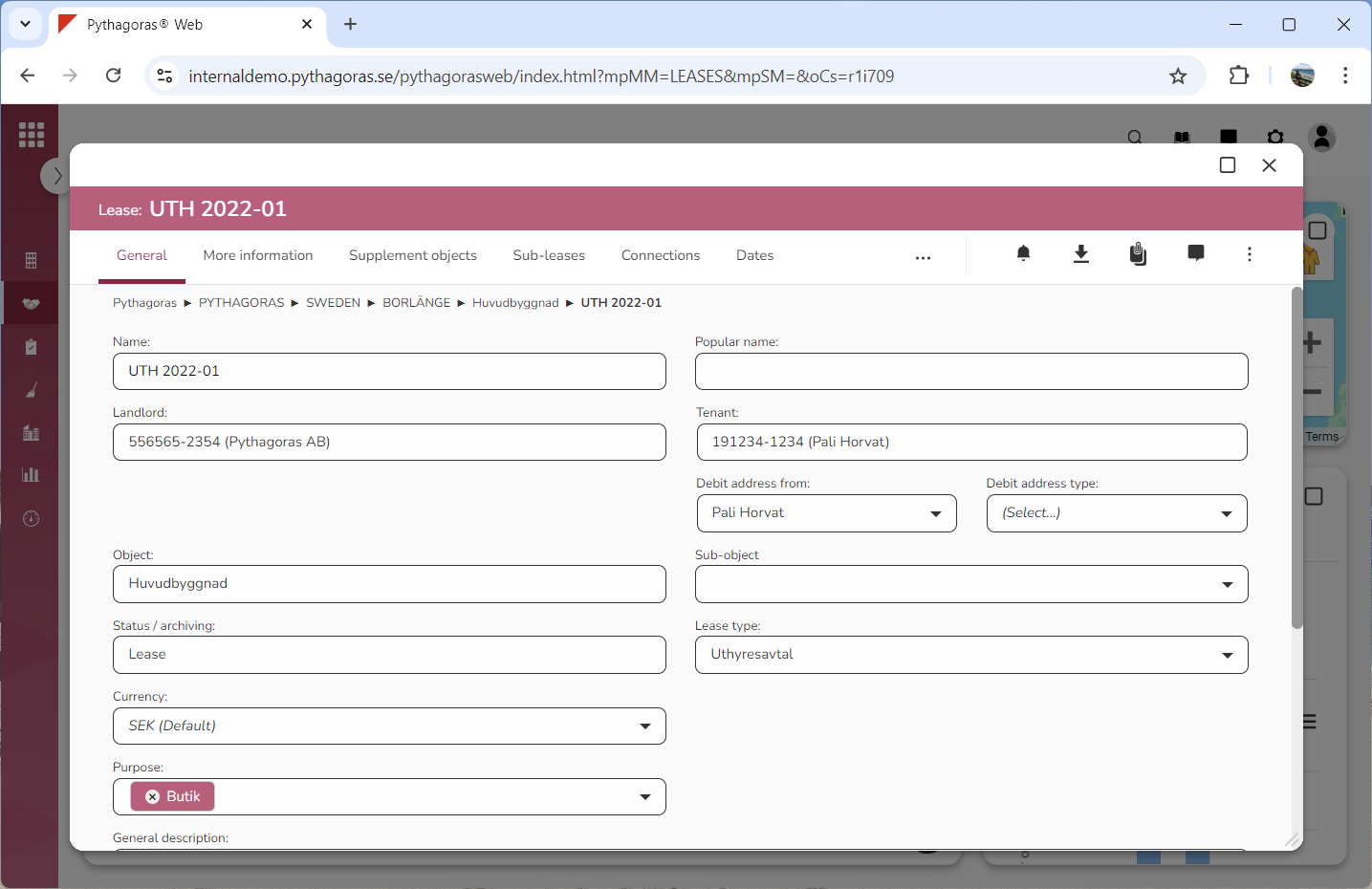
All leases available in Pythagoras Web is associated with a lease card (see image below). Via the lease card you can work with a lease. In order to access the lease card you have to either open or create a lease. To open a lease you can use either the map or the object list. Note that when you enter any type of information in a field in the lease card, you must click outside the field or in another field for the information to be saved.
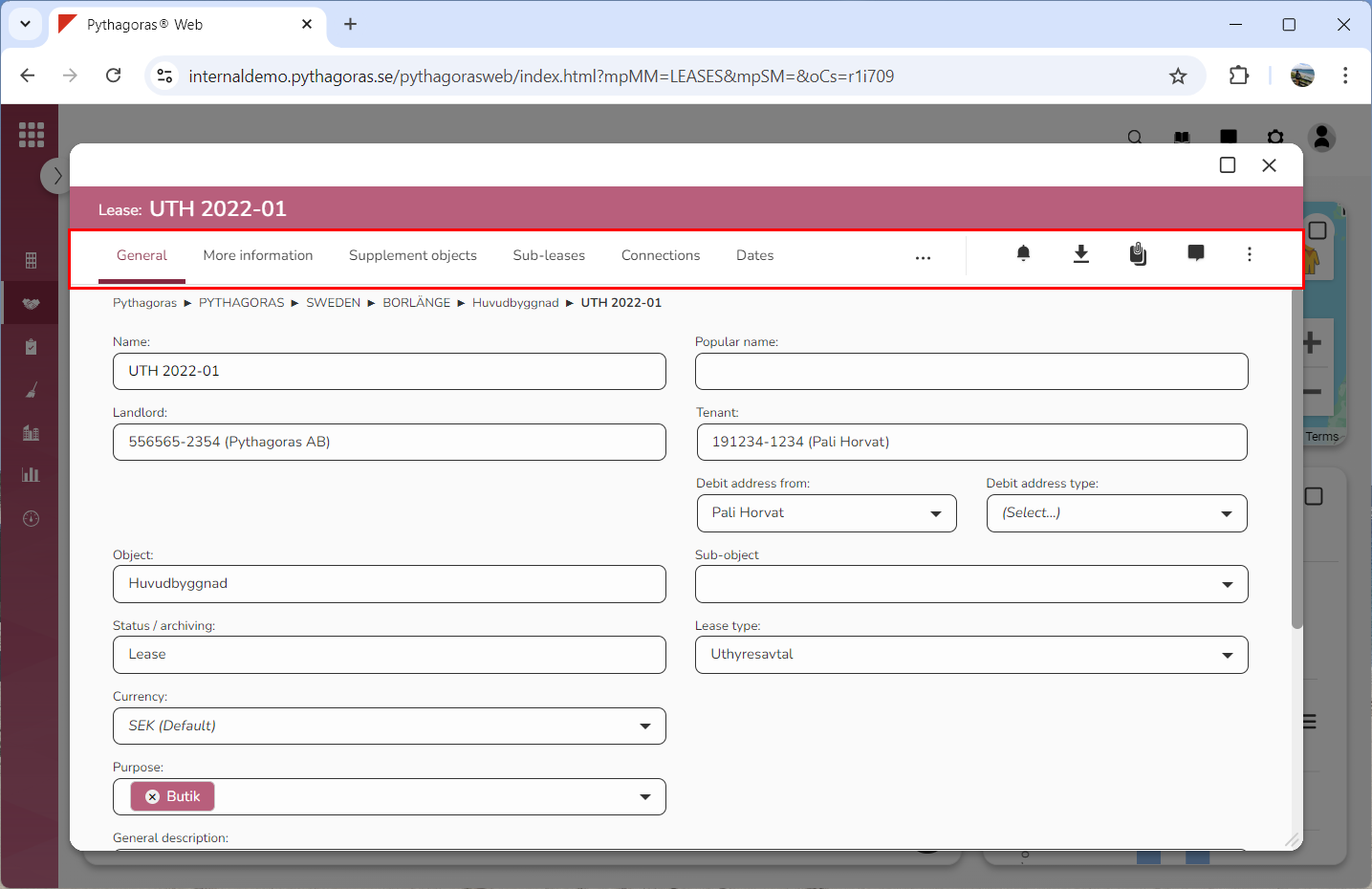
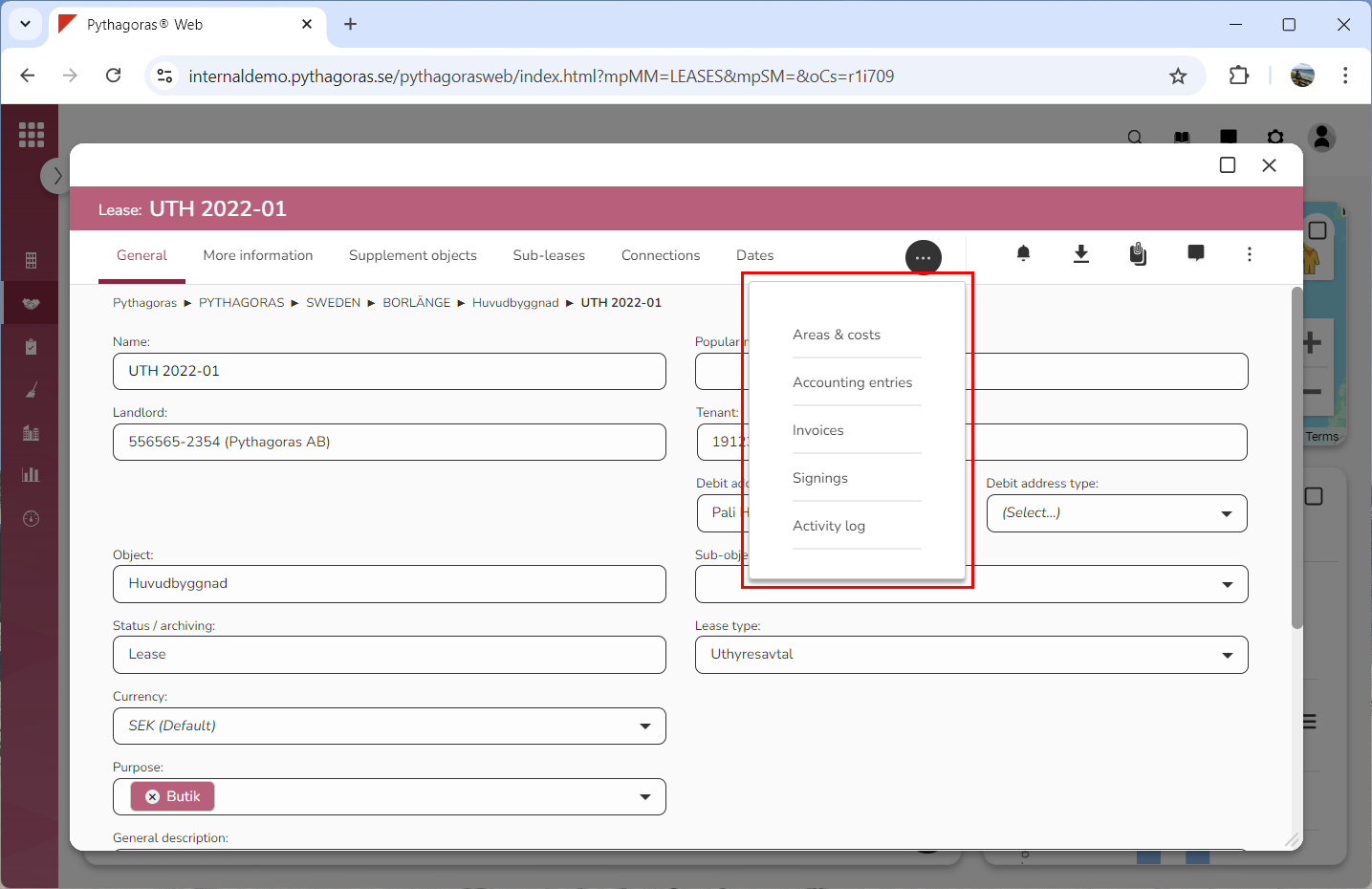
In the lease card you will find a menu that contains a number of tabs and icons (see the first image below). Within the tabs called "Supplement objects" and "Activity log" you will find lists that you can manage views for. Note that tabs that might not fit in the lease card menu can be found by clicking an icon called "More options" (see images below).
For more information about the tab called:
"General", see section 8.1.
"More information", see section 8.2.
"Supplement objects", see section 8.3.
"Sub-leases", see section 8.4.
"Connections", see section 8.5.
"Dates", see section 8.6.
"Areas & costs", see section 8.7.
"Accounting entries", see section 8.8.
"Payments" or "Invoices", see section 8.9.
"Signings", see section 8.10.
"Activity log", see section 8.11.
For more information about:
the icon "Alarm notifications", see section 8.12.
the icon "Printout", see section 8.13.
the icon "Documents", see section 8.14.
the icon "Comments", see section 8.15.
the icon "More options", see section 8.16.
For more information on how to:
open a lease via the map, see section 4.6.
open a lease via the object list, see section 6.1.
create a lease, see section 6.2.
manage views for lists such as the lists within the tabs called "Supplement objects" and "Activity log", see chapter 3 in this manual.