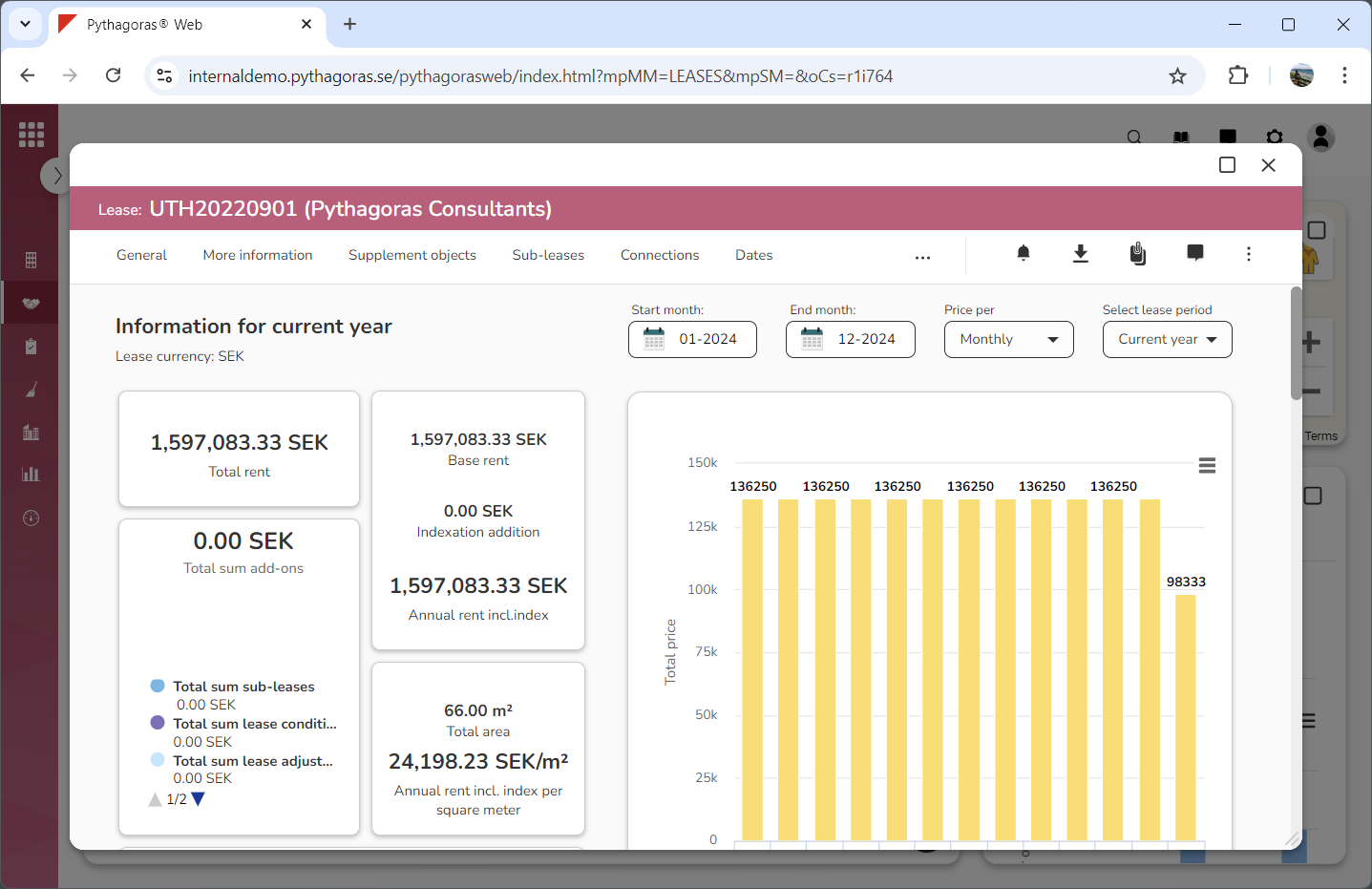
Within the tab called "Areas & costs" you will find a number of graphs and a bar chart. You will also find a number of headings - "Cost model", "Index", "Include lease in liability", "Invoice" or "Payment", "Property tax", "Adjustments", "Conditions" and "Adjustment options".
Via the tab called "Areas & costs" you can:
read the graphs and customise the bar chart
set a cost model for a lease
manage index for a lease
manage index types
specify whether a lease should, or should not, include VAT
specify whether a lease should, or should not, be included in IFRS 16
set a payment or invoice period for a lease
set a payment or invoice break for a lease
set a property tax for a lease
manage lease adjustments, lease conditions and adjustment options for a lease
manage condition types.
For more information on how to:
read the graphs and customise the bar chart, see section 8.7.1.
set a cost model for a lease, see section 8.7.2.
manage index for a lease, see section 8.7.3.
manage index types, see section 8.7.4.
specify whether a lease should, or should not, include VAT, see section 8.7.5.
specify whether a lease should, or should not, be included in IFRS 16, see section 8.7.6.
set a payment or invoice period for a lease, see section 8.7.7.
set a payment or invoice break for a lease, see section 8.7.8.
set a property tax for a lease, see section 8.7.9.
manage lease adjustments for a lease, see section 8.7.10.
manage lease conditions for a lease, see section 8.7.11.
manage adjustment options for a lease, see section 8.7.12.