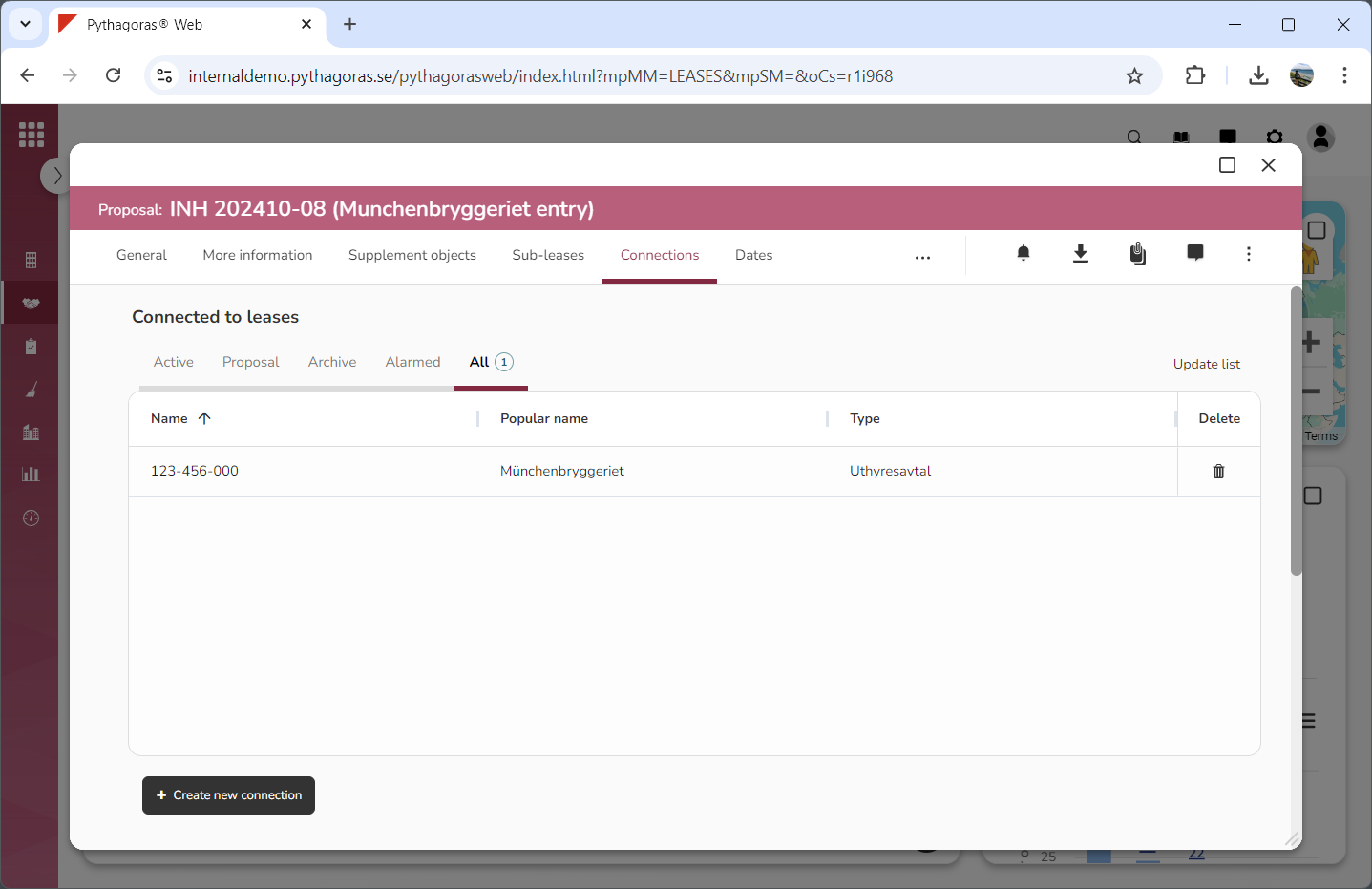
Within the tab called "Connections" you will find two lists: "Connected to leases" and "Leases connected to this lease" (see image below). In the list called "Connected to leases" you will be able to view which leases a lease is connected to. In the list called "Leases connected to this lease" you will be able to view which leases are connected to a lease.
Via the tab called "Connections" you can:
connect a lease with another lease
remove connections made to a lease from another
remove connections made from a lease to another
open leases via the lists called "Connected to leases" and "Leases connected to this lease"
work with the lists called "Connected to leases" and "Leases connected to this lease".
For more information on how to:
connect a lease with another lease, see section 8.5.1.
remove a connections made to a lease from another, see section 8.5.2.
remove connections made from a lease to another, see section 8.5.3.
open a lease via the list called "Connected to leases" or "Leases connected to this lease", see section 8.5.4.
work with the list called "Connected to leases", see section 8.5.5.
work with the list called "Leases connected to this lease", see section 8.5.6.