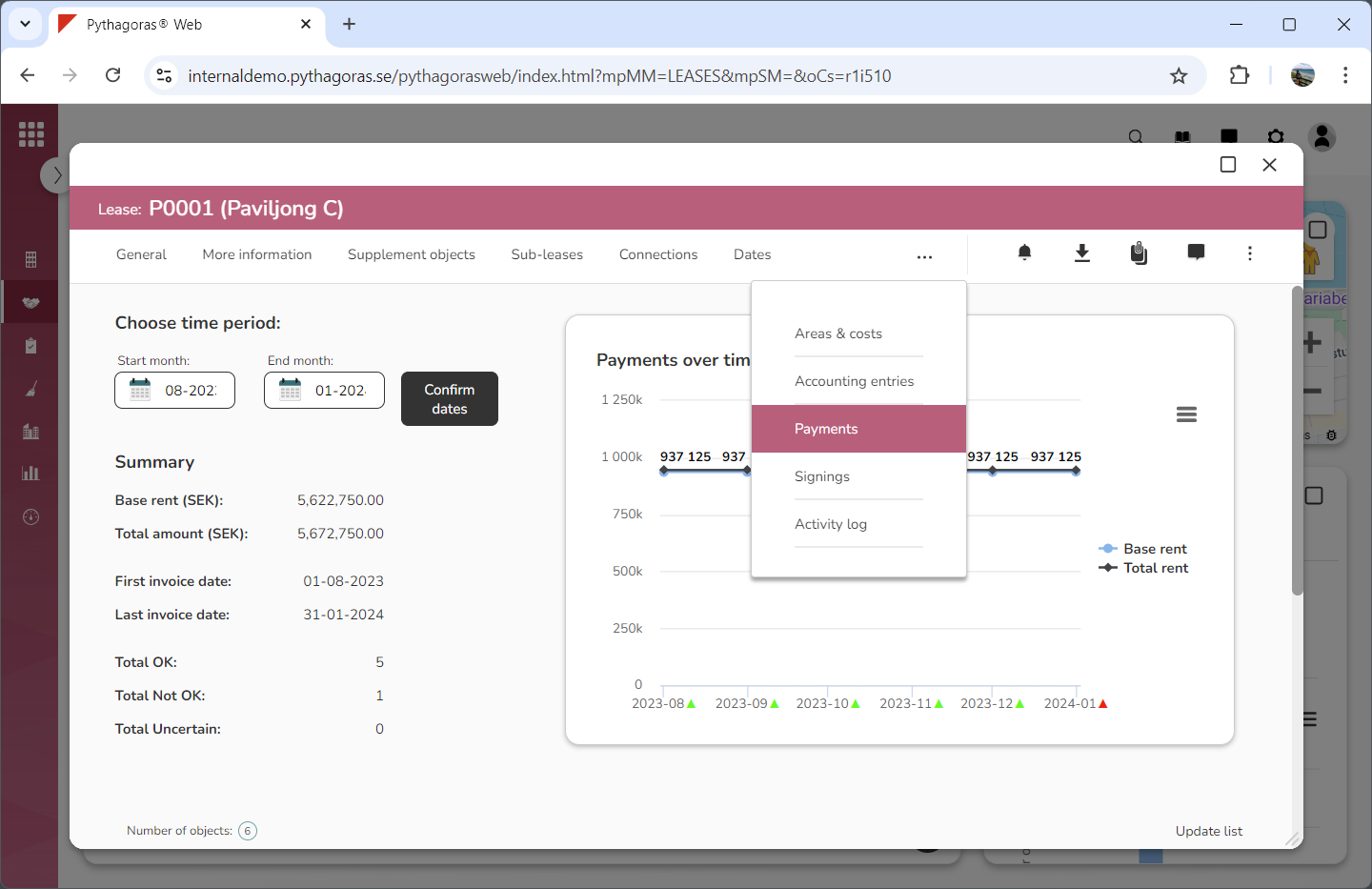
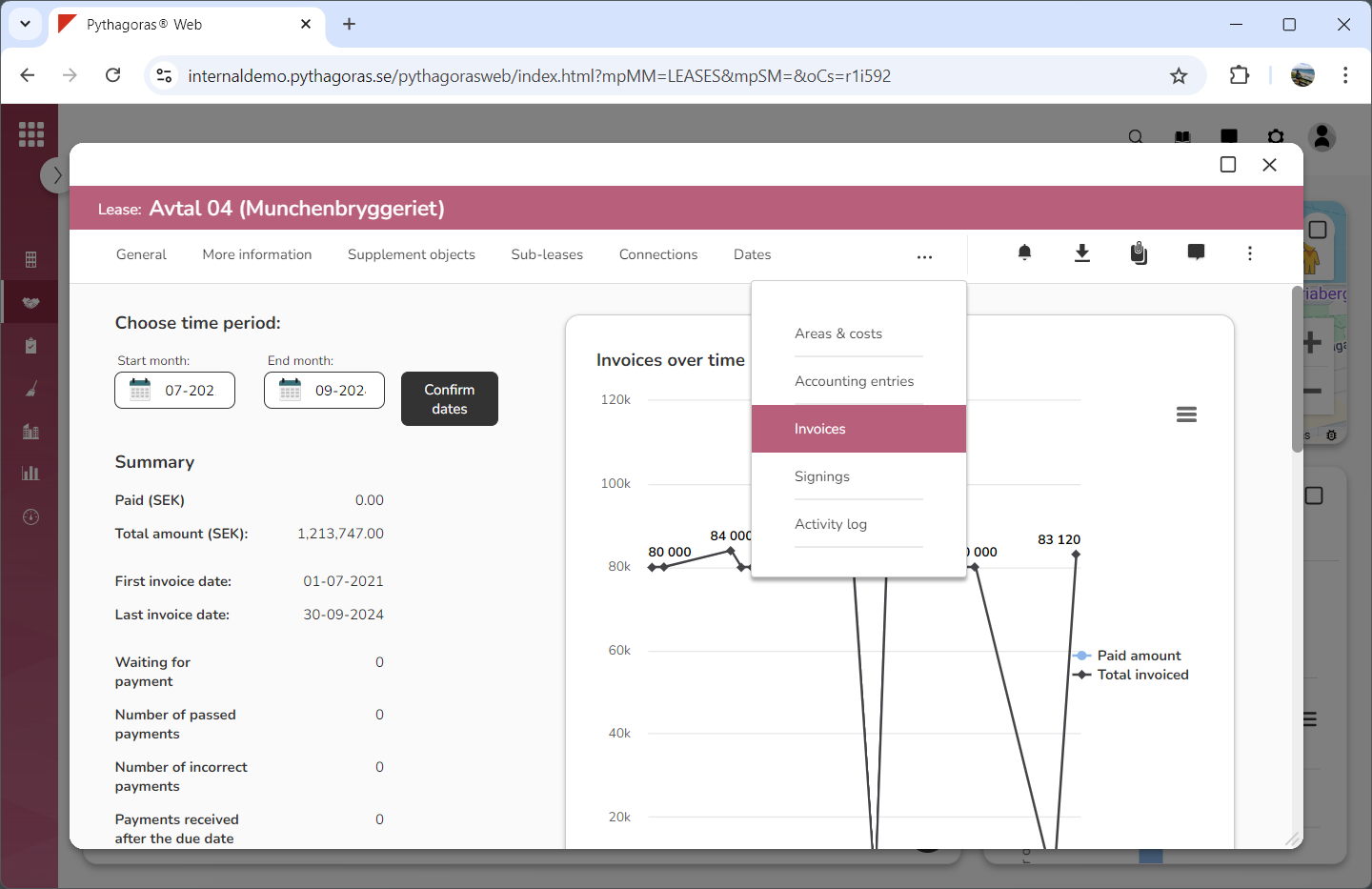
In the lease card you will find a tab called "Payments" or "Invoices" (see images below). The name of the tab depends on what type of lease you are working with – a lease that should be paid, or invoiced. Within the tab called "Payments" or "Invoices" you will find information about the payments or invoices made for a lease.
If you are working with a lease that should be paid you can:
select which period the lease card should show payments for
open the payments associated with the lease
filter the payments list
update the payments list
export the payments list to Excel.
If you are working with a lease that should be invoiced you can:
select which period the lease card should show invoicing for
open the invoicing associated with the lease
filter the invoicing list
update the invoicing list
export the invoicing list to Excel
credit invoices
create one-off invoices
view the forecast for the next invoicing of the lease.
For more information on how to:
select which period the lease card should show payments for, see section 8.9.1.
open a payment associated with a lease, see section 8.9.2.
filter the payments list, see section 8.9.3.
update the payments list, see section 8.9.4.
export the payments list to Excel, see section 8.9.5.
select which period the lease card should show invoicing for, see section 8.9.6.
open an invoicing associated with a lease, see section 8.9.7.
filter the invoicing list, see section 8.9.8.
update the invoicing list, see section 8.9.9.
export the invoicing list to Excel, see section 8.9.10.
credit an invoice, see section 8.9.11.
create a one-off invoice for a lease, see section 8.9.12.
view the forecast for the next invoicing of a lease, see section 8.9.13.