When you update the invoicing list, you provide it with the latest information about the invoicing it shows. The invoicing information in the summary and the diagram will also be updated when you update the invoicing list.
To update the invoicing list:
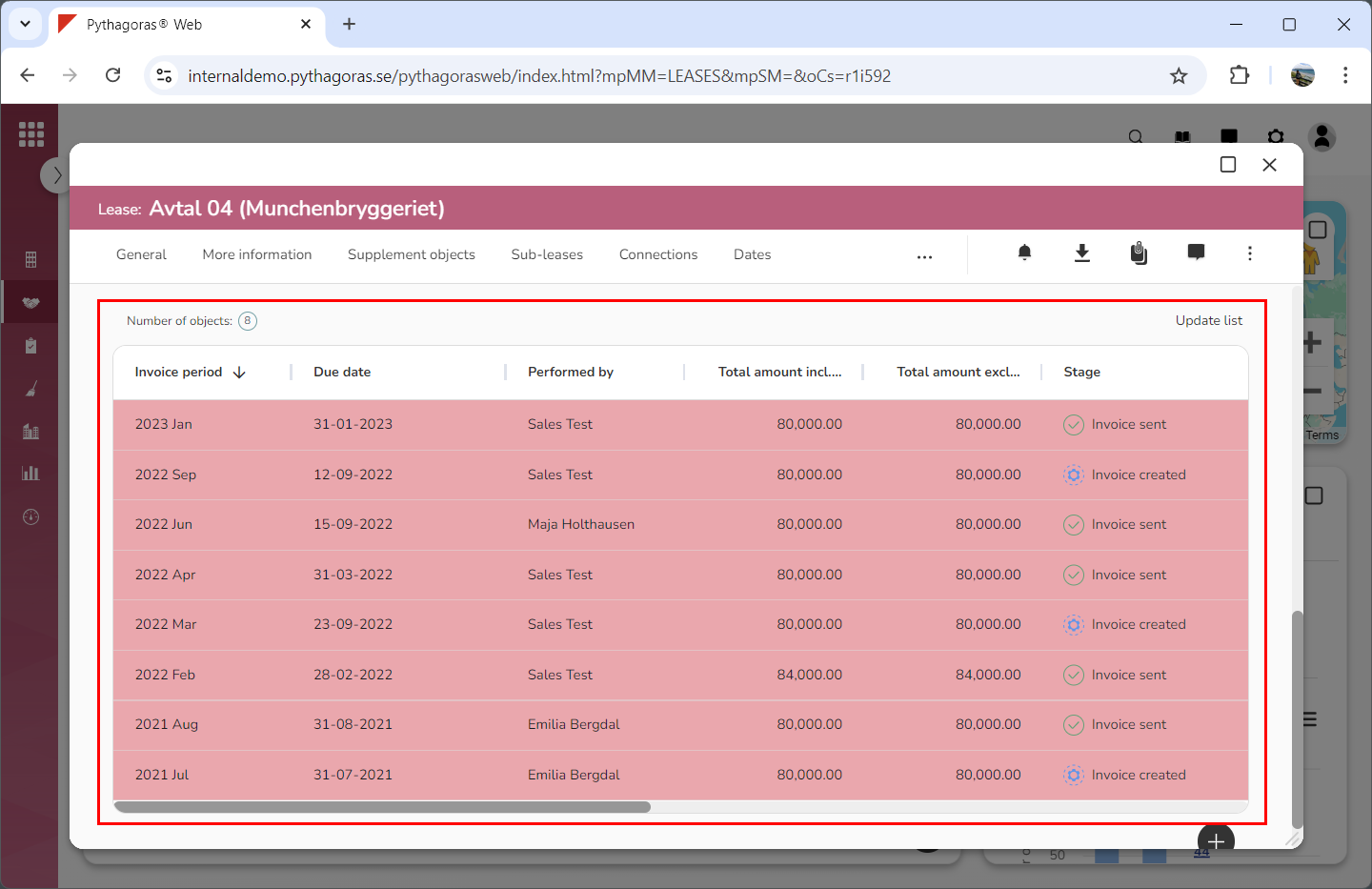
Go to the invoicing list (see image below).
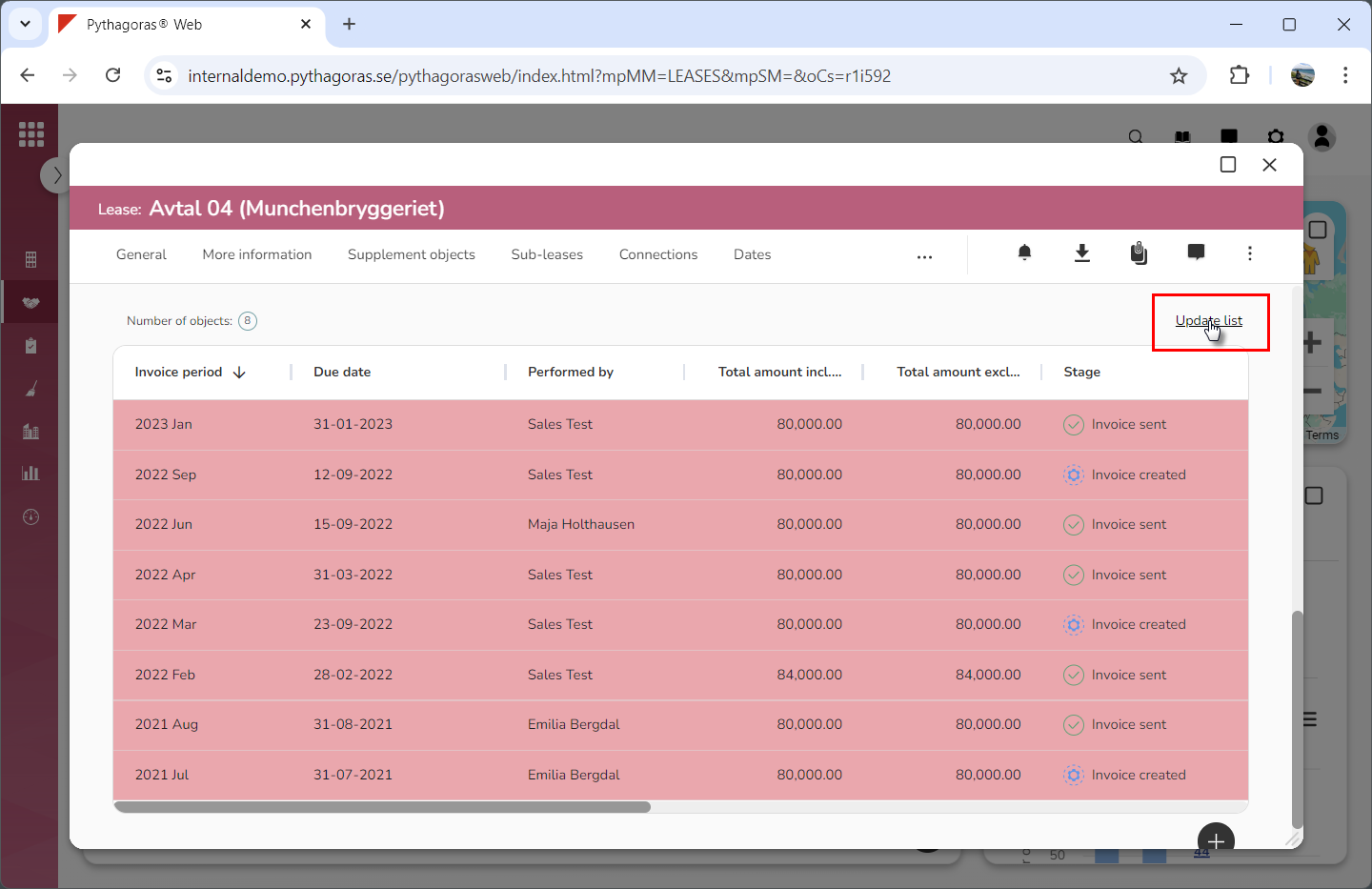
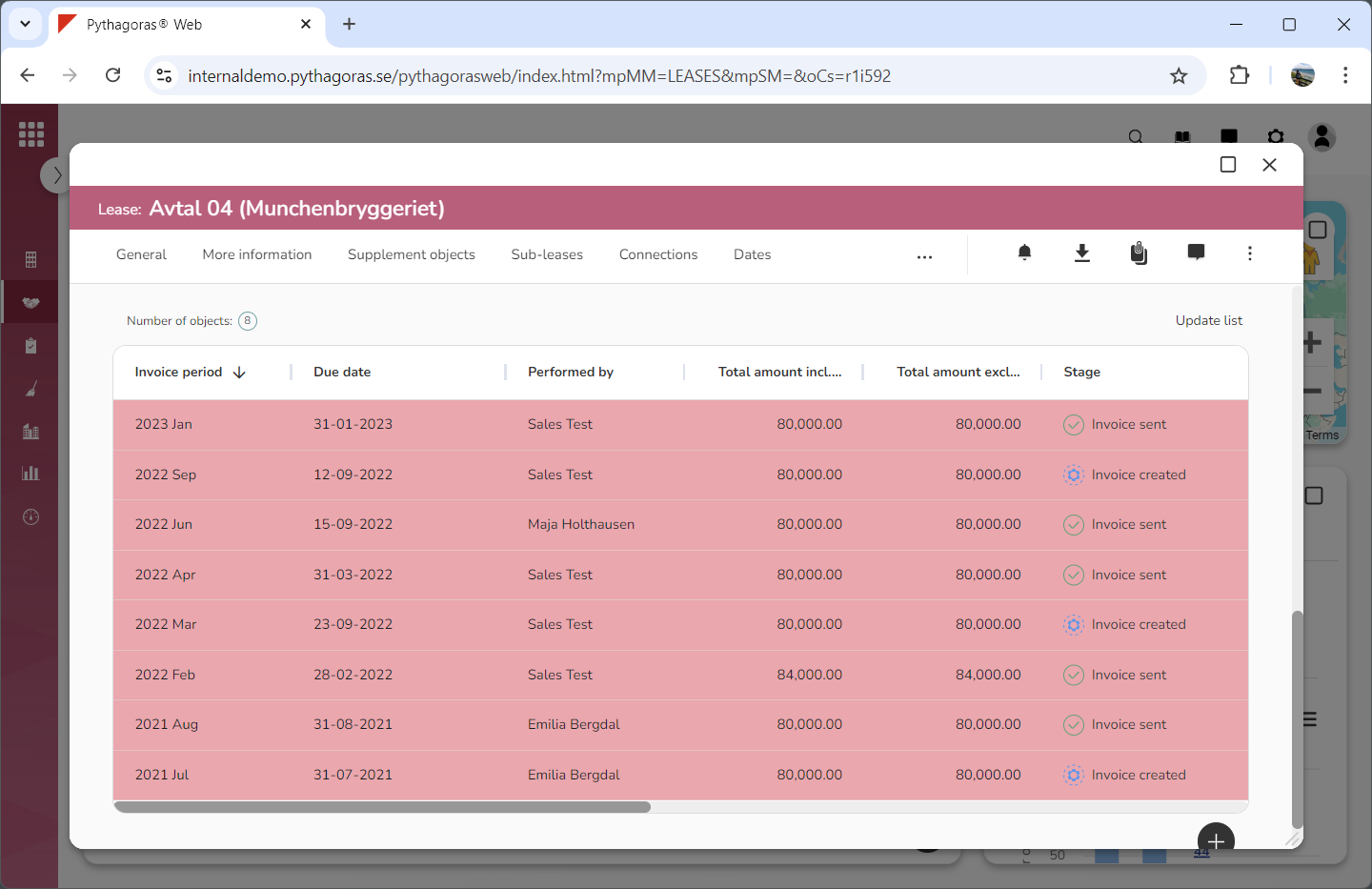
Click "Update list" (see the first image below). When you do so, the invoicing list will be updated (see the second image below).