8.8.2. Remove an accounting entry post from a lease
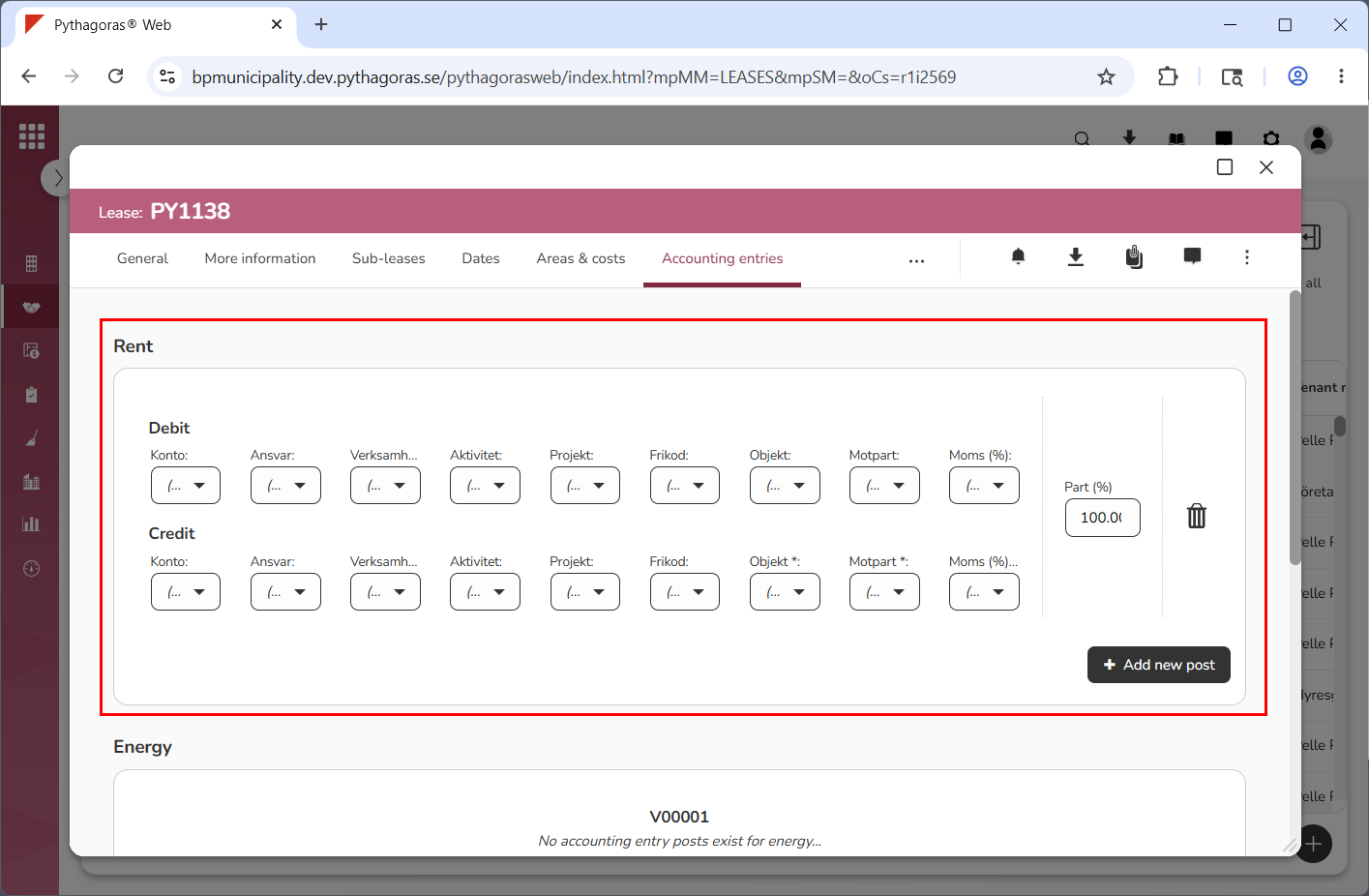
An accounting entry post consists of a number of accounting fields. The accounting entry posts are customer specific and therefore, the accounting entry posts set up for your organisation do not have to be the same as the accounting entry posts you encounter in the images below. However, the way in which you remove an accounting entry post from a lease is the same regardless of which accounting fields the post consists of.
To remove an accounting entry post from a lease:
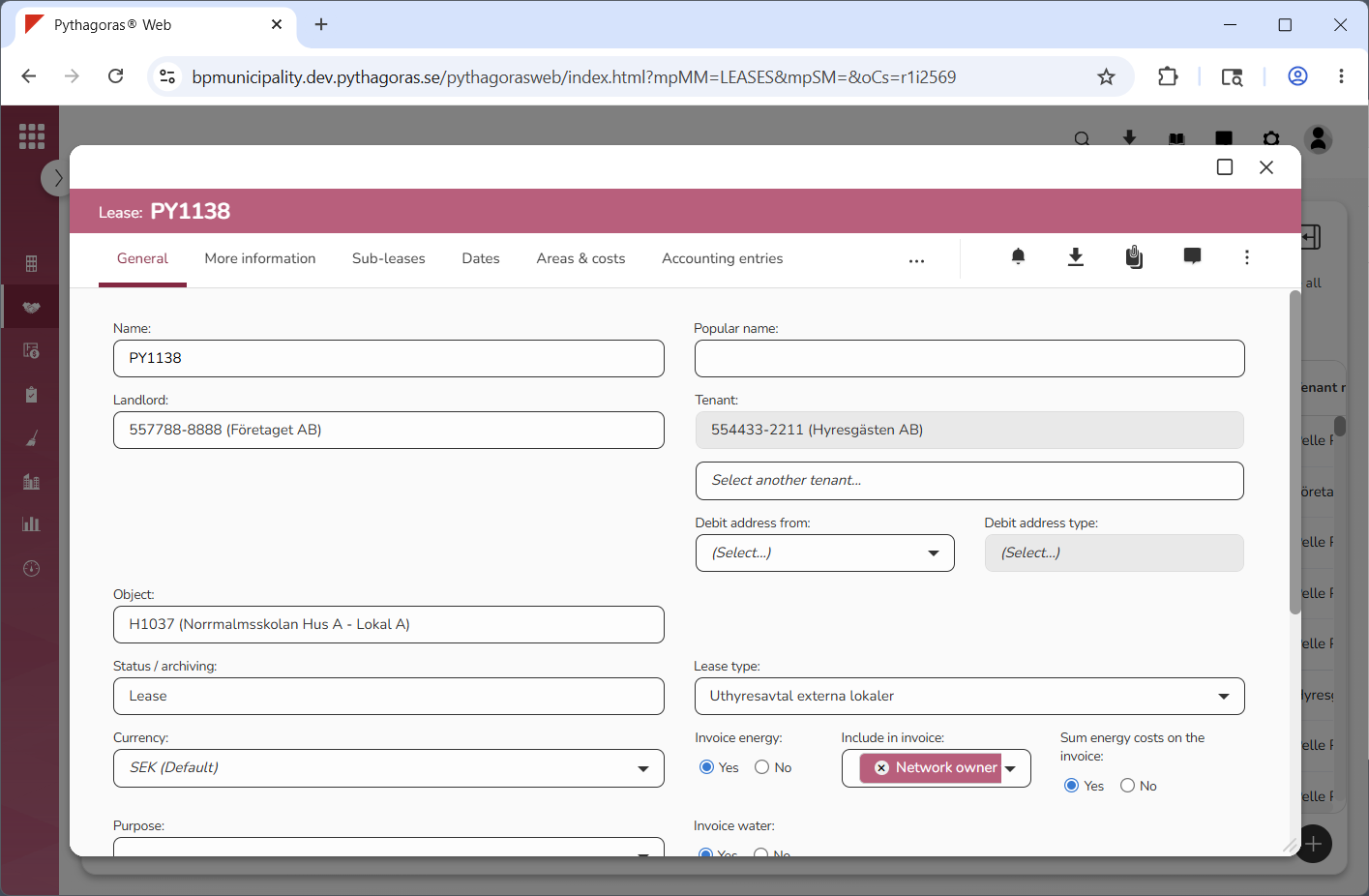
Open a lease. For more information on how to do so, see section 4.6. or 6.1.
Go to the lease card (see image below).
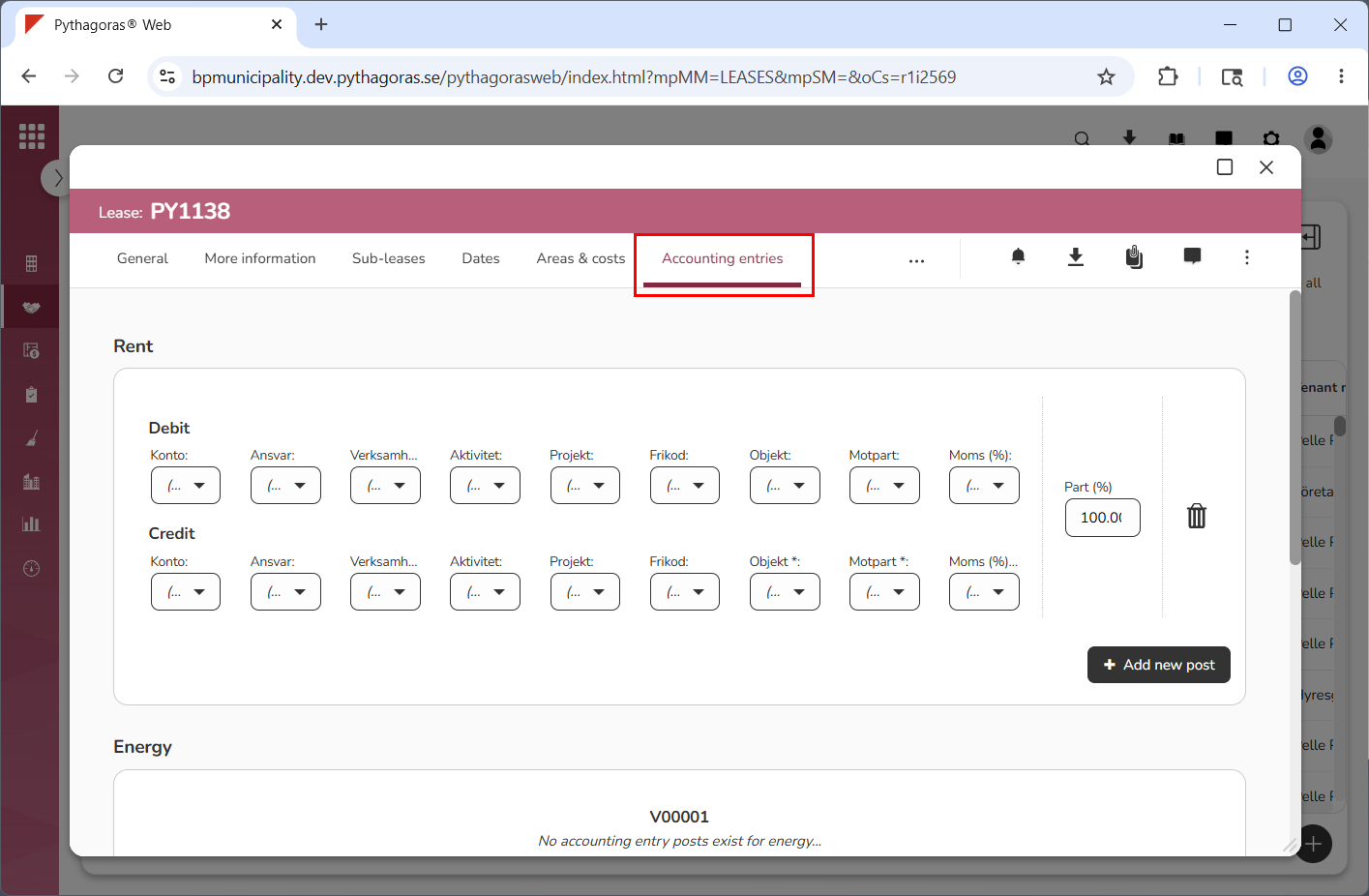
Click the tab called "Accounting entries" (see image below). Within the tab called "Accounting entries" you will find a list of accounting entry posts that have been added to the lease you are working with. Note that the accounting entry posts are linked to the cost posts they belong to, for example "Rent", "Adjustments" and "Conditions".
Go to the accounting entry post you wish to remove from the lease you are working with (see image below).
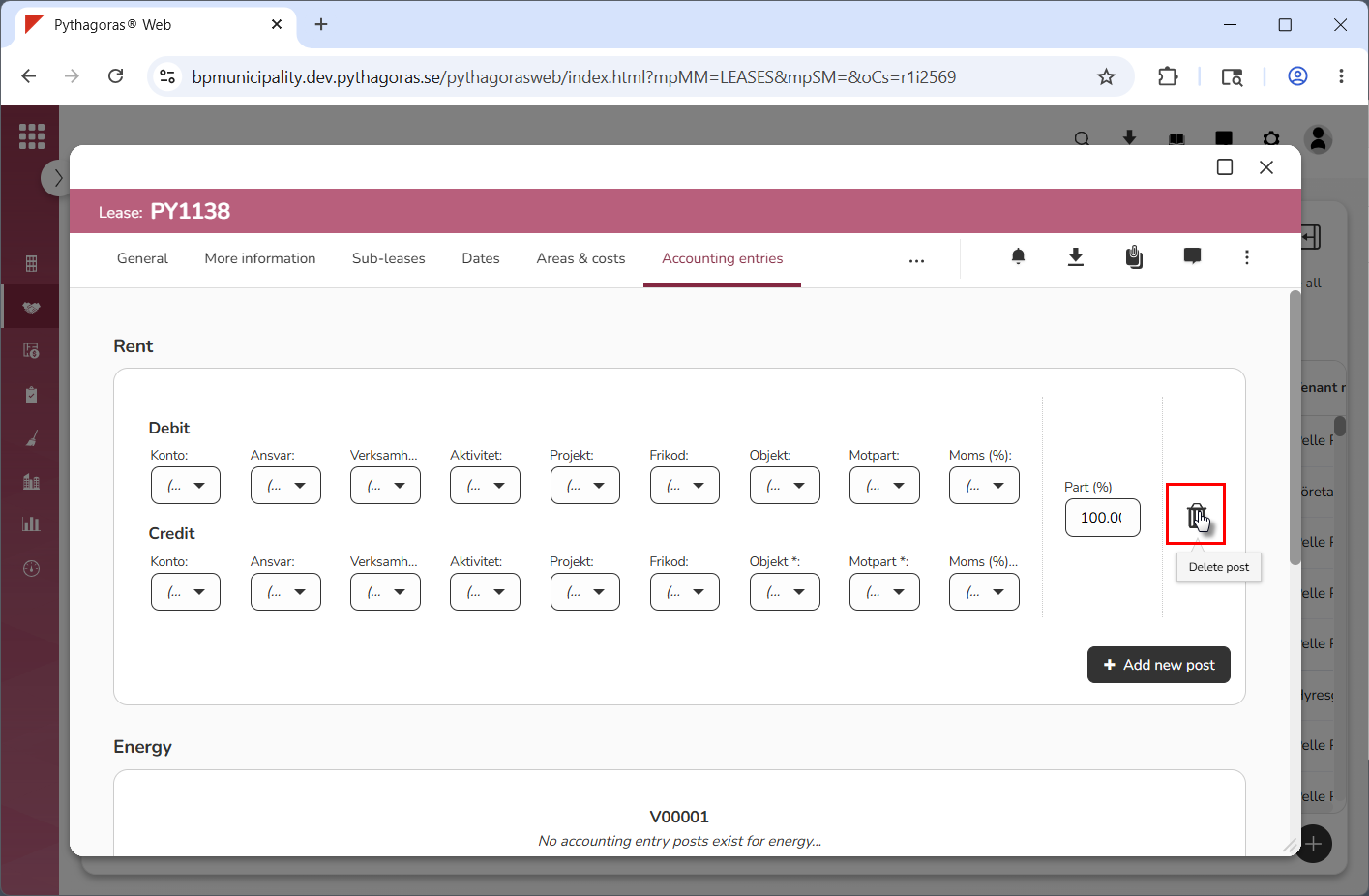
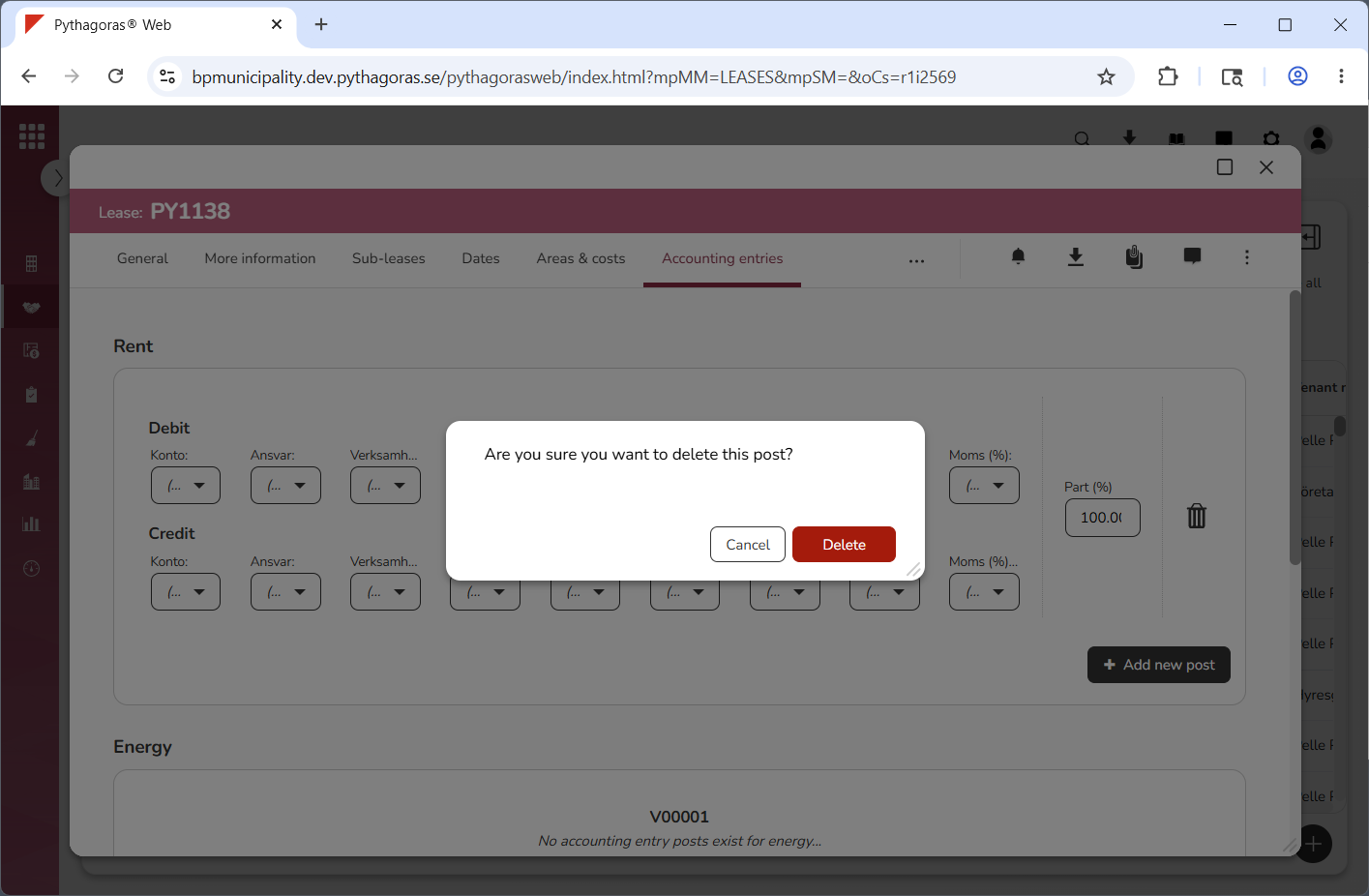
Click "Delete post" (see the first image below). When you do so, a dialog will open asking the following question: "Are you sure you want to delete this post?" (see the second image below).
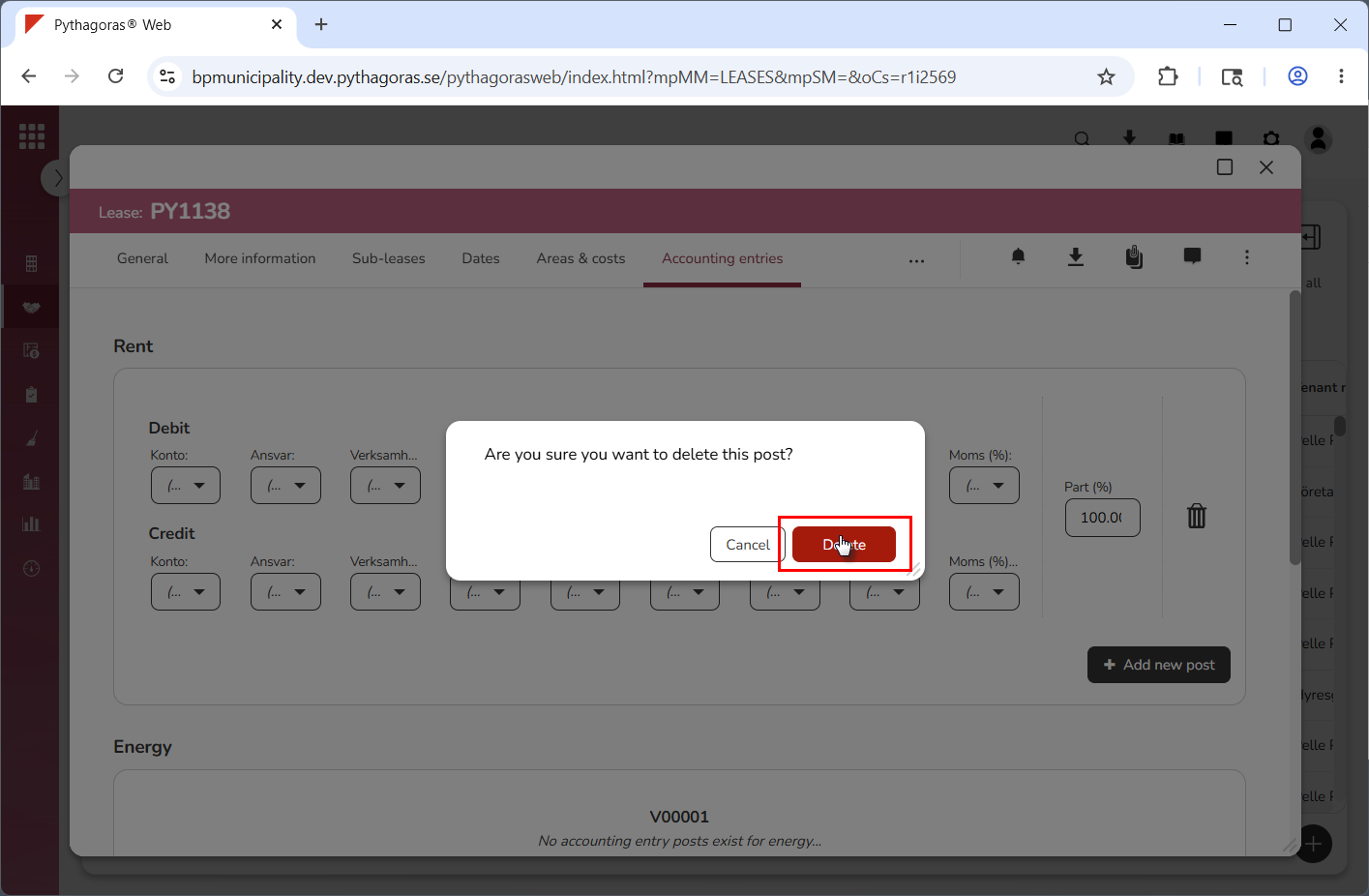
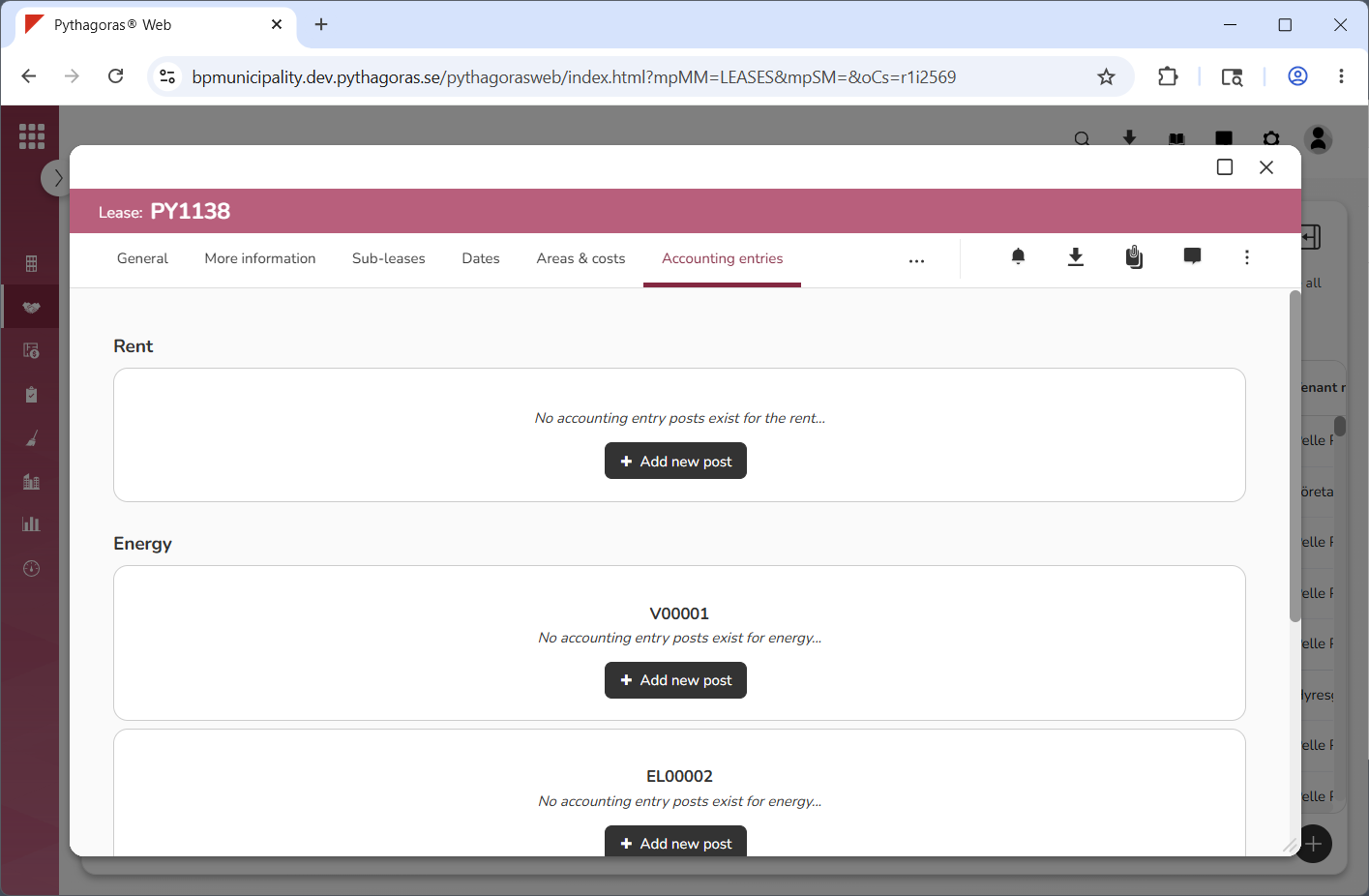
Click "Delete" in the dialog (see the first image below). When you do so, the accounting entry post you are working with will be removed from the lease you are working with. At the same time you will be redirected back to the lease card (see the second image below).