Open a lease. For more information on how to do so, see section 4.6. or 6.1.
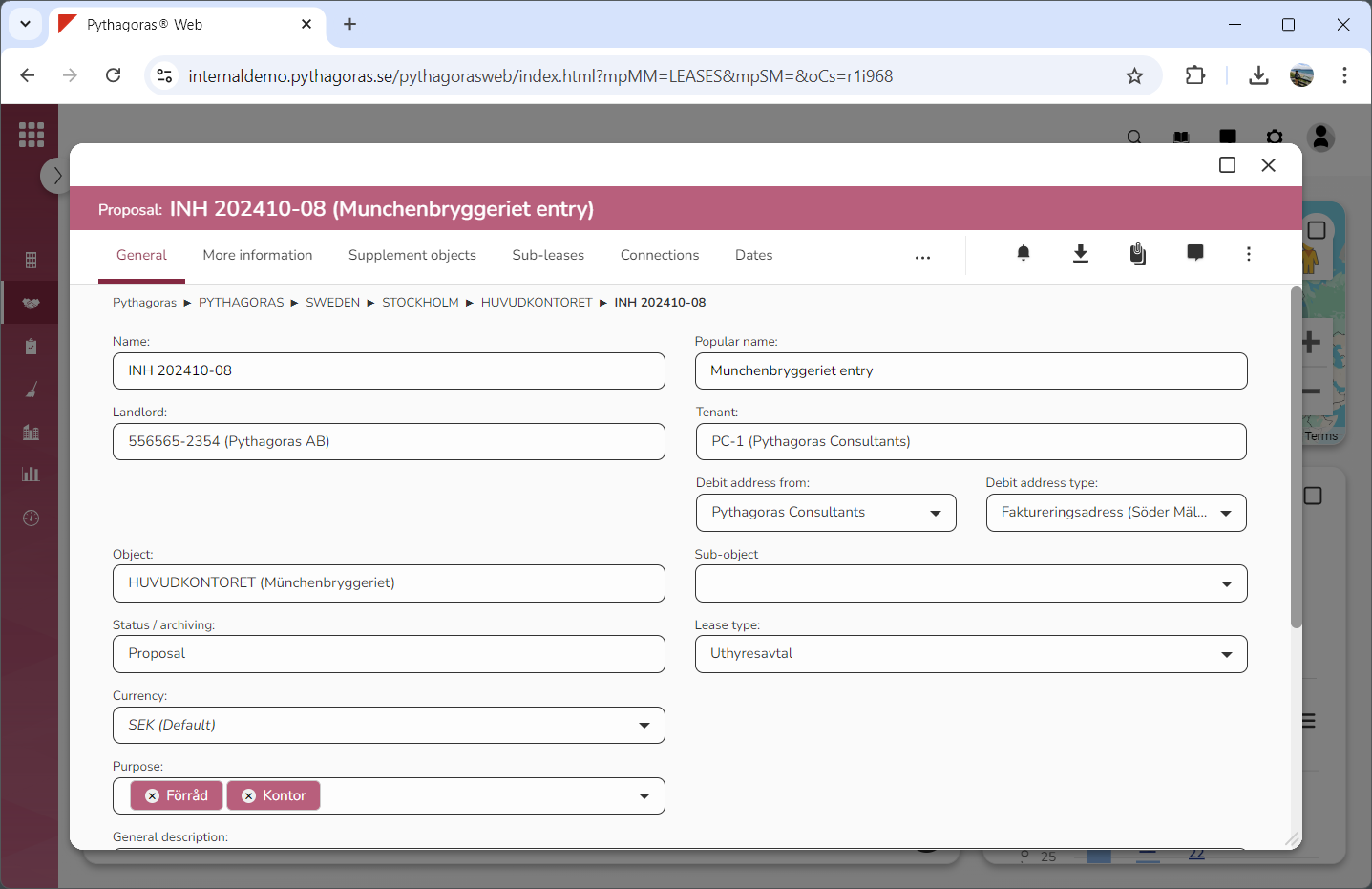
Go to the lease card (see image below).
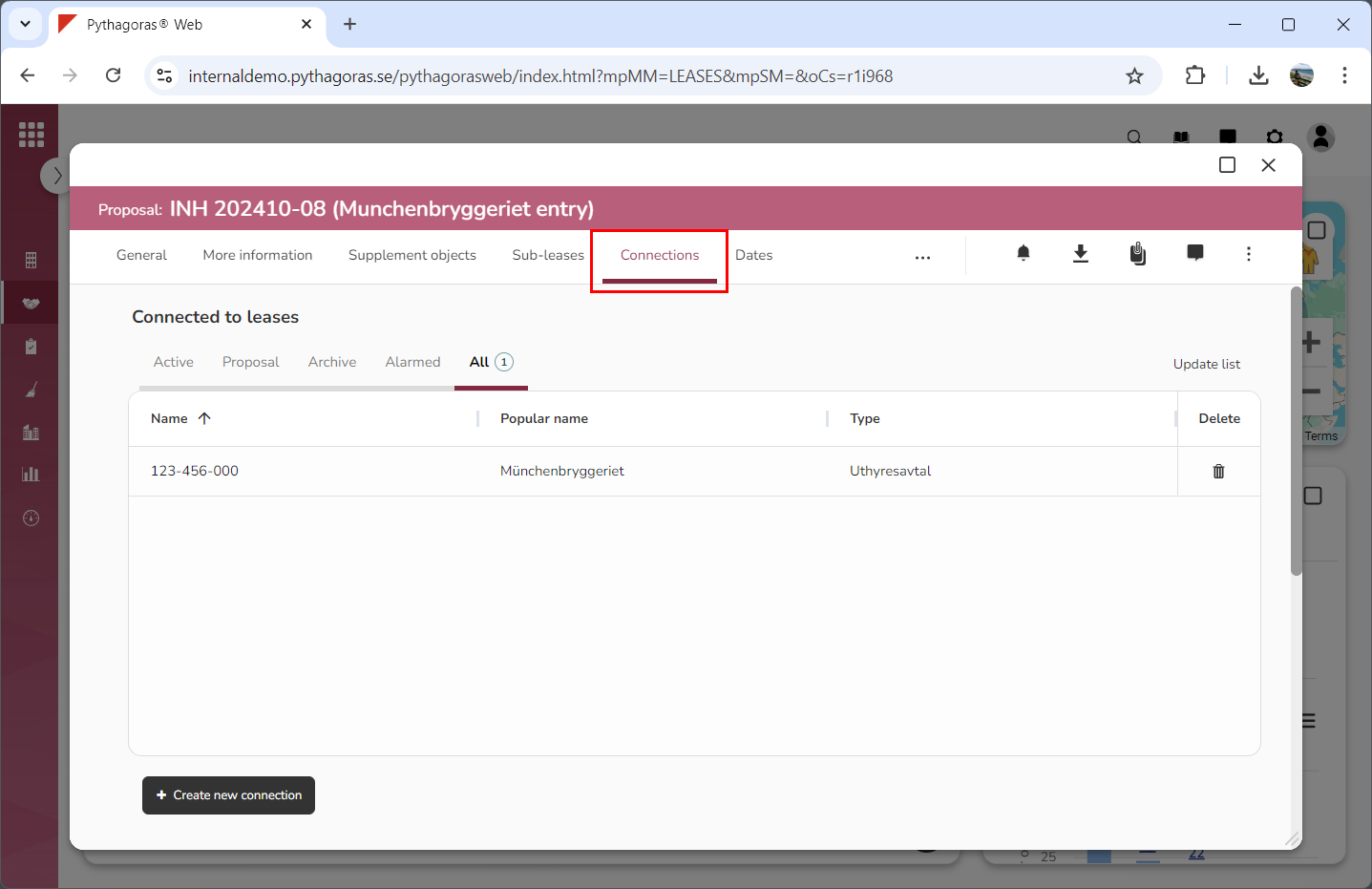
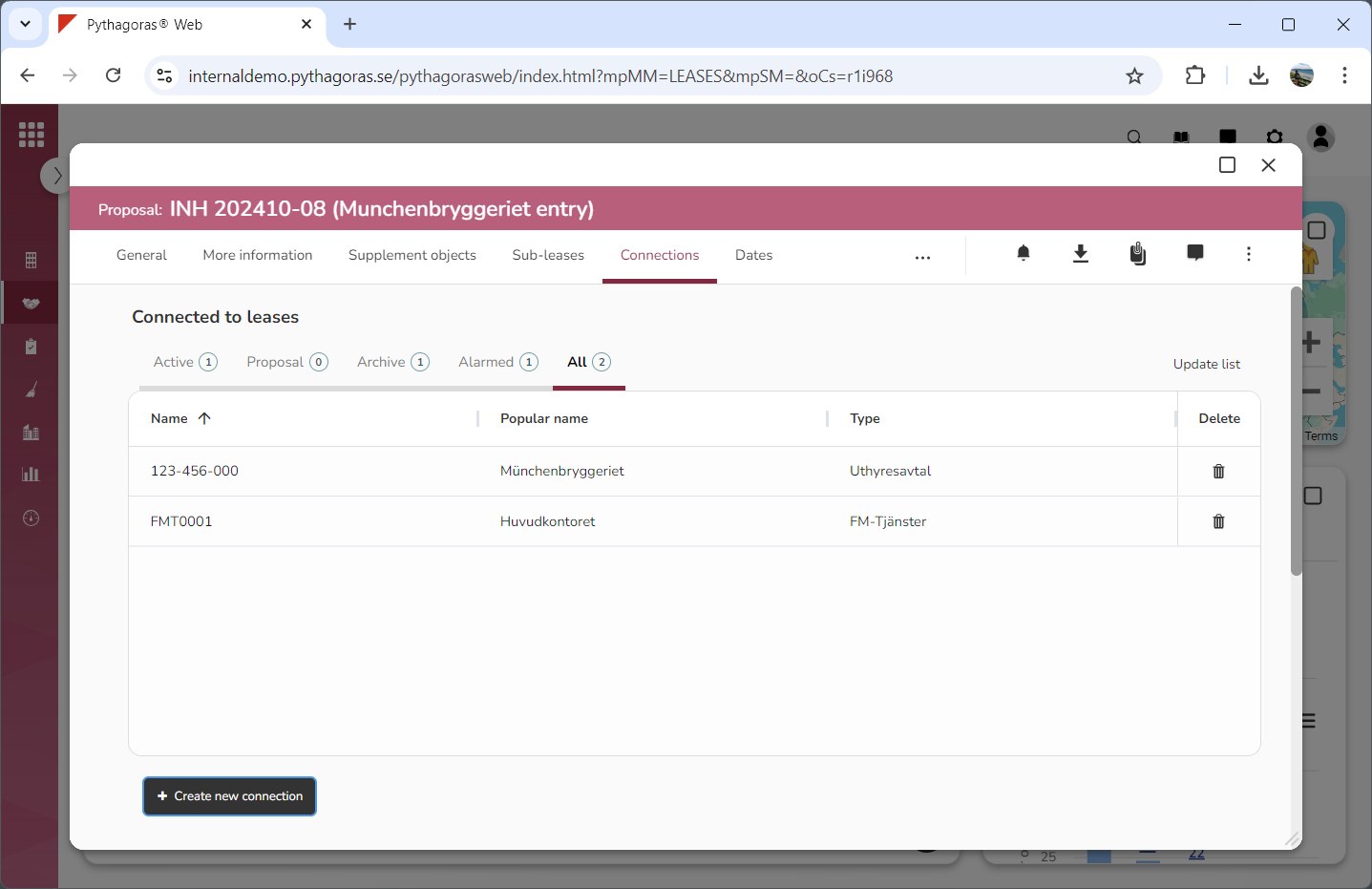
Click the tab called "Connections" (see image below). Within the tab called "Connections" you will find two lists: "Connected to leases" and "Leases connected to this lease".
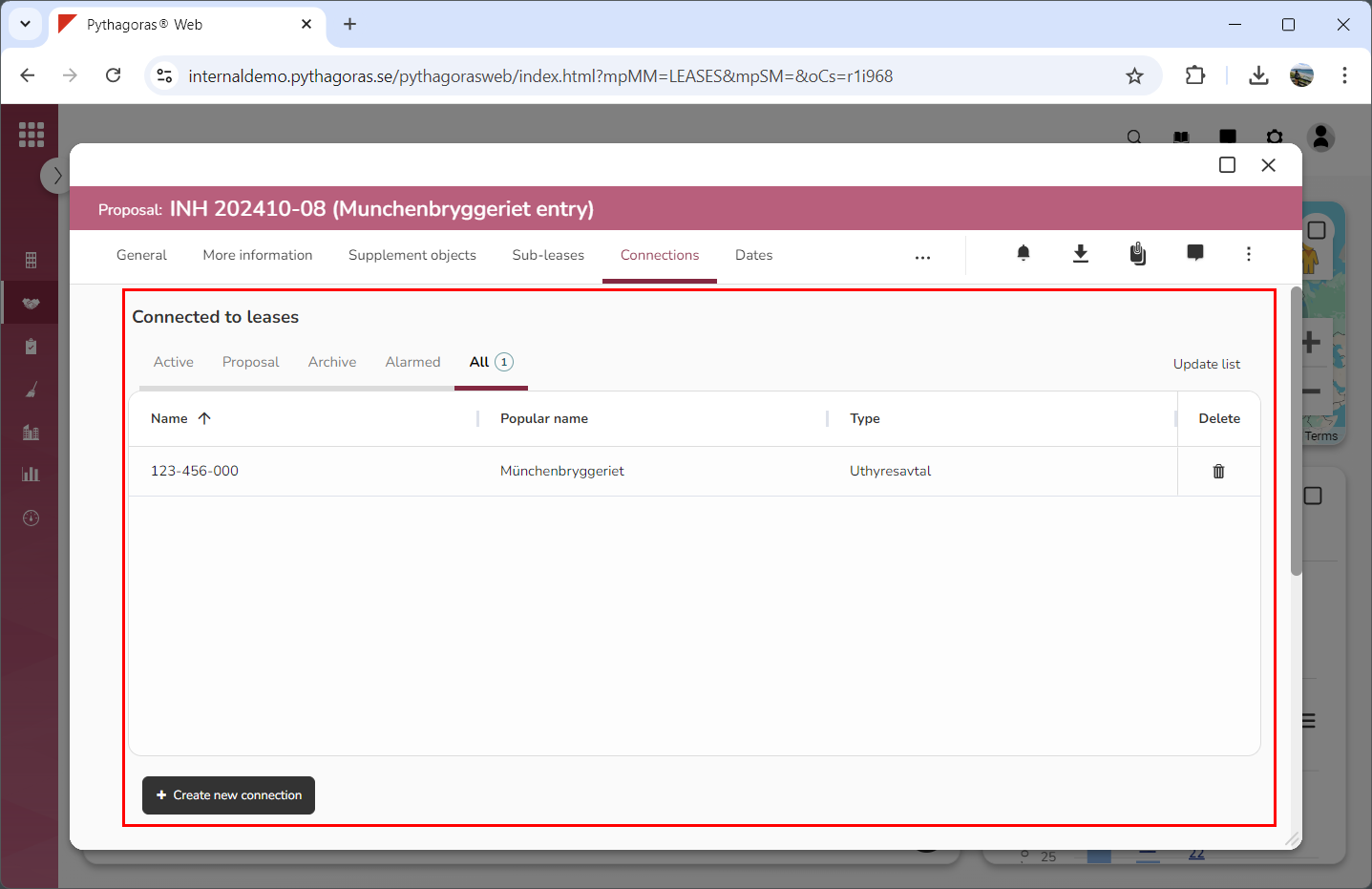
Go to the list called "Connected to leases" (see image below).
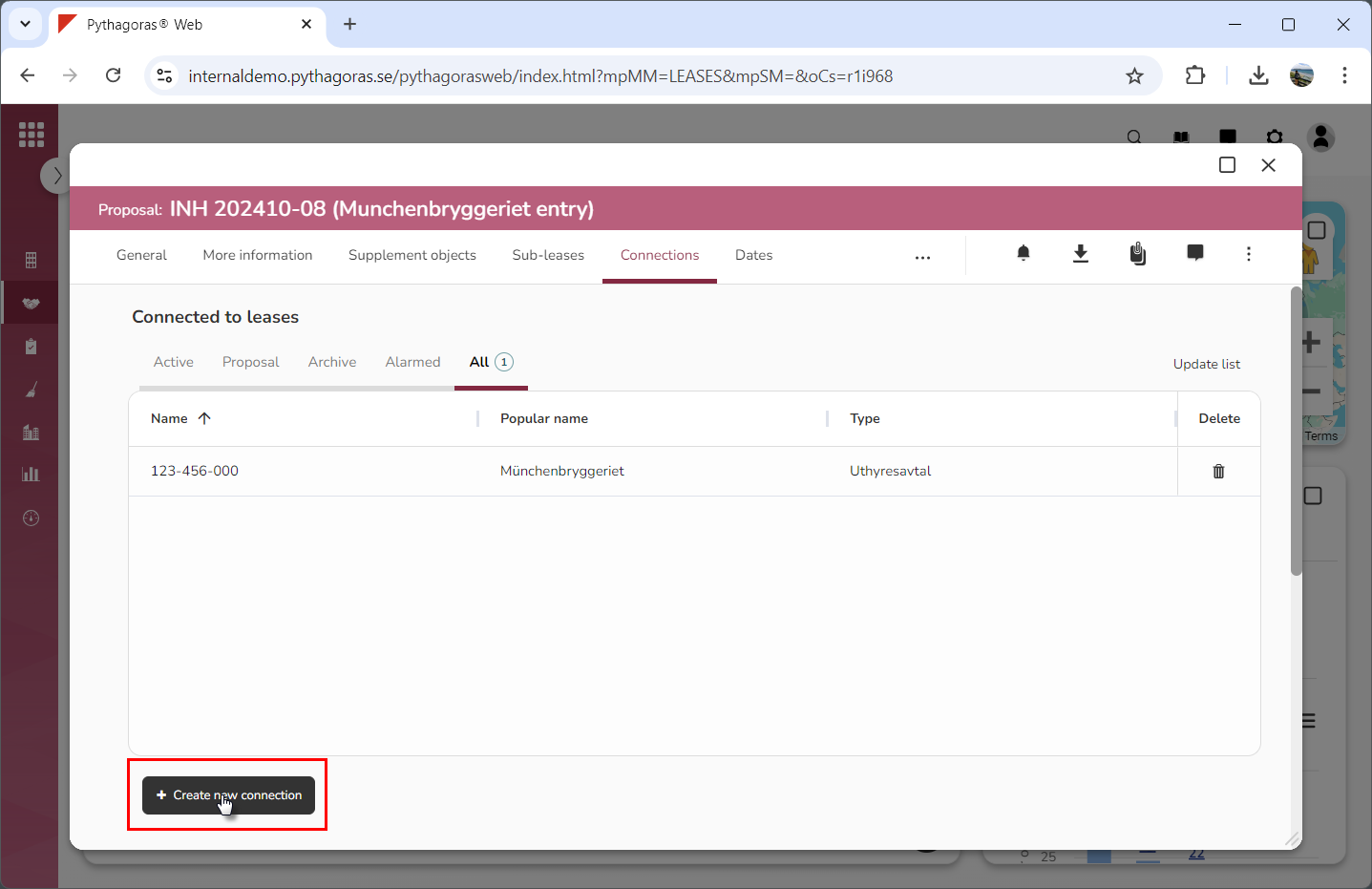
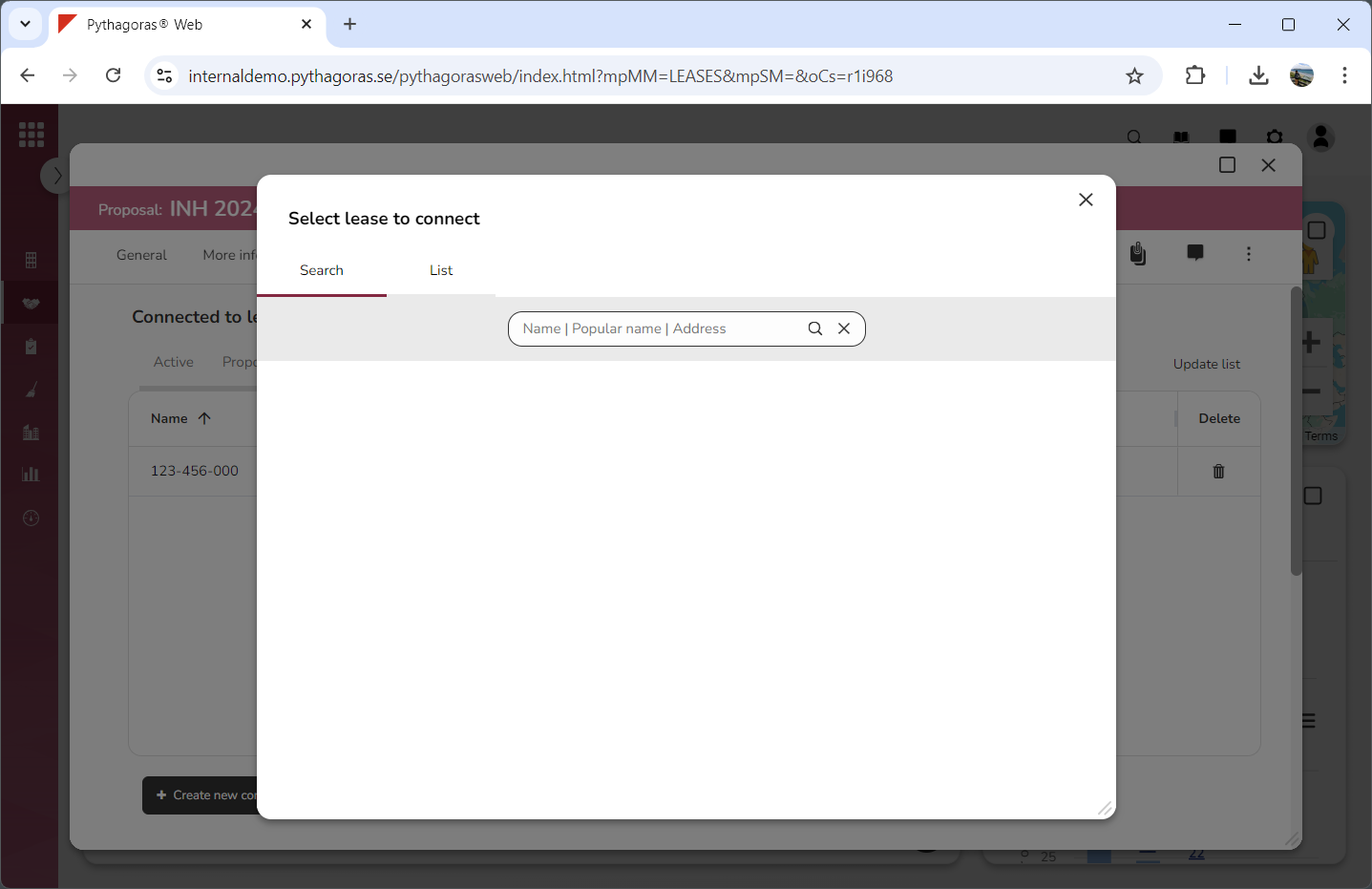
Click "Create new connection" (see the first image below). When you do so, a window called "Select lease to connect" will open (see the second image below).
Go to the window called "Select lease to connect".
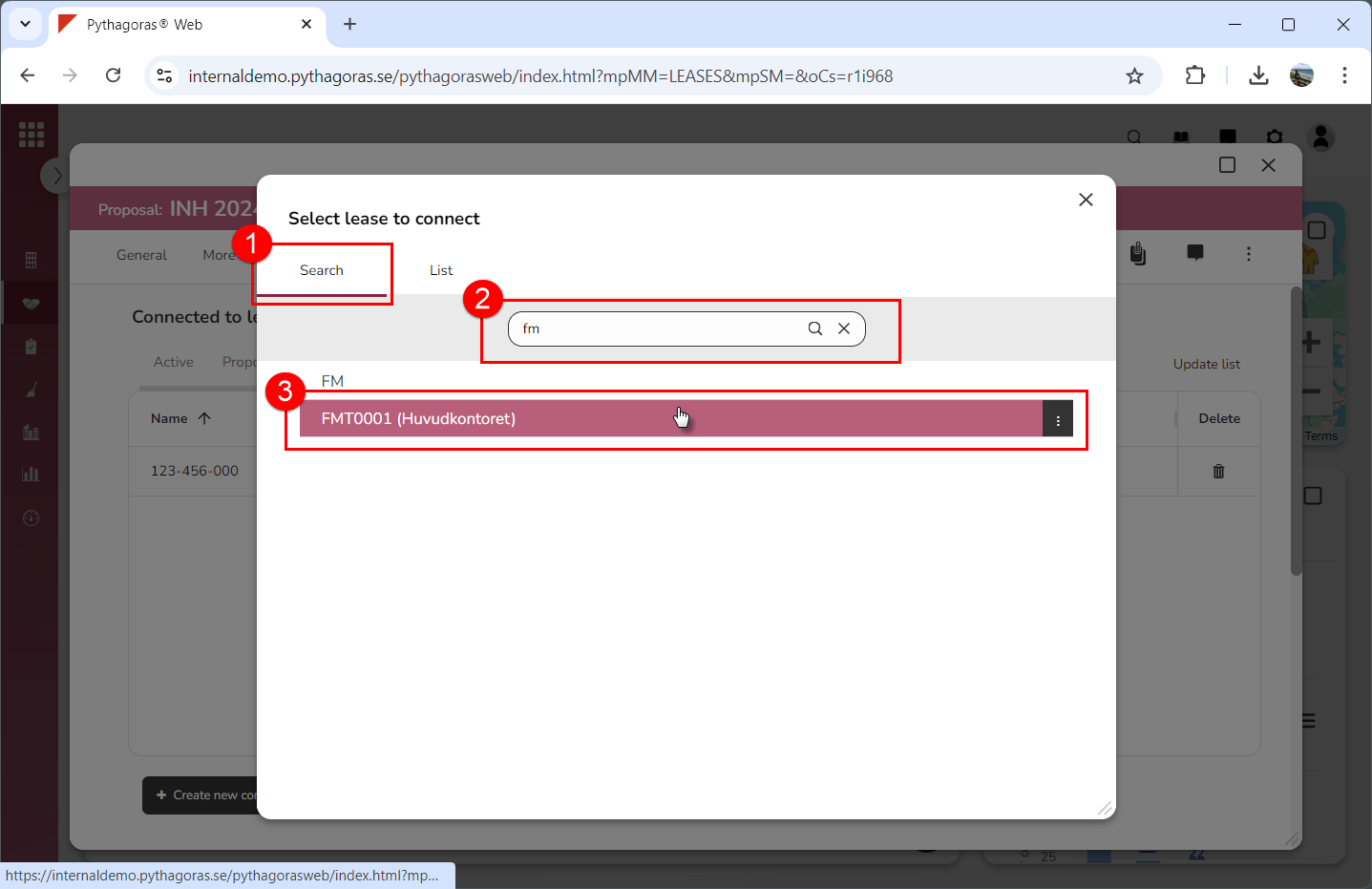
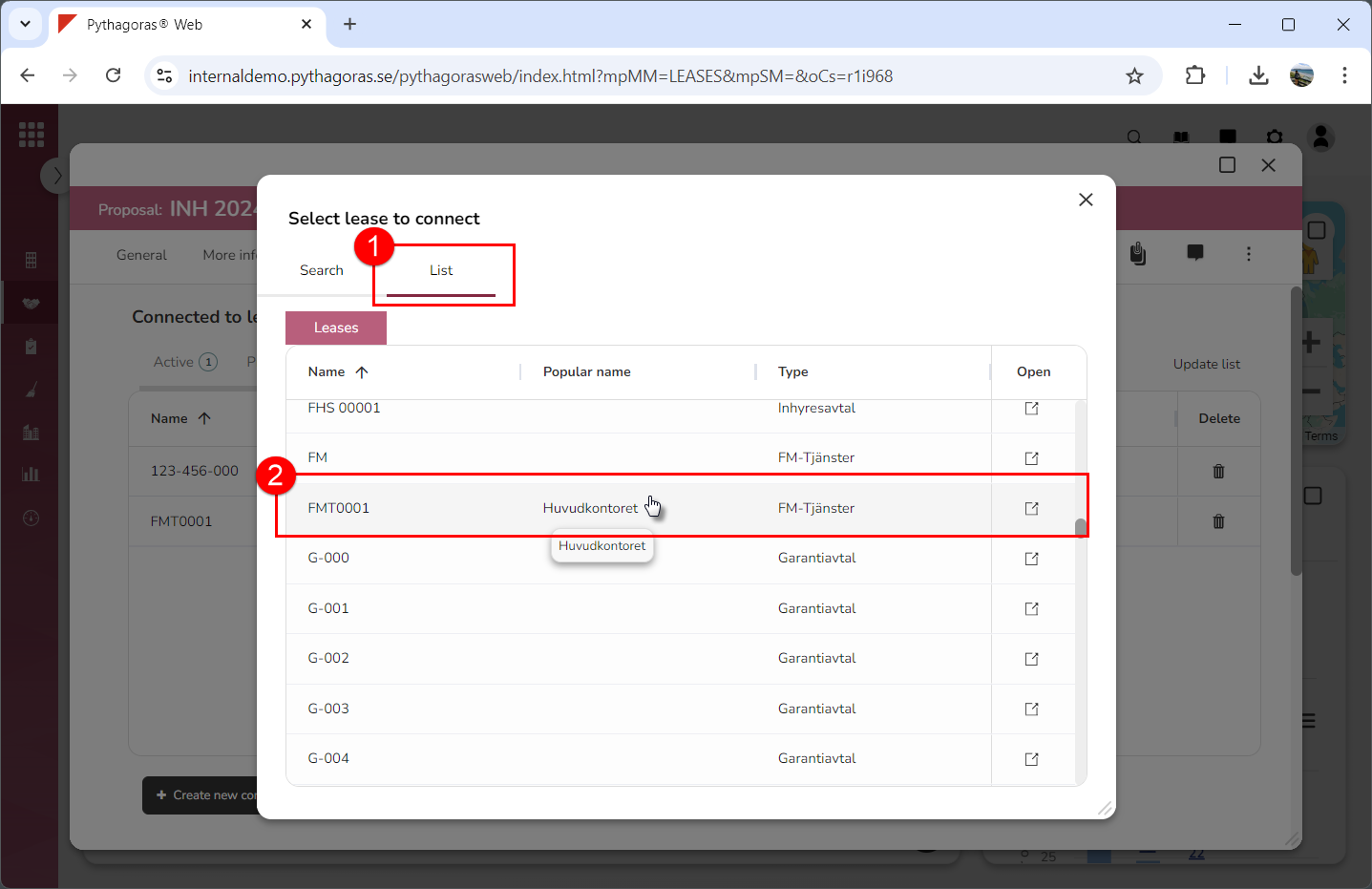
Select the lease to which you wish to create a connection. To select a lease:
click the tab called "Search", perform a search and select a lease among your search results (see images below)
click the tab called "List" and then select a lease in the list of leases (see images below).