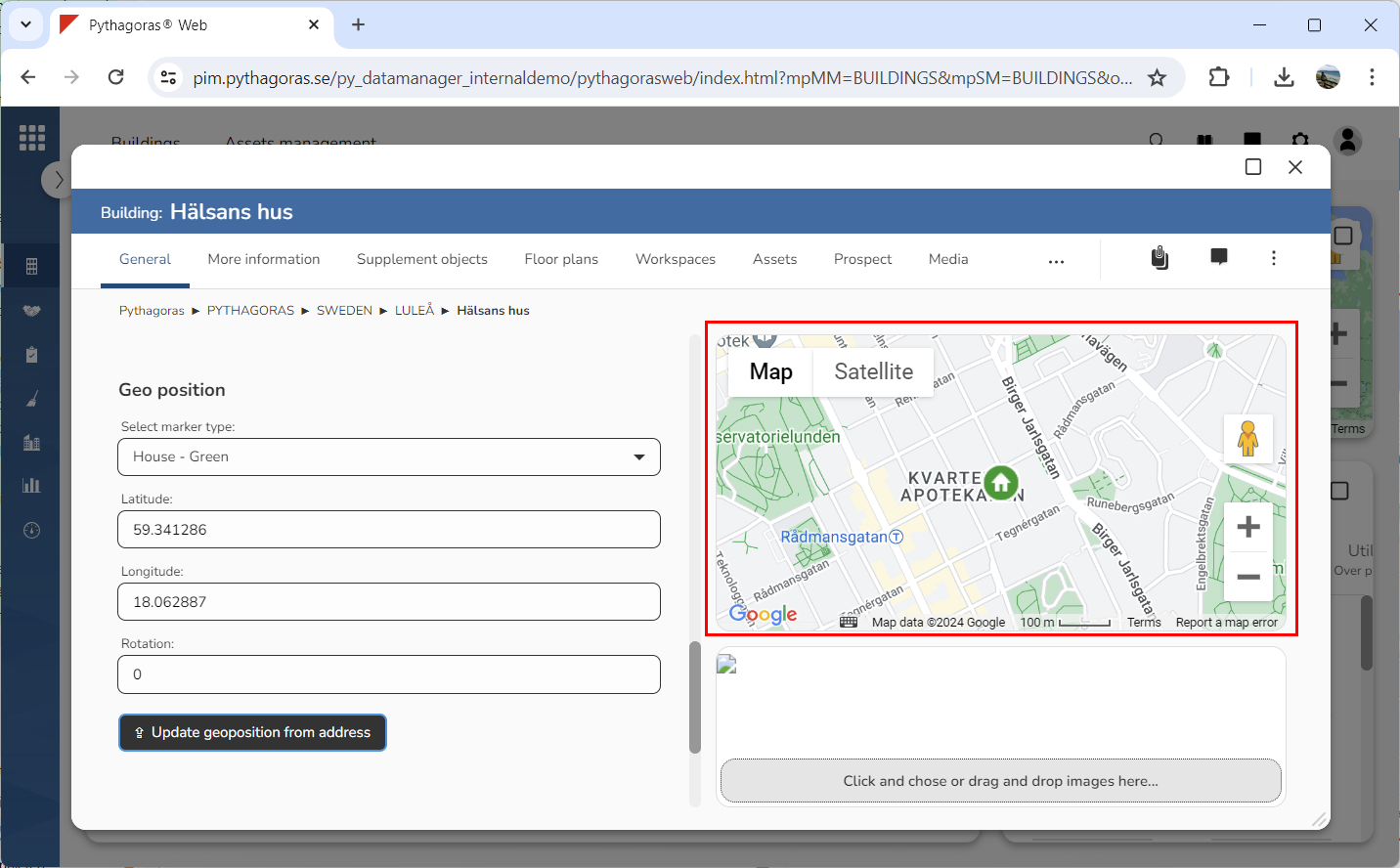
In order to update the geoposition of a building, the building must have at least one address linked to it. If a building does not have an address linked to it, you can link one or more addresses to the building. For more information on how to do so, see section 8.1.5. Then continue reading in the section "Link an address to a building".
To update the geoposition of a building:
Open a building. For more information on how to do so, see section 4.6.1., 5.4.3. or 6.1.1.
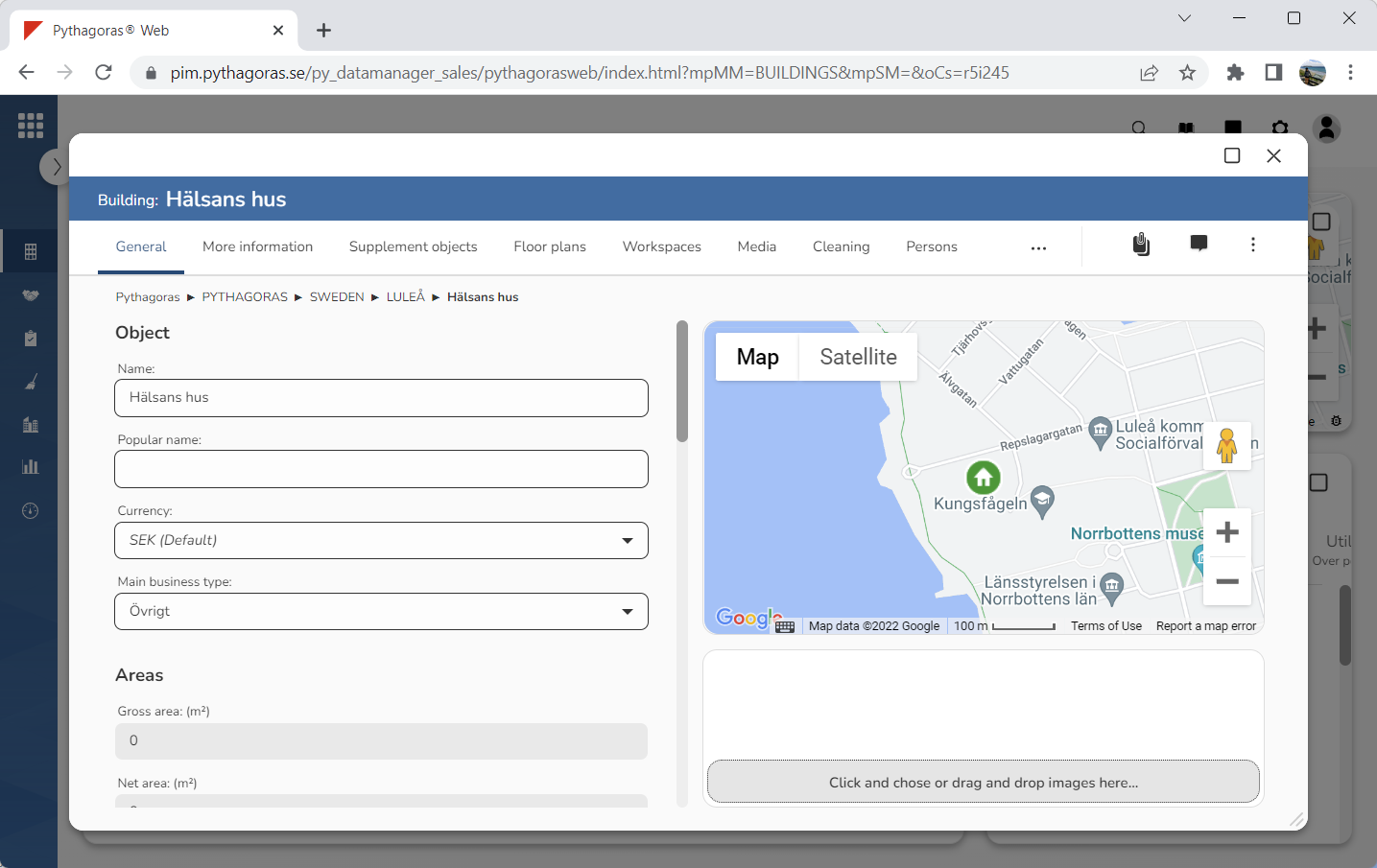
Go to the building card (see image below).
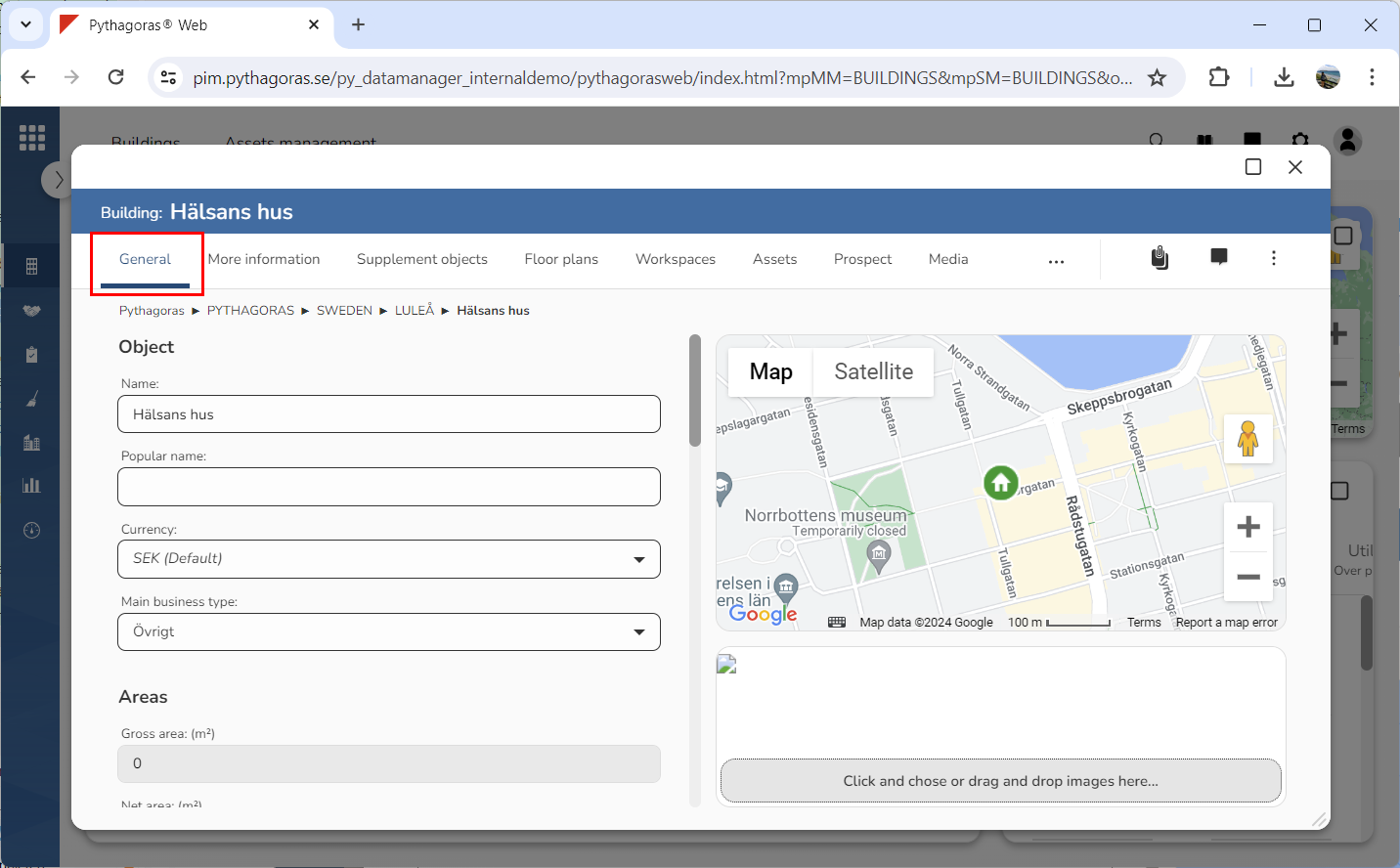
Click the tab called "General" (see image below).
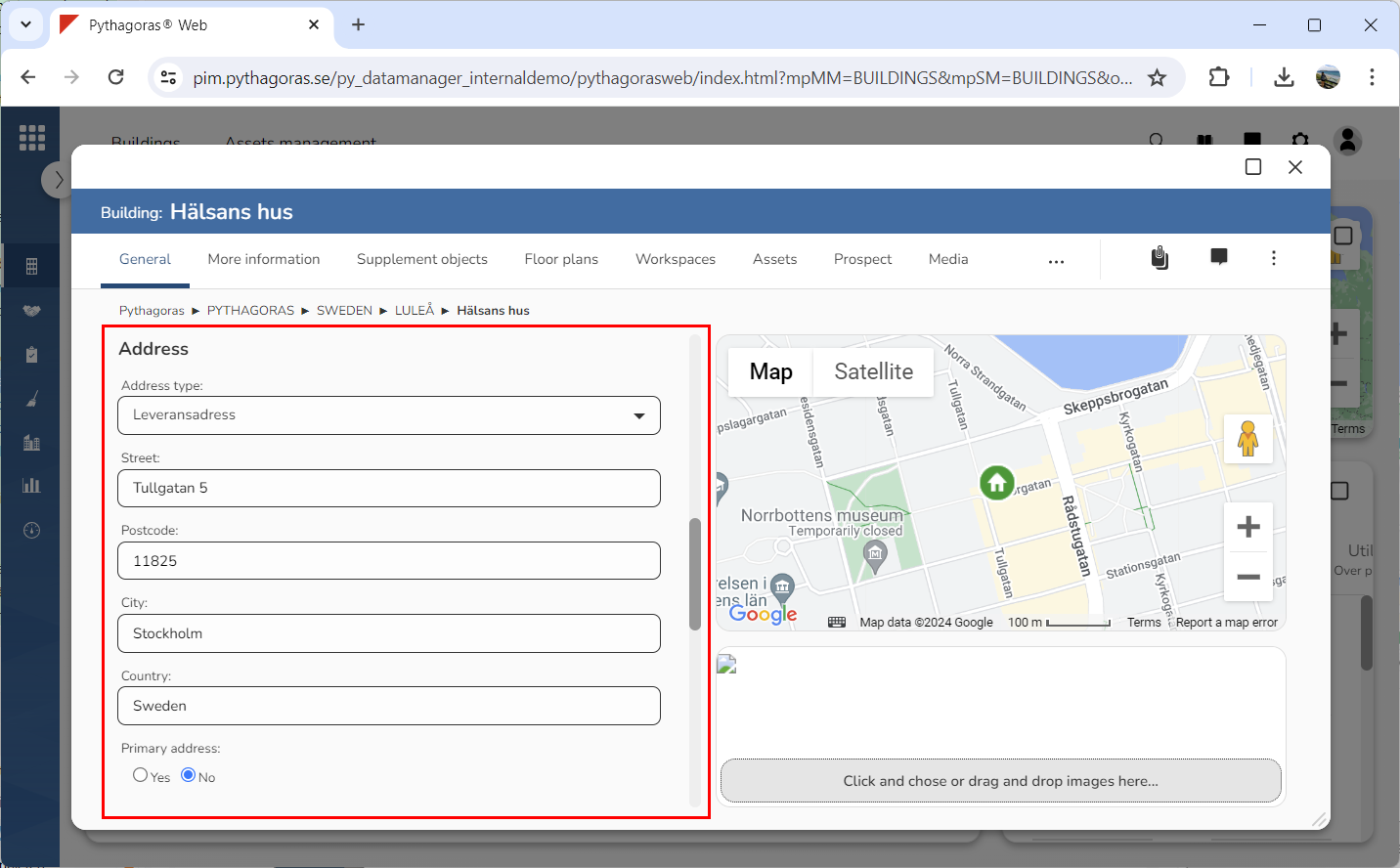
Specify the address from which you wish to update the building's geoposition by clicking the field "Address type" and then selecting an address in the list that opens (see image below). This only applies if the building you are working with has more than one address linked to it. If it does not, you can skip this step and go straight to step 5. The same applies if the address you wish to update the geoposition from is already shown in the building card. Then you can also skip this step and go straight to step 5.
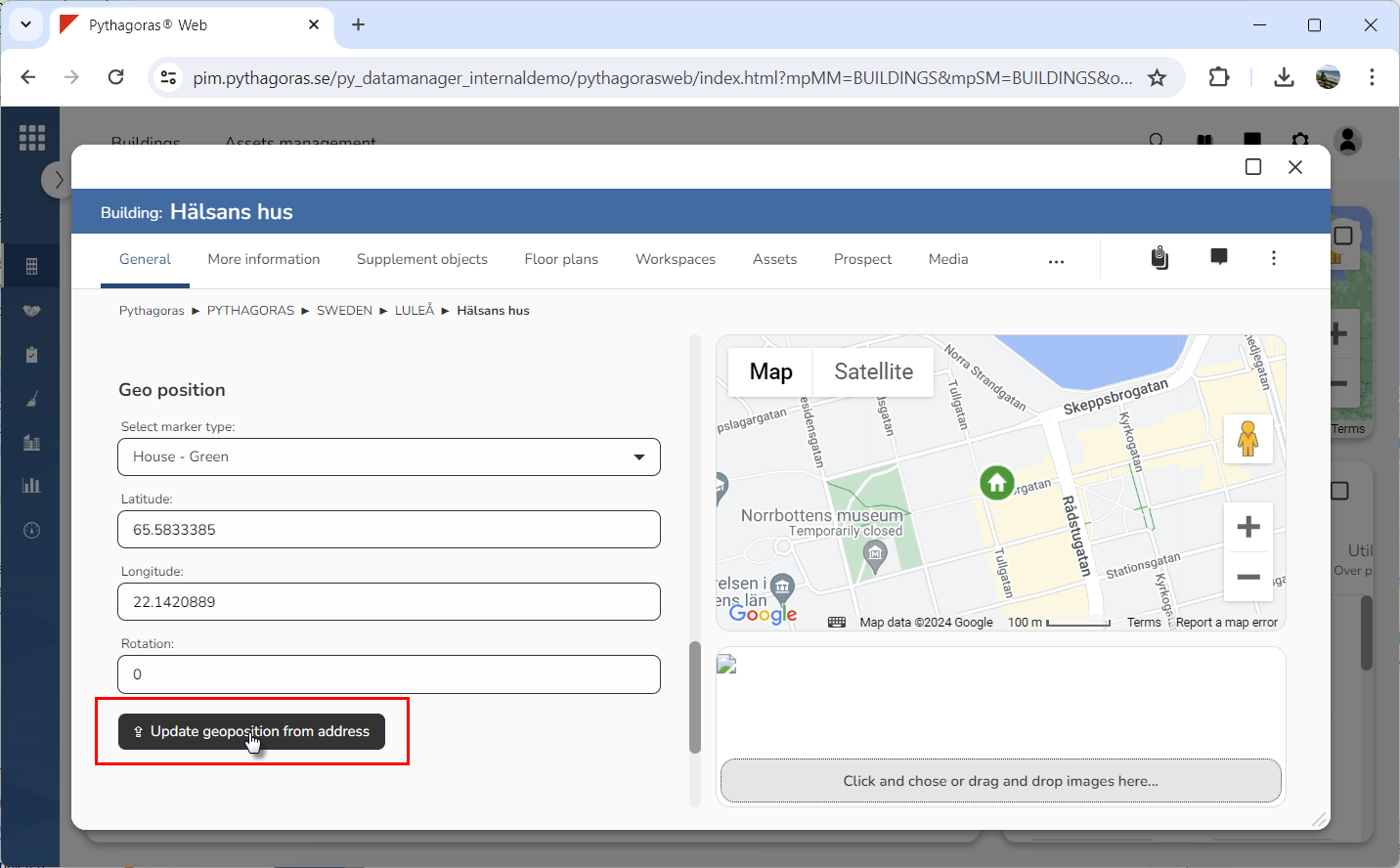
Click "Update geoposition from address" (see image below). When you do so, the geoposition of the building you are working with will be updated. Updating the geoposition of the building you are working with, will reposition the building's map marker. At the same time as the geoposition is updated, so is the information in the fields called "Latitude" and "Longitude".