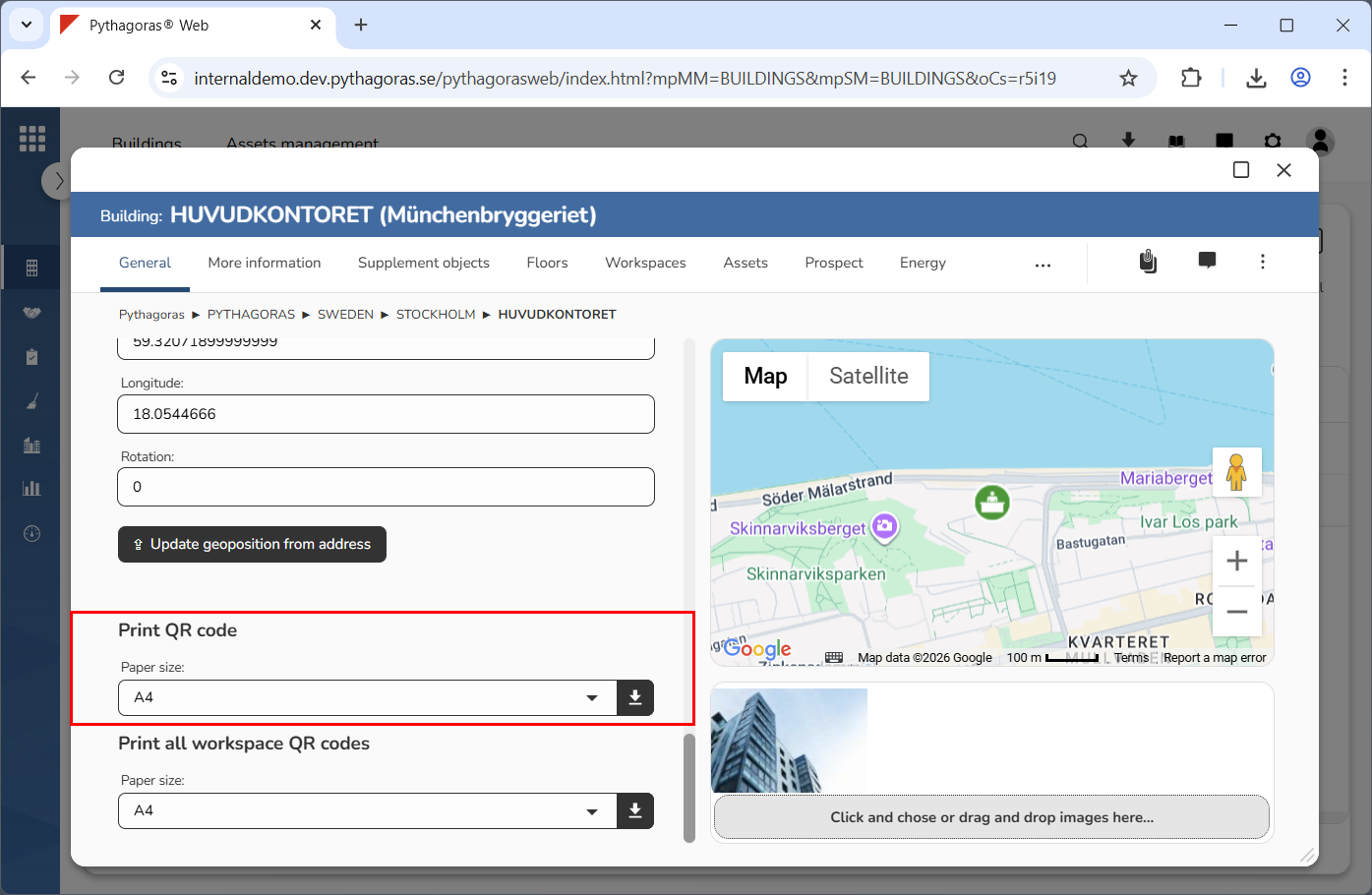
In the section called "Print QR-code", you will find a field called "Page Size" and an icon called "Print" (see image below). Via the field "Paper Size" you can specify how big the QR code for a building should be when you print it. You can then create a PDF for it by clicking the download icon. When a PDF has been created, you can print and/or save it on your computer.