Setting and changing a lease object for a lease works the same way. To change the lease object for a lease, you should set a new lease object for it.
To set a lease object for a lease:
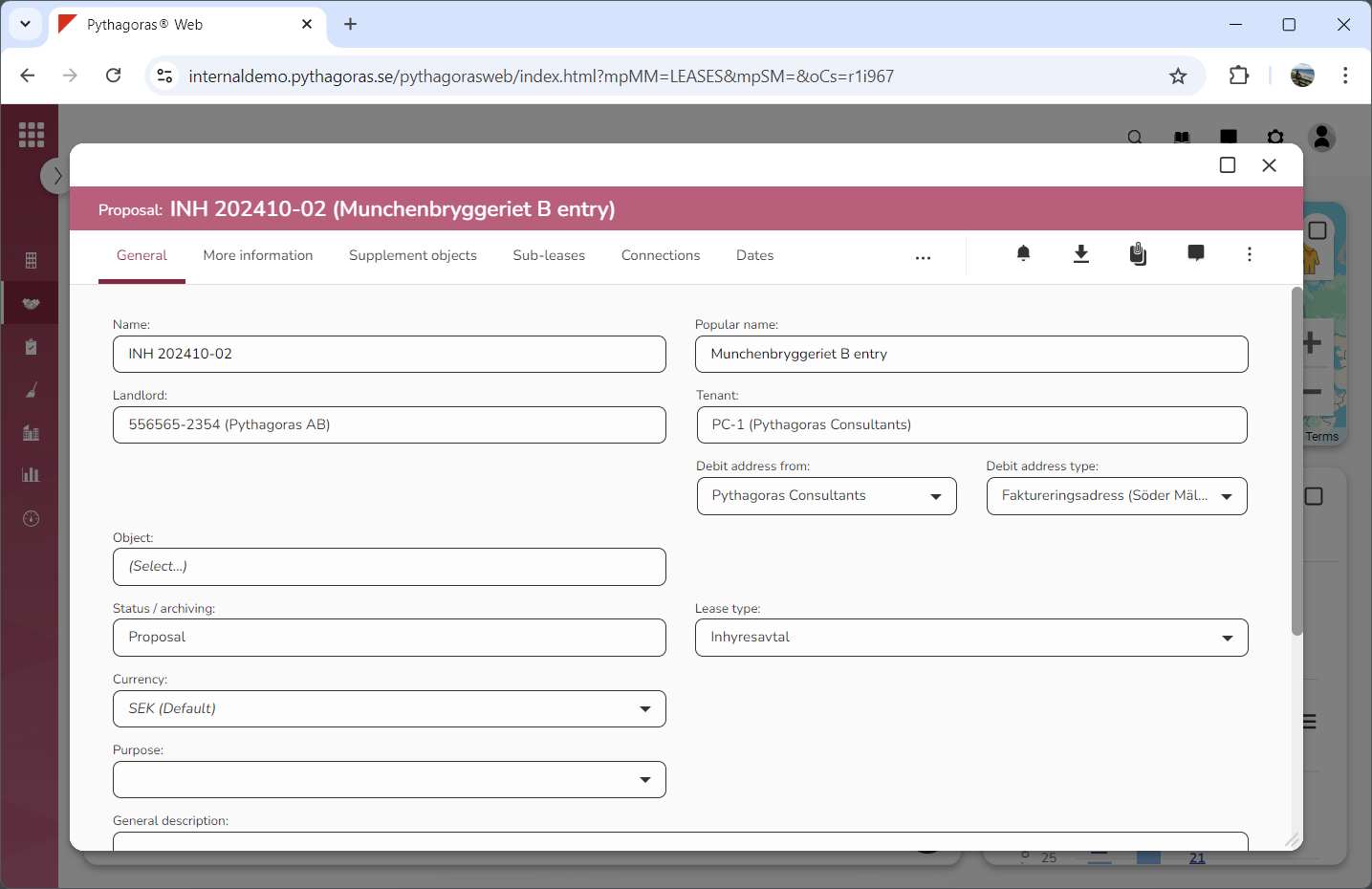
Open a lease. For more information on how to do so, see section 4.6. or 6.1.
Go to the lease card (see image below).
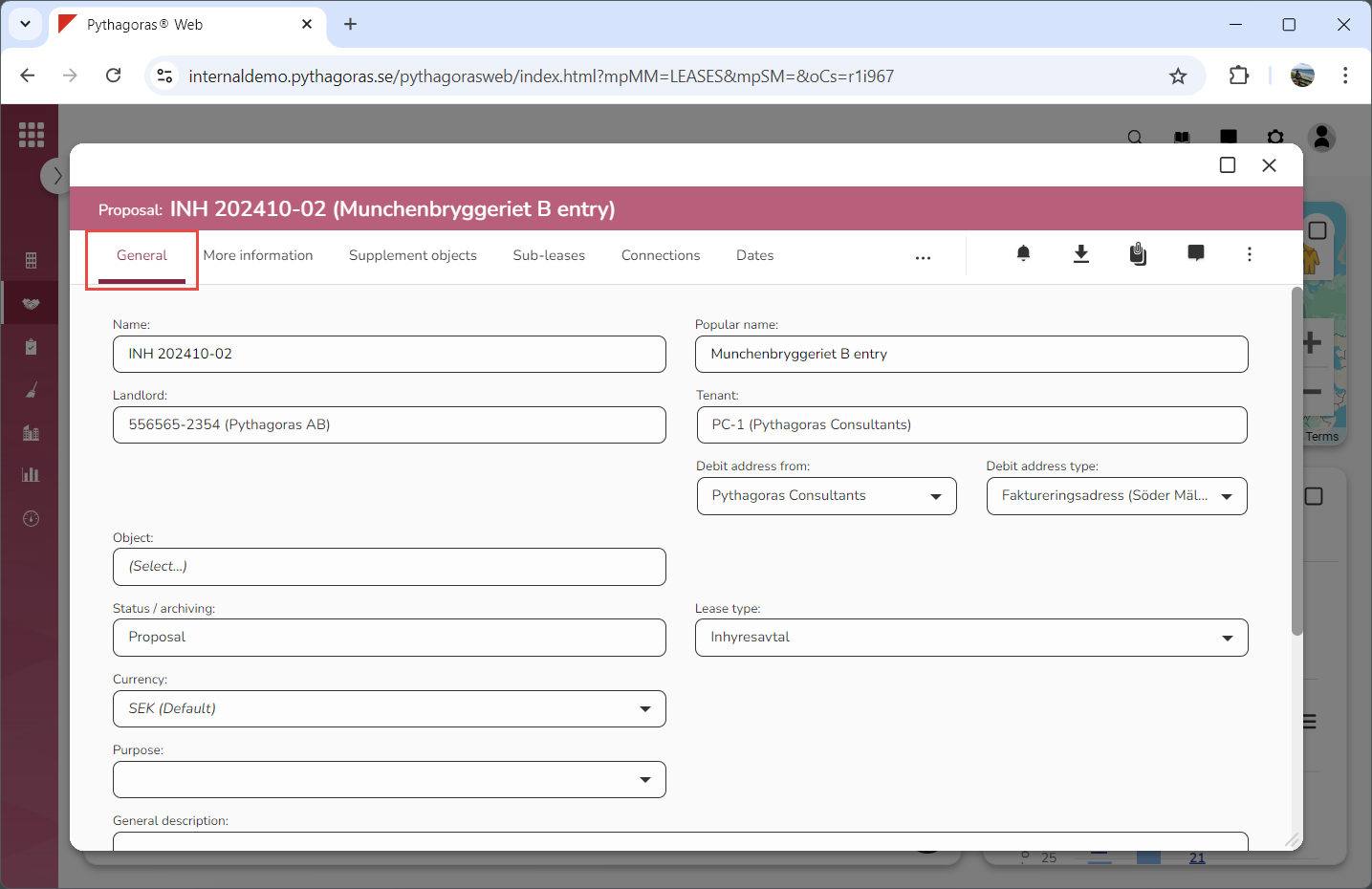
Click the tab called "General" (see image below).
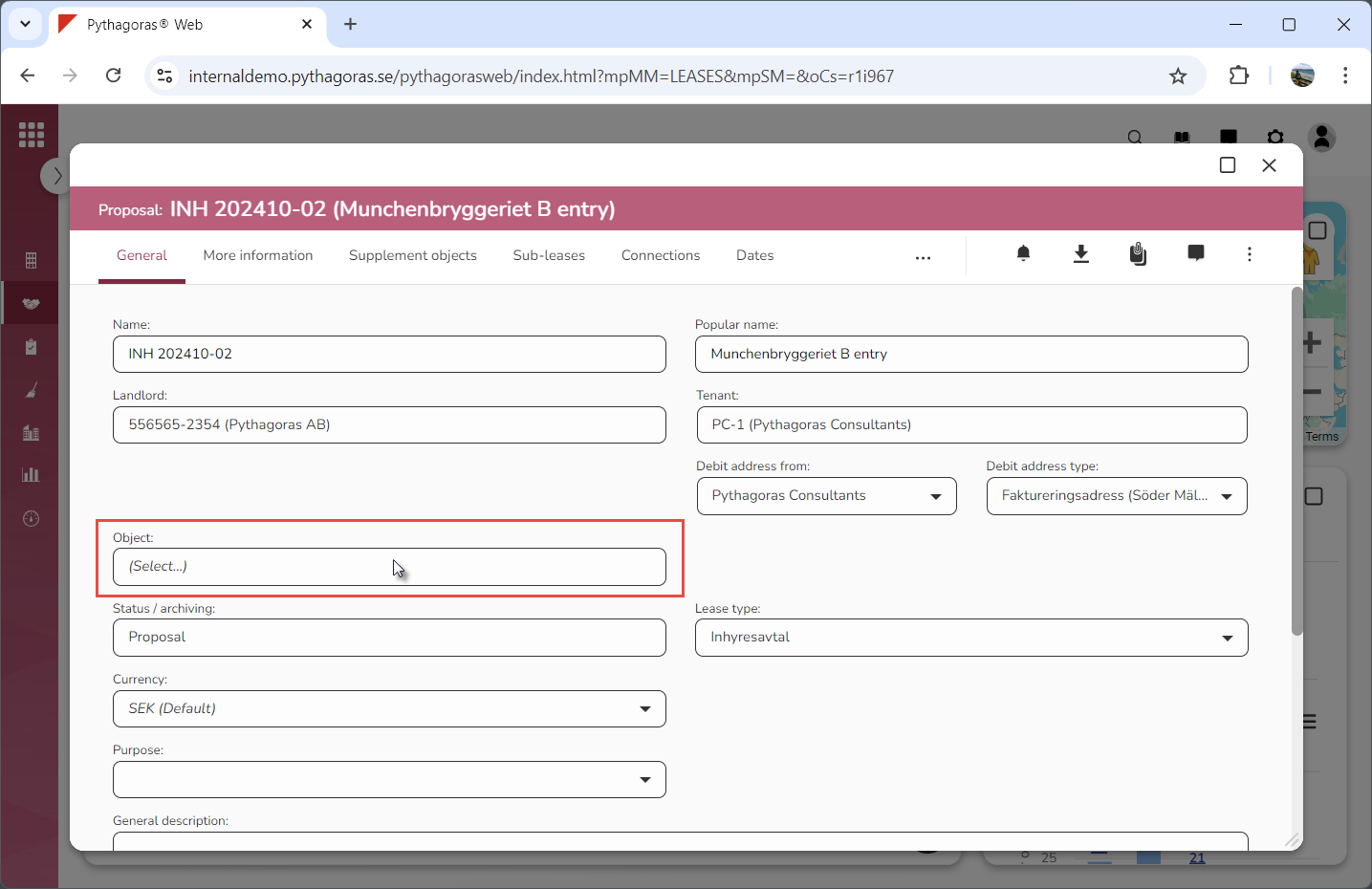
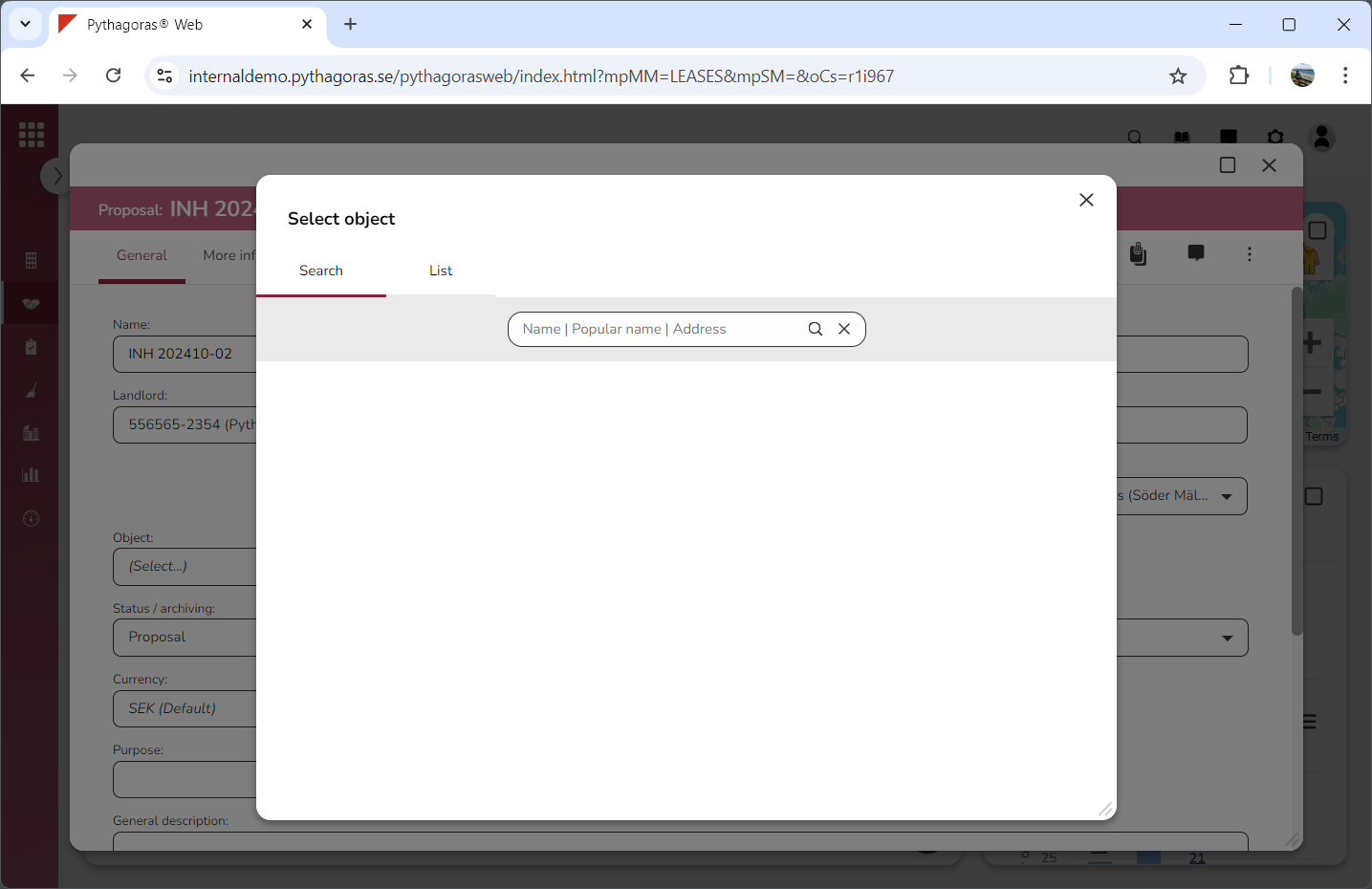
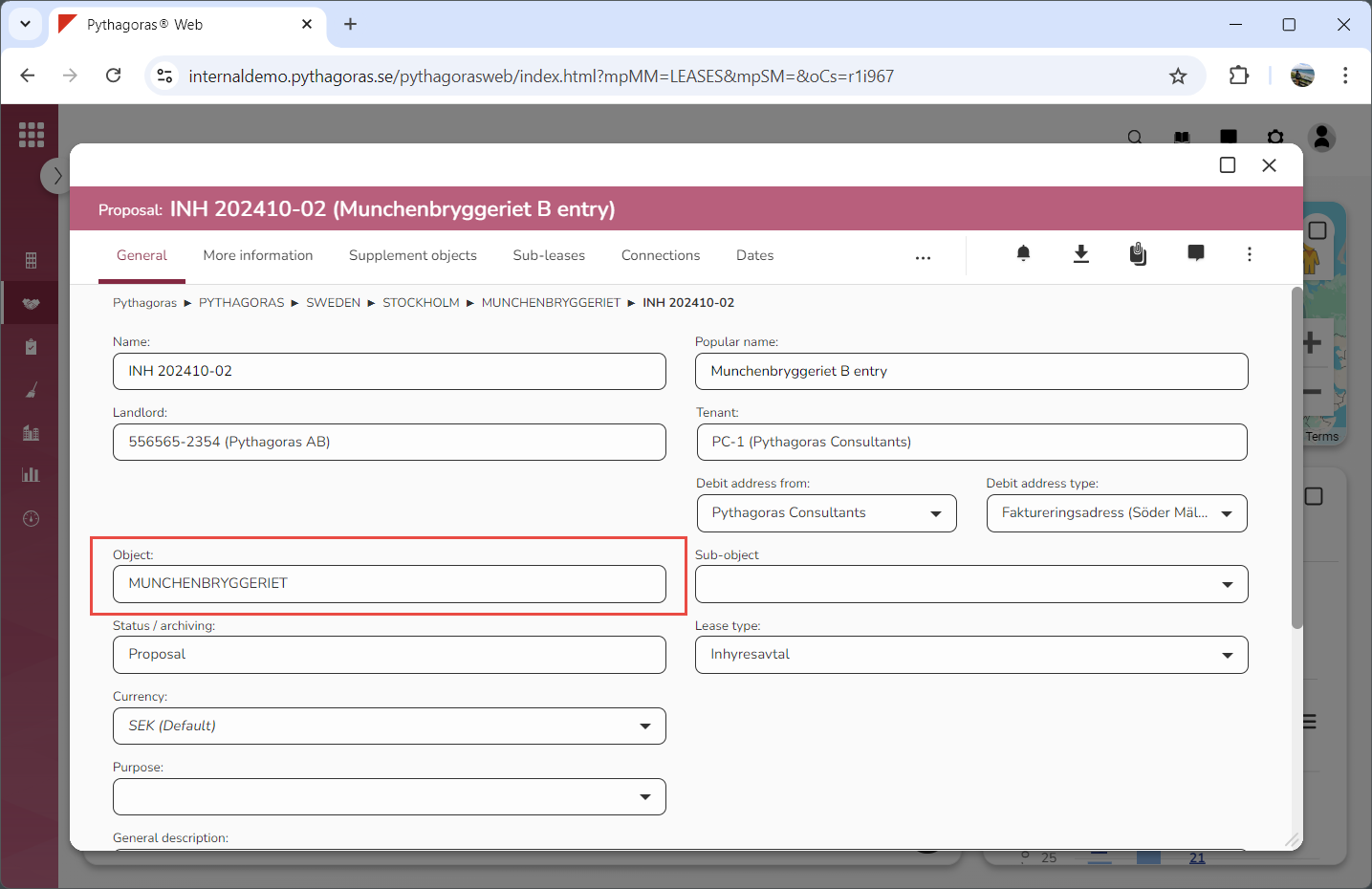
Click the field "Object" (see the first image below). When you do so, a window called "Select object" will open (see the second image below).
Go to the window called "Select object".
Set a lease object for the lease you are working with:
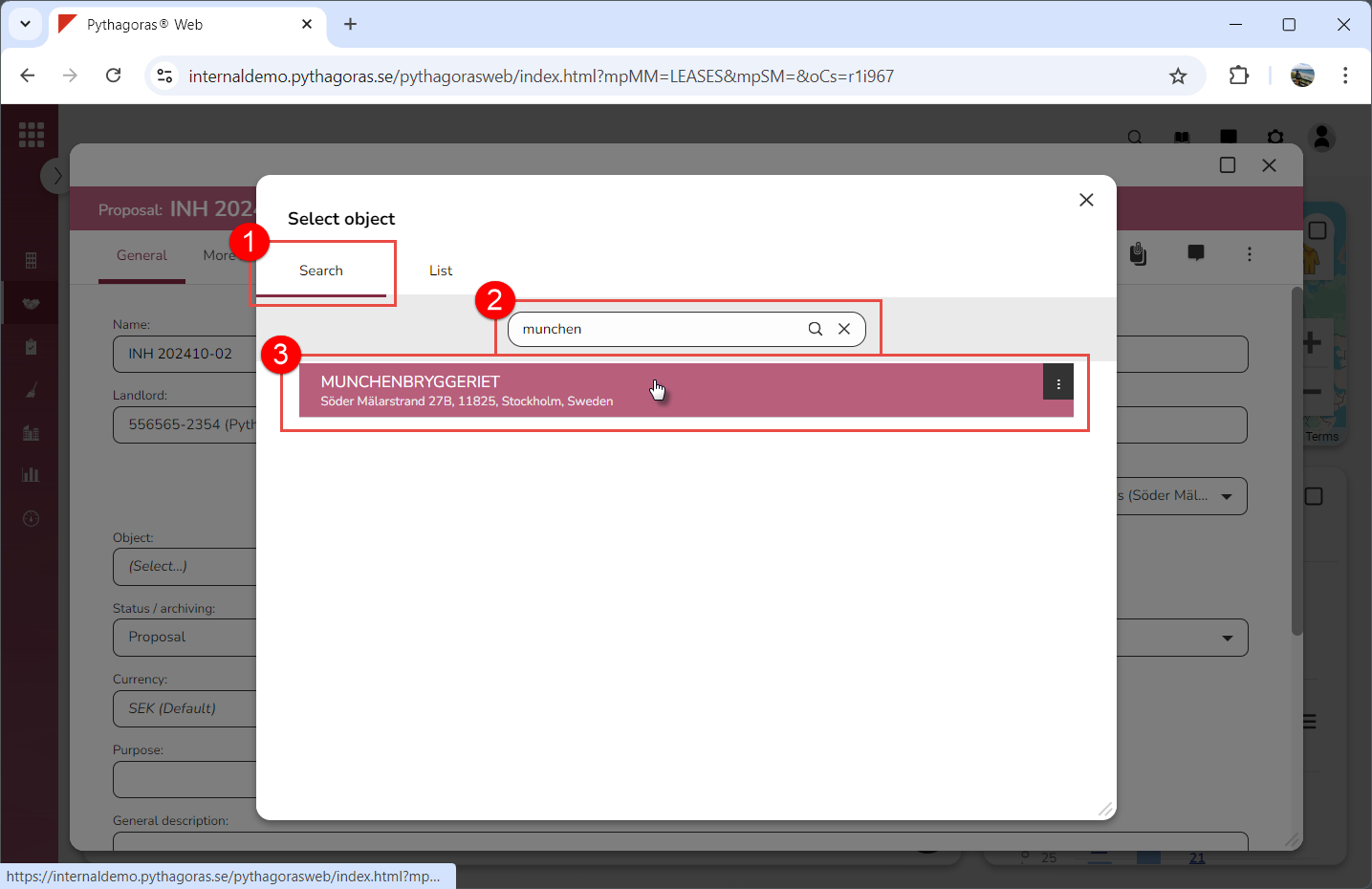
Click the tab called "Search", perform a search and select a lease object among your search results (see images below)
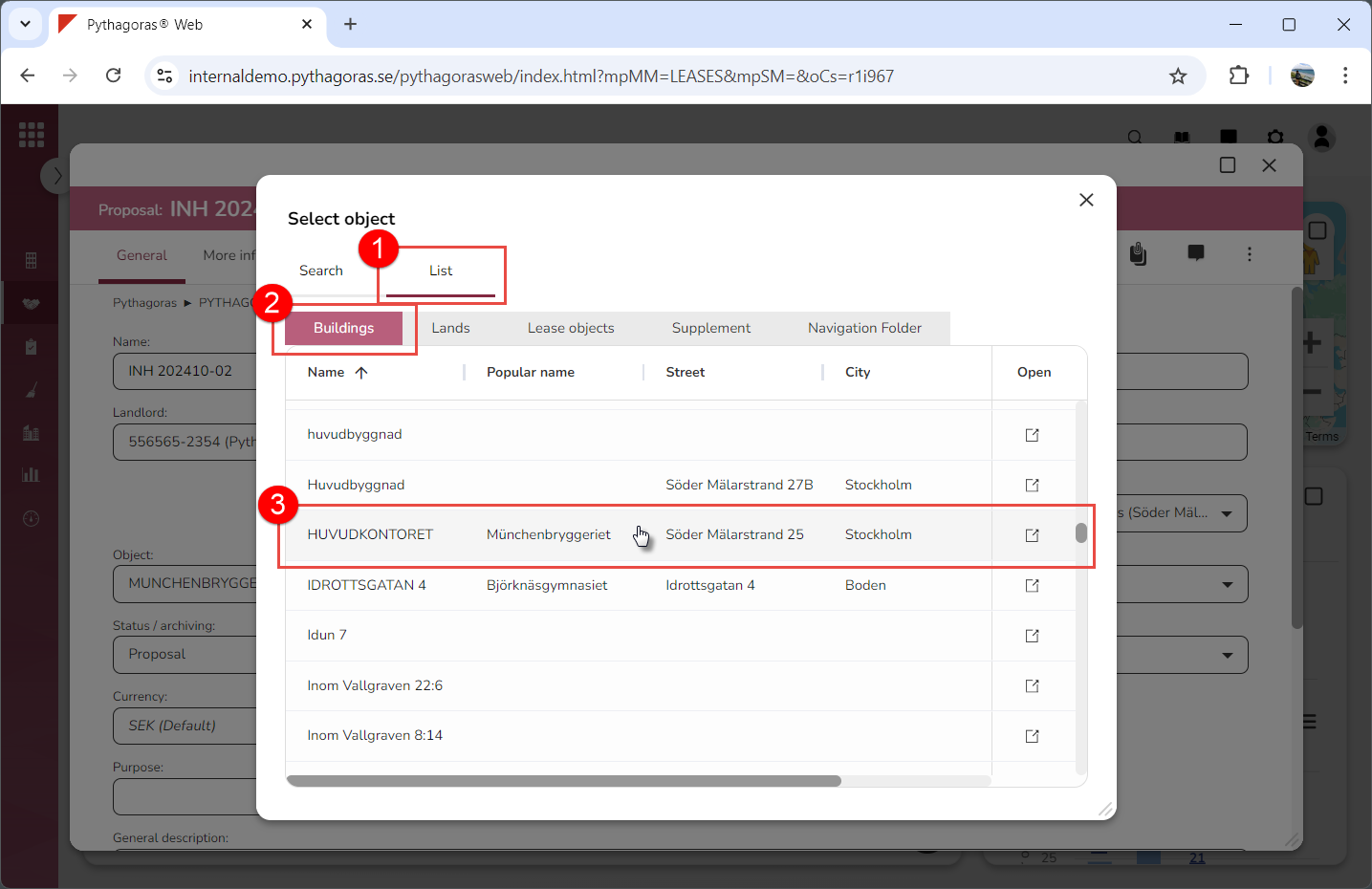
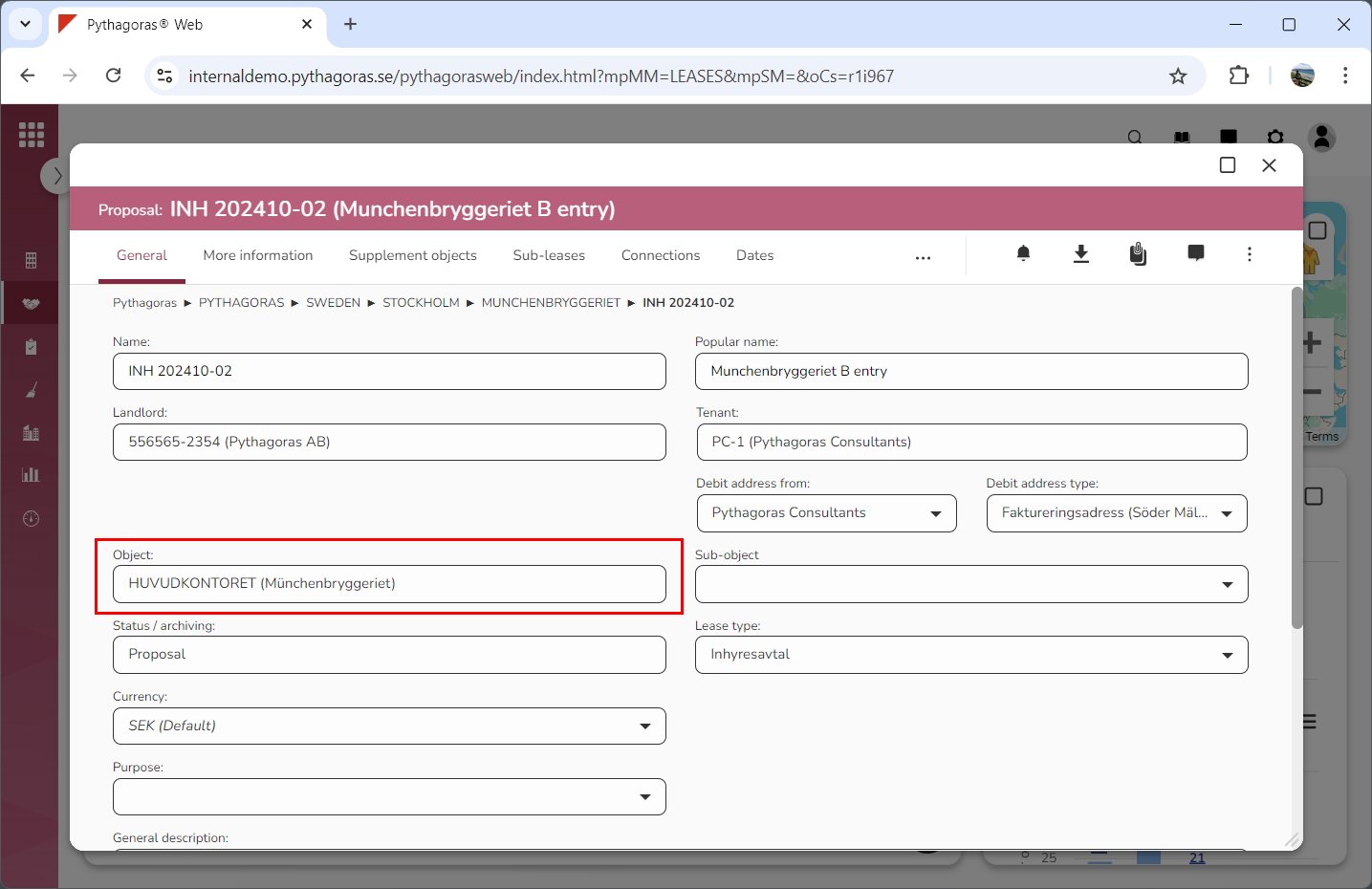
Click the tab called "List", select "Buildings", "Outdoors", "Lease objects", "Supplement" or "Navigation folder" and then click a lease object in the list of lease objects (see image below).