Open a lease. For more information on how to do so, see section 4.6. or 6.1.
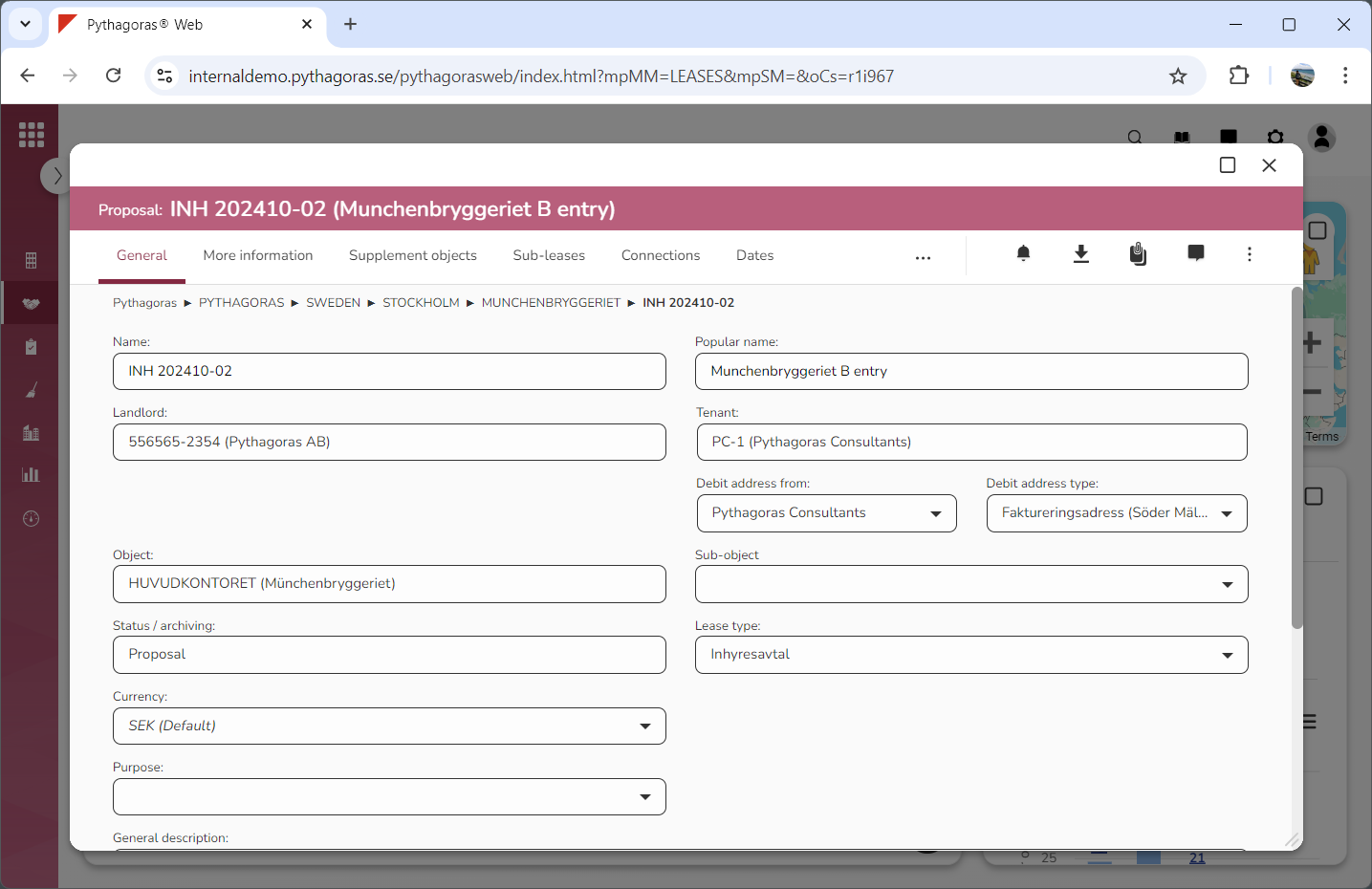
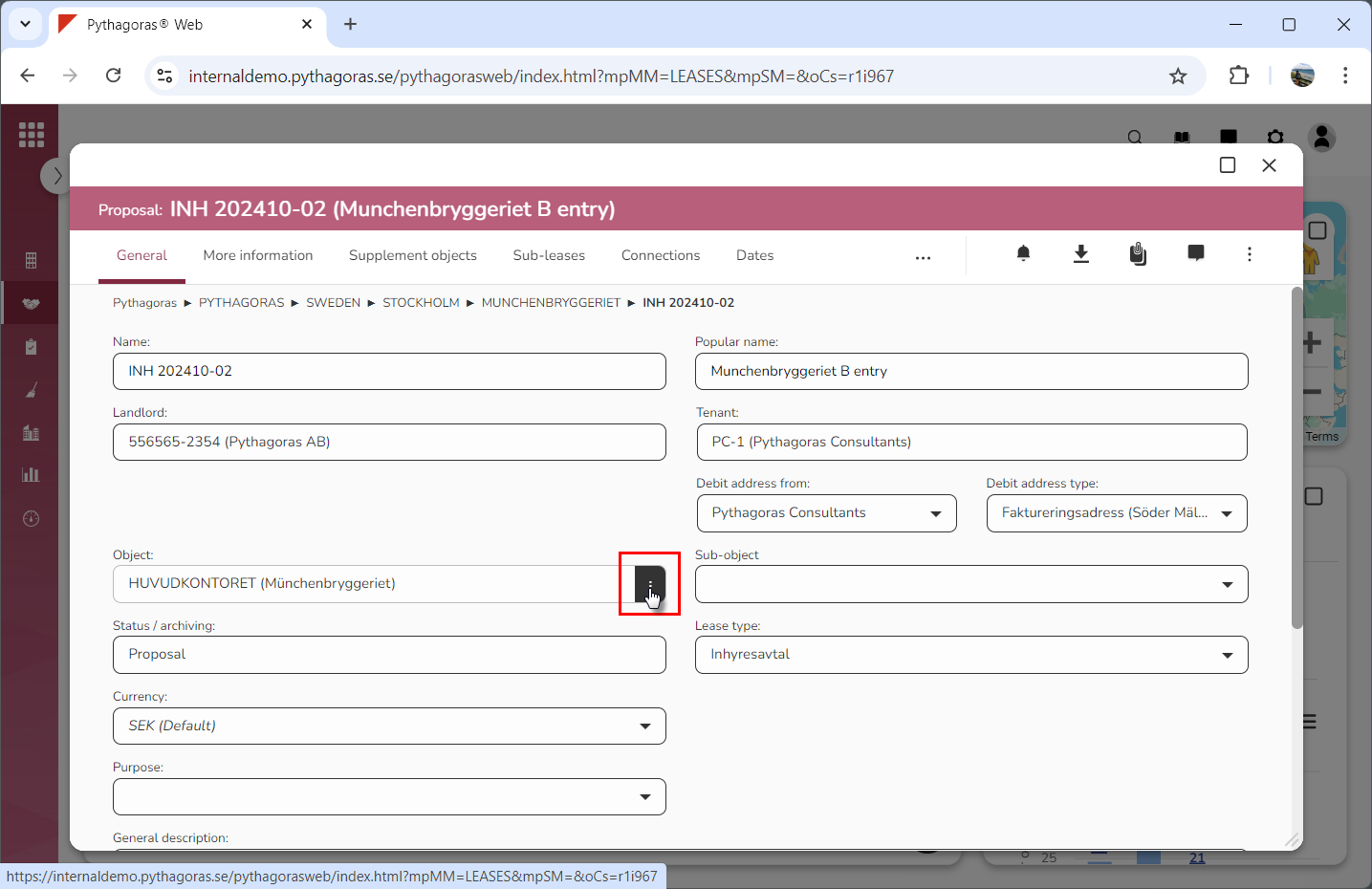
Go to the lease card (see image below).
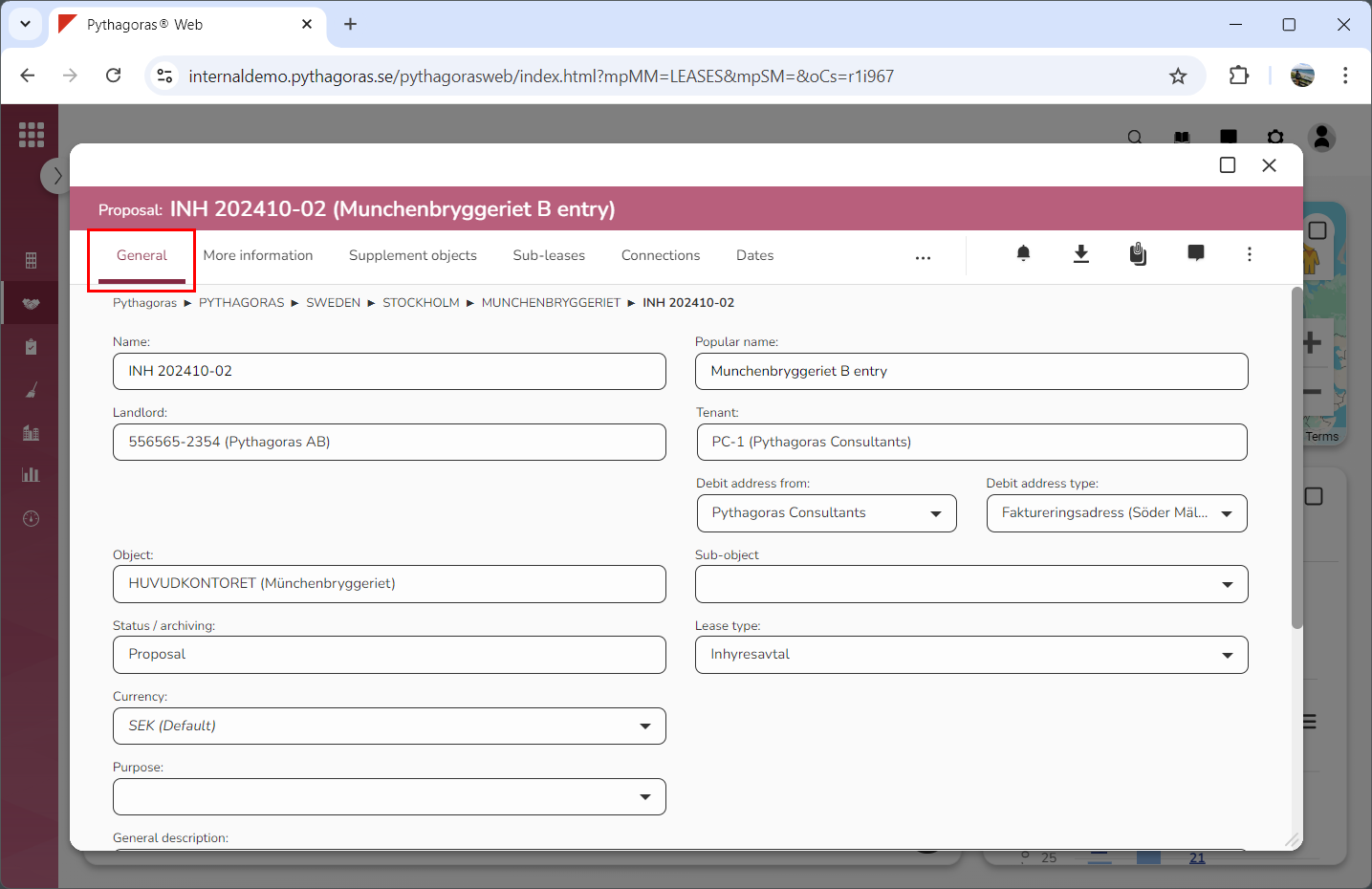
Click the tab called "General" (see image below).
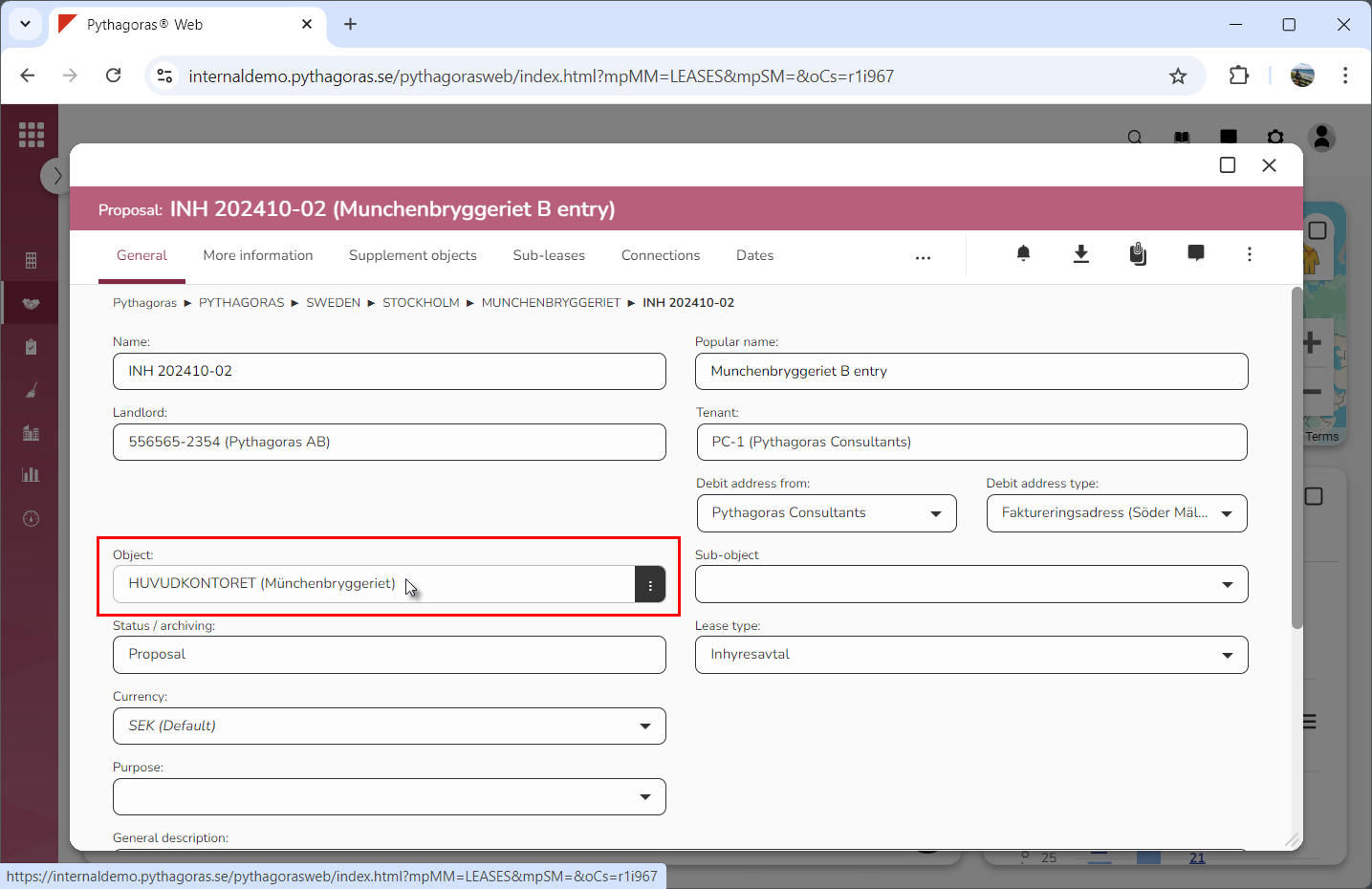
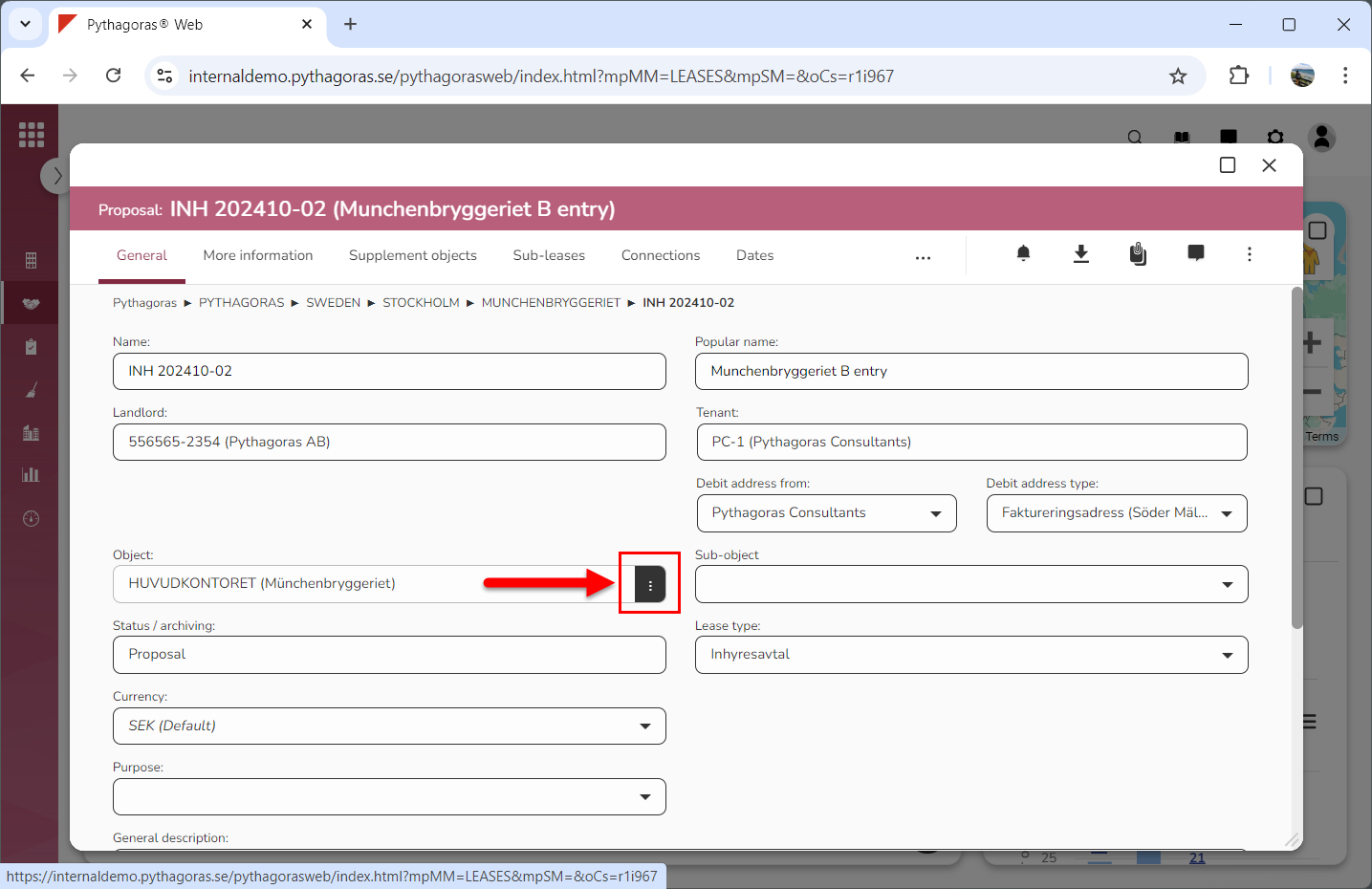
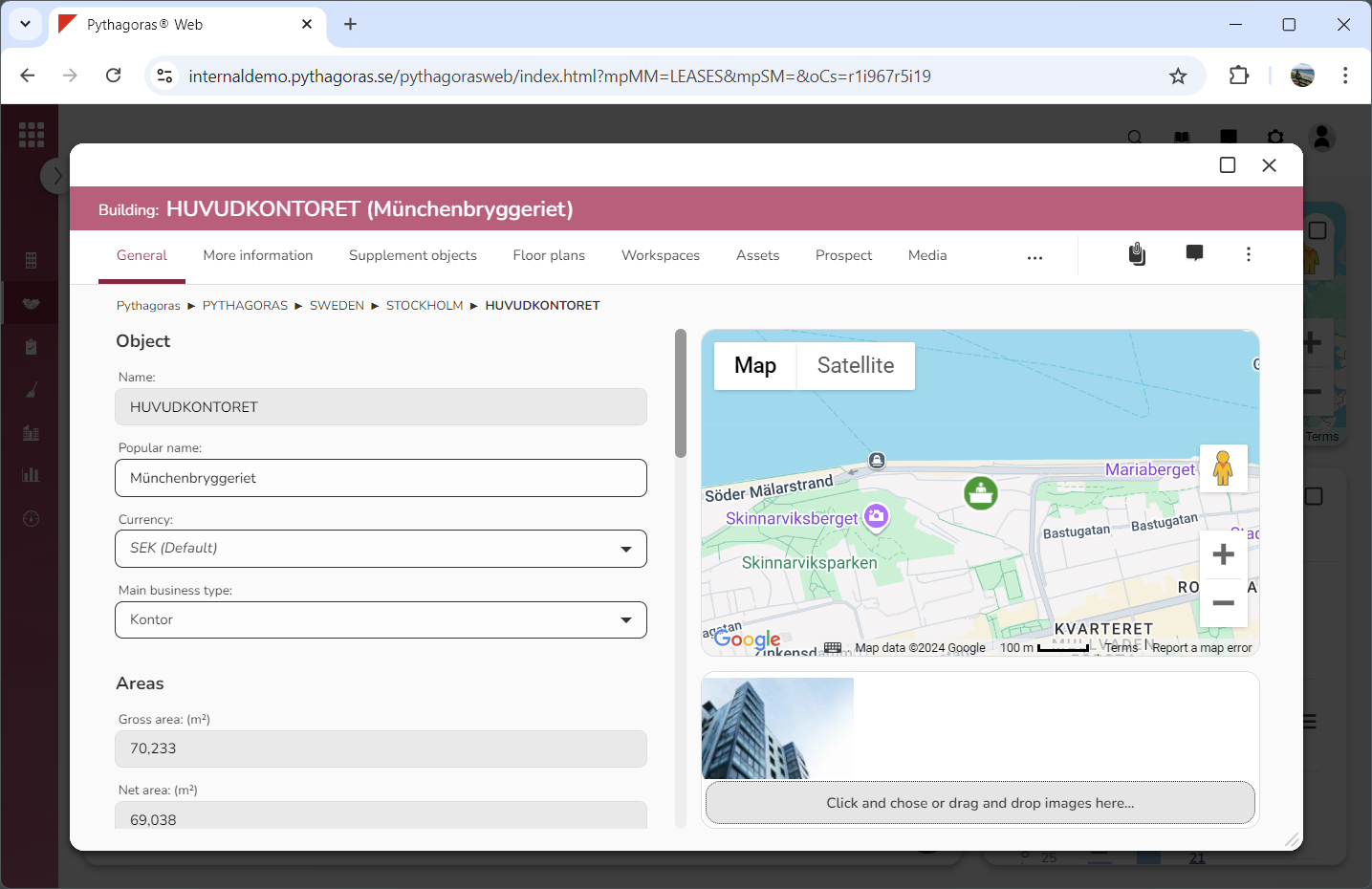
Place your cursor in the field "Object" (see the first image below). When you do so, an icon called "Open" will be shown (see the second image below).
Click "Open" (see the first image below). When you do so, the lease object set for the lease you are working with will open. When a lease object opens, so does its object card (see the second image below). Via the object card you can work with the settings for a lease object. A lease object can either be a building, a land object, a lease object, a supplement object or a navigation folder.