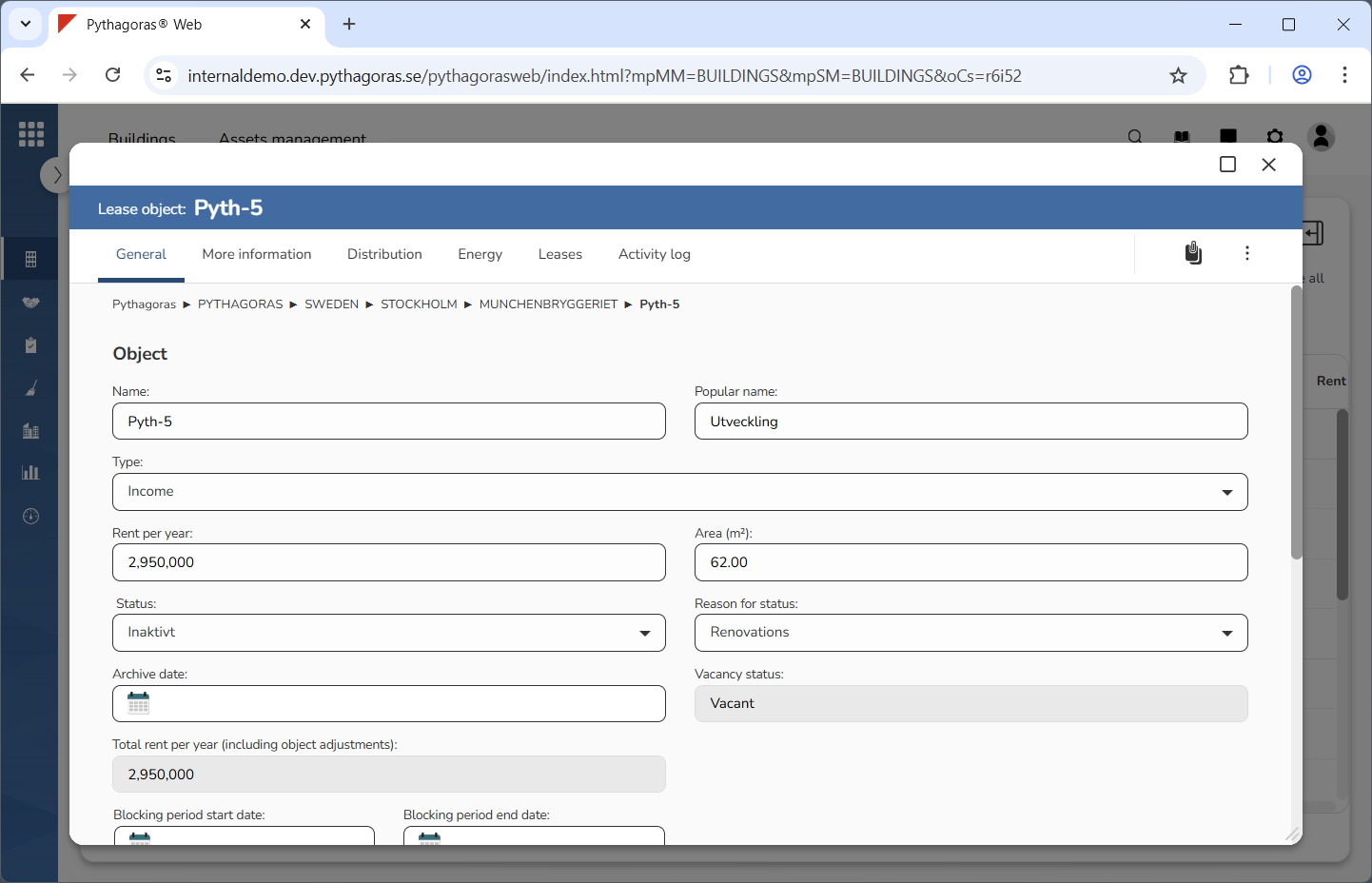
Open a lease object. For more information on how to do so, see section 11.1.
Go to the lease object card (see image below).
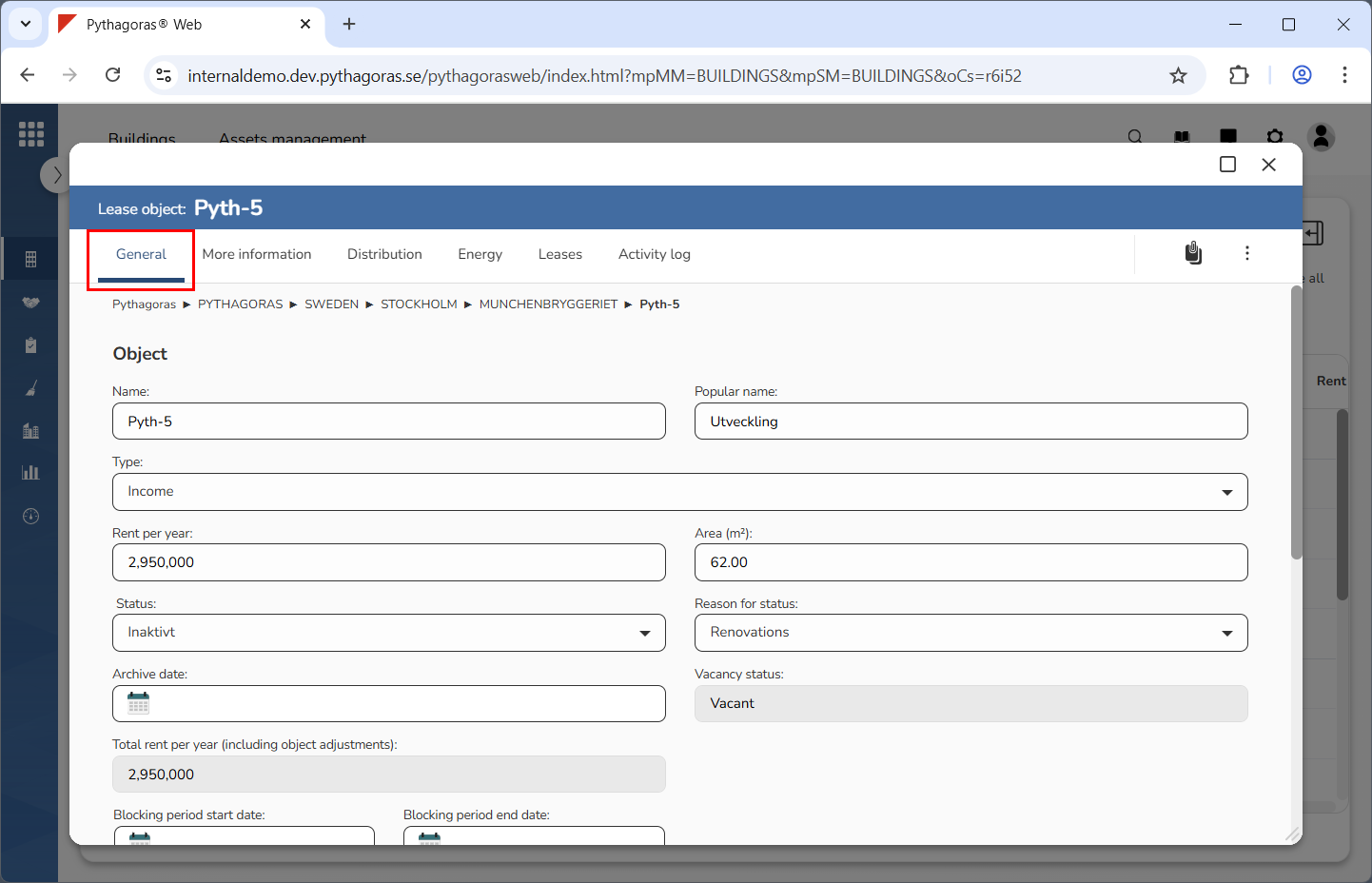
Click the tab called "General" (see image below).
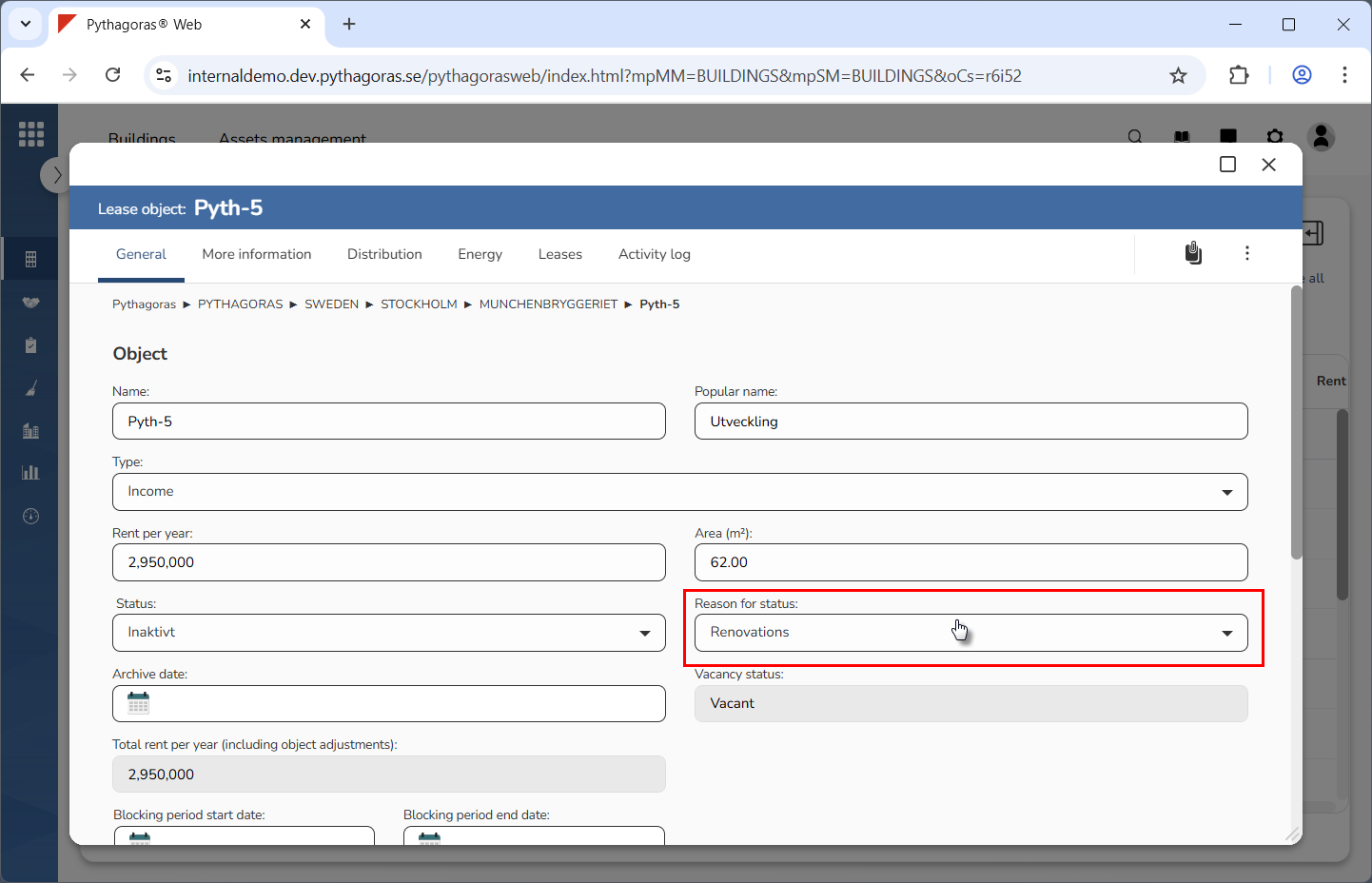
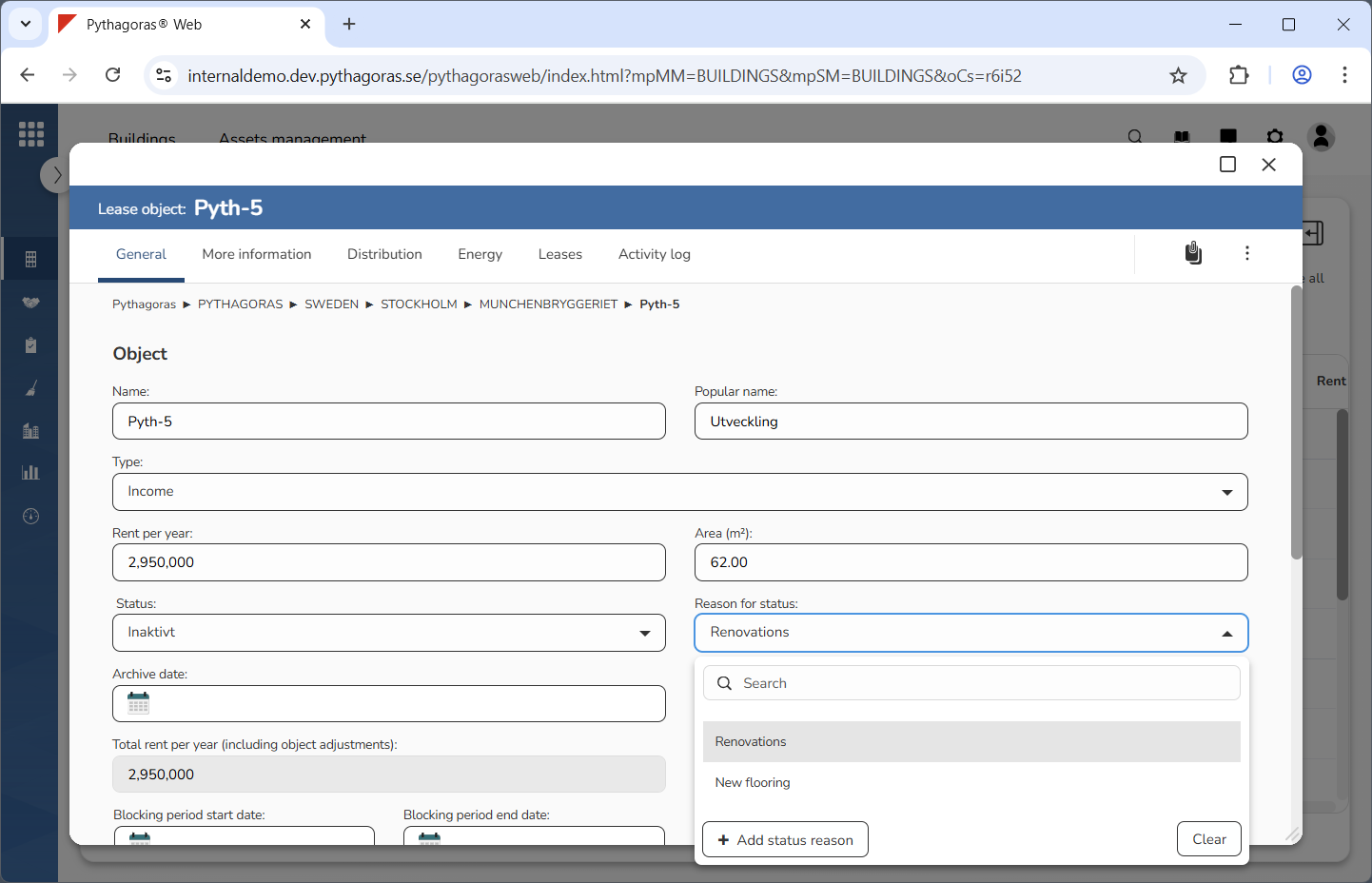
Click the field "Reason for status" (see the first image below). When you do so, a list of reasons available in Pythagoras Web will open (see the second image below).
Go to the list of reasons.
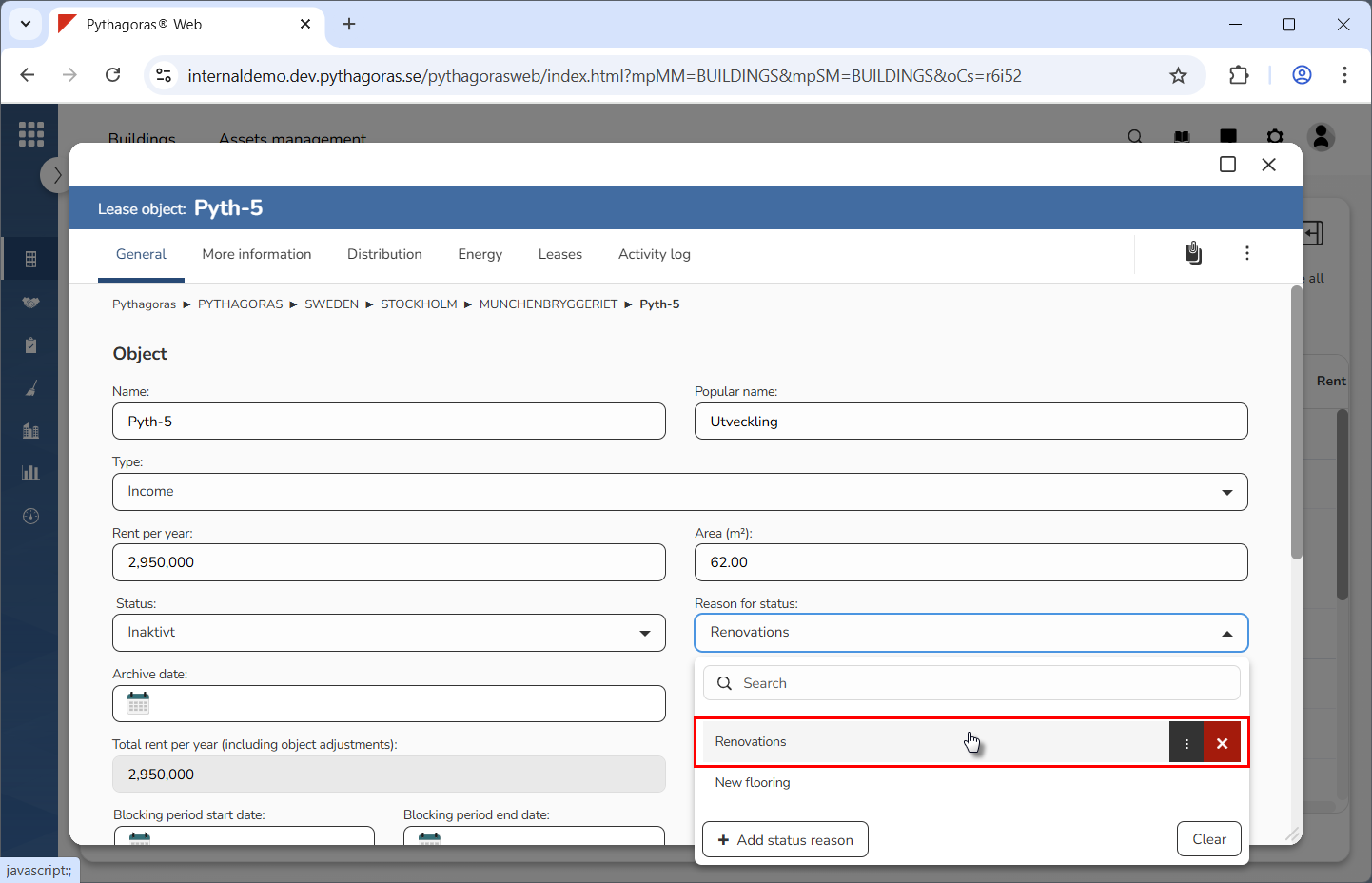
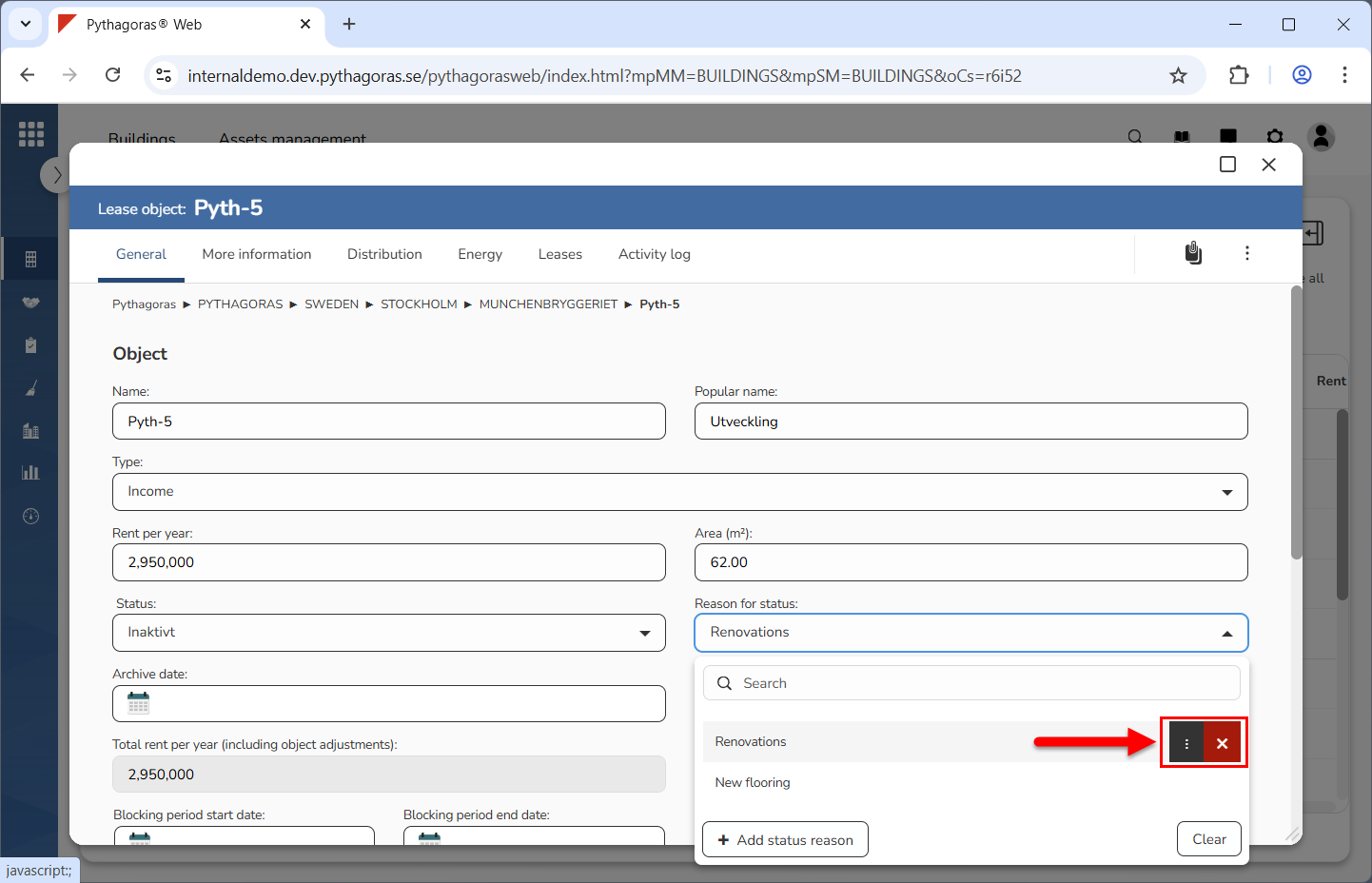
Place your cursor on the reason you wish to rename (see the first image below). When you do so, you will be shown two icons: "Open" and "Delete" (see the second image below).
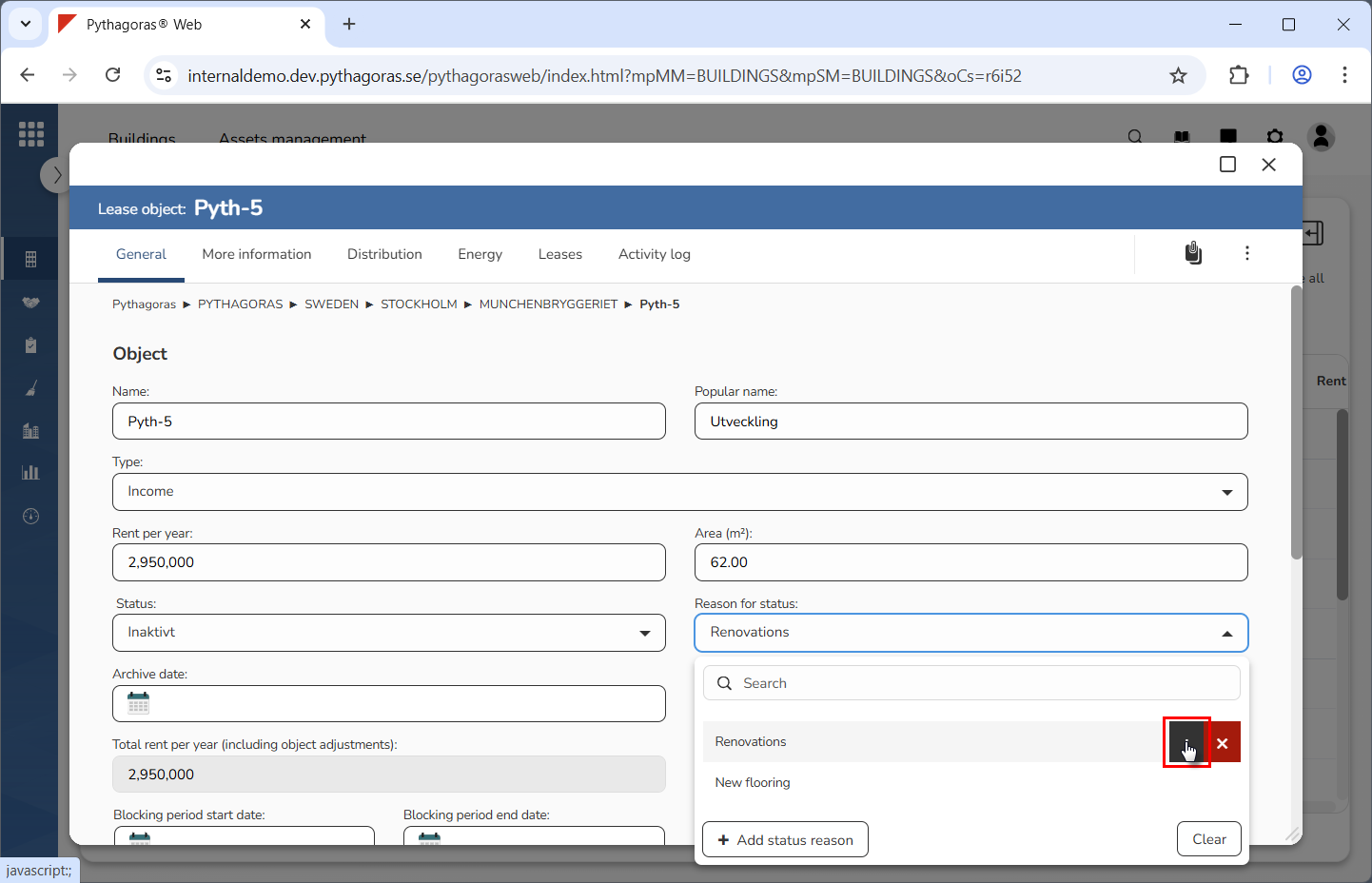
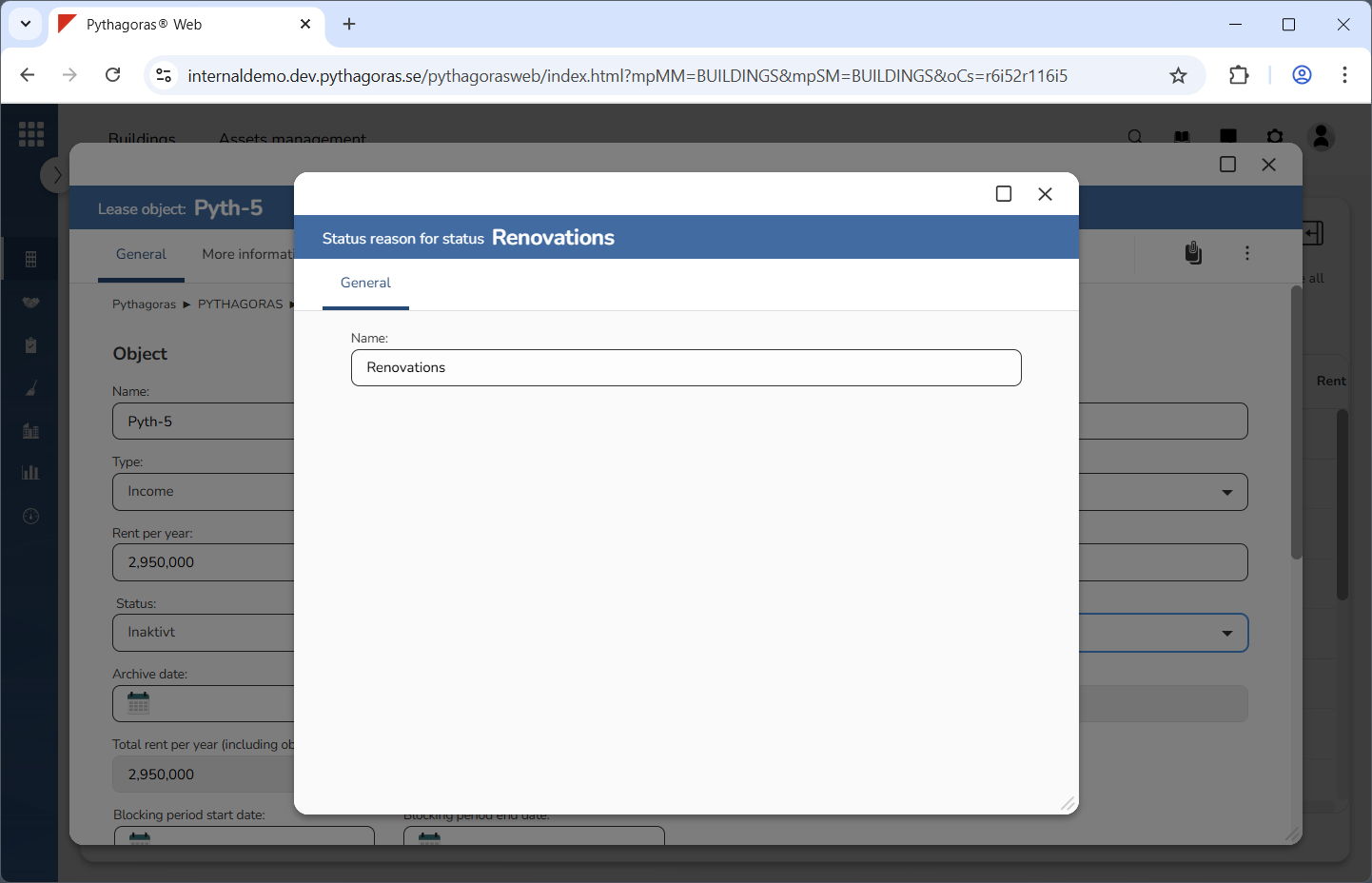
Click "Open" (see the first image below). When you do so, the reason you are working with will open. When a reason opens, so does its reason card (see the second image below).
Go to the reason card.
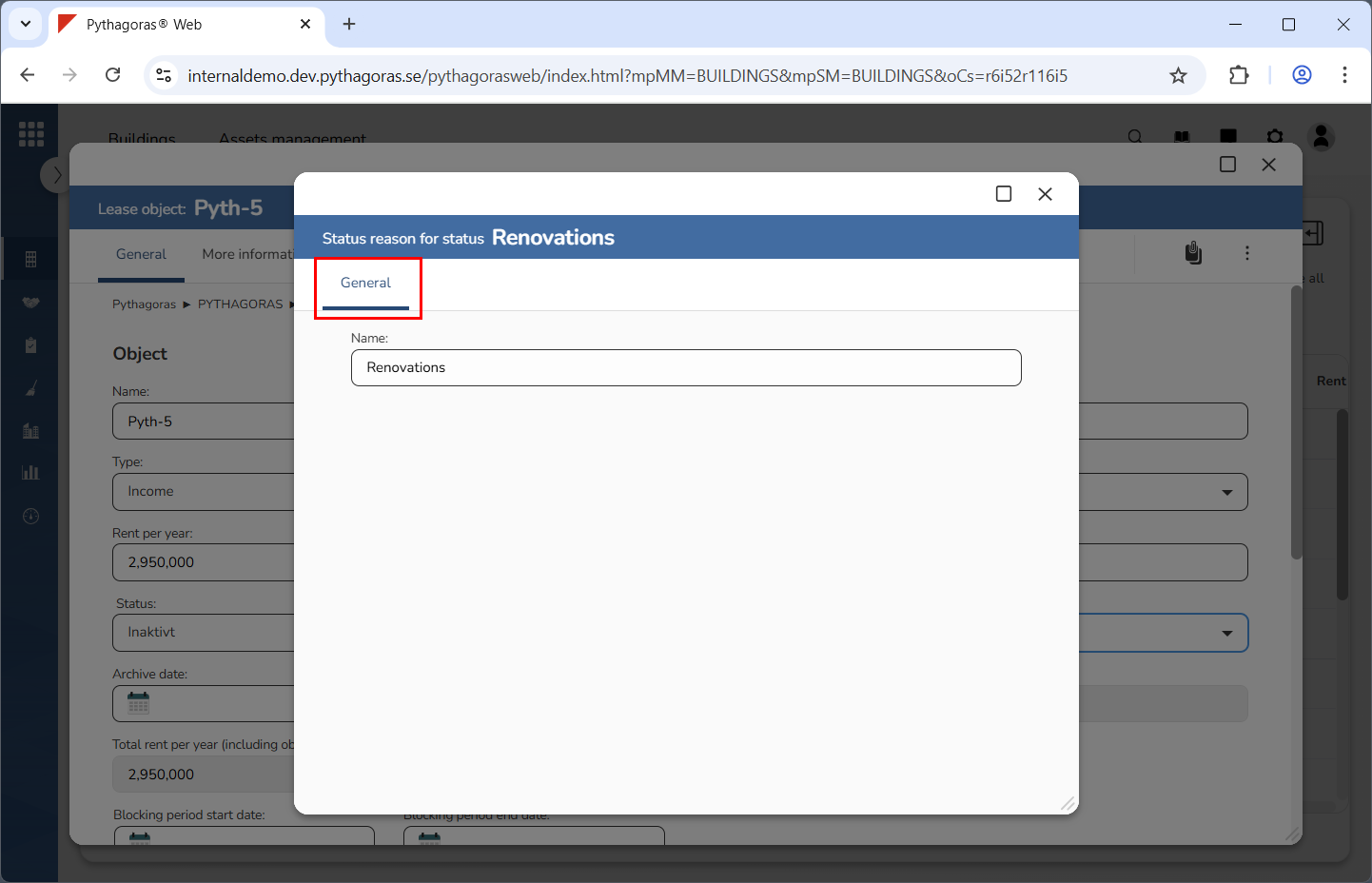
Click the tab called "General" (see image below).
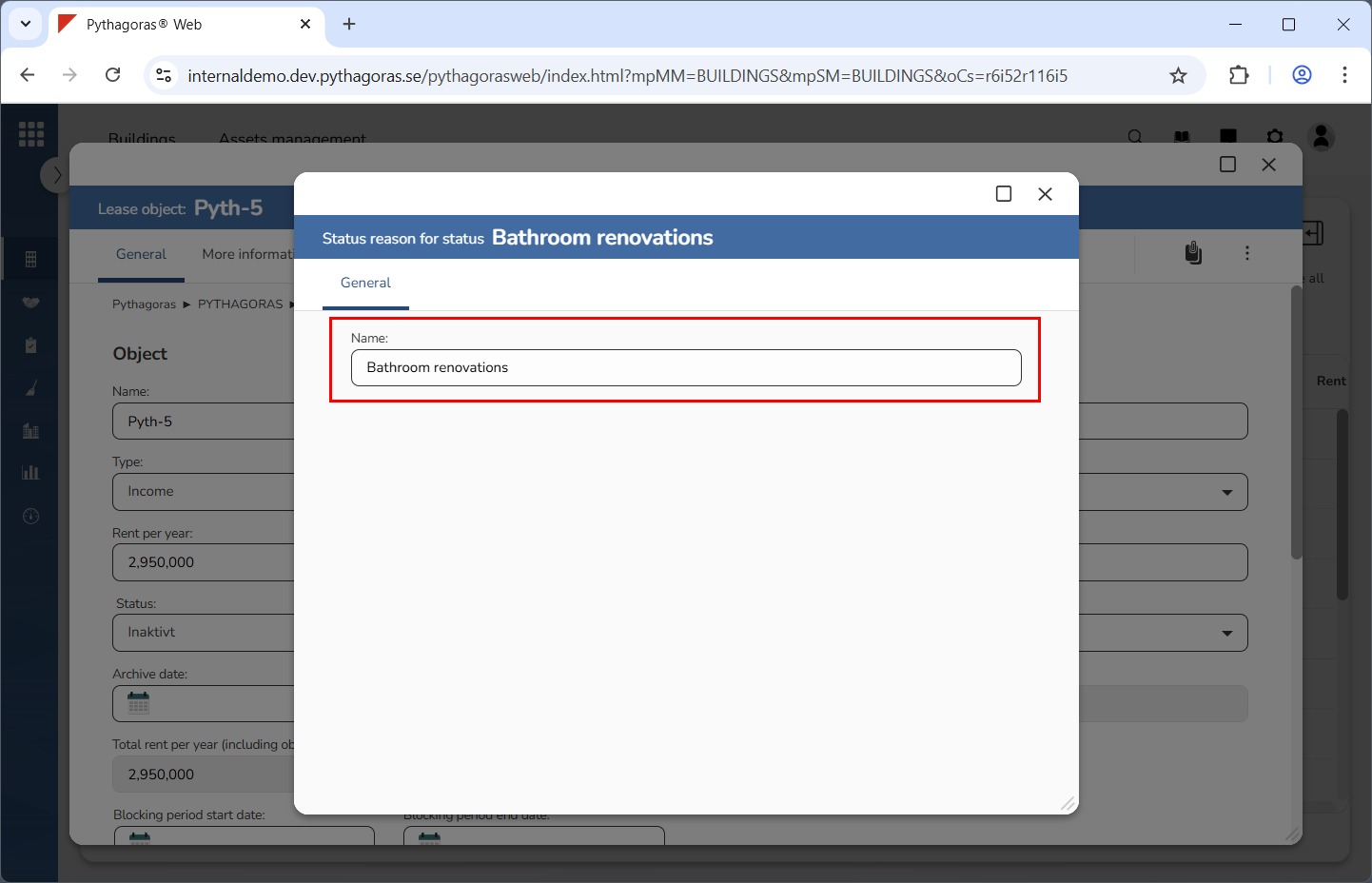
Rename the reason you are working with (see image below). Enter a new name for it in the field "Name".
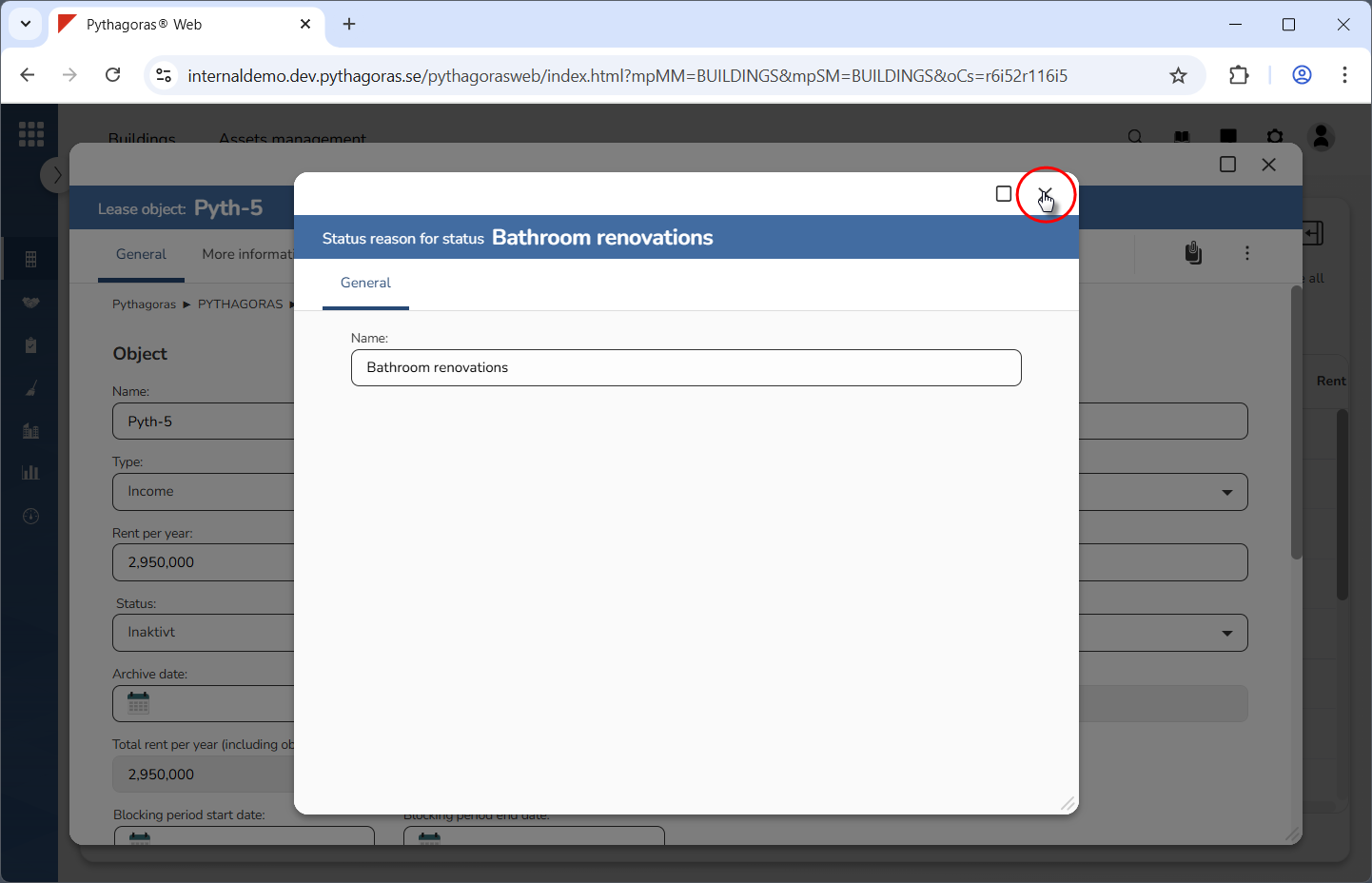
Close the reason card (see the first image below). When you do so, you will be redirected back to the lease object card (see the second image below).