When you remove a reason from Pythagoras Web, it will be removed from all lease objects it is set for.
To remove a reason from Pythagoras Web:
Open a lease object. For more information on how to do so, see section 11.1.
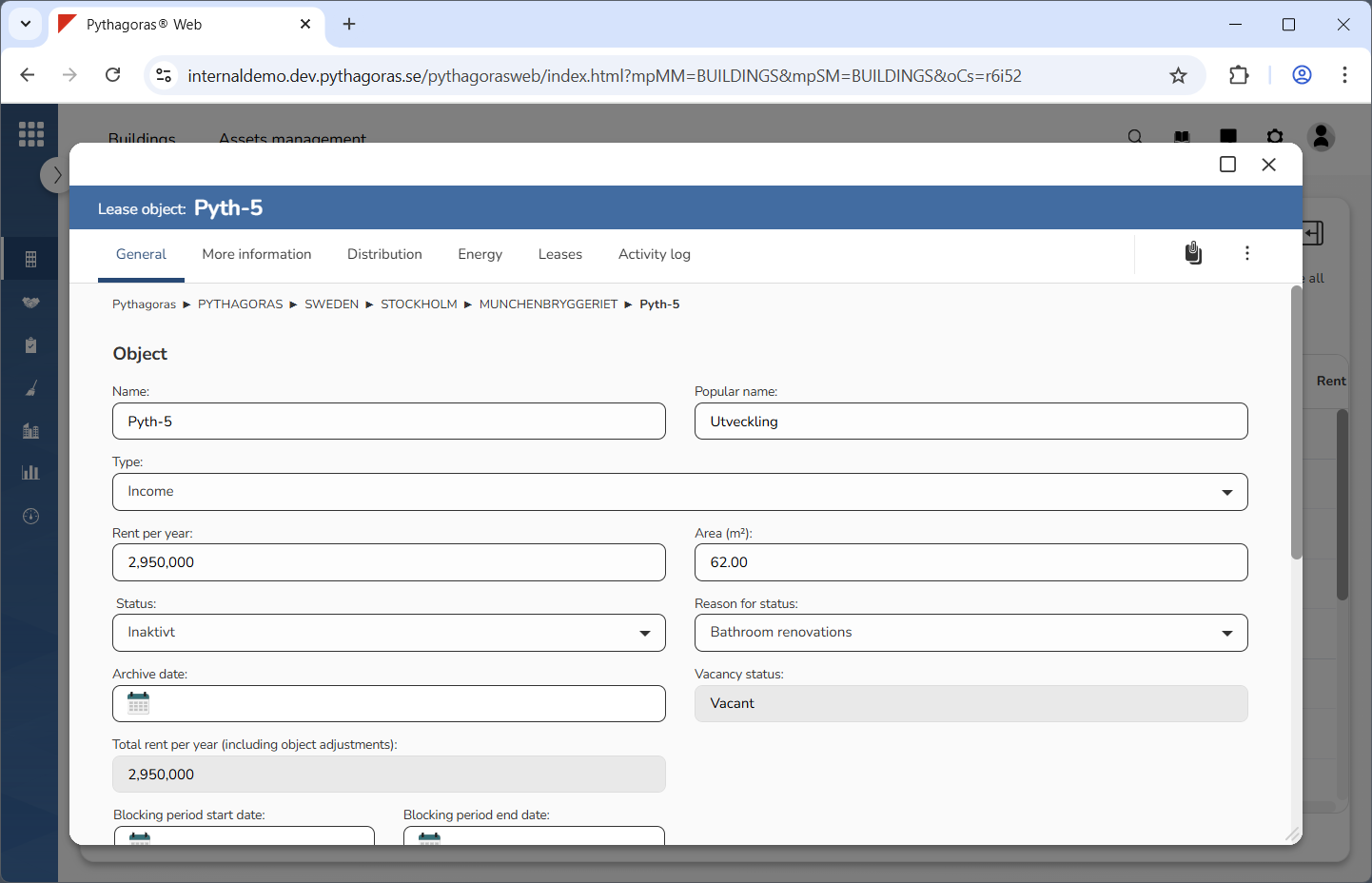
Go to the lease object card (see image below).
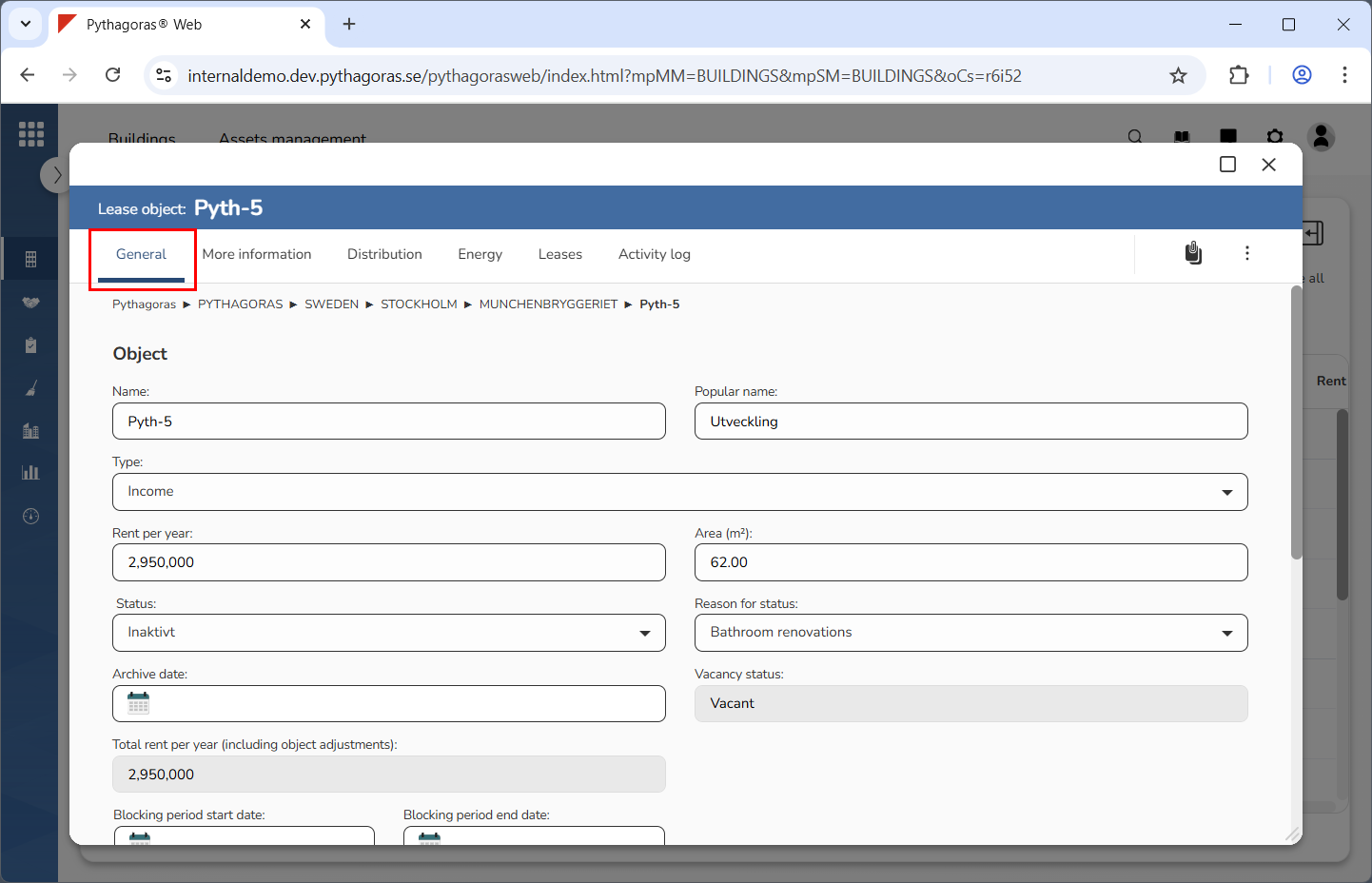
Click the tab called "General" (see image below).
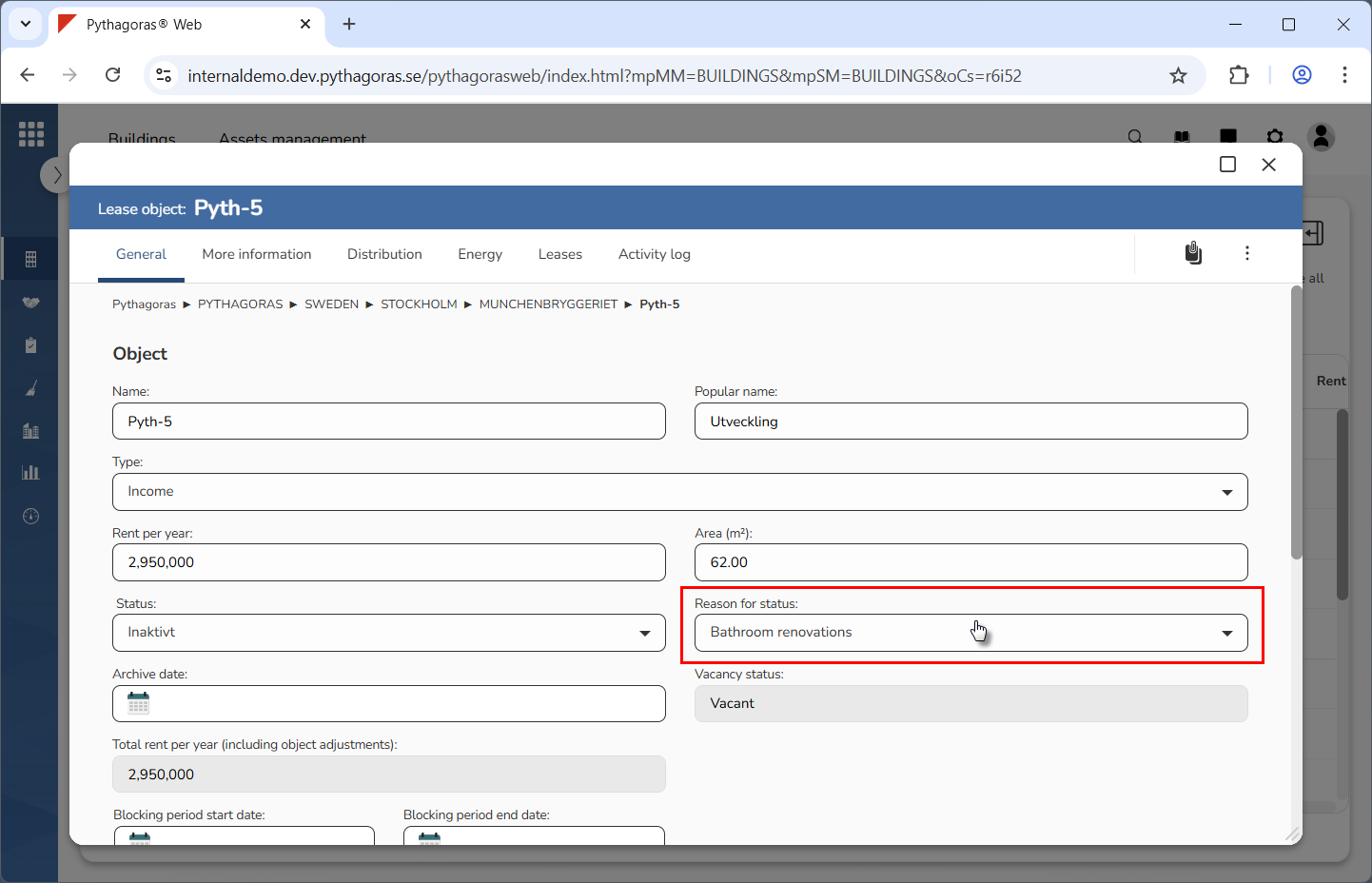
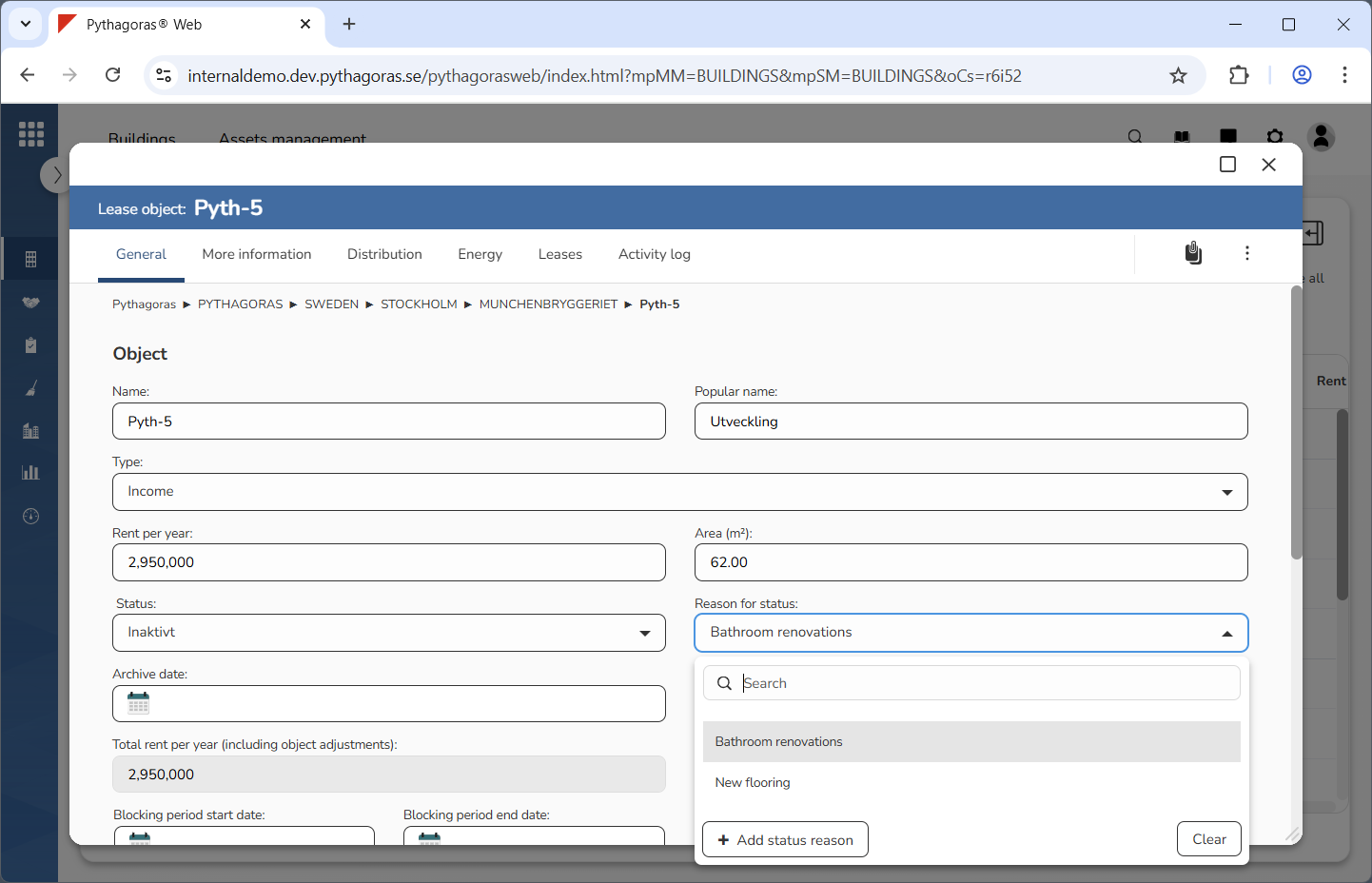
Click the field "Reason for status" (see the first image below). When you do so, a list of reasons available in Pythagoras Web will open (see the second image below).
Go to the list of reasons.
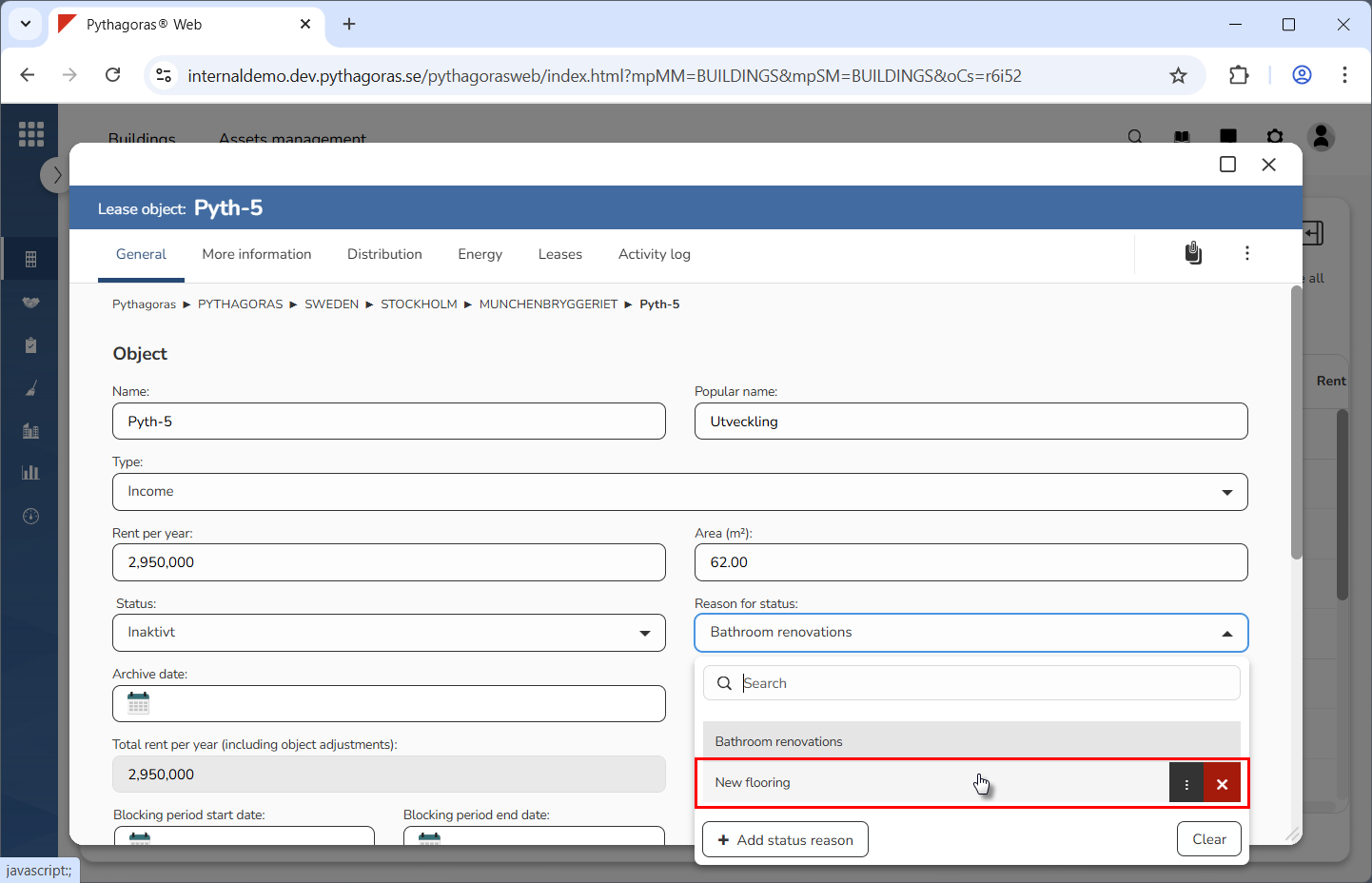
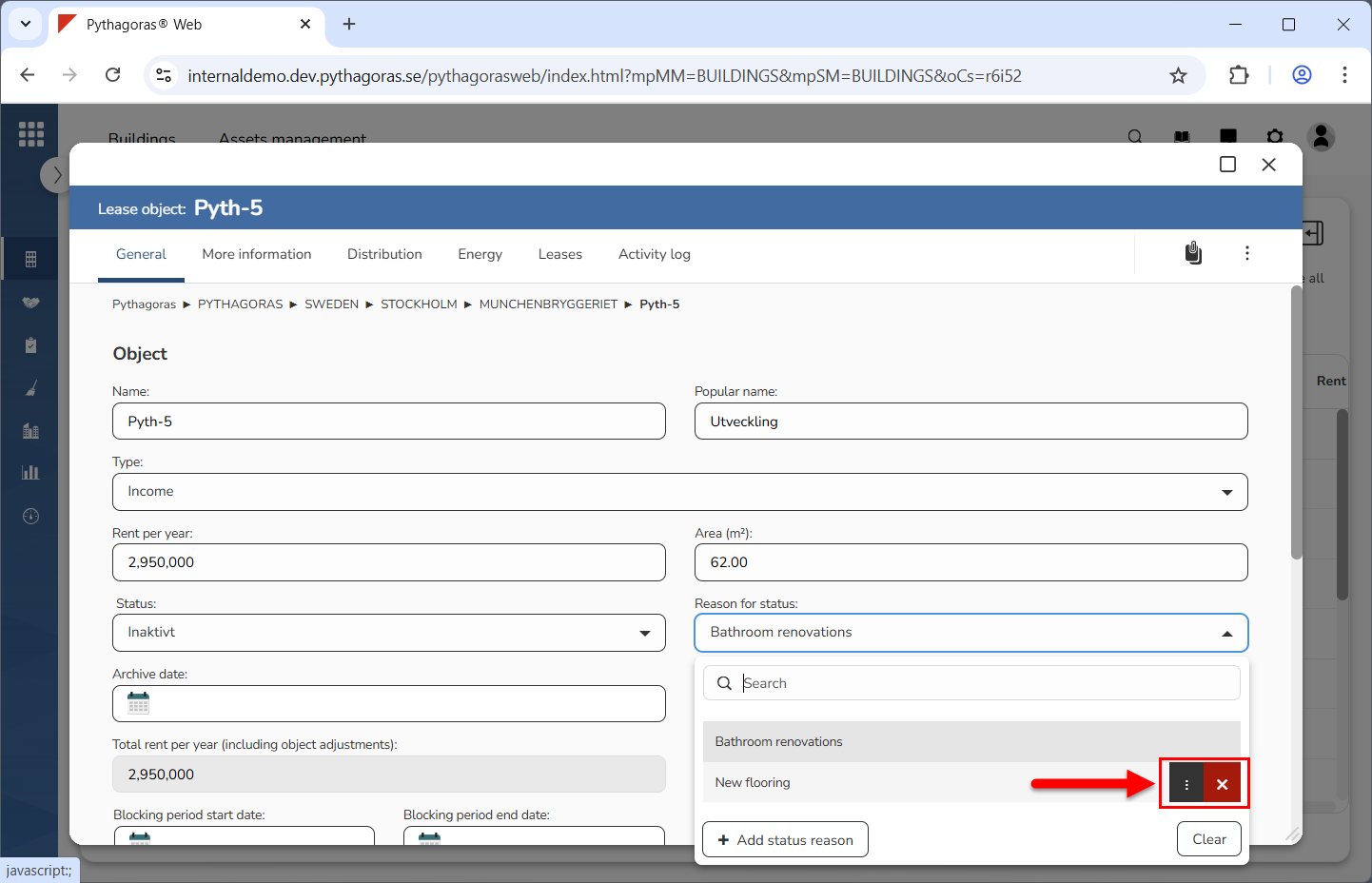
Place your cursor on the reason you wish to remove from Pythagoras Web (see the first image below). When you do so, you will be shown two icons: "Open" and "Delete" (see the second image below).
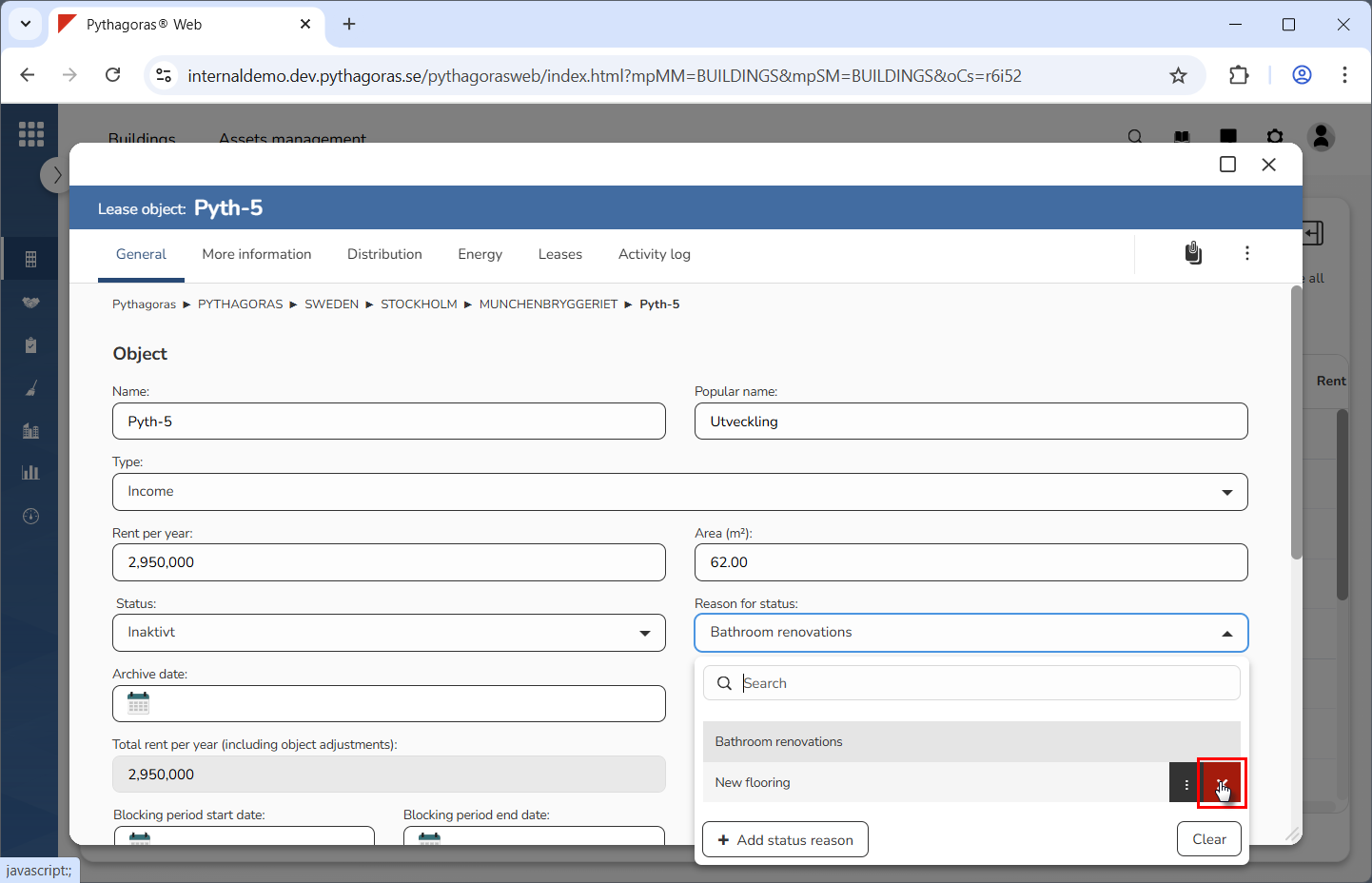
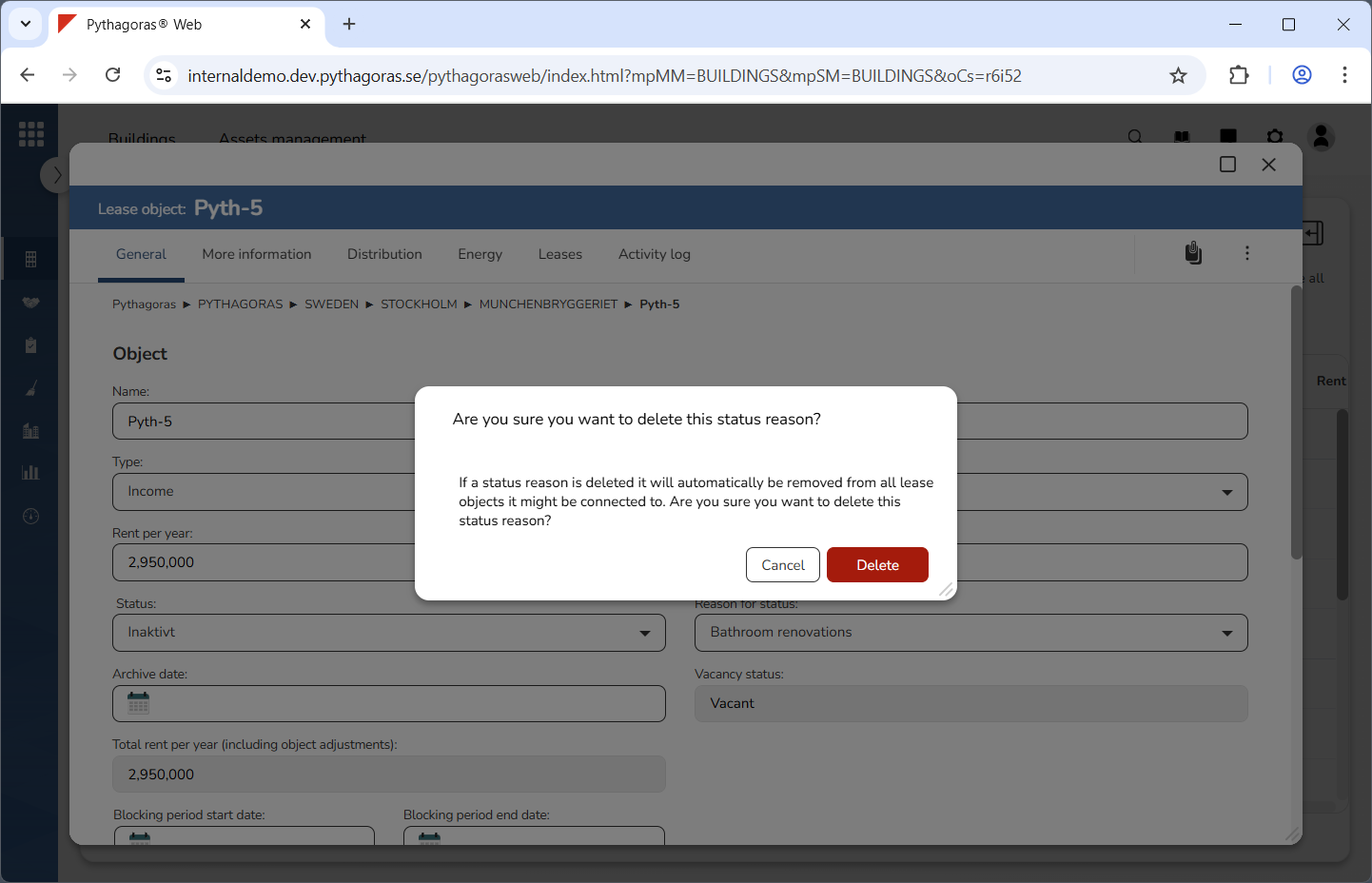
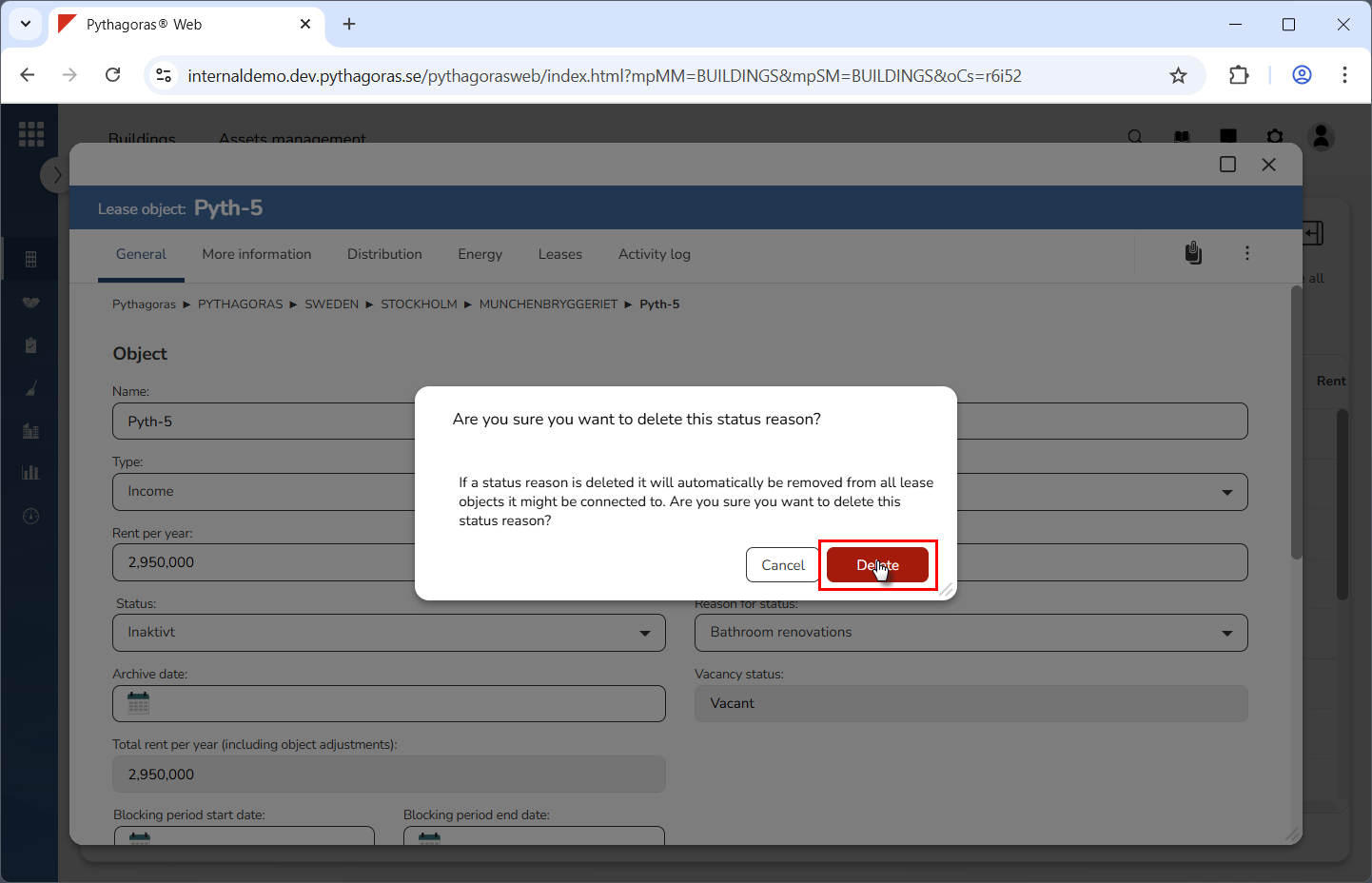
Click "Delete" (see the first image below). When you do so, a dialog asking the following question will open: "Are you sure you want to delete this status reason?" (see the second image below).
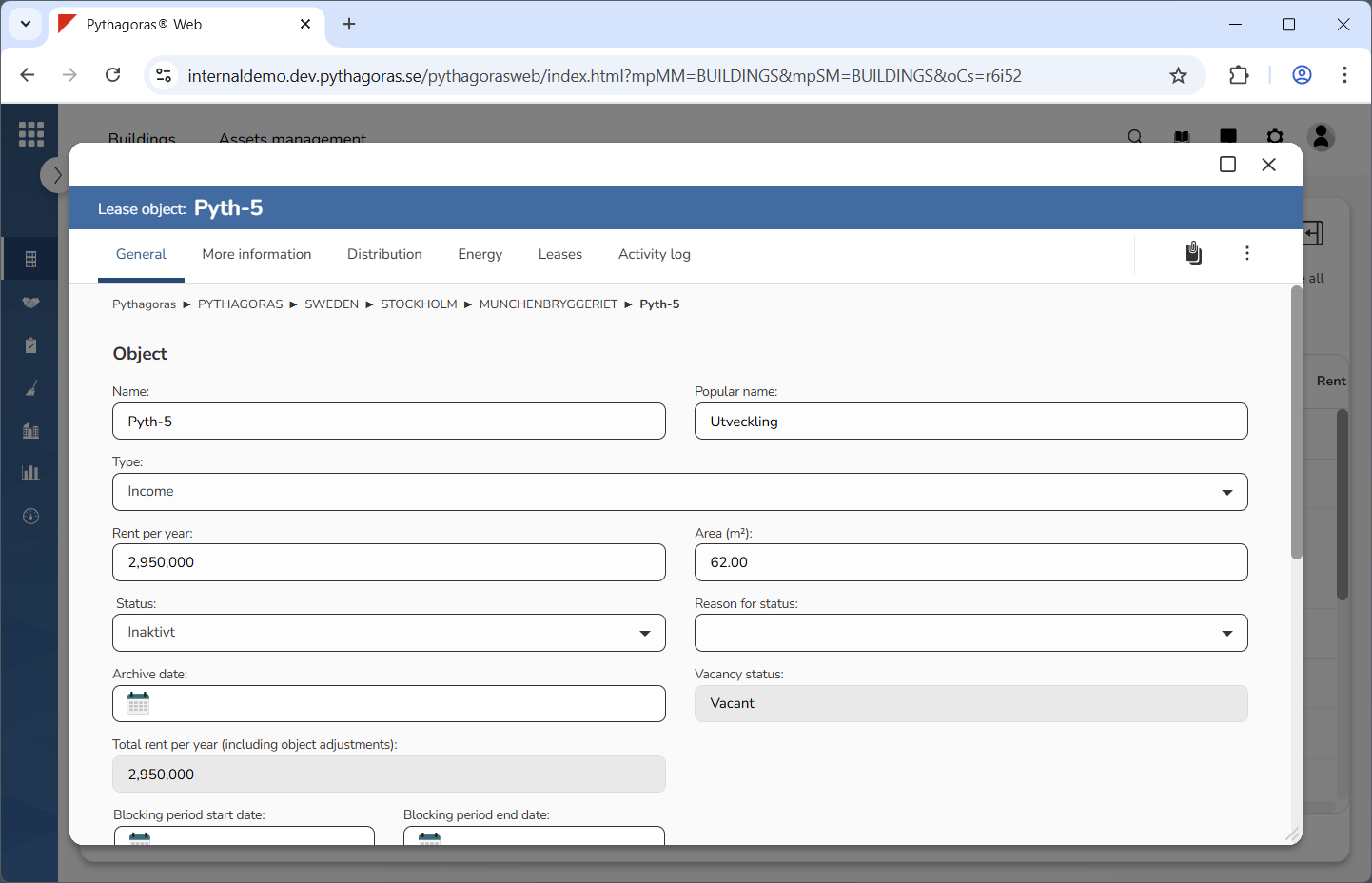
Click "Delete" in the dialog (see the first image below). When you do so, the reason you are working with will be removed from Pythagoras Web. At the same time you will be redirected back to the lease object card (see the second image below).