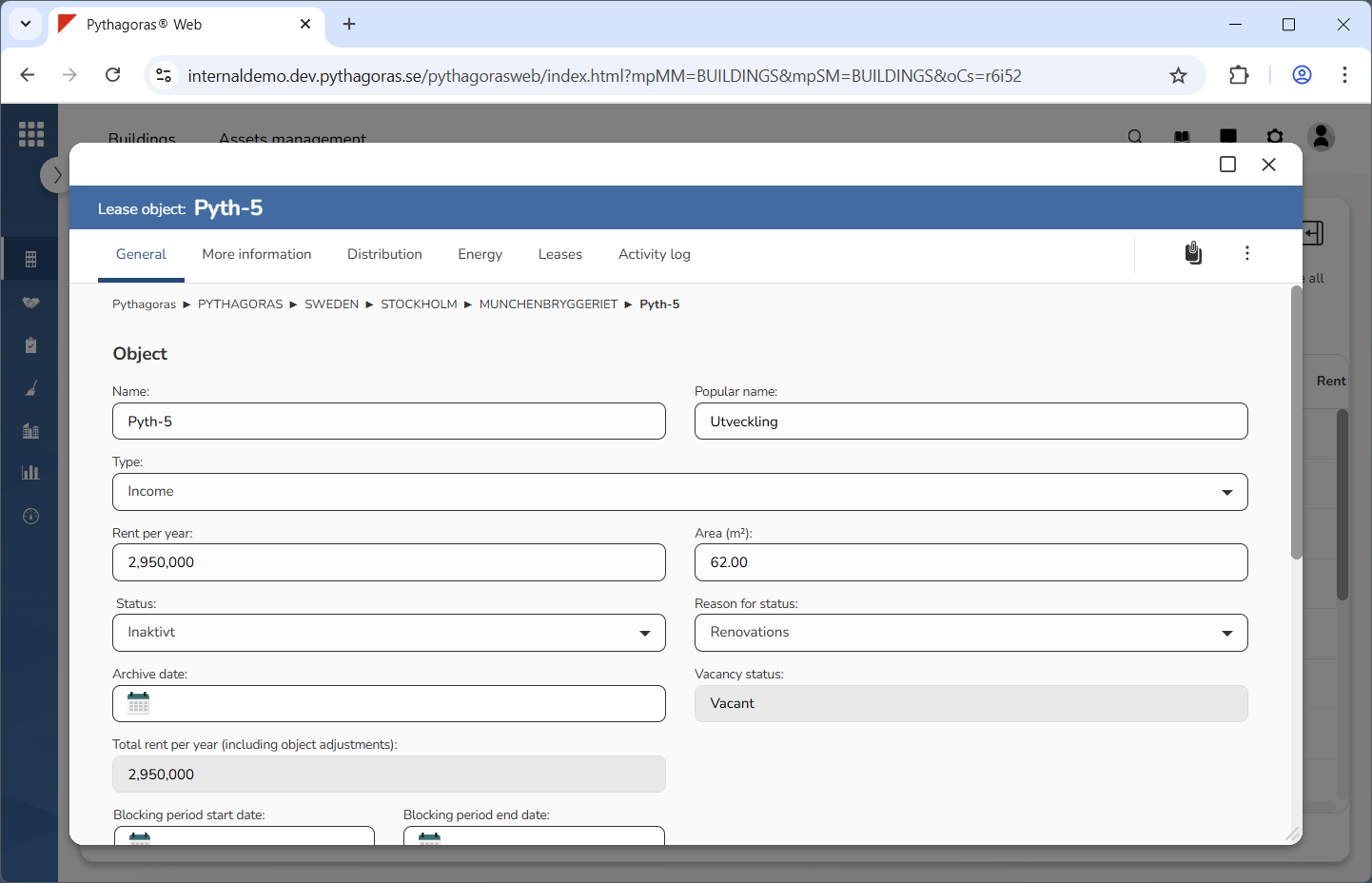
Open a lease object. For more information on how to do so, see section 11.1.
Go to the lease object card (see image below).
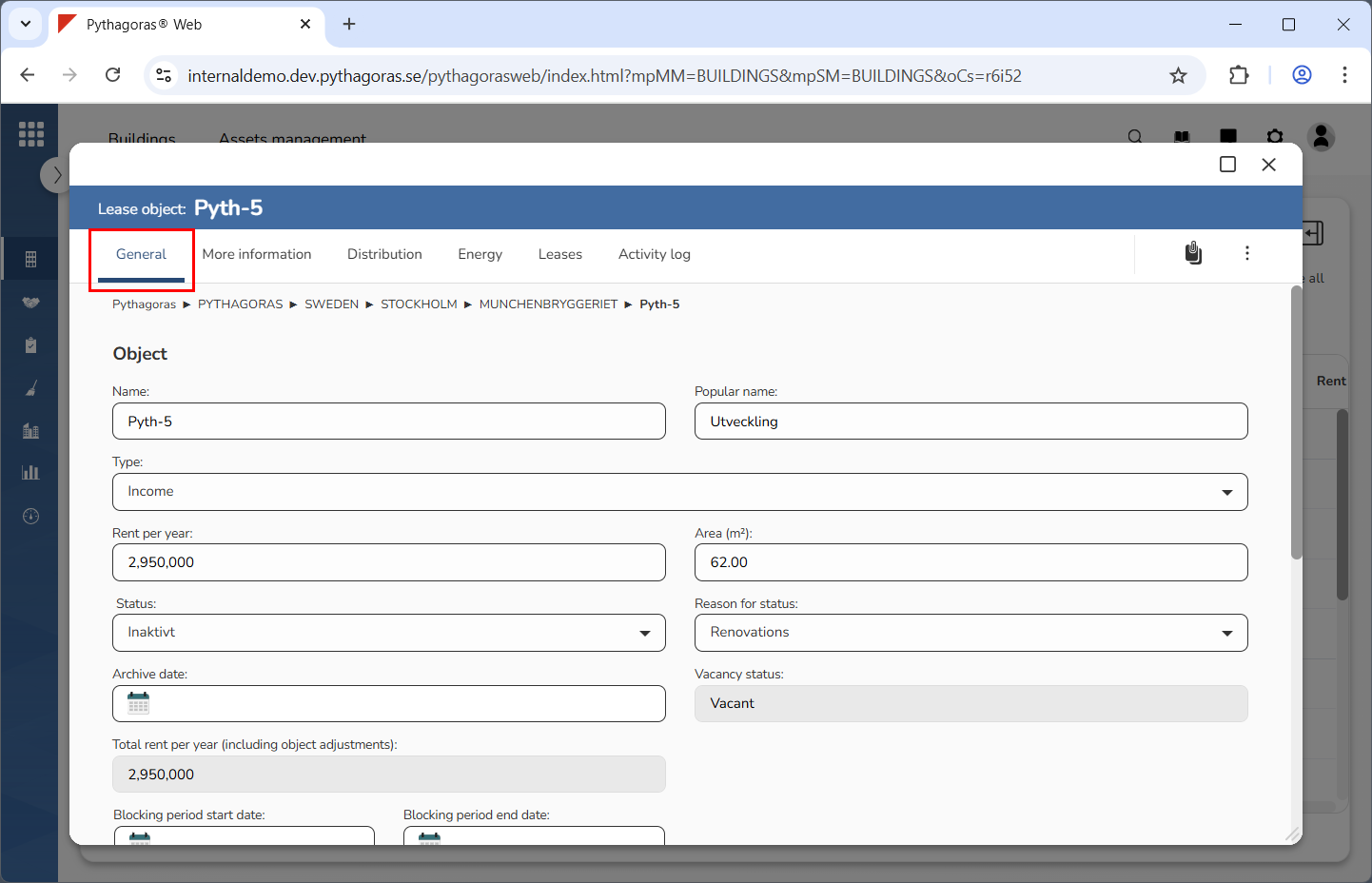
Click the tab called "General" (see image below).
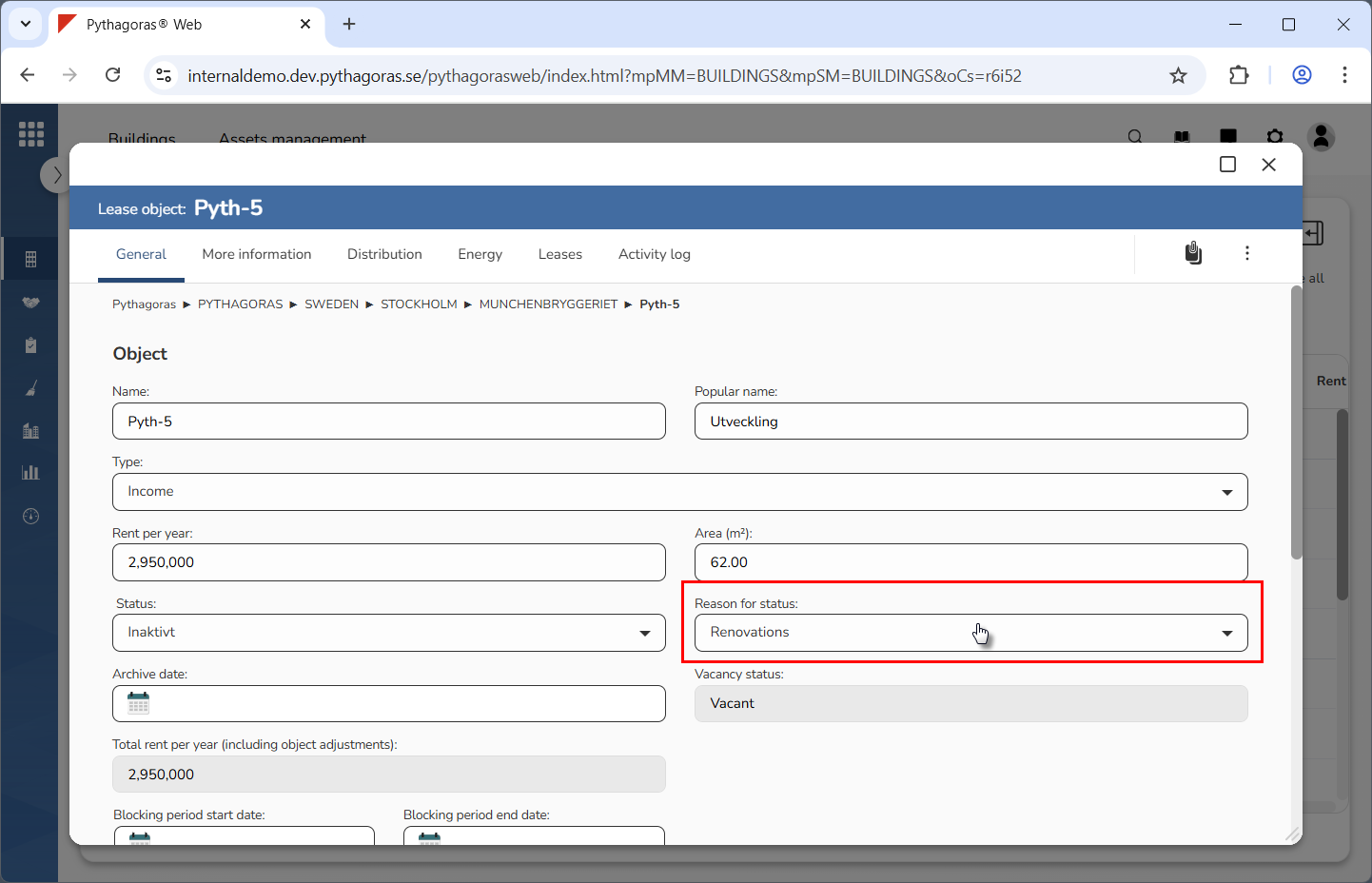
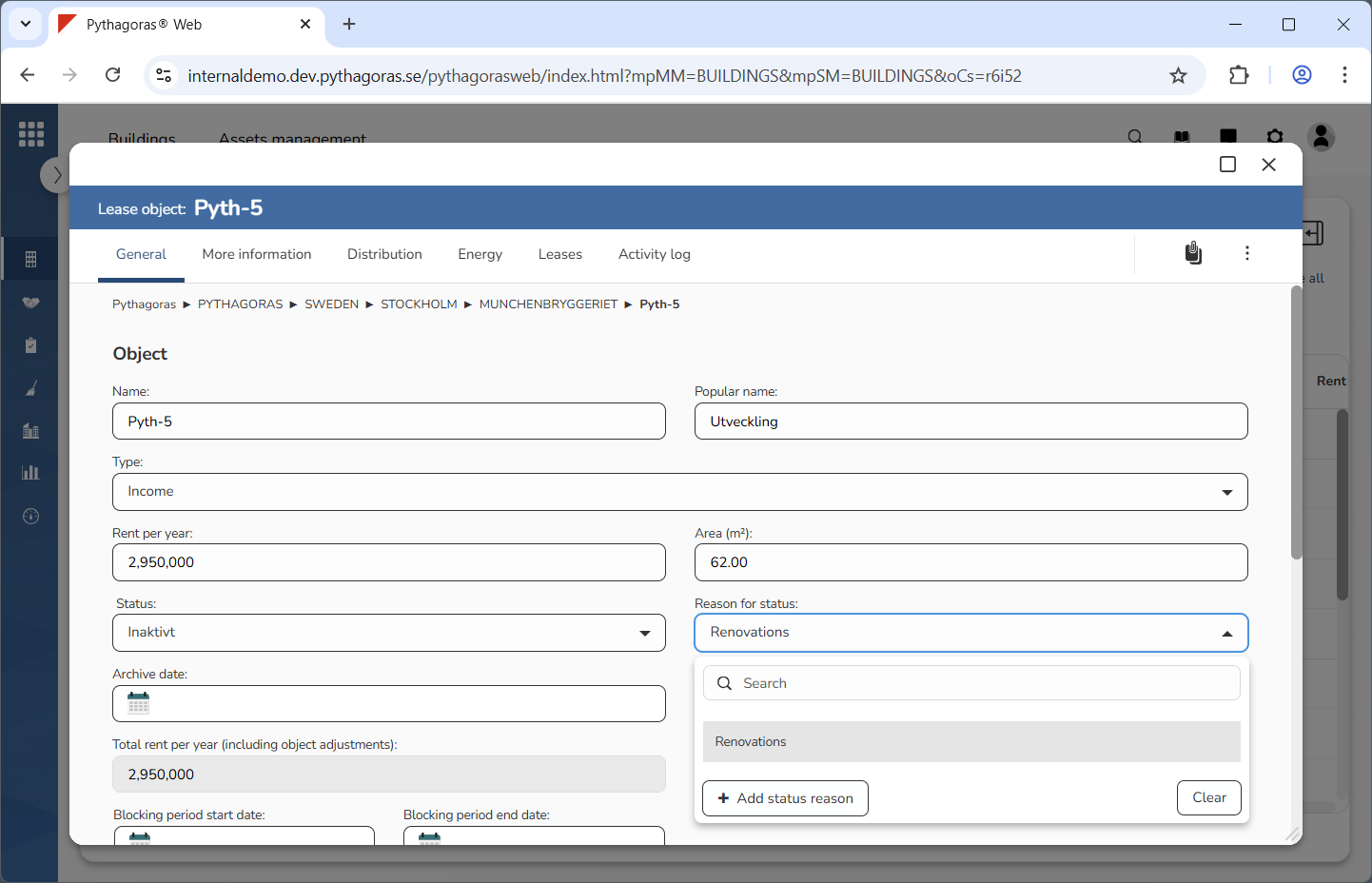
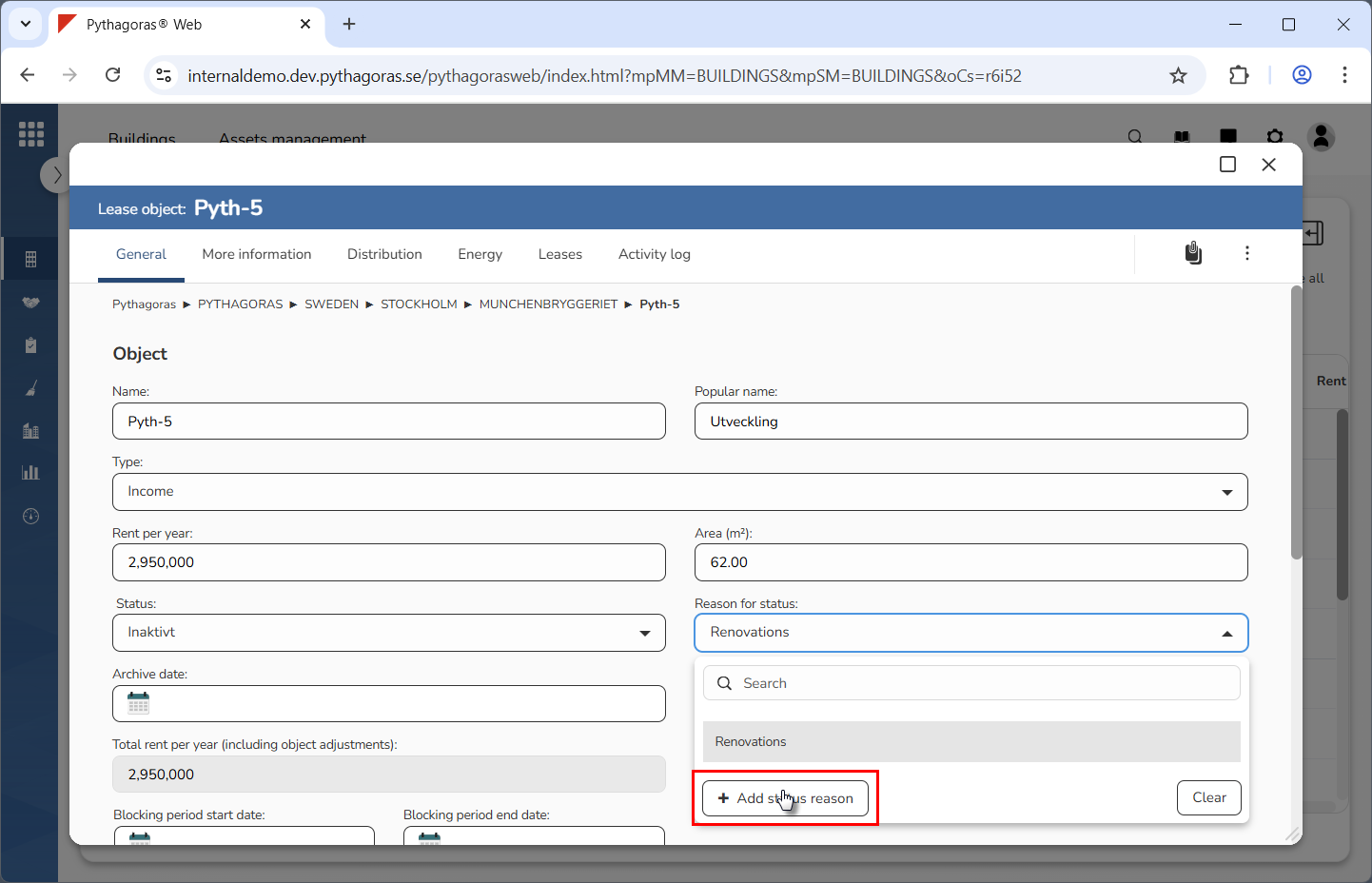
Click the field "Reason for status" (see the first image below). When you do so, a list of reasons available in Pythagoras Web will open (see the second image below).
Go to the list of reasons.
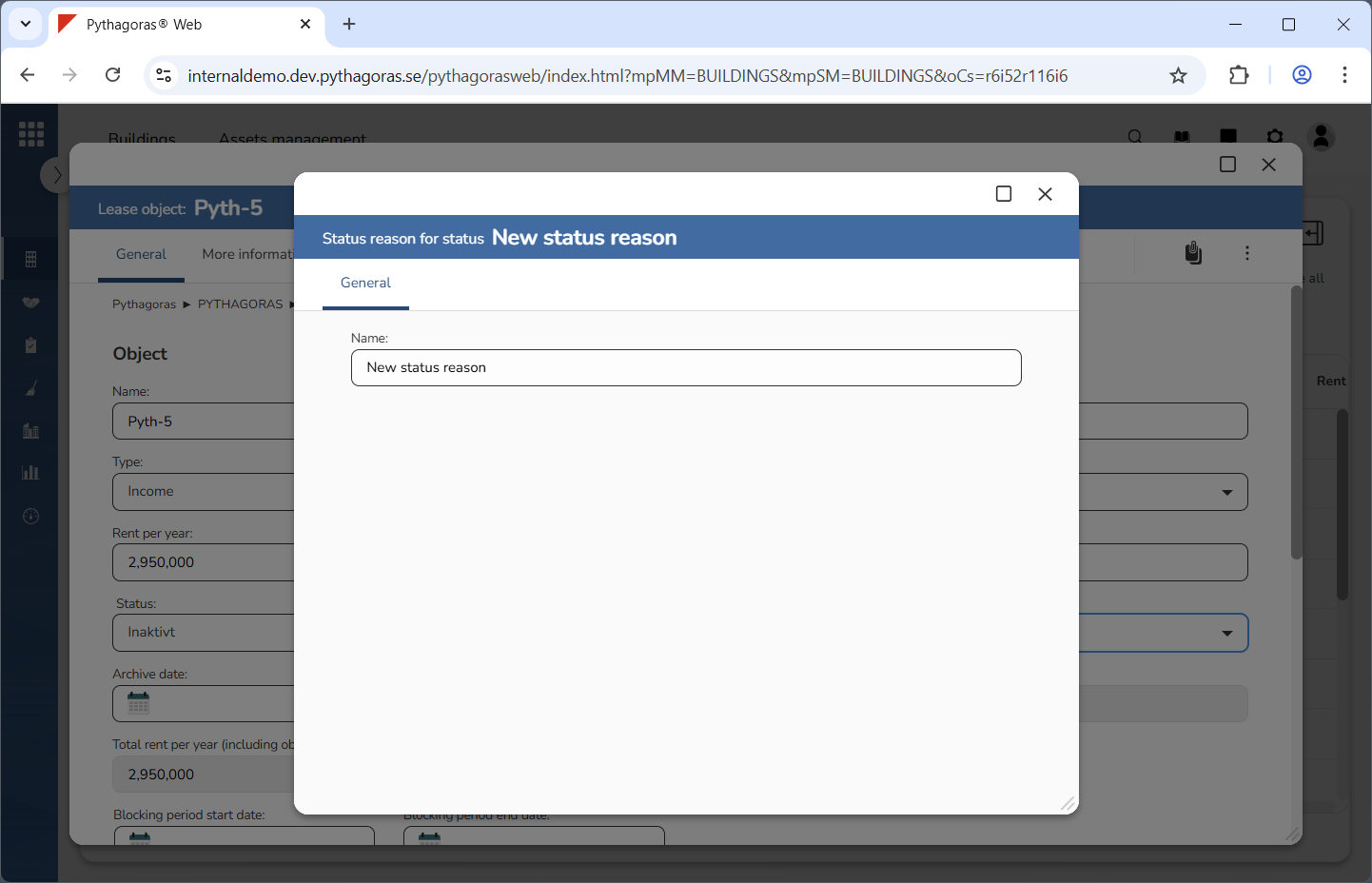
Click "Add status reason" (see the first image below). When you do so, a new reason will be added in Pythagoras Web. When a reason is added in Pythagoras Web, its reason card will open (see the second image below).
Go to the reason card.
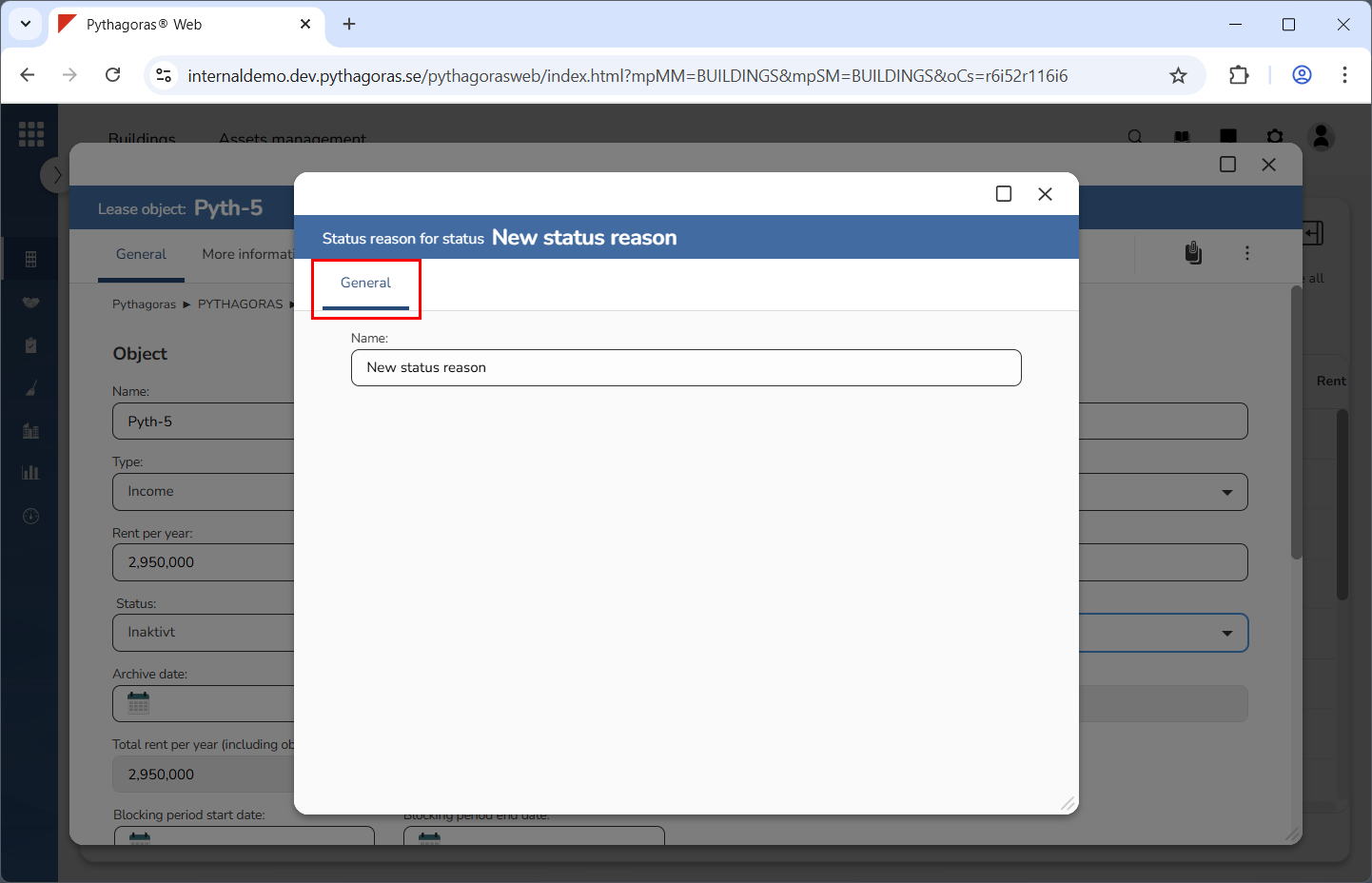
Click the tab called "General" (see image below).
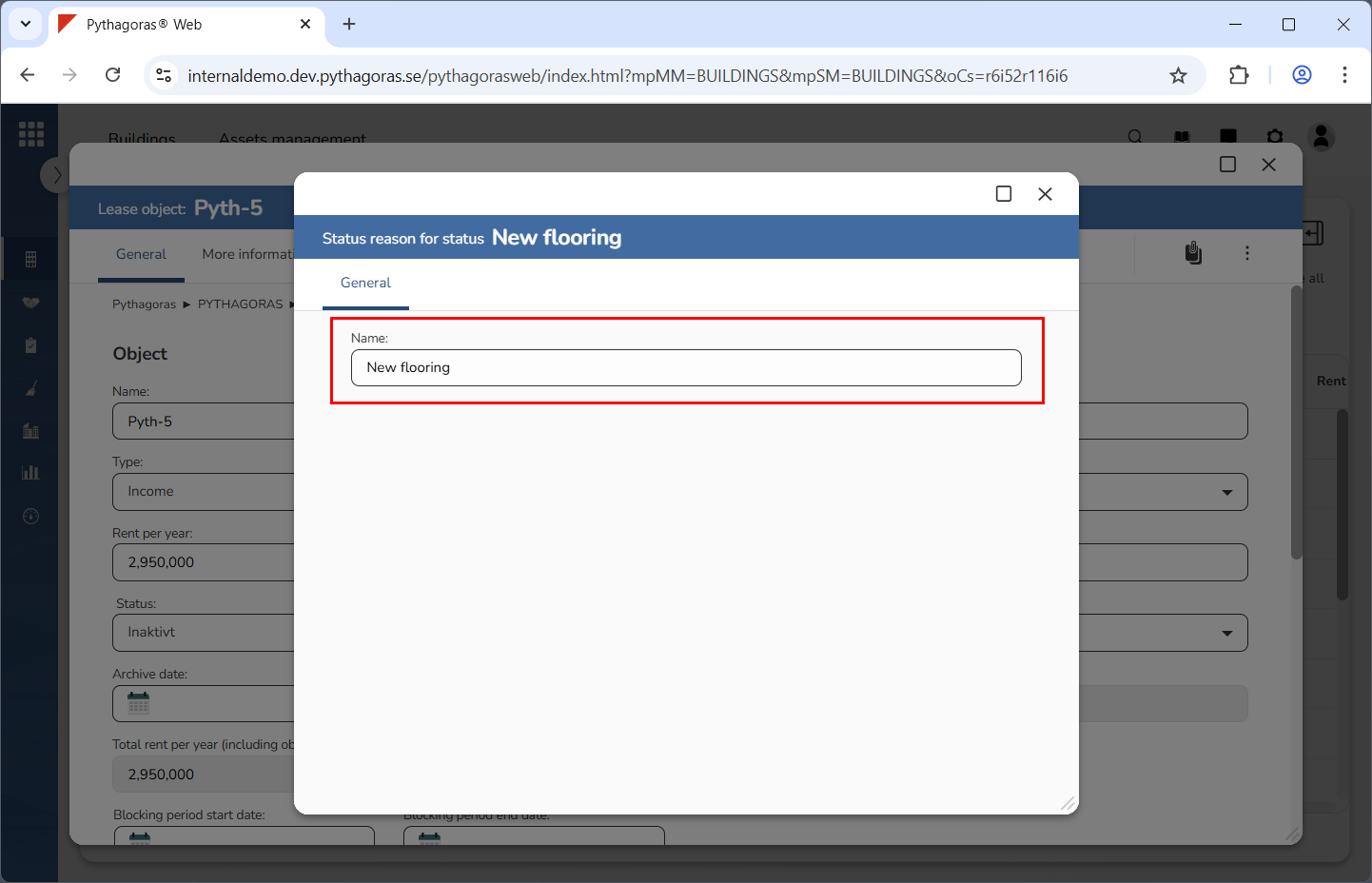
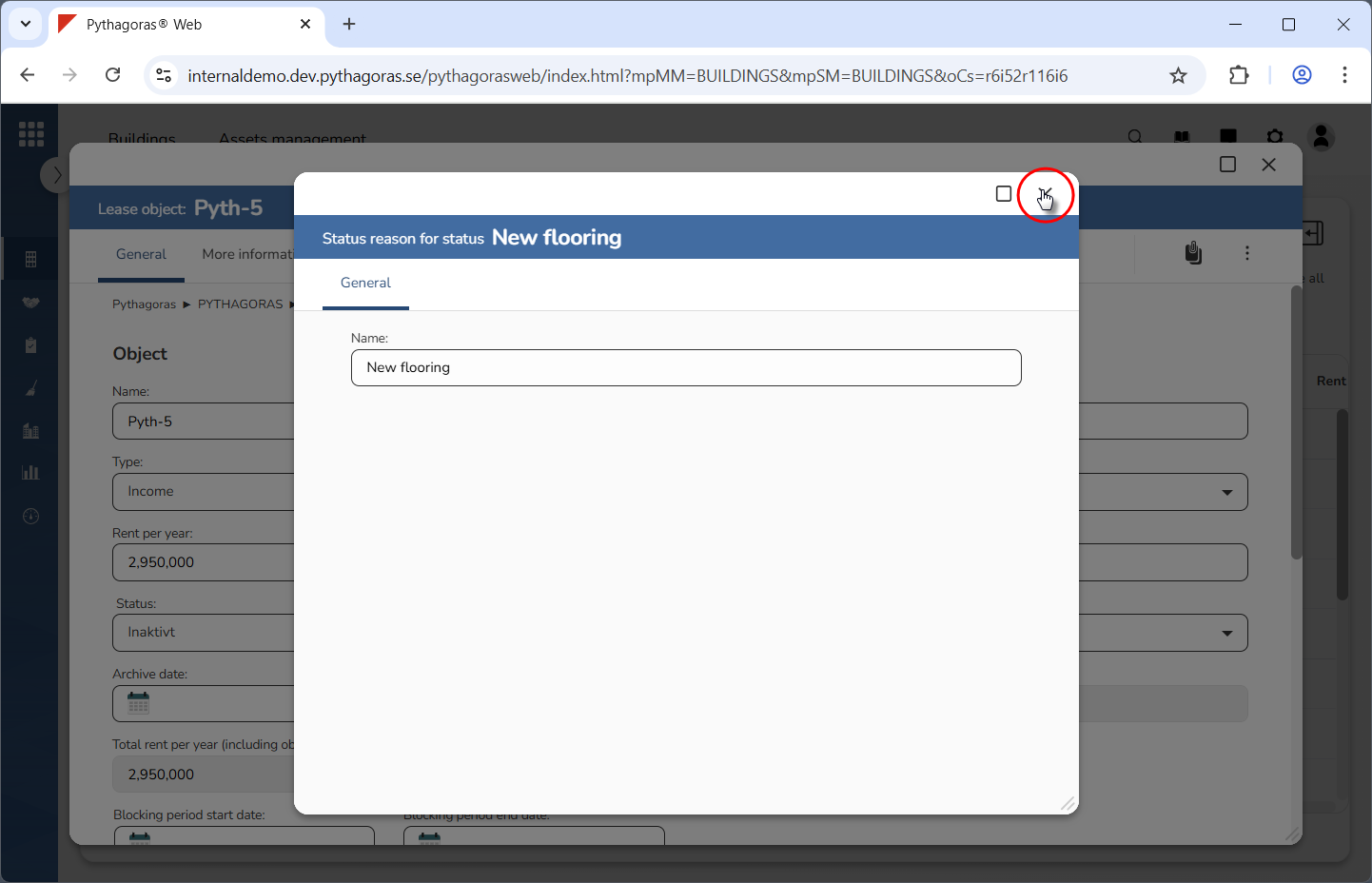
Set a name for the reason you added in Pythagoras Web (see image below). Enter a name for it in the field "Name".
Close the reason card (see the first image below). When you do so, you will be redirected back to the lease object card (see the second image below).