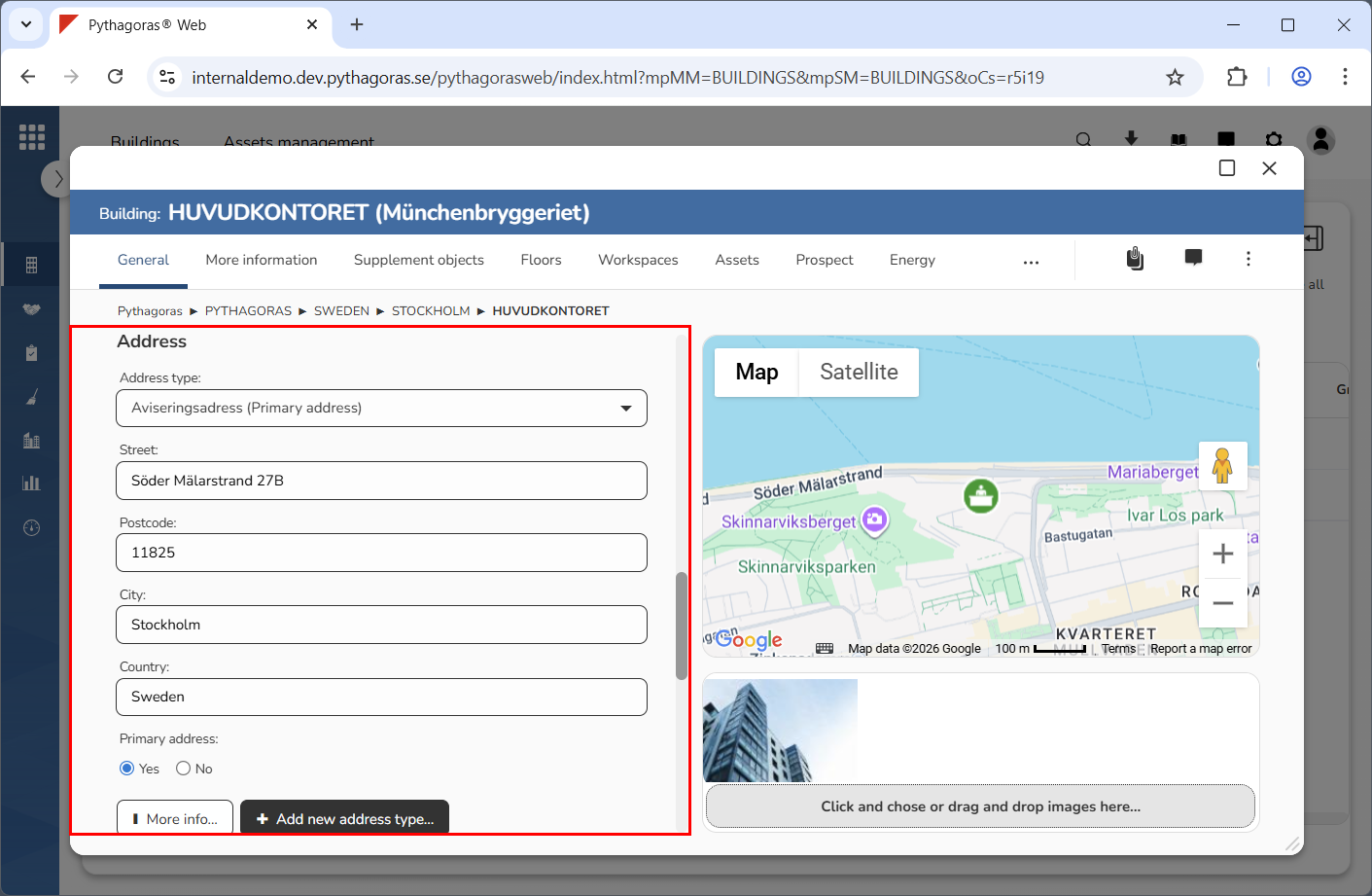
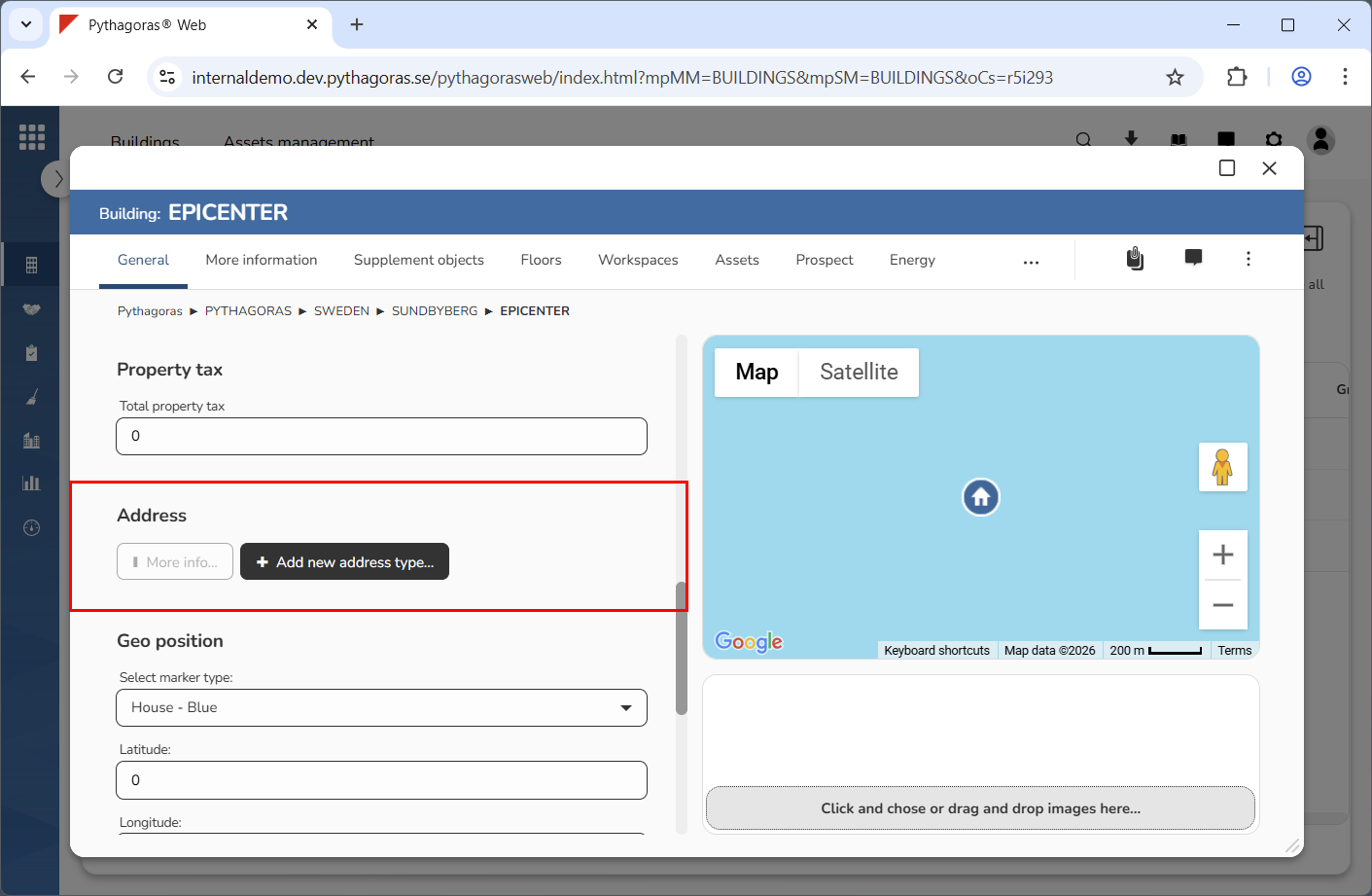
In the section called "Address", you will find either a number of address fields, a button called "More info" and a button called "Add new address type" or a button called "More info" and a button called "Add new address type" (see images below).
If a building does not have an address linked to it, the button "More info" will be inactive, meaning you will not be able to use it.
Via the address section you can:
link one or more addresses to a building
view which addresses are linked to a building
remove one or more addresses from a building.
For more information on how to:
link an address to a building, see the section "Link an address to a building"
view which addresses are linked to a building, see the section "View which addresses are linked to a building"
remove an address from a building, see the section "Remove an address from a building".