Open a lease. For more information on how to do so, see section 4.6. or 6.1.
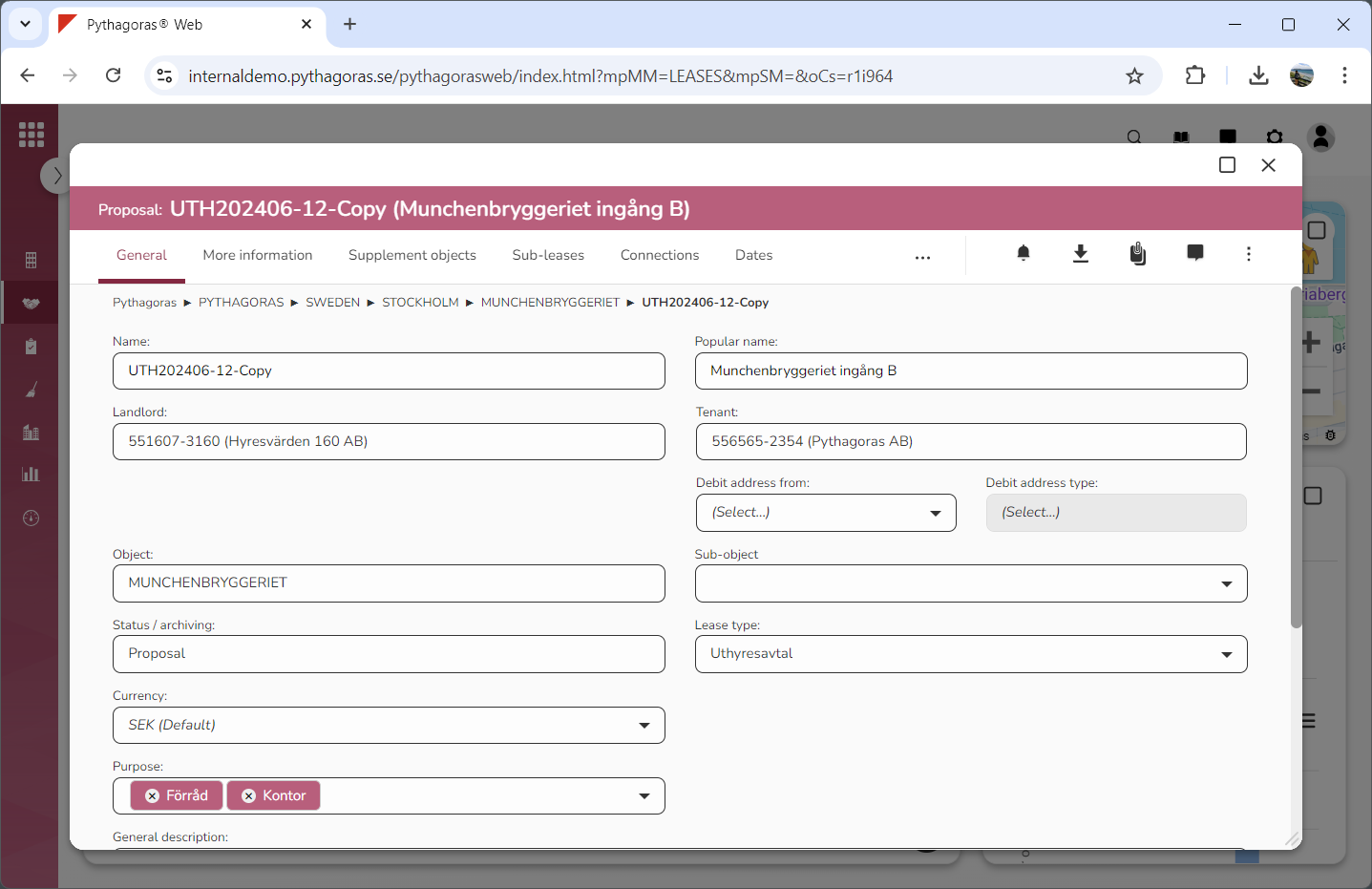
Go to the lease card (see image below).
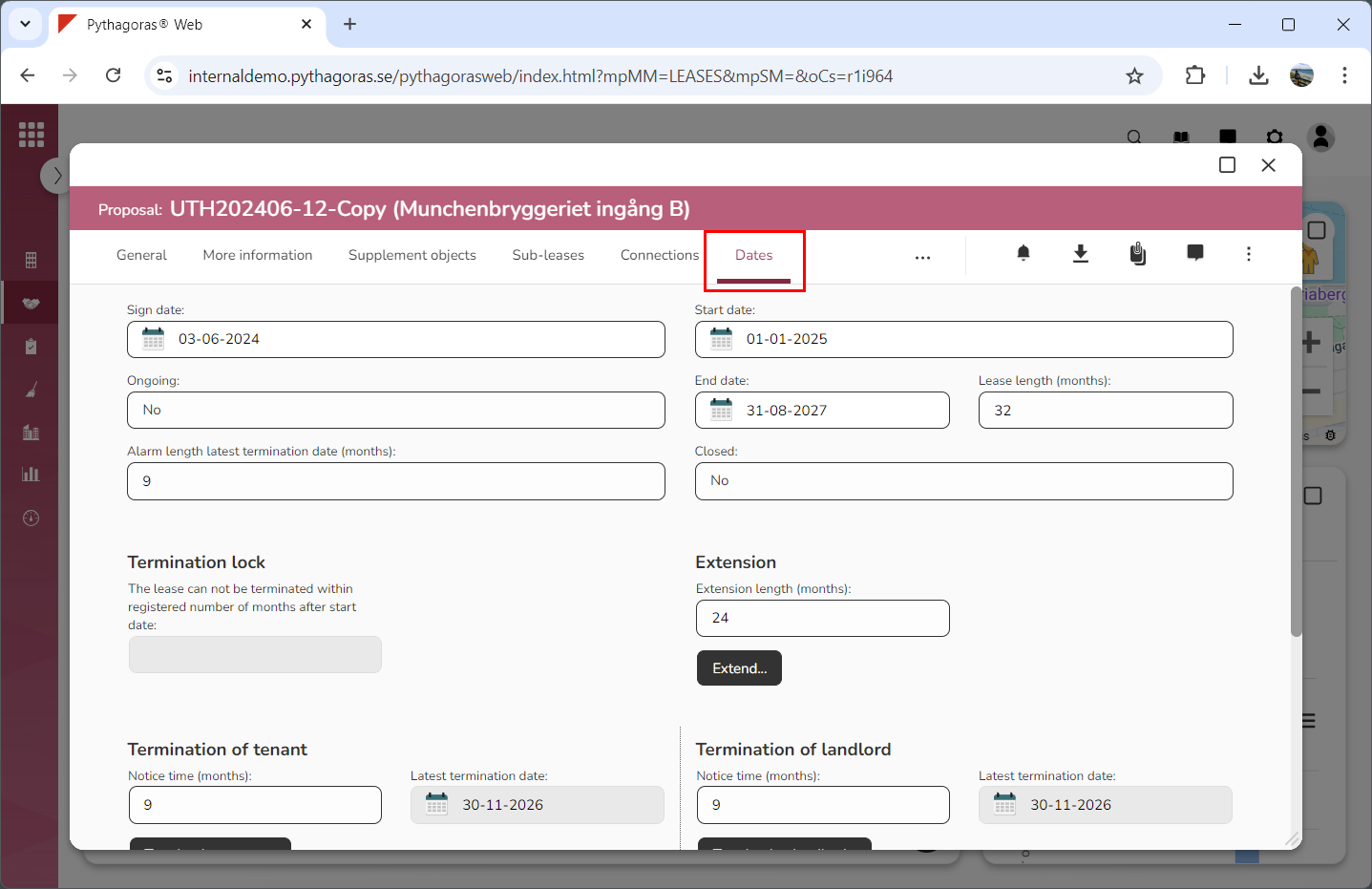
Click the tab called "Dates" (see image below). Within the tab called "Dates" you will, among other things, find a field called "Start date".
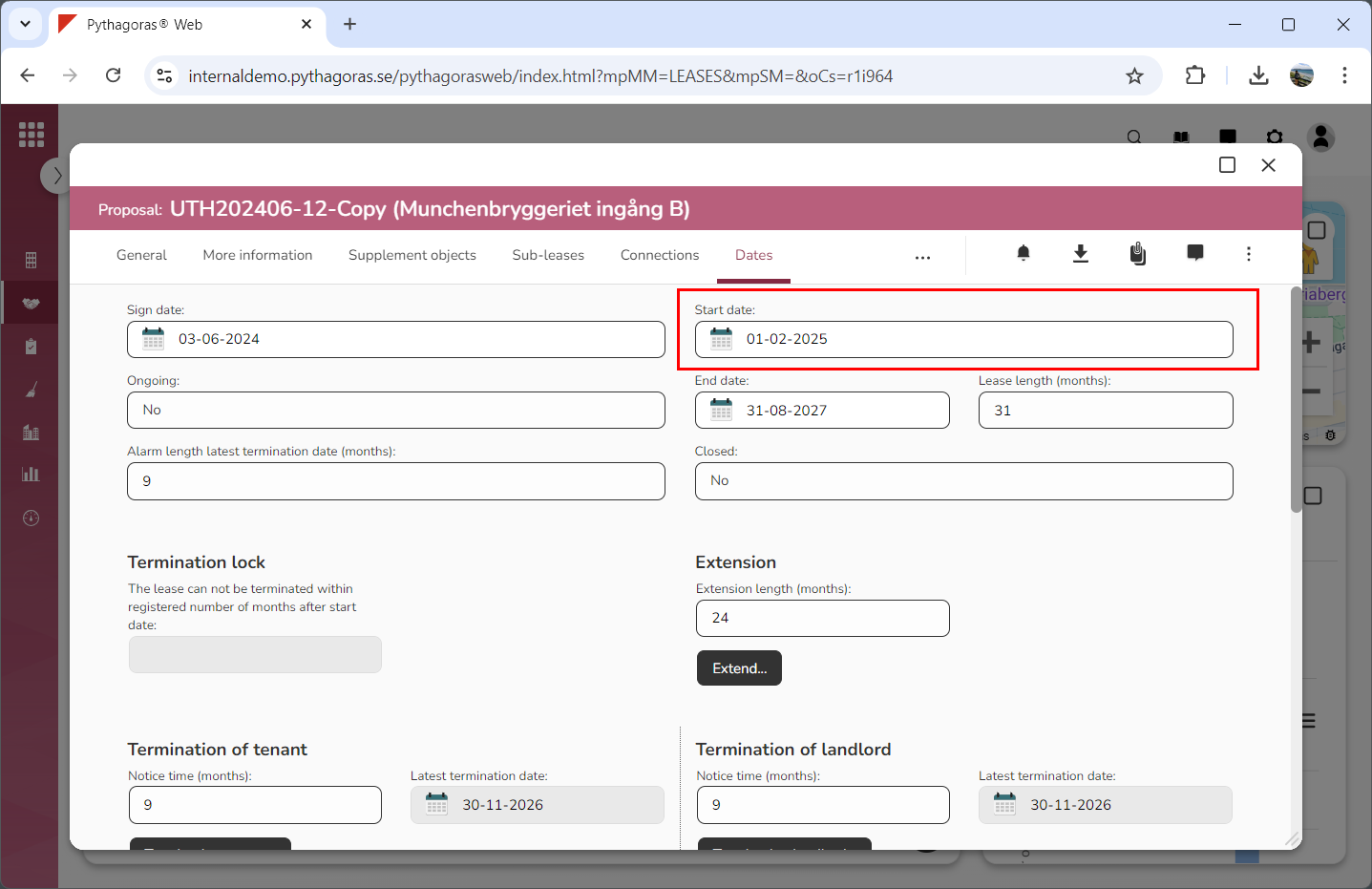
Set a start date for the lease you are working with by clicking the field "Start date" and then selecting a start date in the calendar that opens (see image below).