Set a landlord for a lease
To set a landlord for a lease:
-
Open a lease. For more information on how to do so, see section 4.6. or 6.1.
-
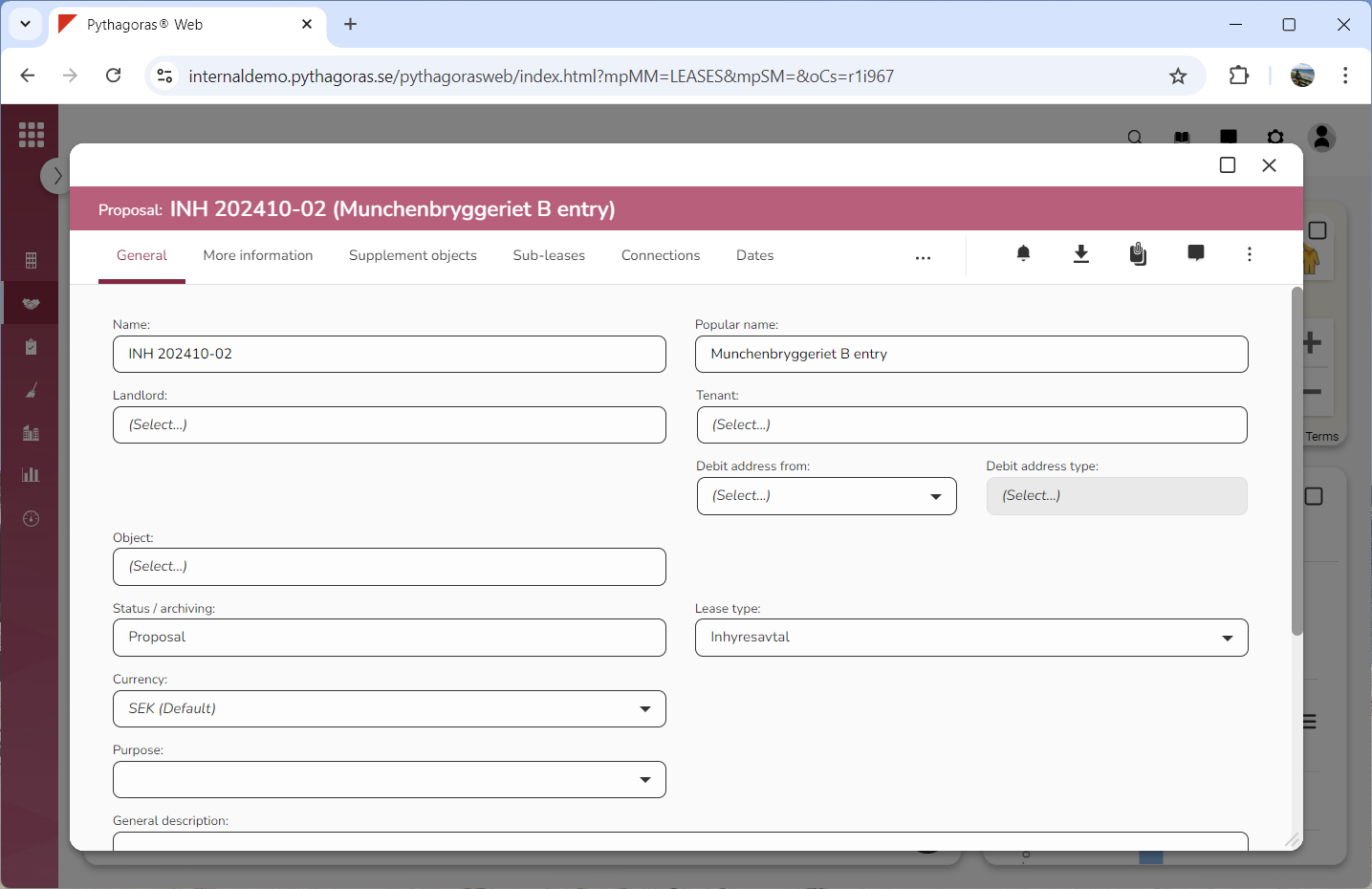
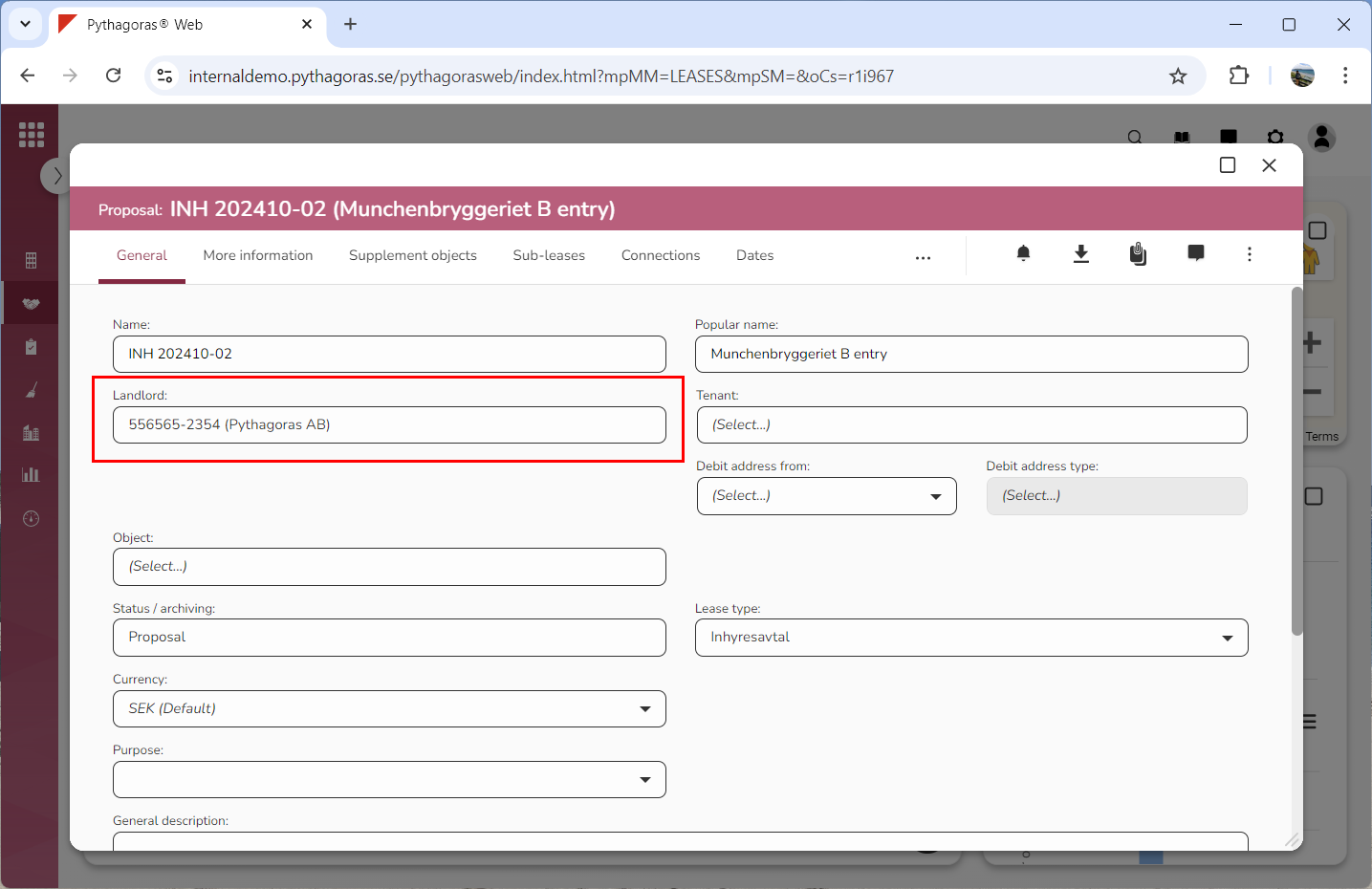
Go to the lease card (see image below).
-
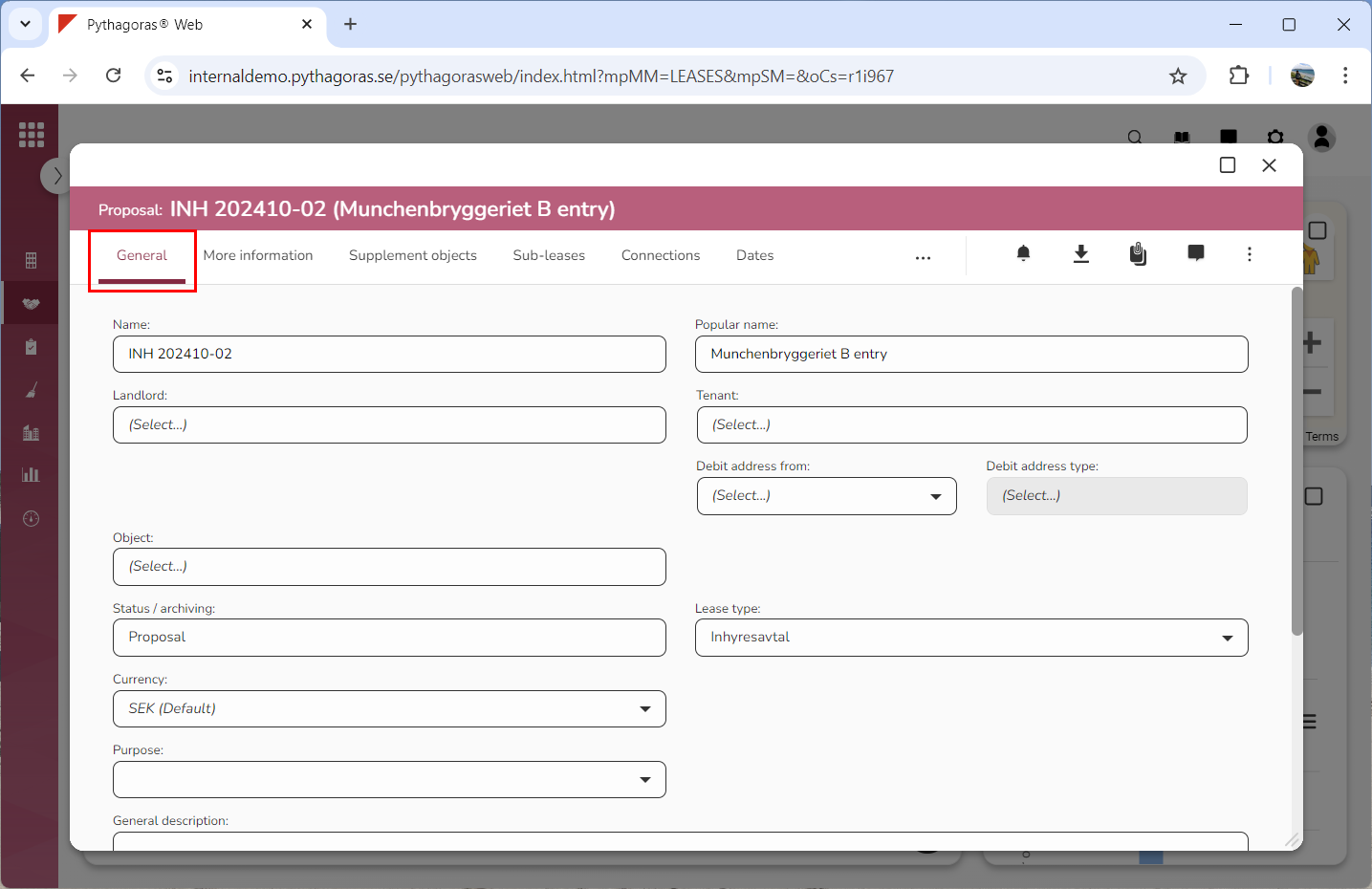
Click the tab called "General" (see image below).
-
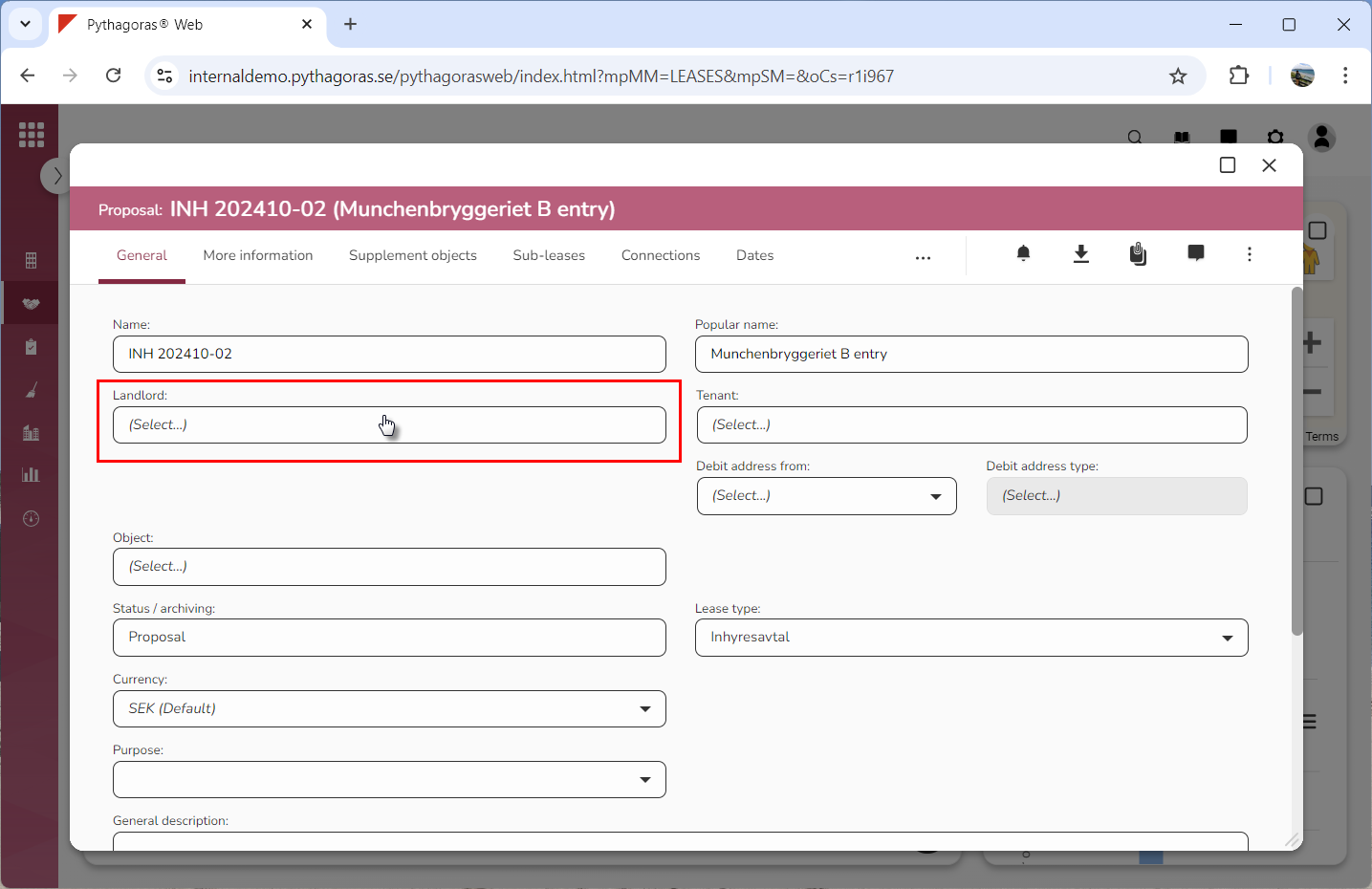
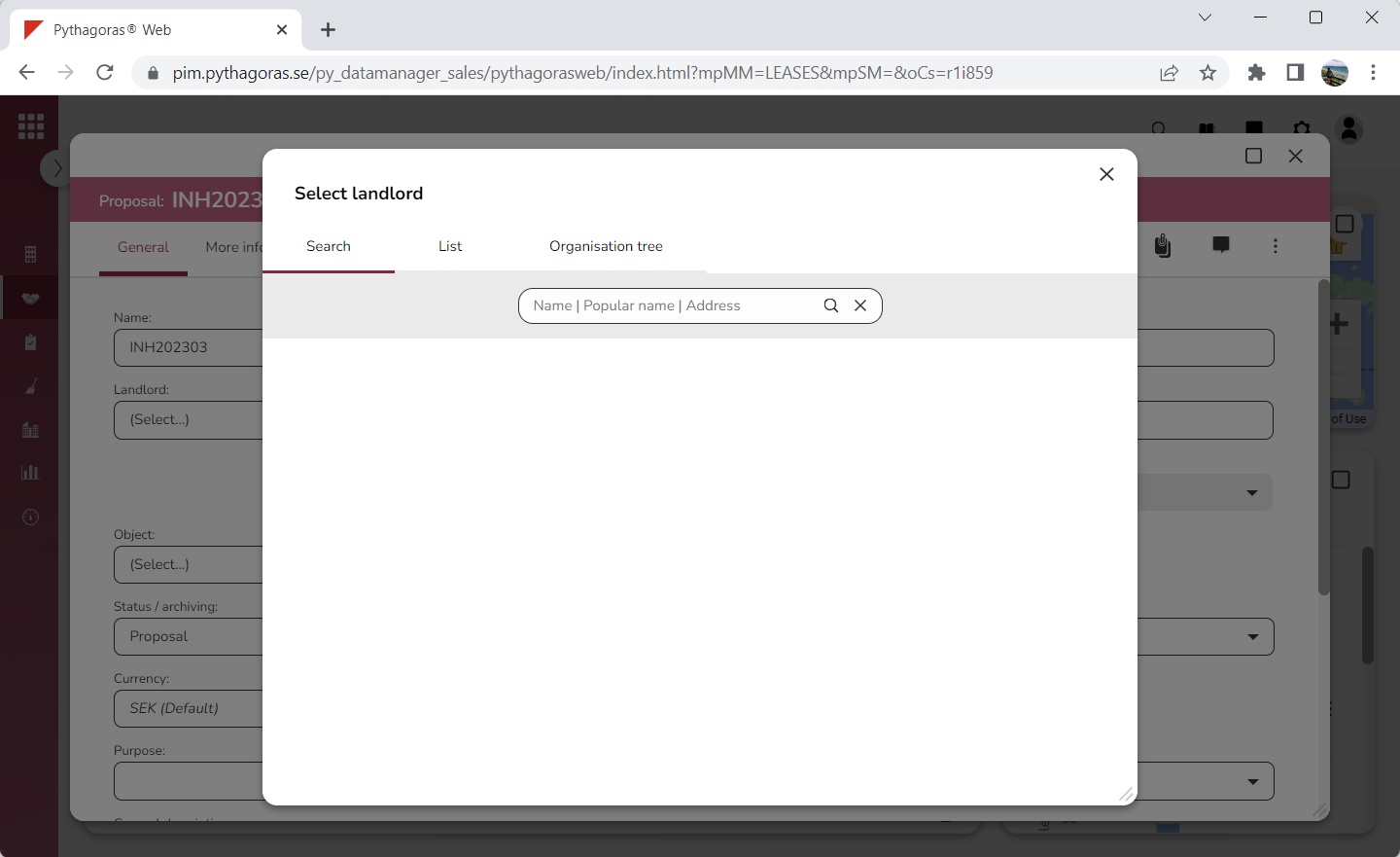
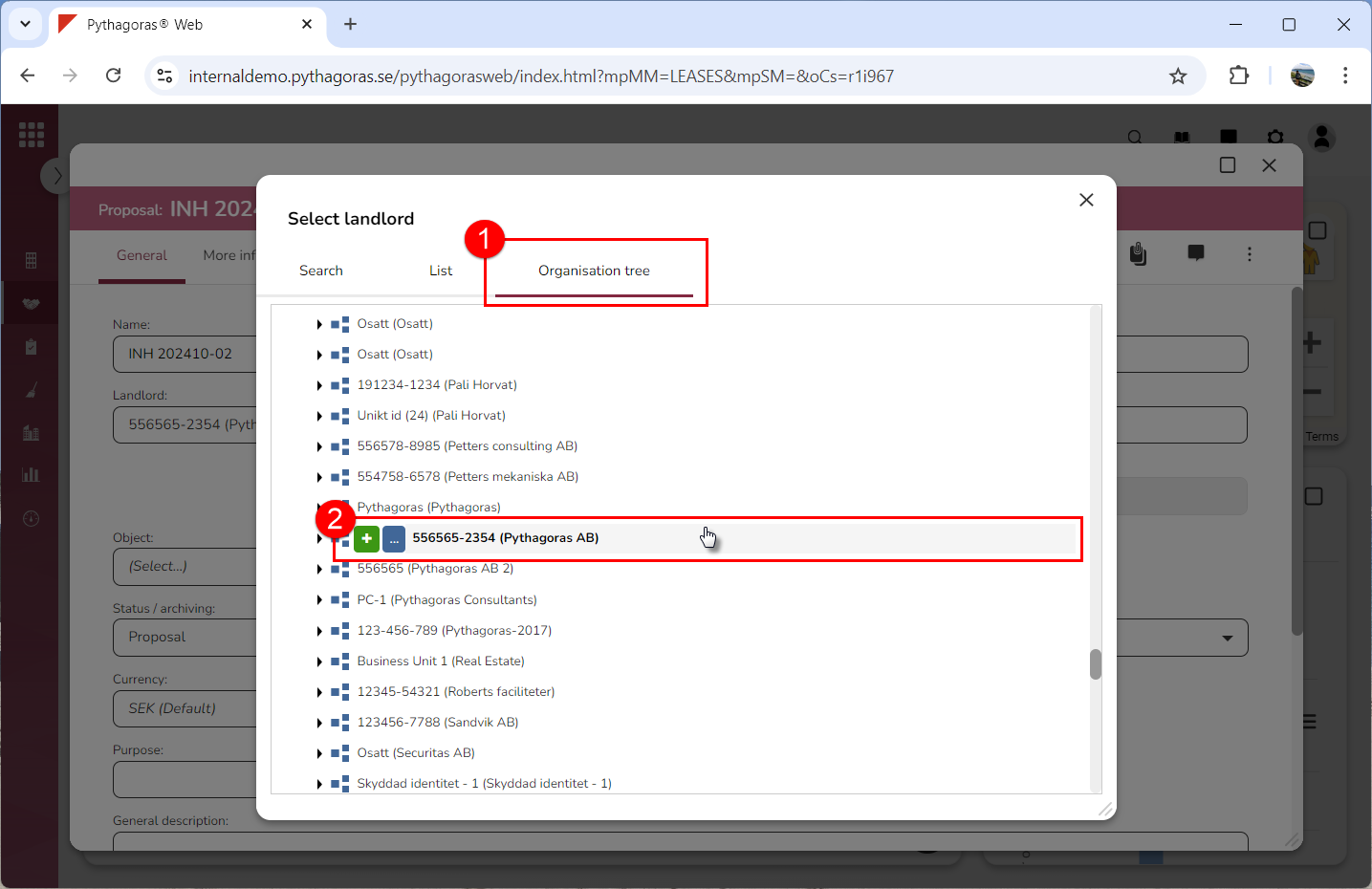
Click the field "Landlord" (see the first image below). When you do so, a window called "Select landlord" will open (see the second image below).
-
Go to the window called "Select landlord".
-
Set a landlord for the lease you are working with:
-
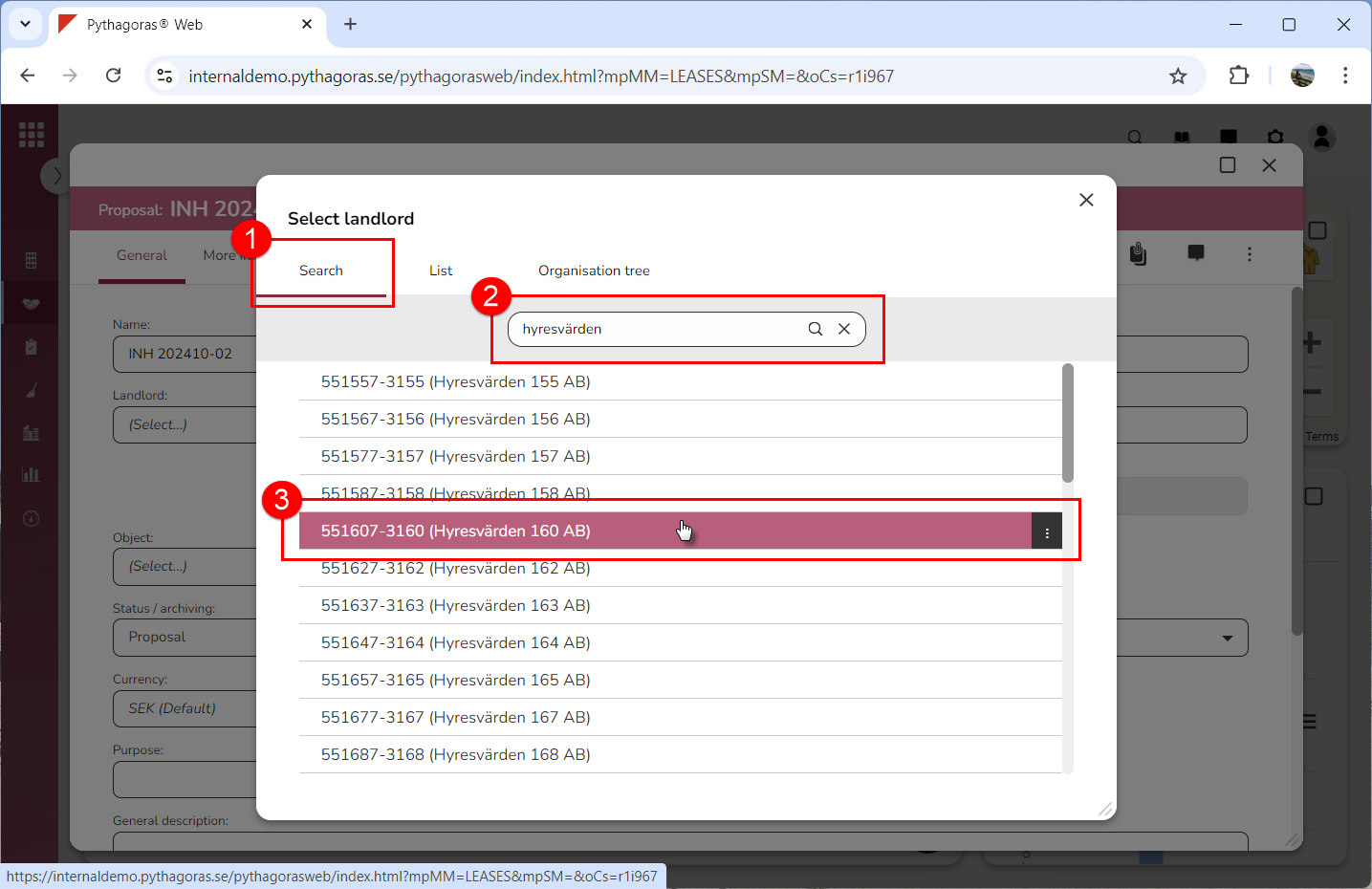
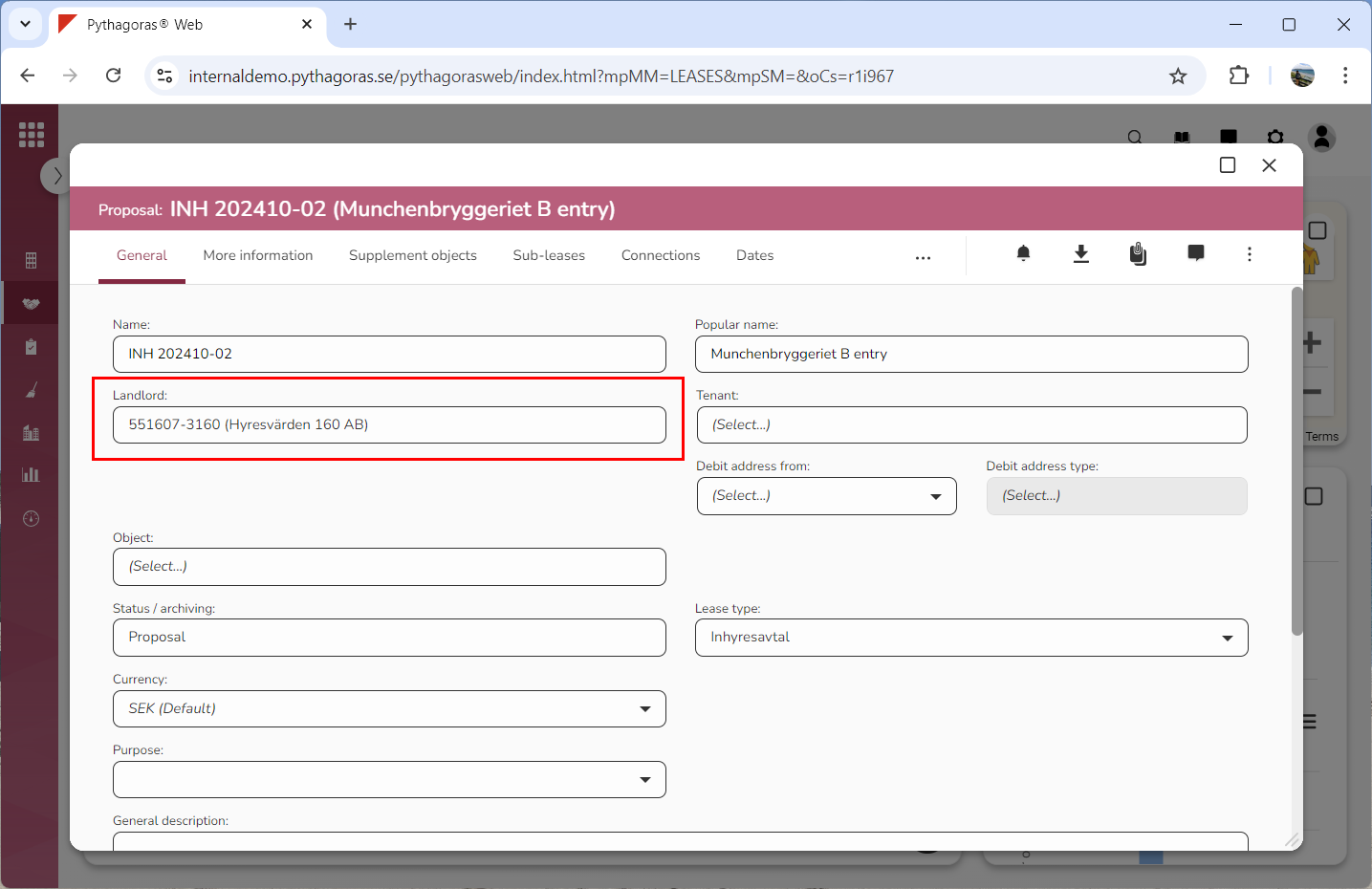
Click the tab called "Search", perform a search and select an organisation among your search results (see images below)
-
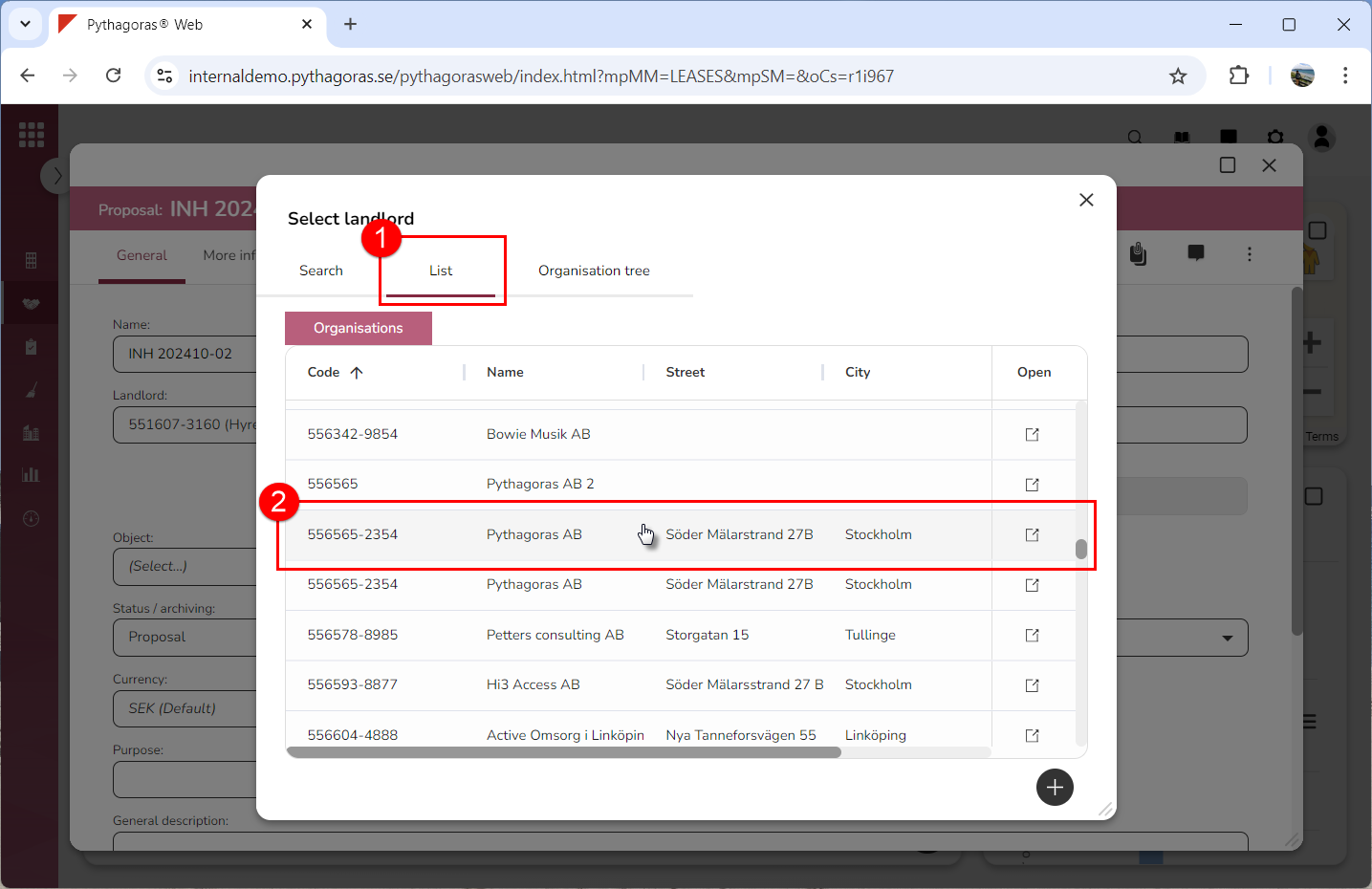
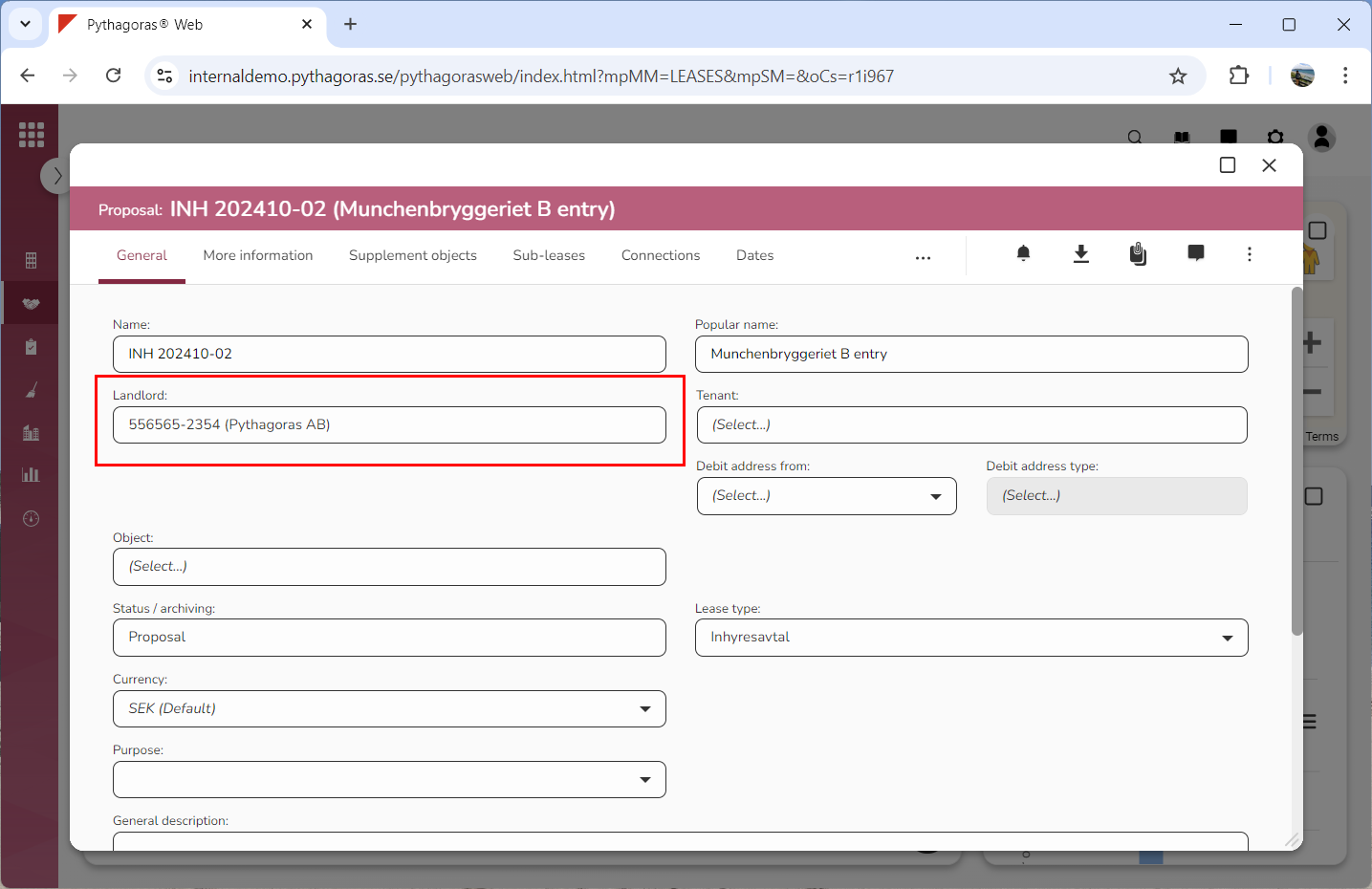
Click the tab called "List" and select an organisation in the list of organisations (see images below).
-
Click the tab called "Organisation tree" and select an organisation in the organisation tree (see images below).