Via the field "Protected description" you can set a protected description for a lease. Note that only people with specific permissions in Leases will be able to view the protected description.
To set a protected description for a lease:
Open a lease. For more information on how to do so, see section 4.6. or 6.1.
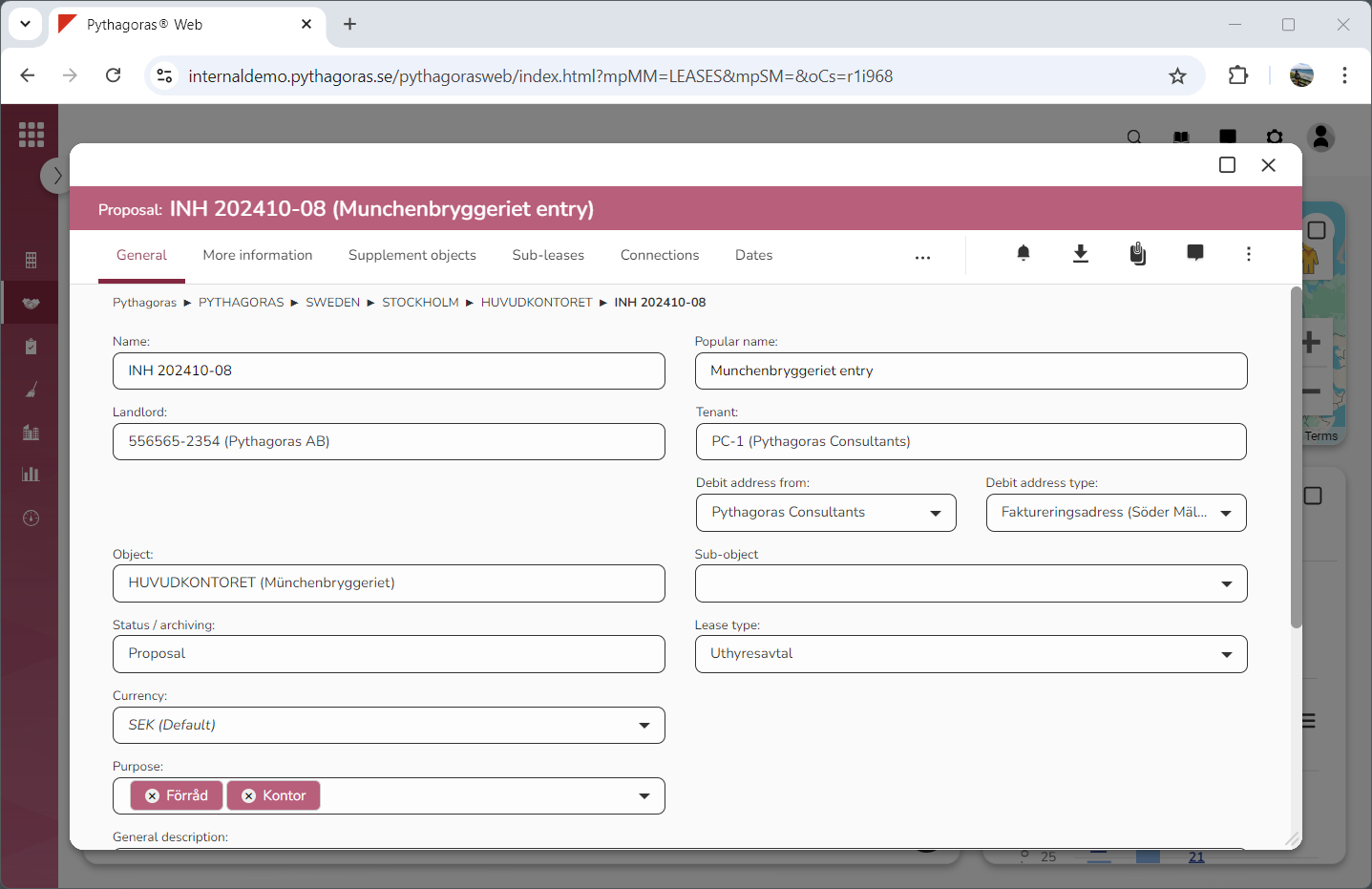
Go to the lease card (see image below).
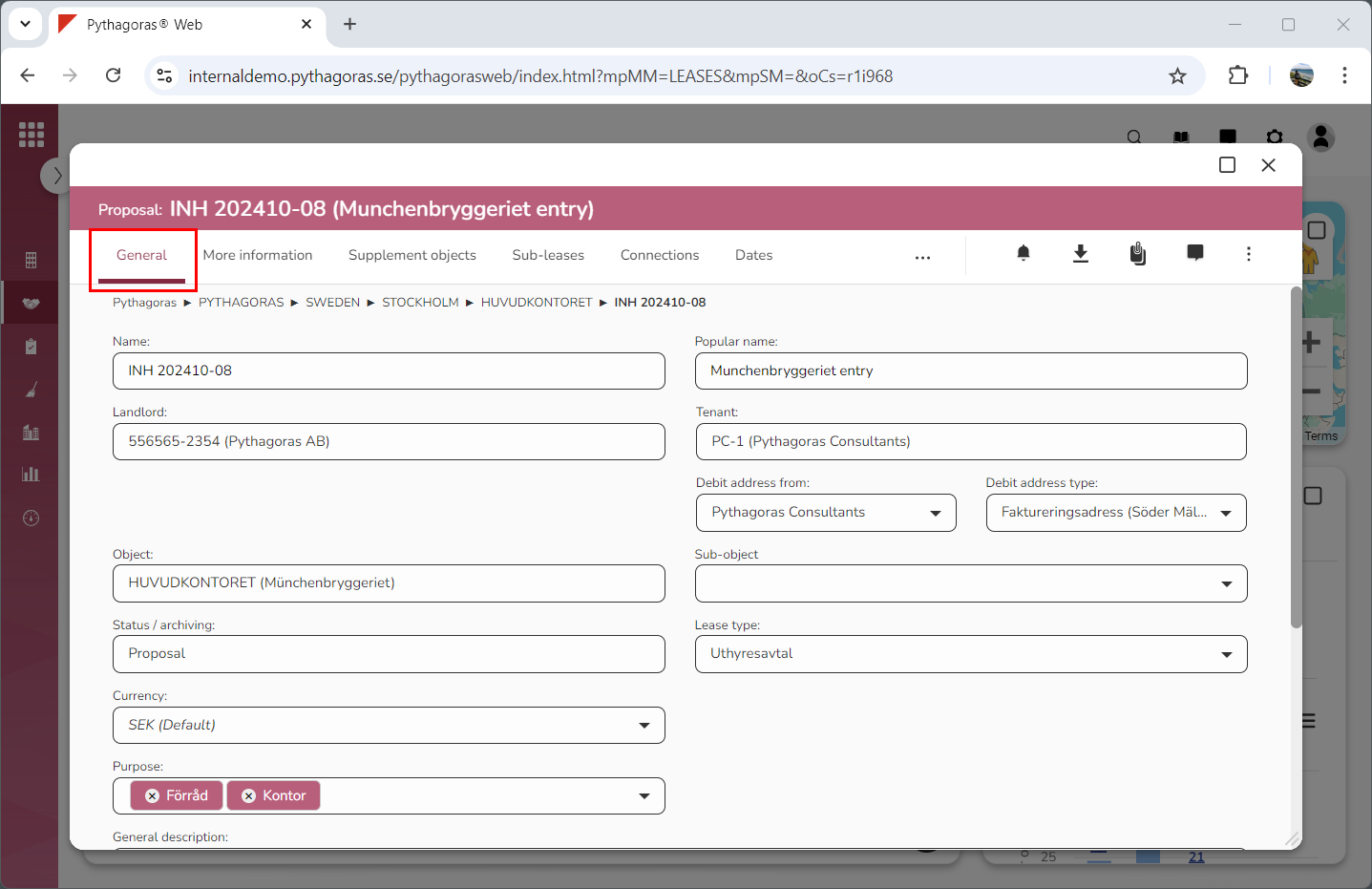
Click the tab called "General" (see image below).
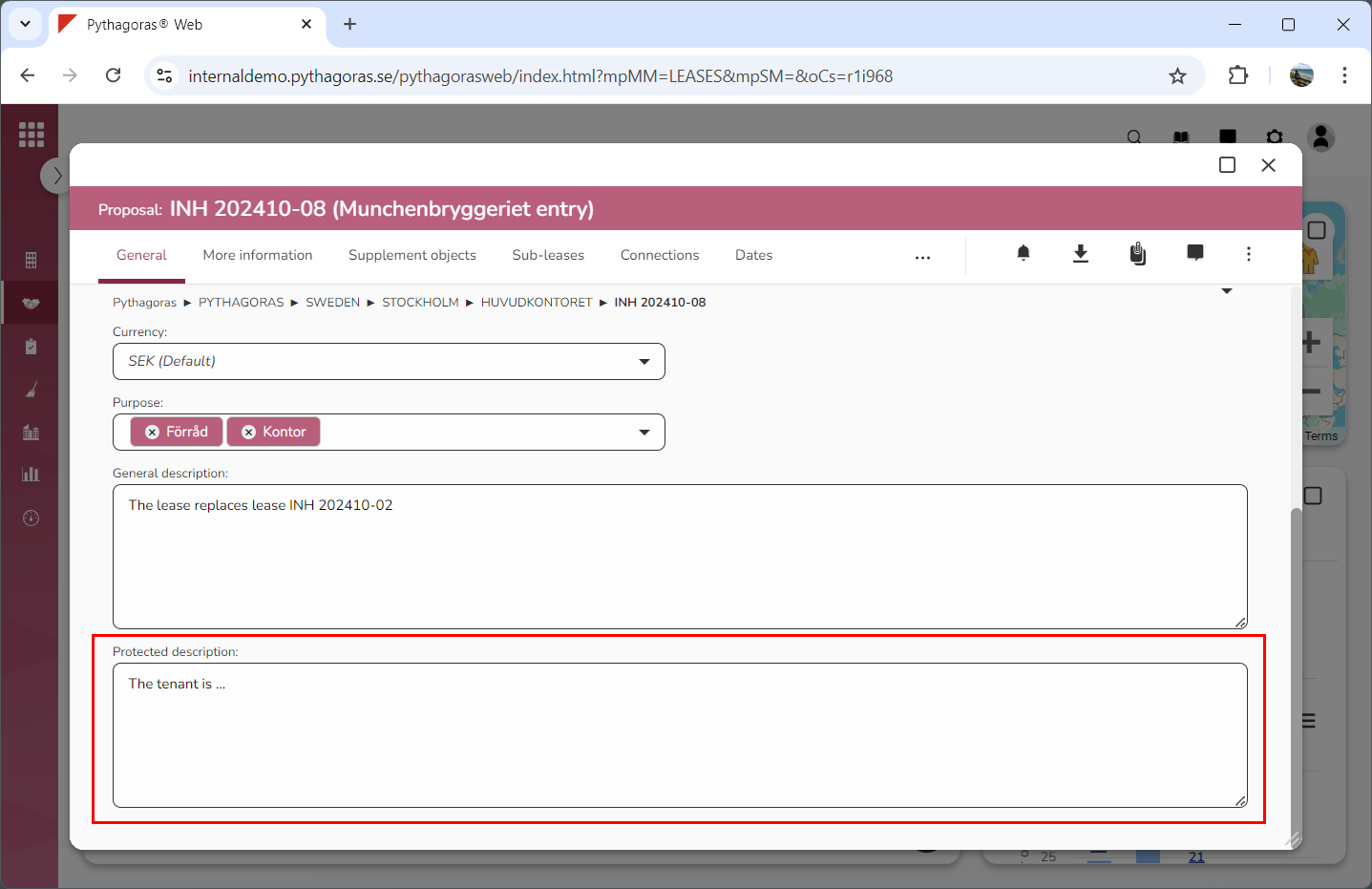
Set a protected description for the lease you are working with by writing something in the field "Protected description" (see image below).