Open a lease. For more information on how to do so, see section 4.6. or 6.1.
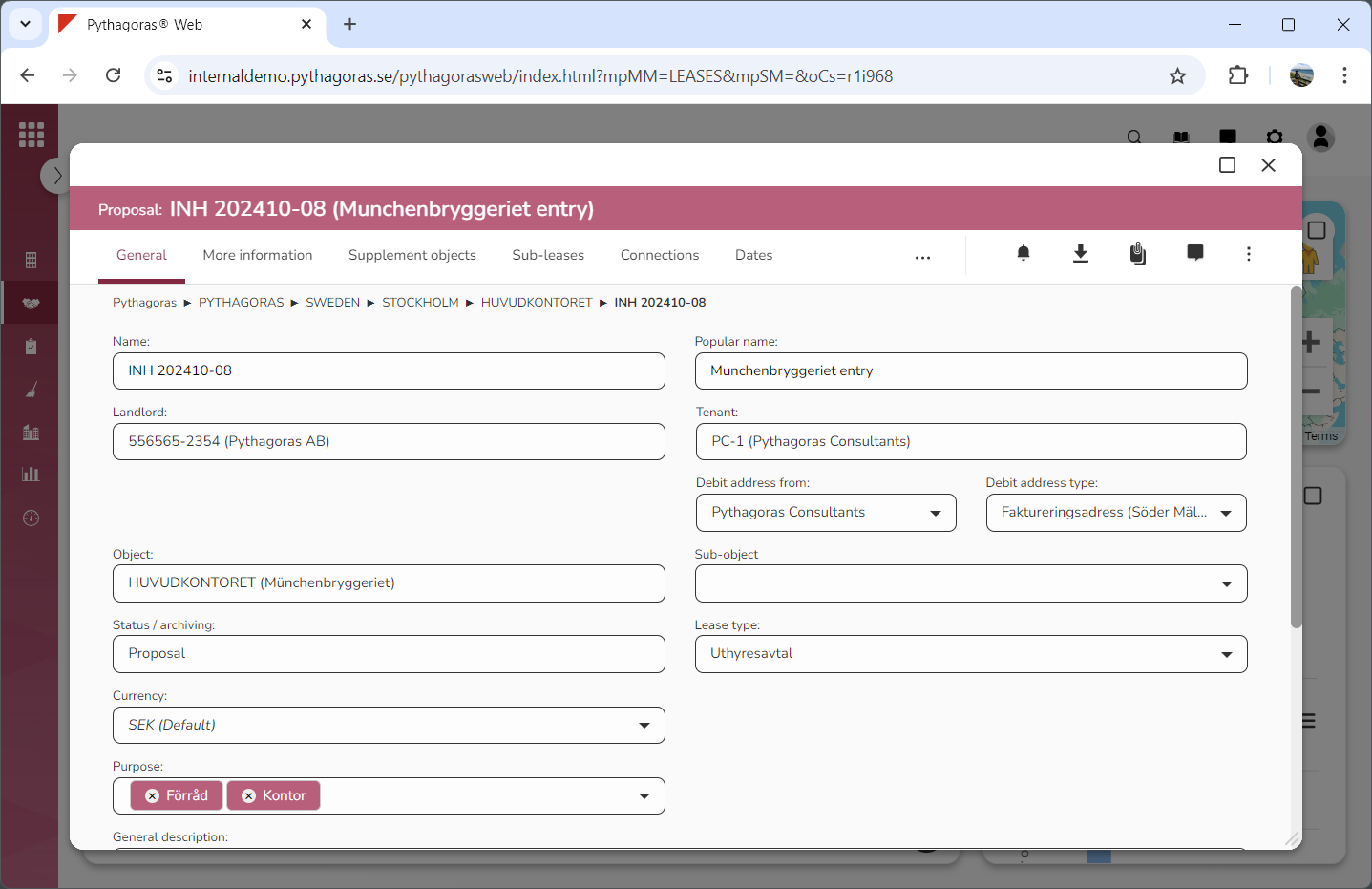
Go to the lease card (see image below).
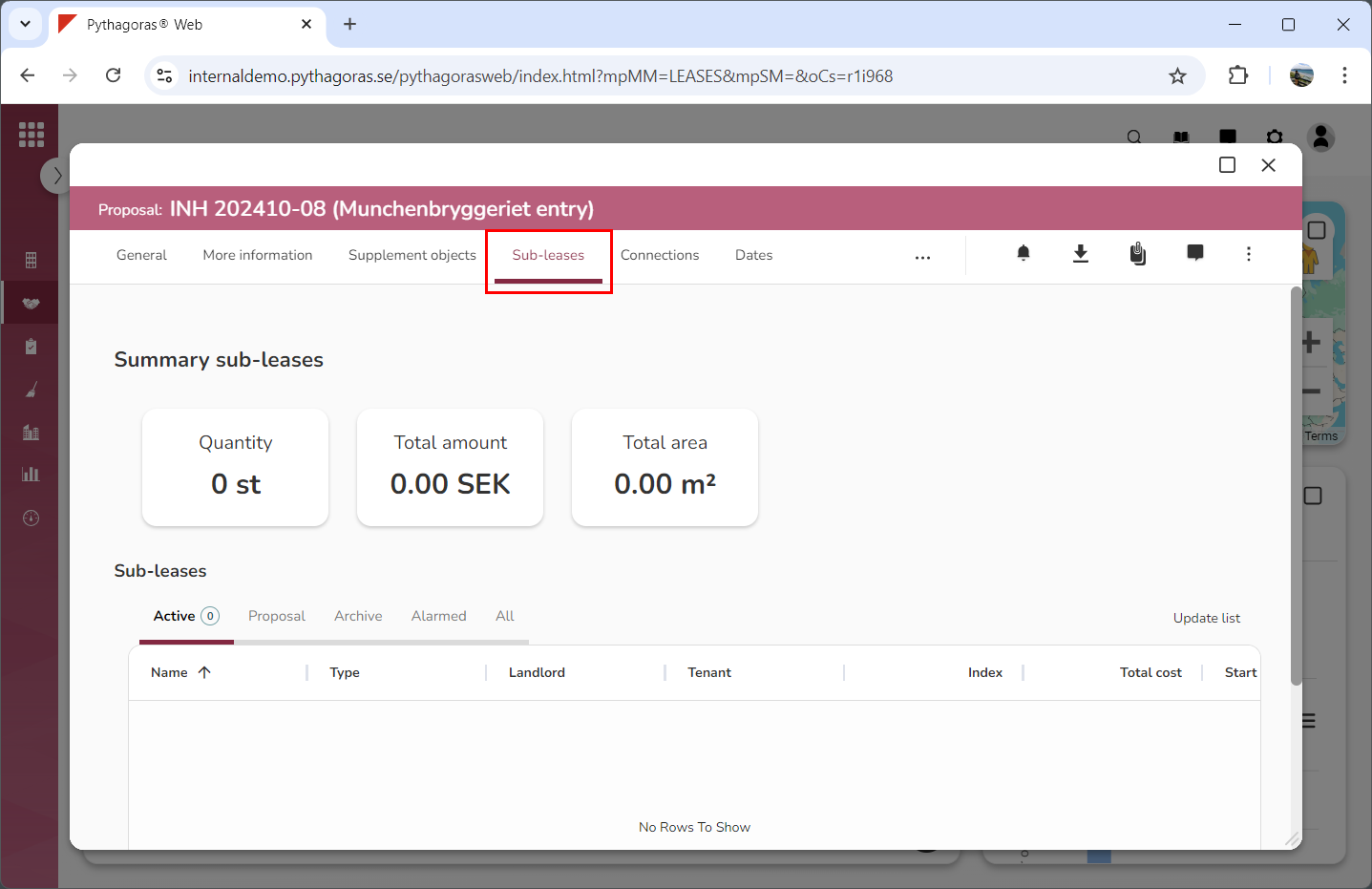
Click the tab called "Sub-leases" (see image below). Within the tab called "Sub-leases" you will find a list of sub-leases associated with the lease you are working with. If there are no sub-leases associated with the lease you are working with, the sub-leases list will be empty.
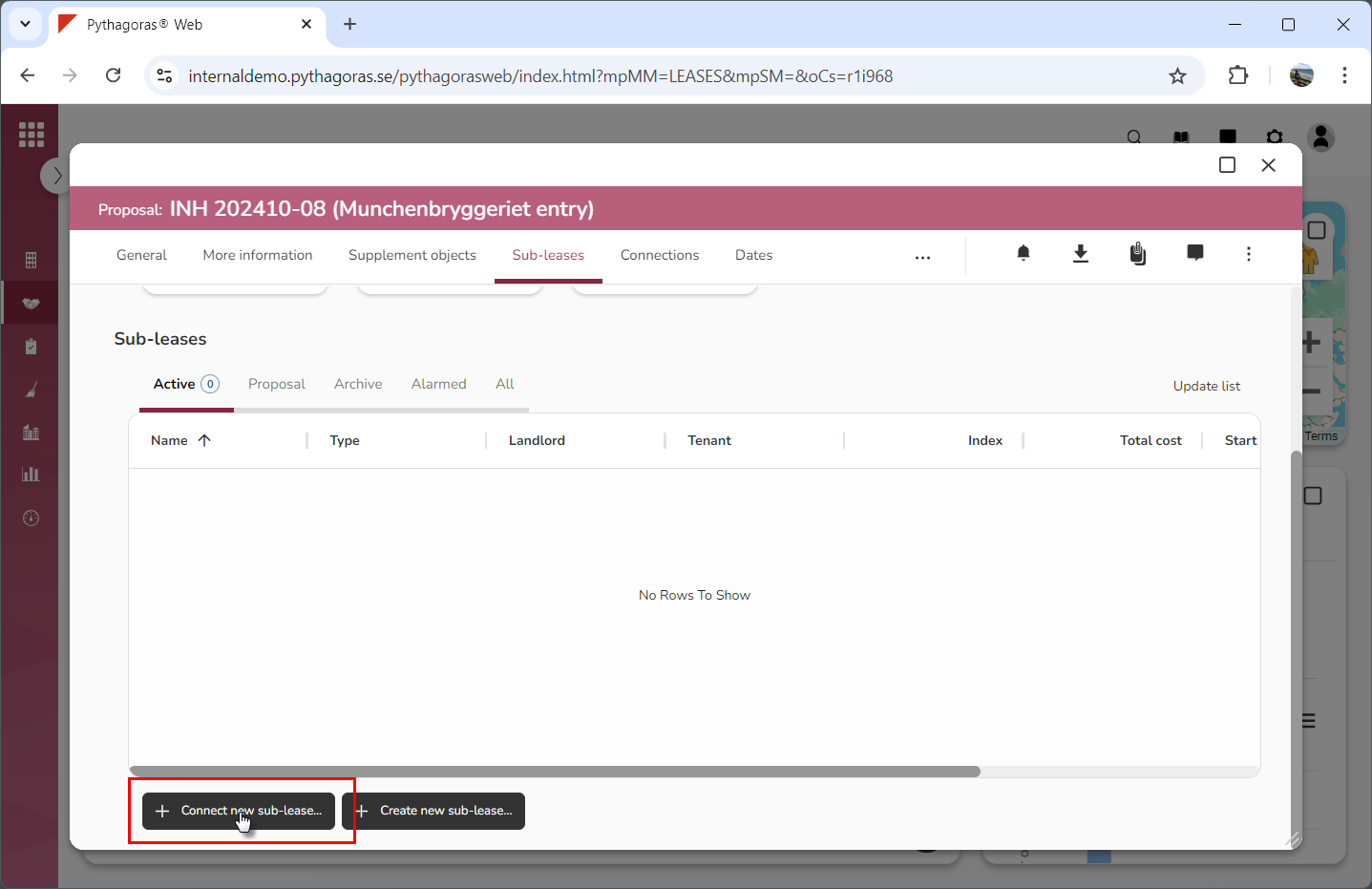
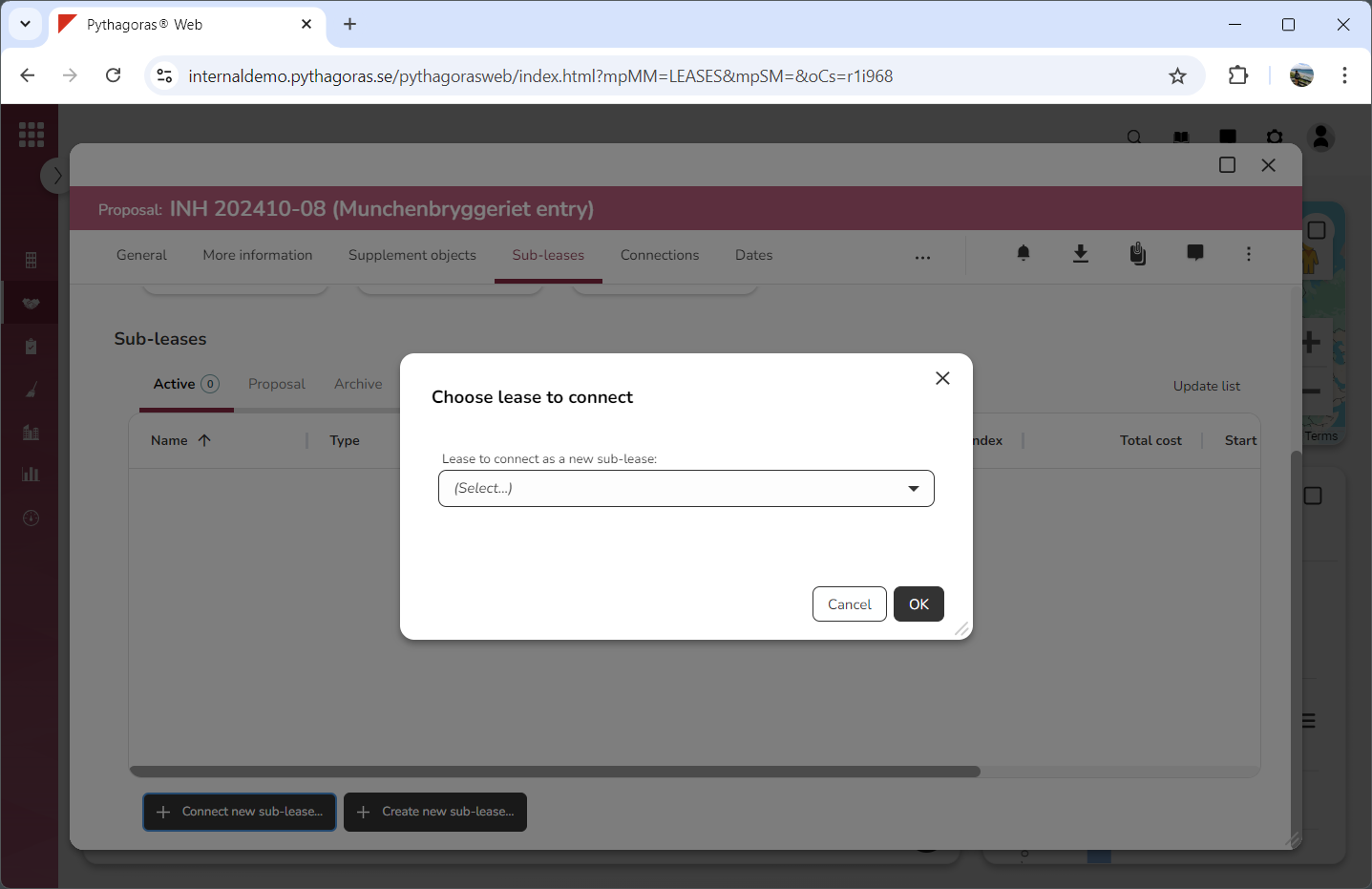
Click "Connect new sub-lease" (see the first image below). When you do so, a window called "Choose lease to connect" will open (see the second image below).
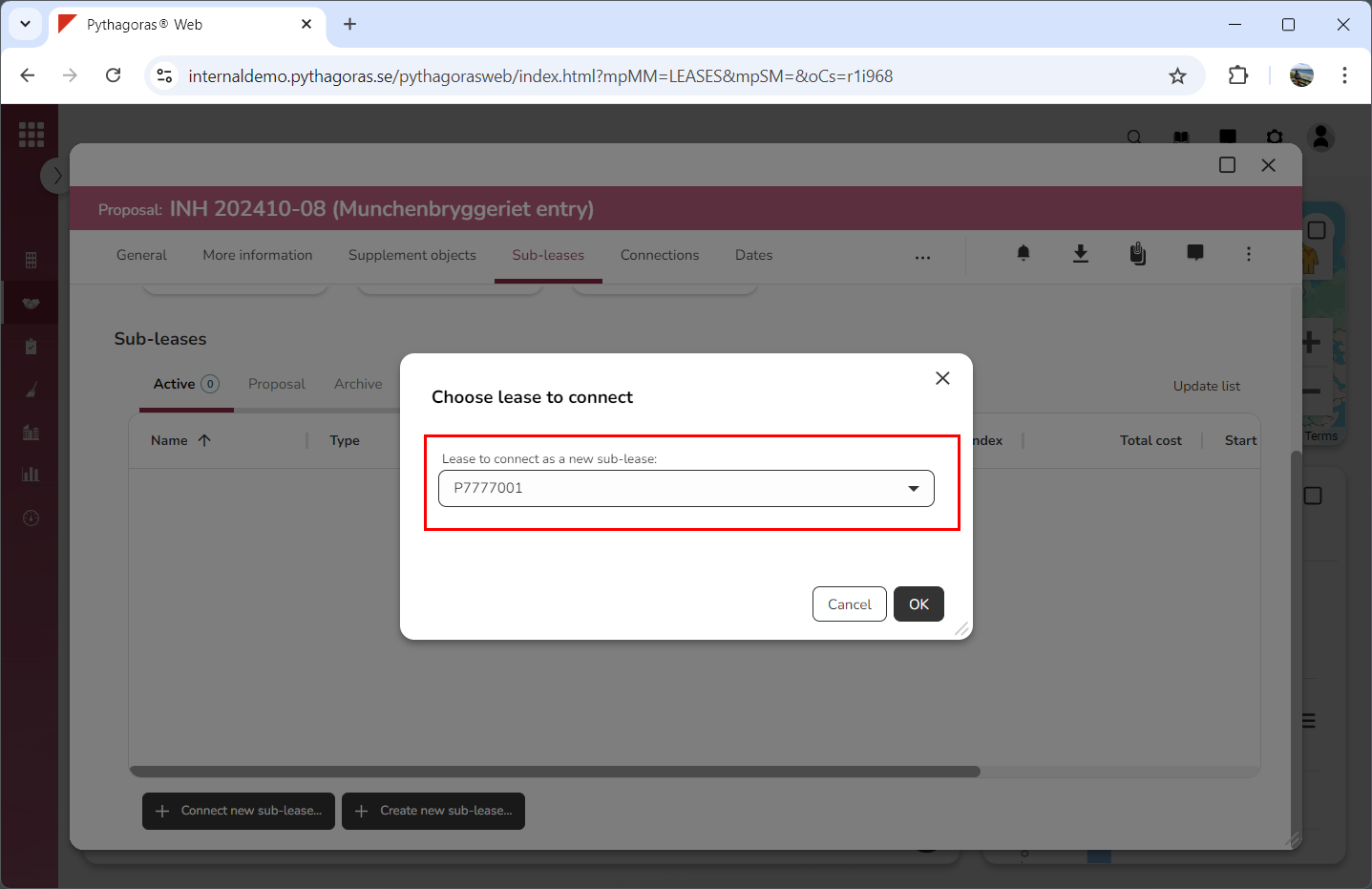
Go to the window called "Choose lease to connect".
Select which lease should act as the sub-lease to the lease you are working with by clicking the field "Lease to connect as a new sub-lease" and then selecting a lease in the list that opens (see image below).
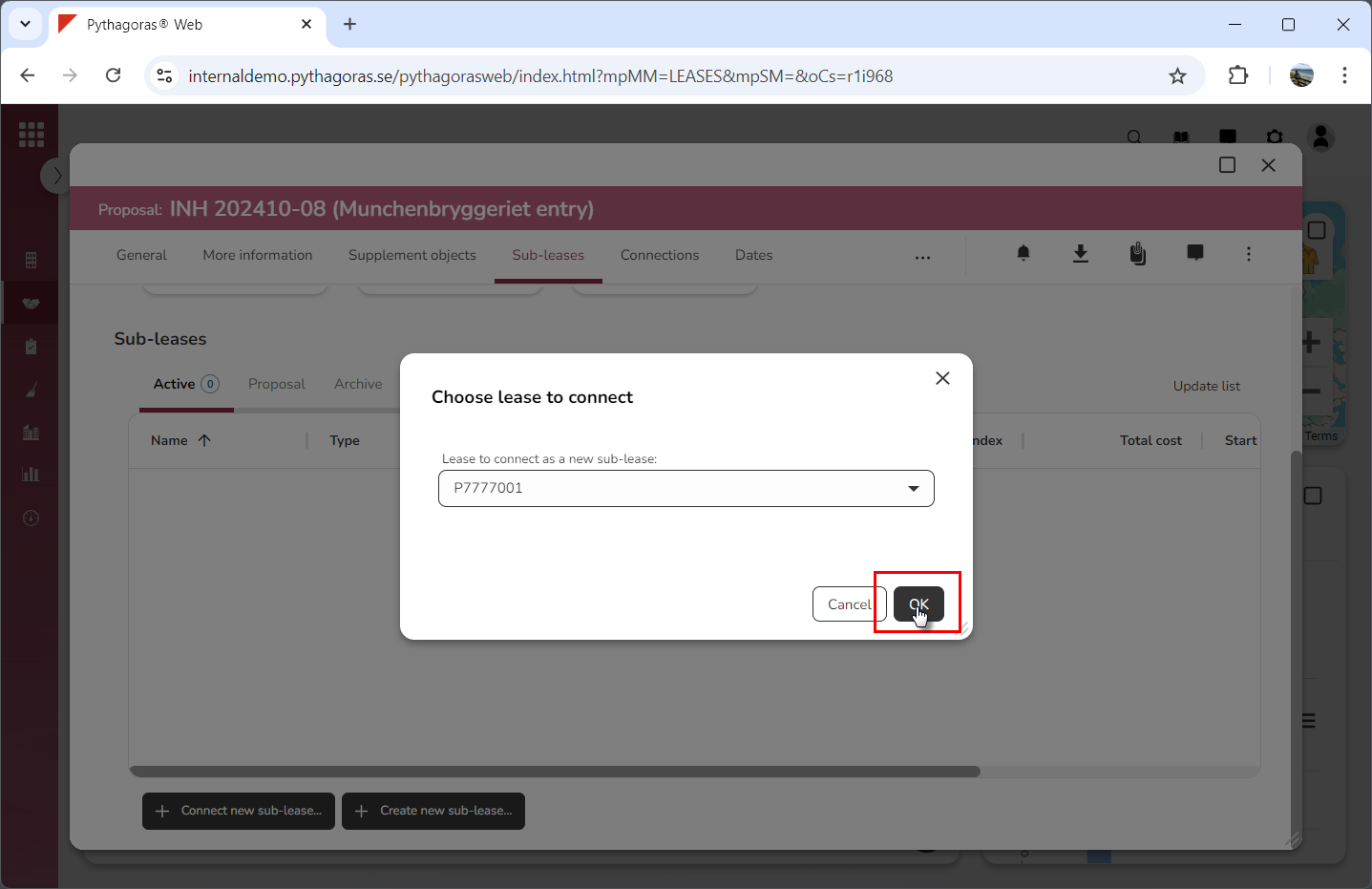
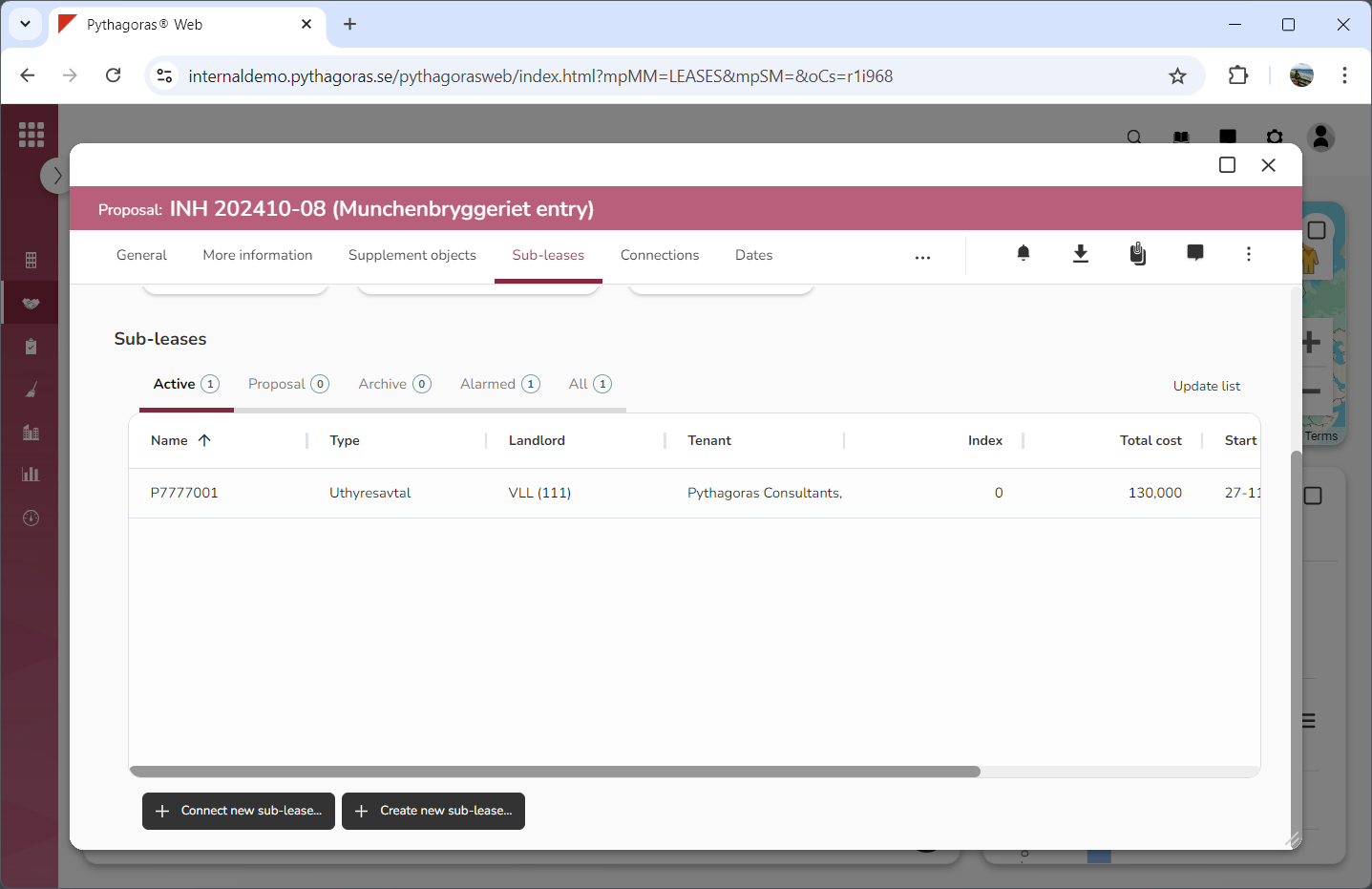
Click "OK" (see the first image below). When you do so, the selected lease will become connected to the lease you are working with, which means it will be converted into a sub-lease and become available in the sub-leases list (see the second image below).