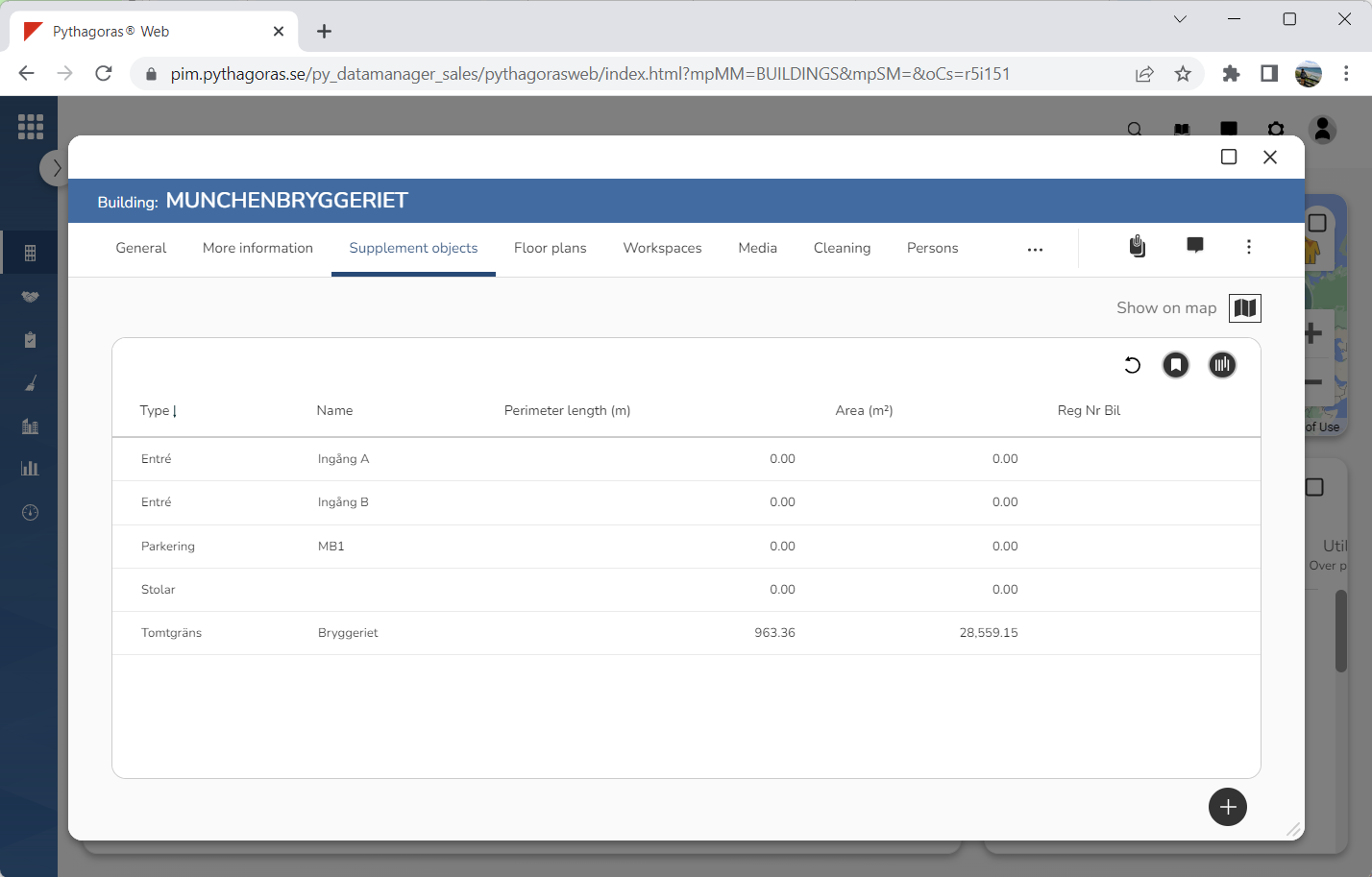
Within the tab called "Supplement objects" you will find a list of supplement objects that are linked to a building (see image below). In the list of supplement objects you will find a number of columns. The columns found in the supplement objects list depend on view shown.
Via the tab called "Supplement objects" you can:
link supplement objects to a building
open the supplement objects that are linked to a building
work with the settings for the supplement objects linked to a building
show supplement objects on the map in the building card
filter the supplement objects list
create view reports for the supplement object list
remove supplement objects from Pythagoras Web
manage views for the supplement objects list.
For more information on how to:
link a supplement object to a building, see section 8.3.1.
open a supplement object that is linked to a building, see section 8.3.2.
work with the settings for a supplement object linked to a building, see section 8.3.3.
show supplement objects on the map in the building card, see section 8.3.4.
filter the supplement objects list, see section 8.3.5.
create a view report for the supplement object list, see section 8.3.6.
remove a supplement object from Pythagoras Web, see section 8.3.7.
manage views for a list such as the supplement objects list, see chapter 3 in this manual.