In order to set a blocking period for a lease object, the blocking period must be enabled for the status set for it. For more information on how to enable a blocking period for a lease object, go to section 11.3.7. Continue reading the section "Edit a status available in Pythagoras Web". Please note that if the lease object has an active leases linked to it, it will not be possible for you to set a blocking period during the period that the lease is active.
To set a blocking period for a lease object:
Open a lease object. For more information on how to do so, see section 11.1.
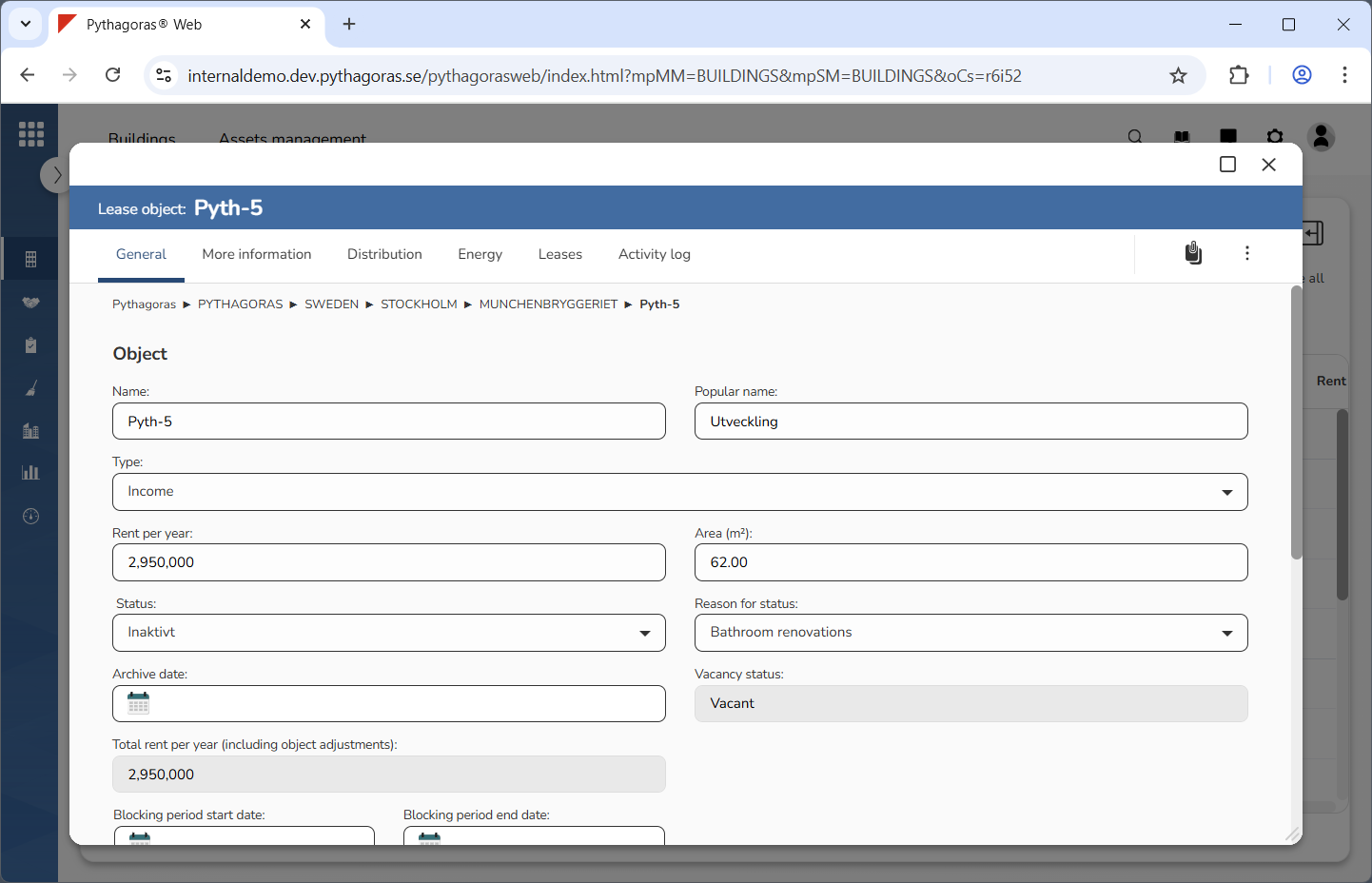
Go to the lease object card (see image below).
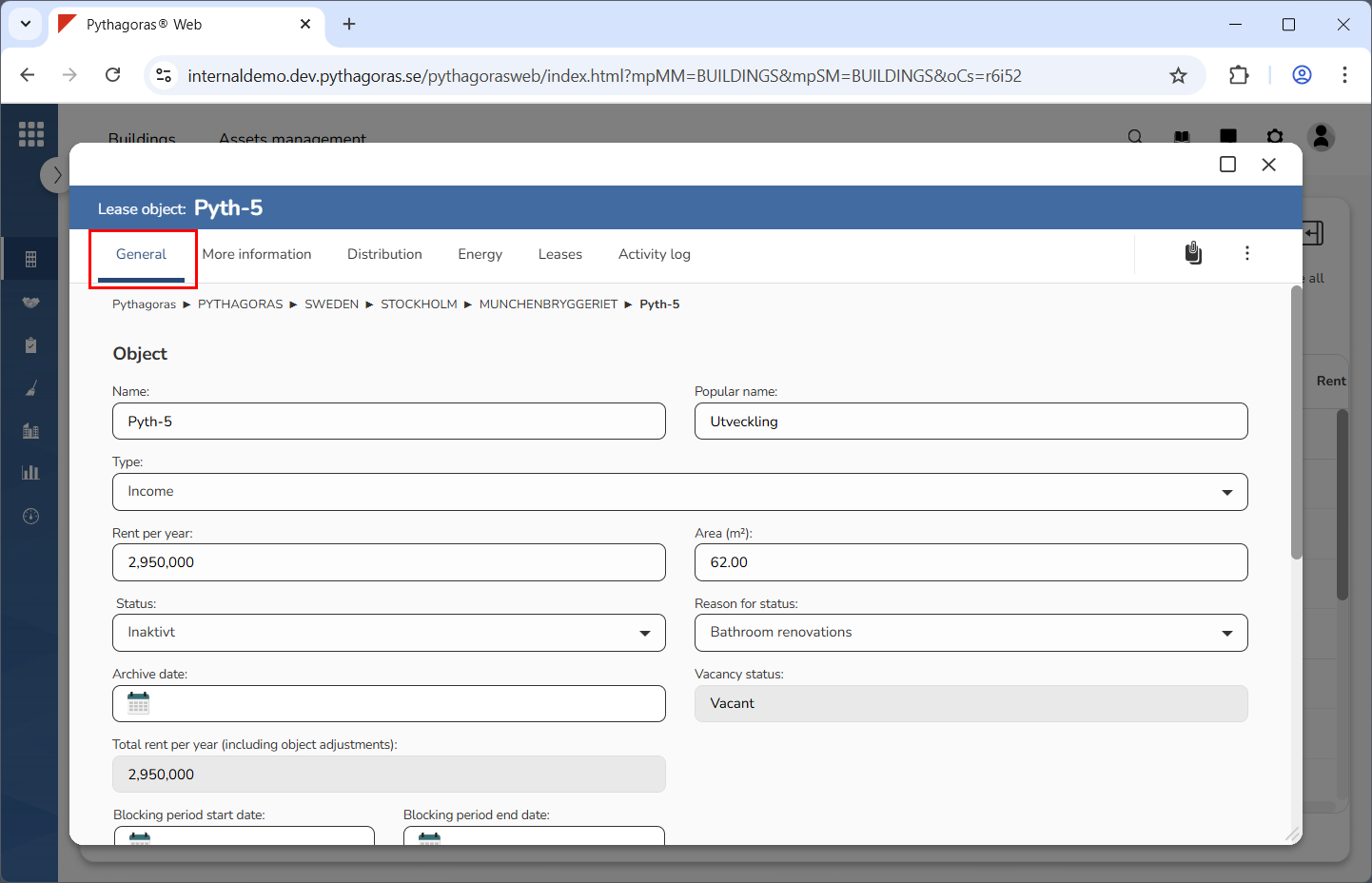
Click the tab called "General" (see image below).
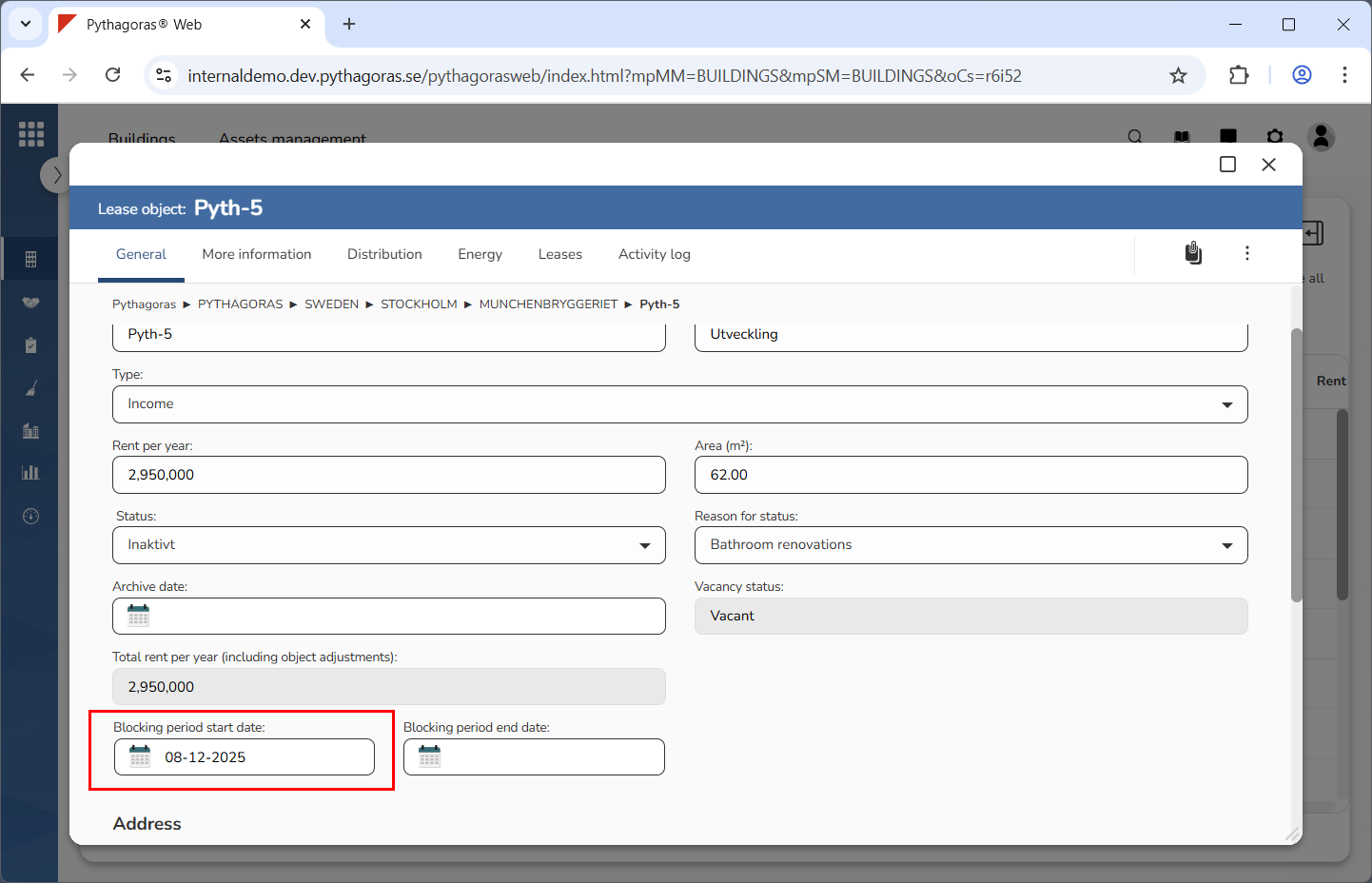
Specify when the blocking period for the lease object you are working with should start (see image below). Click the field "Blocking period start date". Select a start date in the calendar that opens.
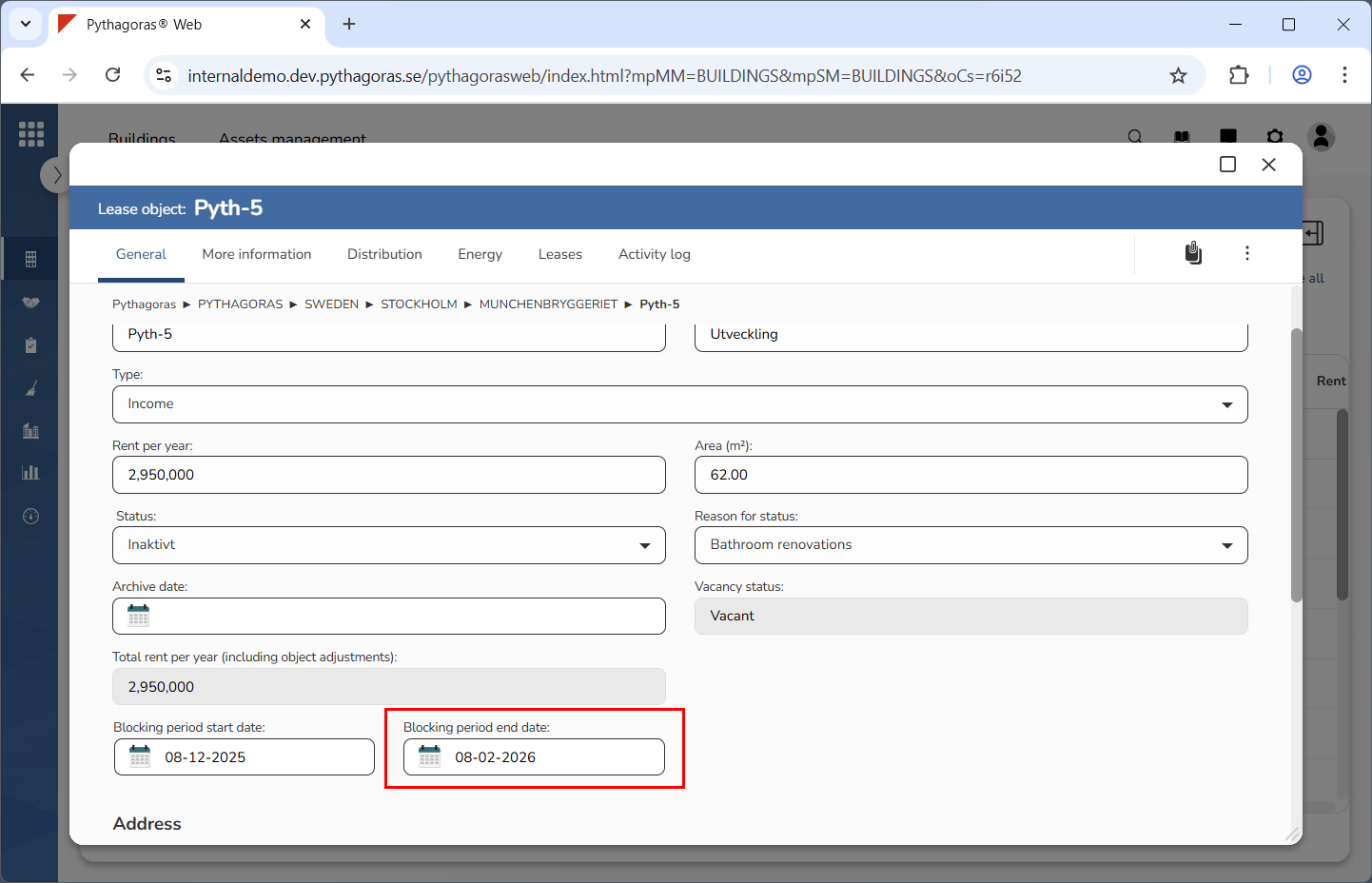
Specify when the blocking period for the lease object you are working with should end (see image below). Click the field "Blocking period end date". Select an end date in the calendar that opens.