Open a lease object. For more information on how to do so, see section 11.1.
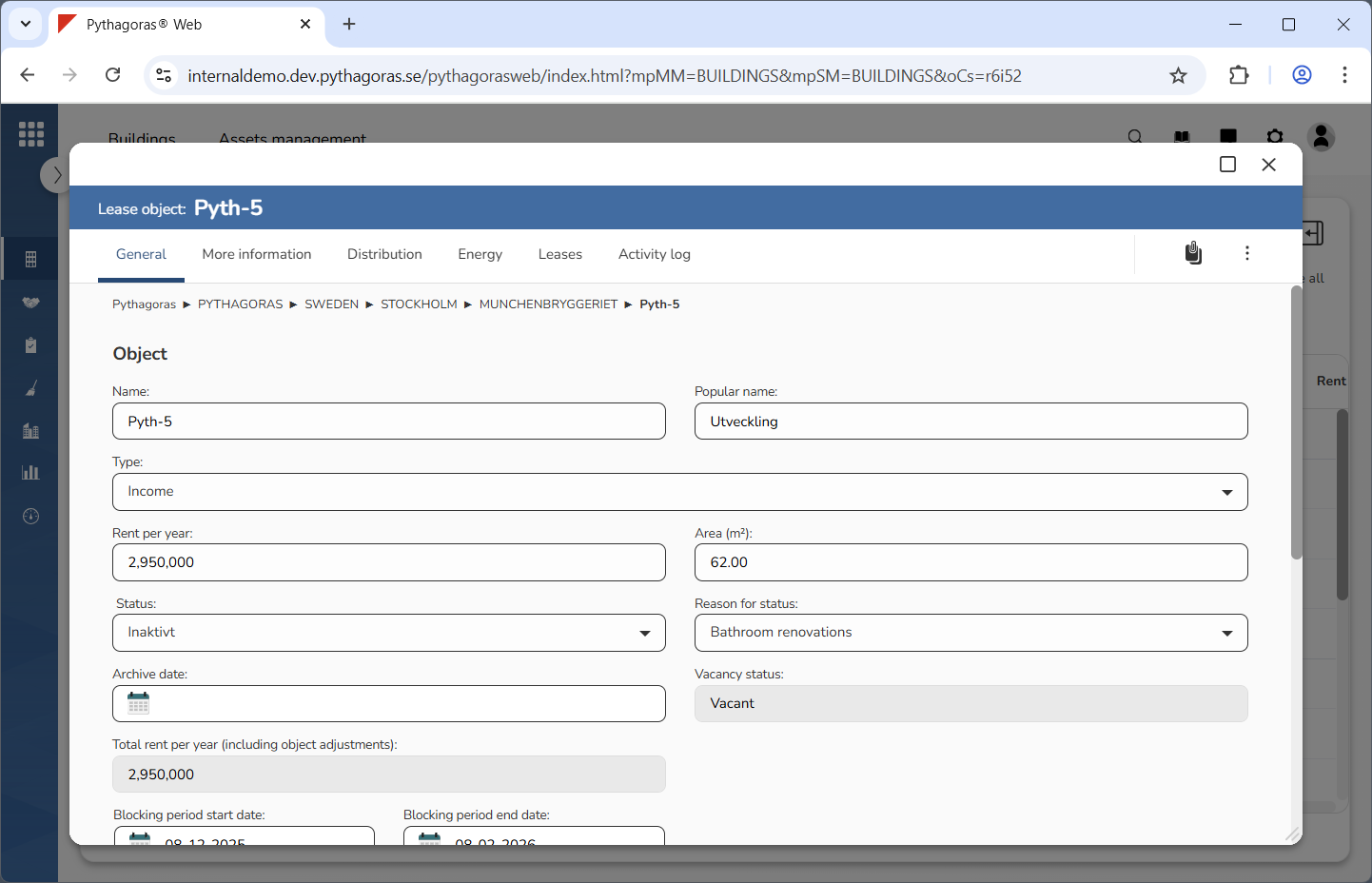
Go to the lease object card (see image below).
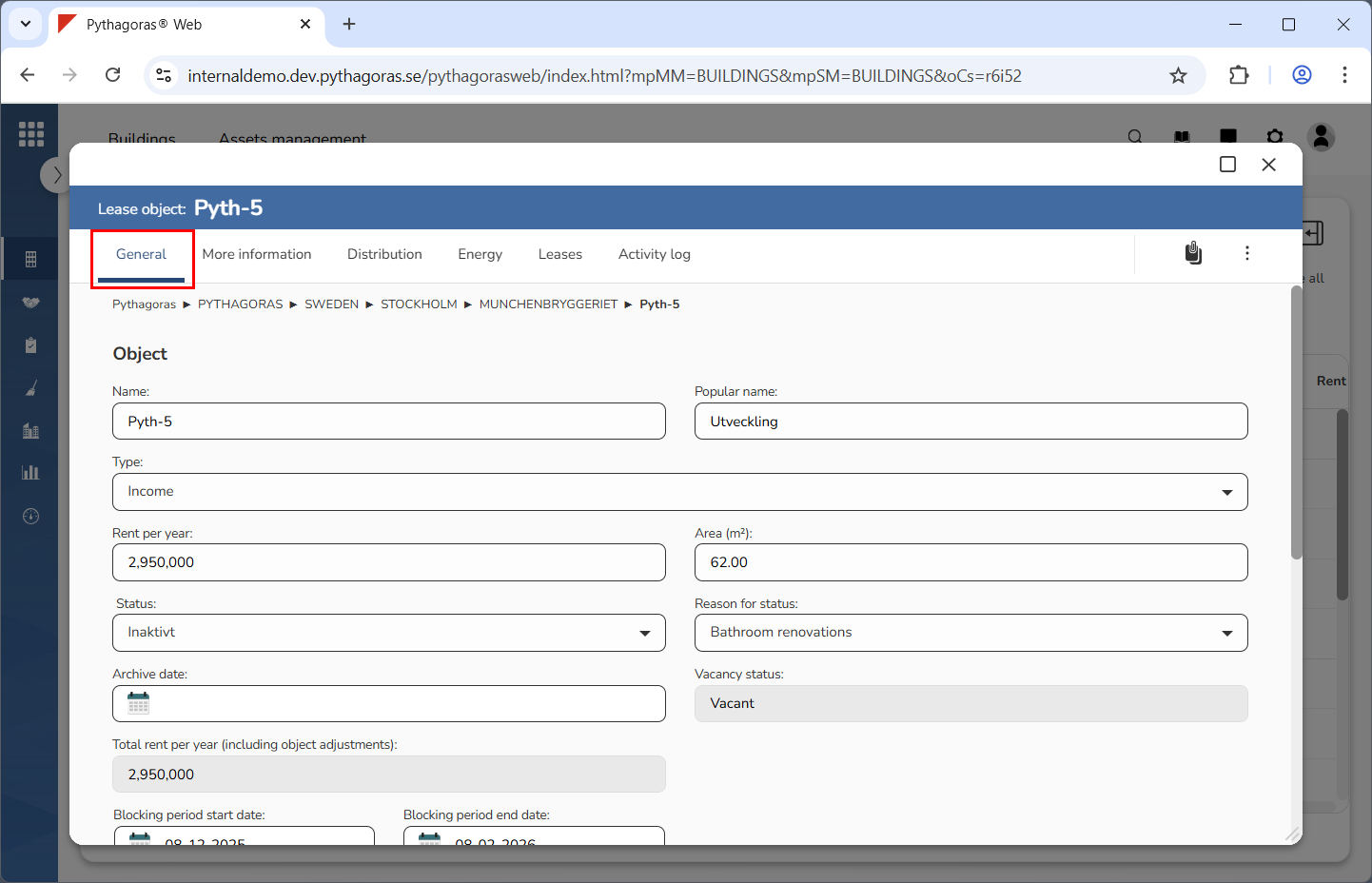
Click the tab called "General" (see image below).
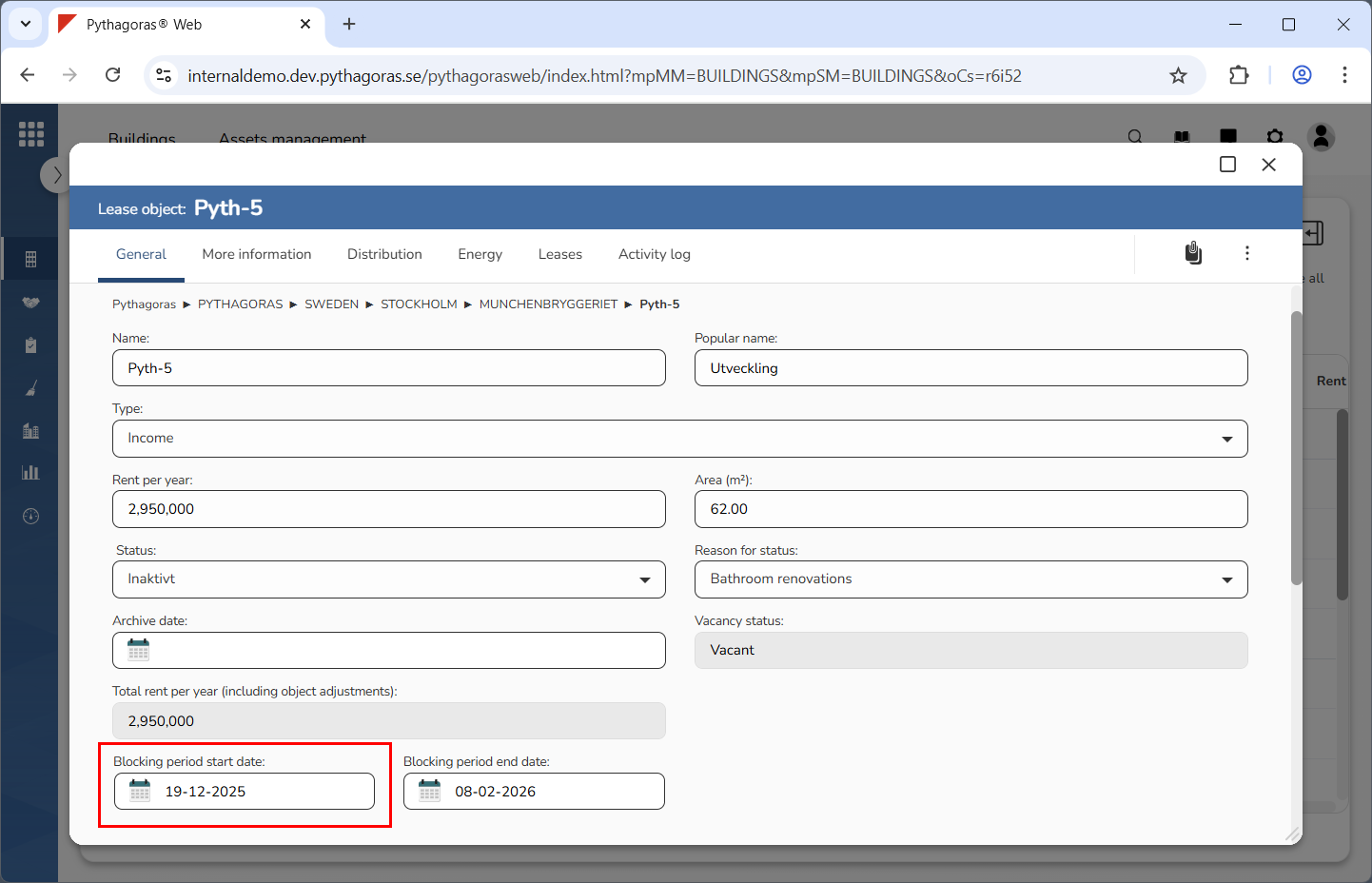
Edit the start date for the lease object you are working with (see image below). Click the field "Blocking period start date". Select a new start date for the blocking period in the calendar that opens. Finish by clicking "OK". If you do not wish to edit the start date for the blocking period, you can skip this step and go straight to step 5.
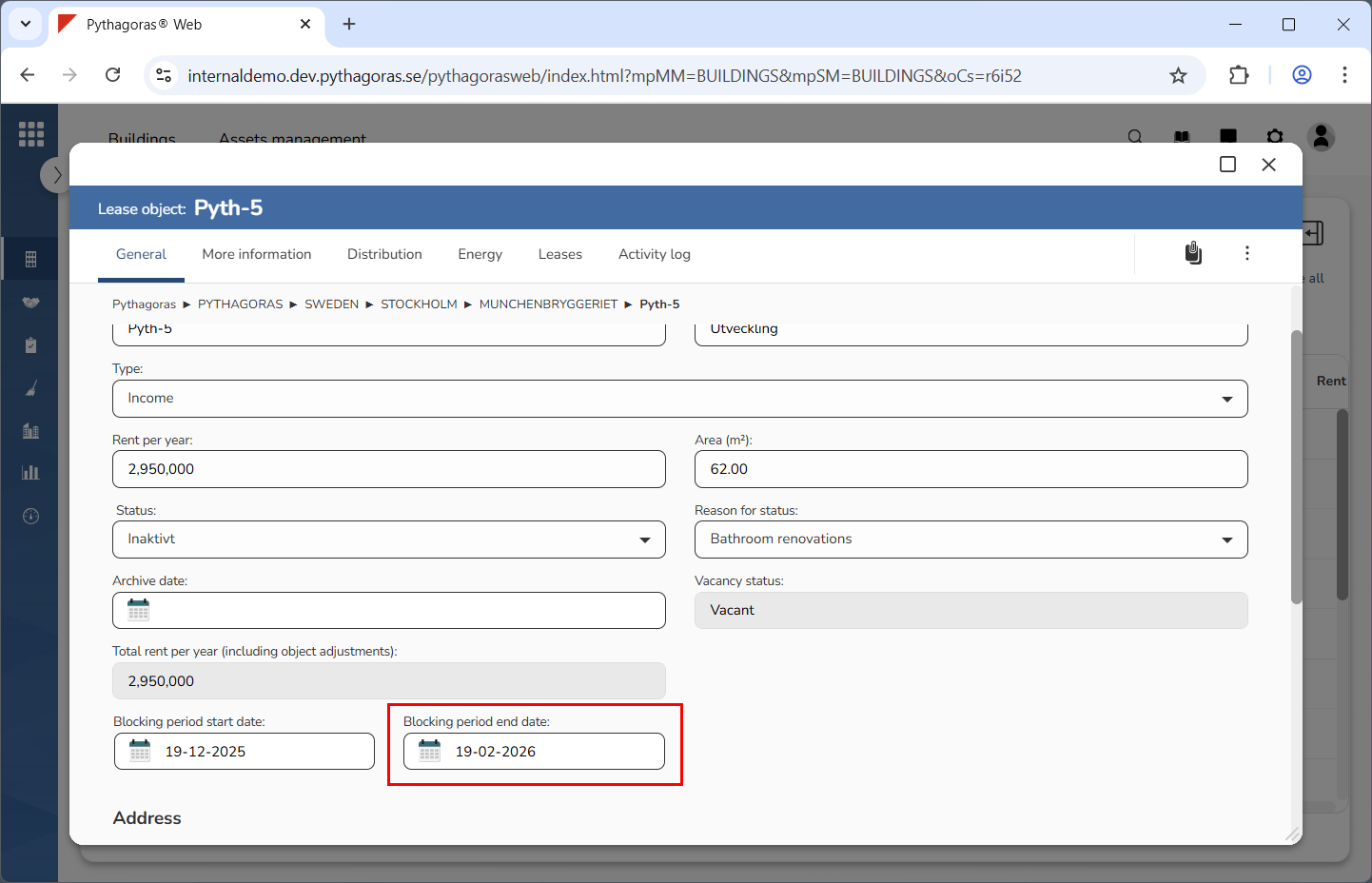
Edit the end date for the lease object you are working with (see image below). Click the field "Blocking period end date". Select a new end date for the blocking period in the calendar that opens. Finish by clicking "OK". If you do not wish to edit the end date for the blocking period, you can skip this step.