9.5.4. Select which floor view to show in the model
To select which floor view to show in the model:
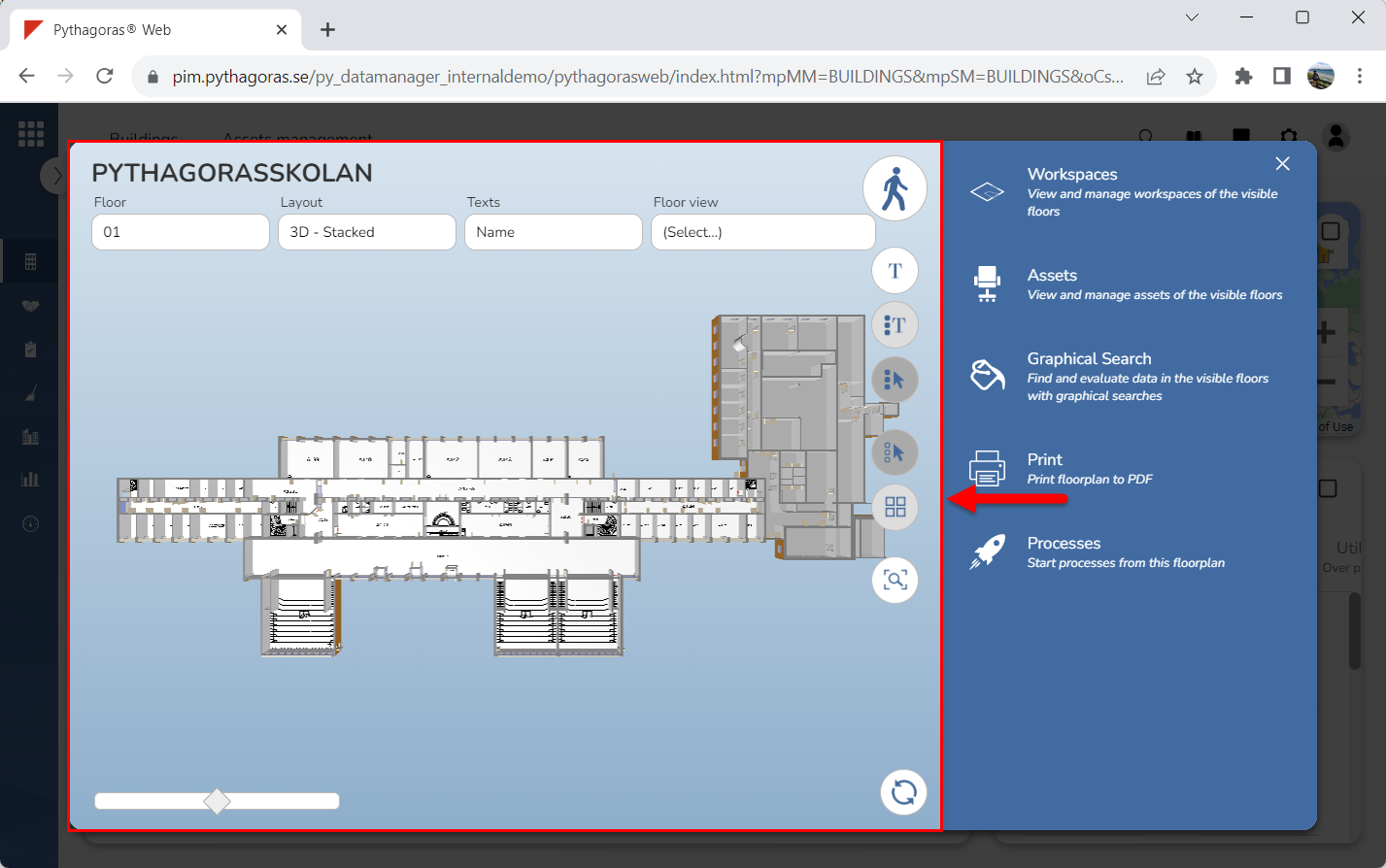
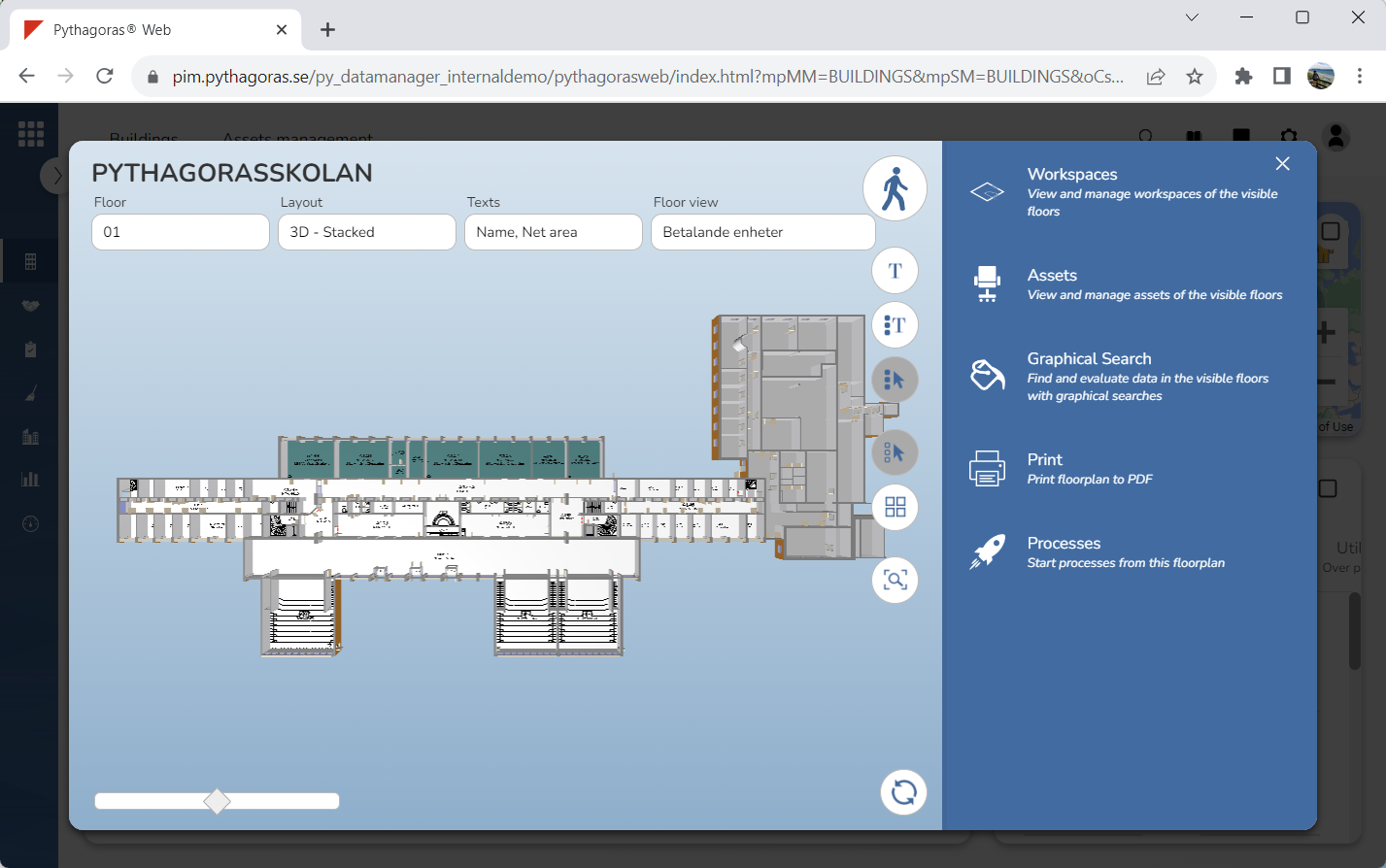
Go to the drawing window (see image below).
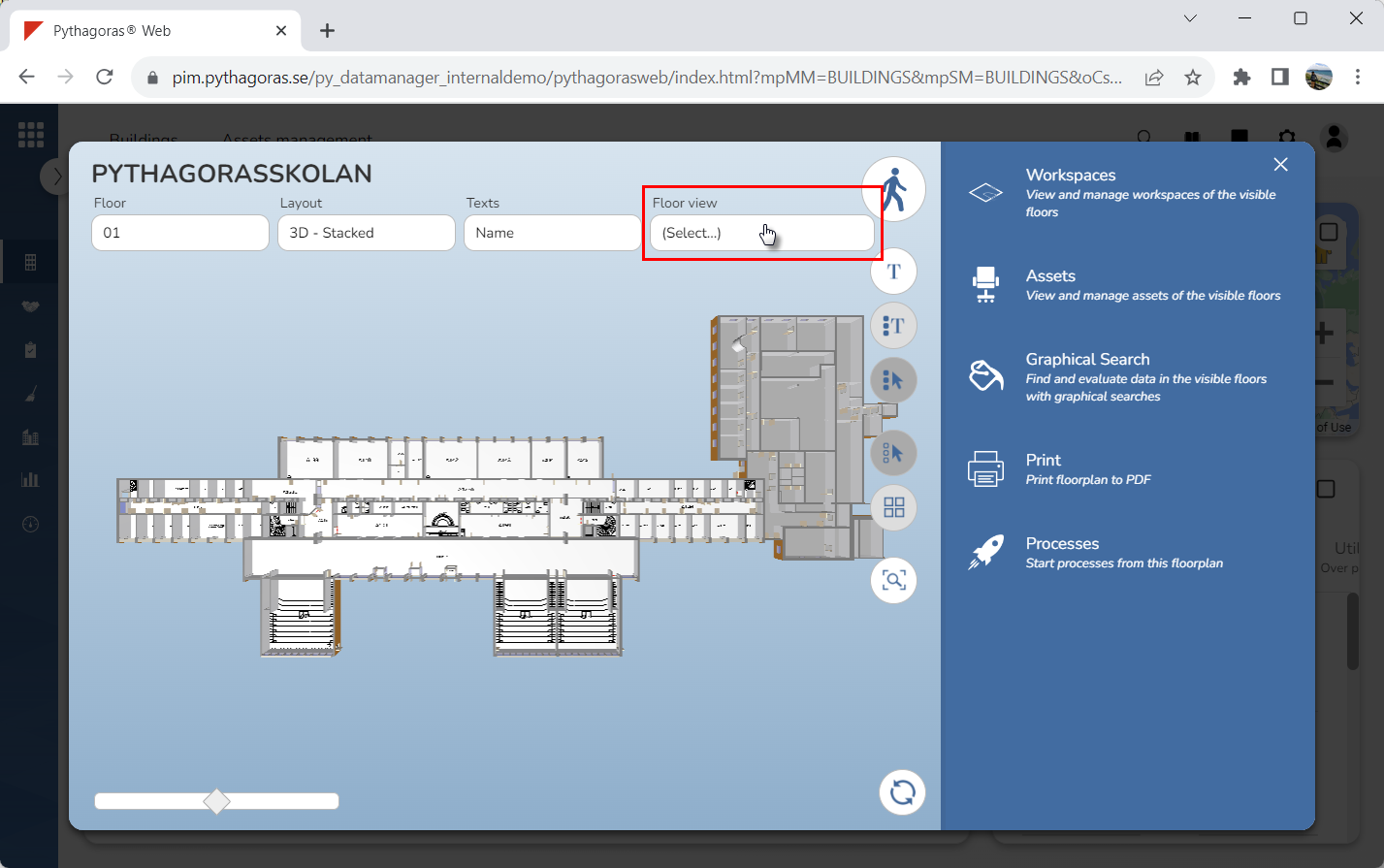
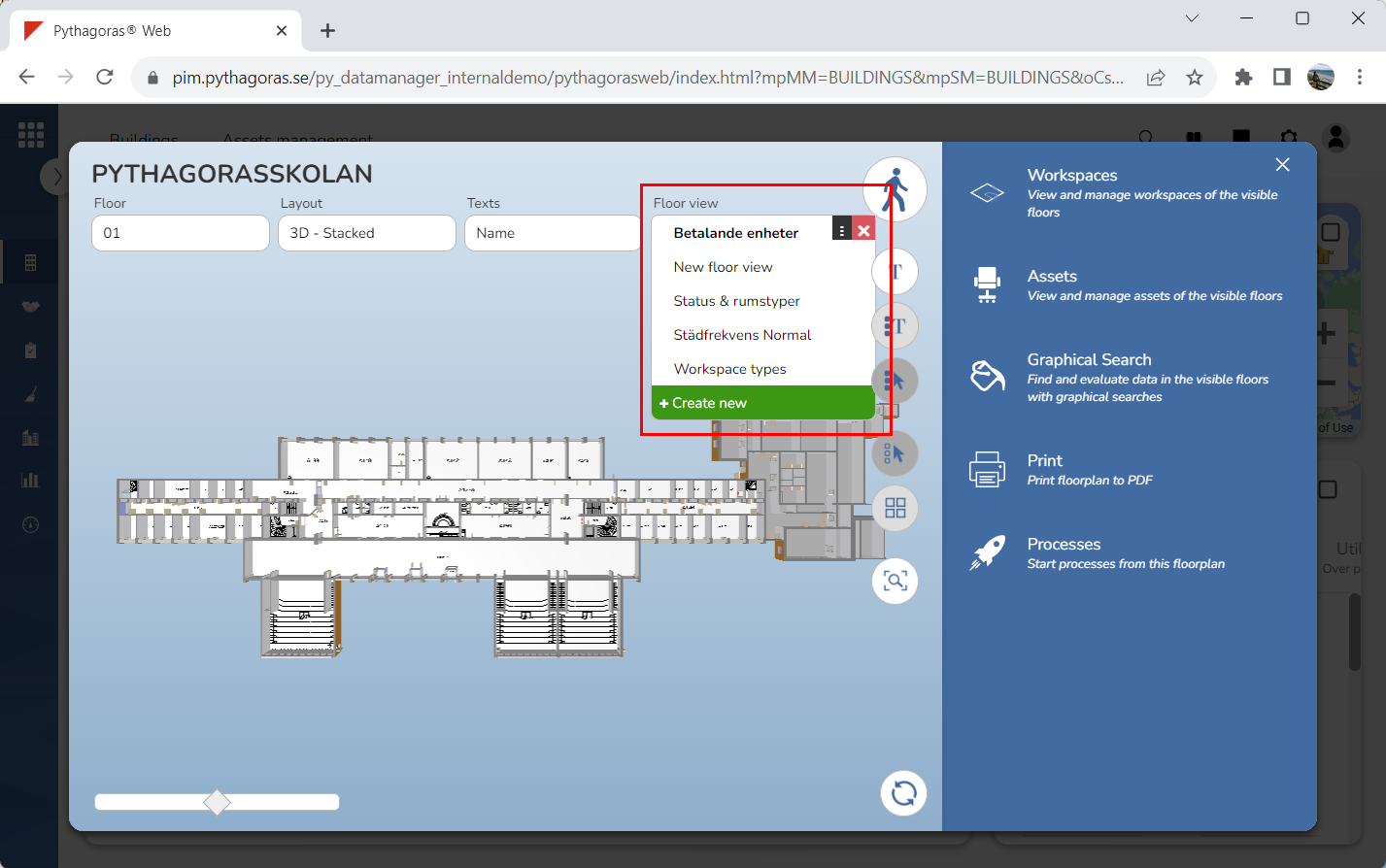
Place your cursor in the field "Floor view" (see the first image below). When you do so, a list of floor views available in Pythagoras Web will open (see the second image below).
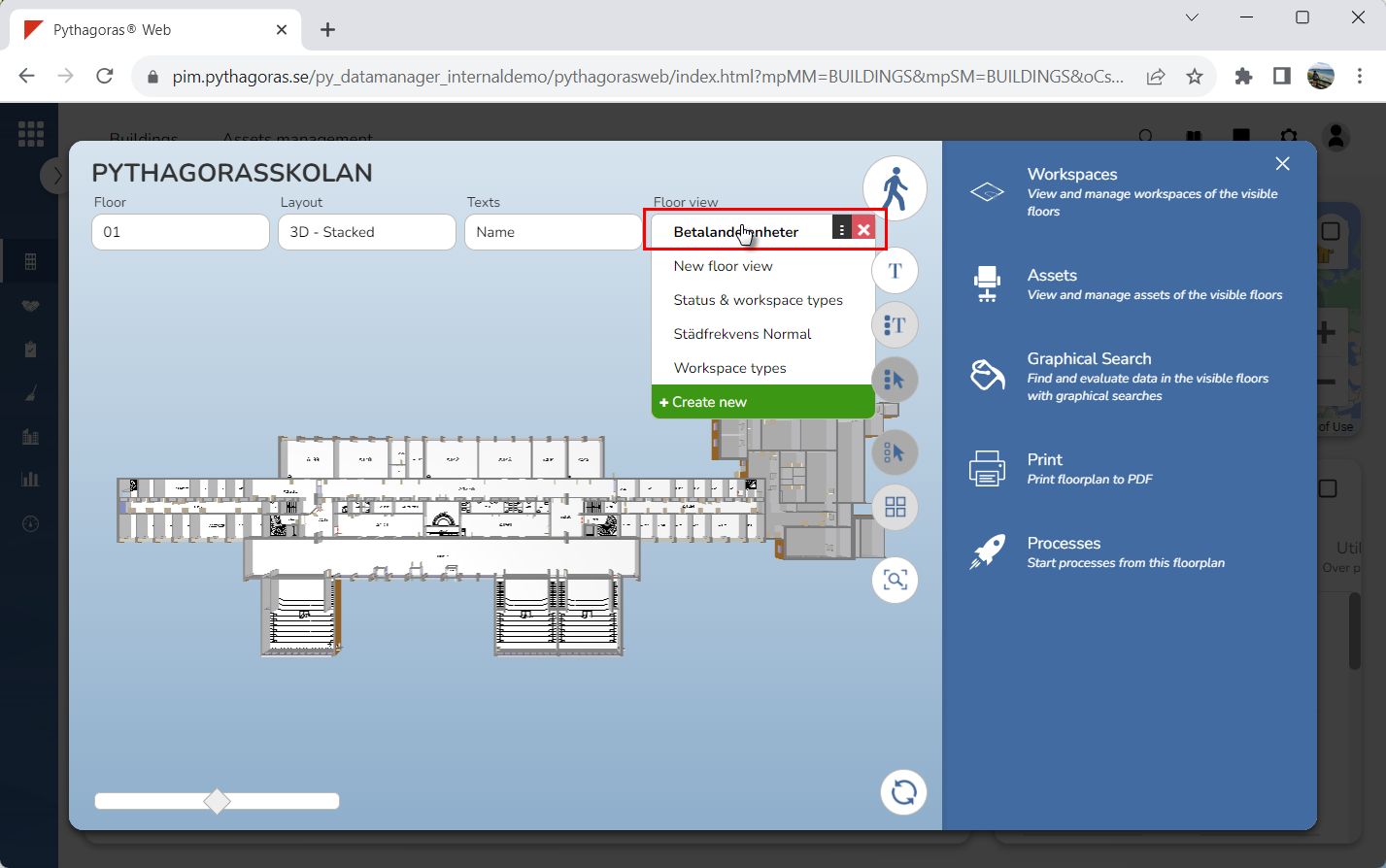
Click a floor view in the list of floor views (see the first image below). The floor view you click will be applied to the model (see the second image below). If you wish to reset the model so that no floor view is shown in it you can of course do so. For more information on how to do so, see section 9.5.5.