Open a lease object. For more information on how to do so, see section 11.1.
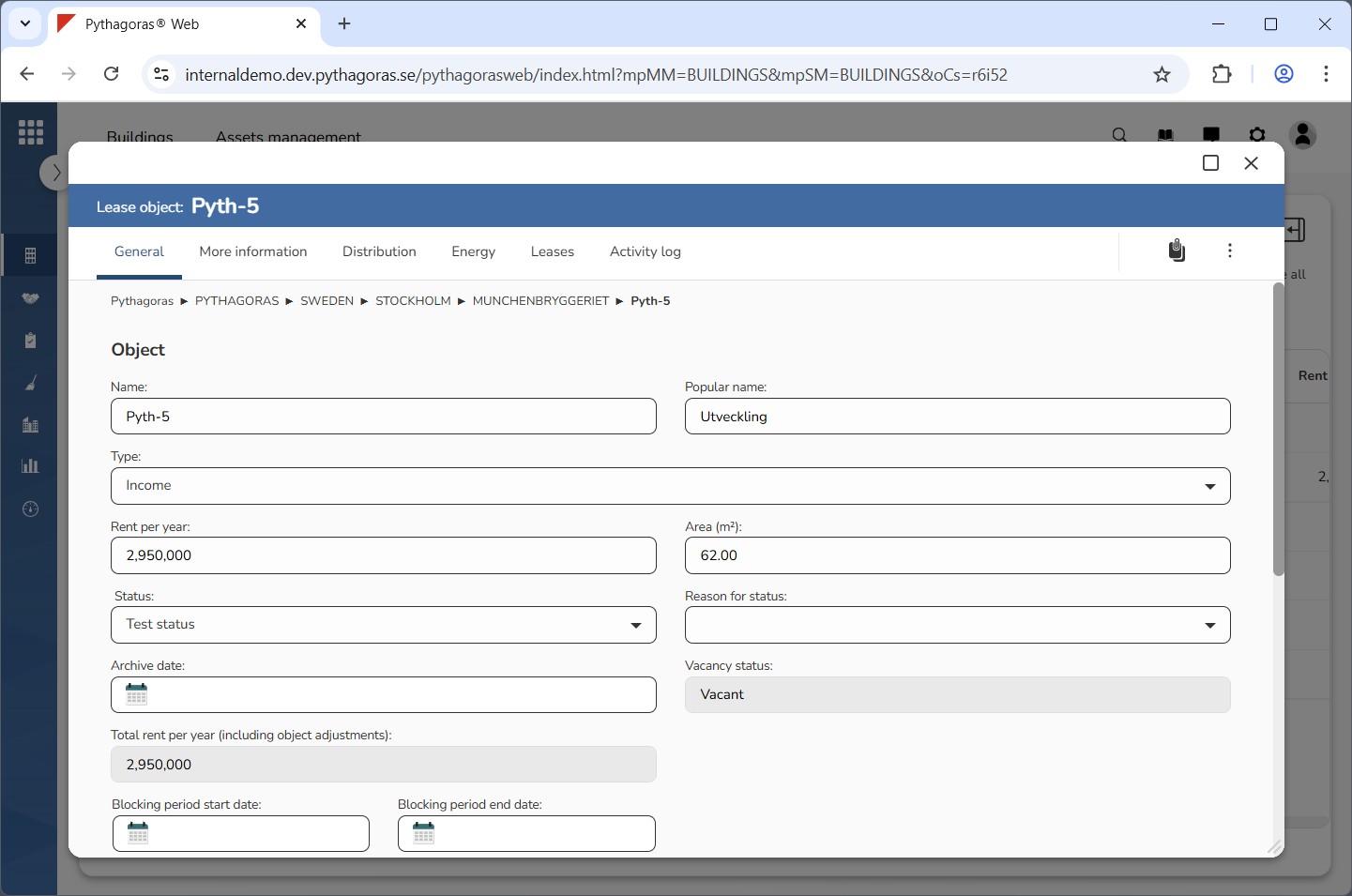
Go to the lease object card (see image below).
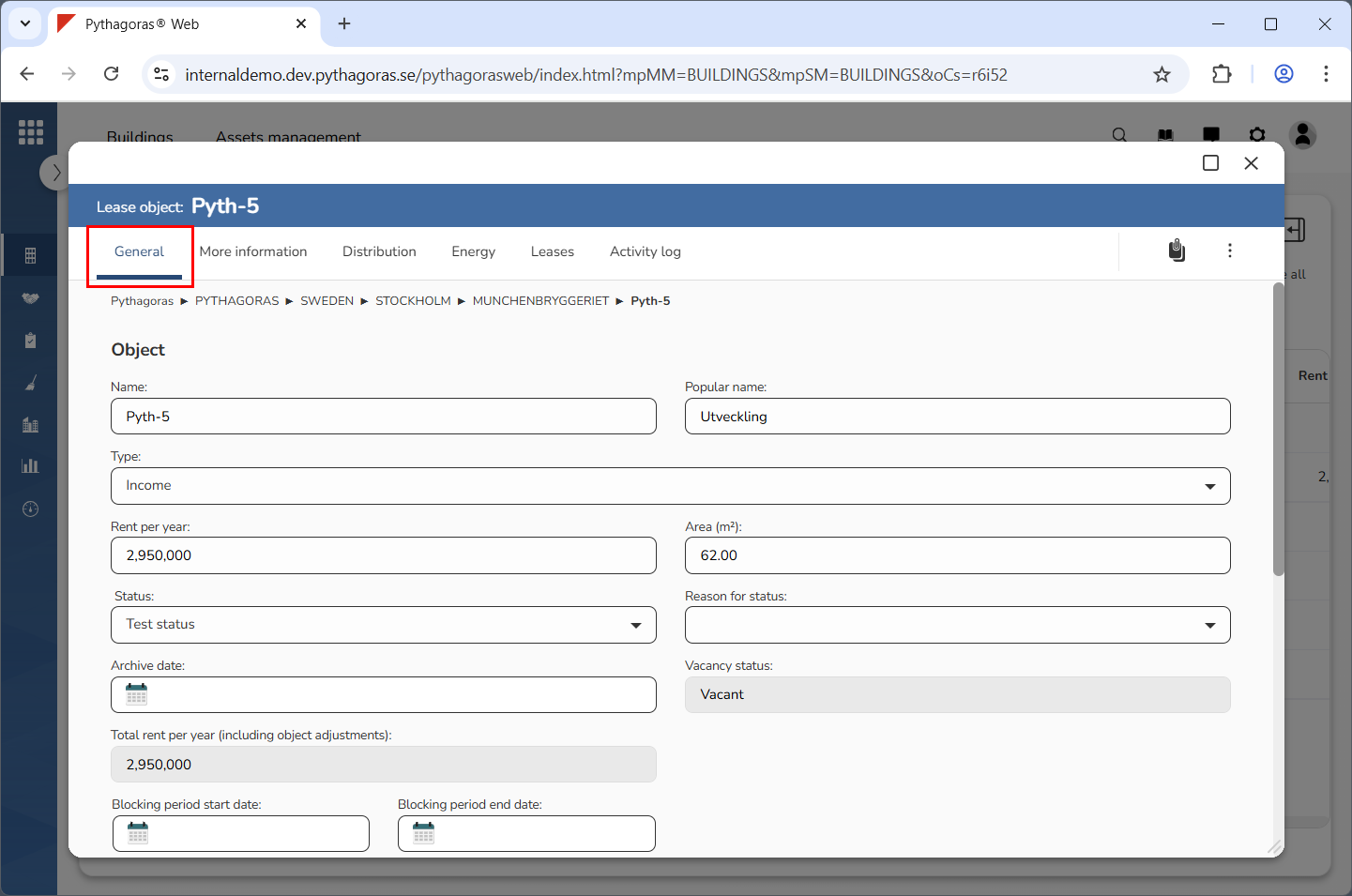
Click the tab called "General" (see image below).
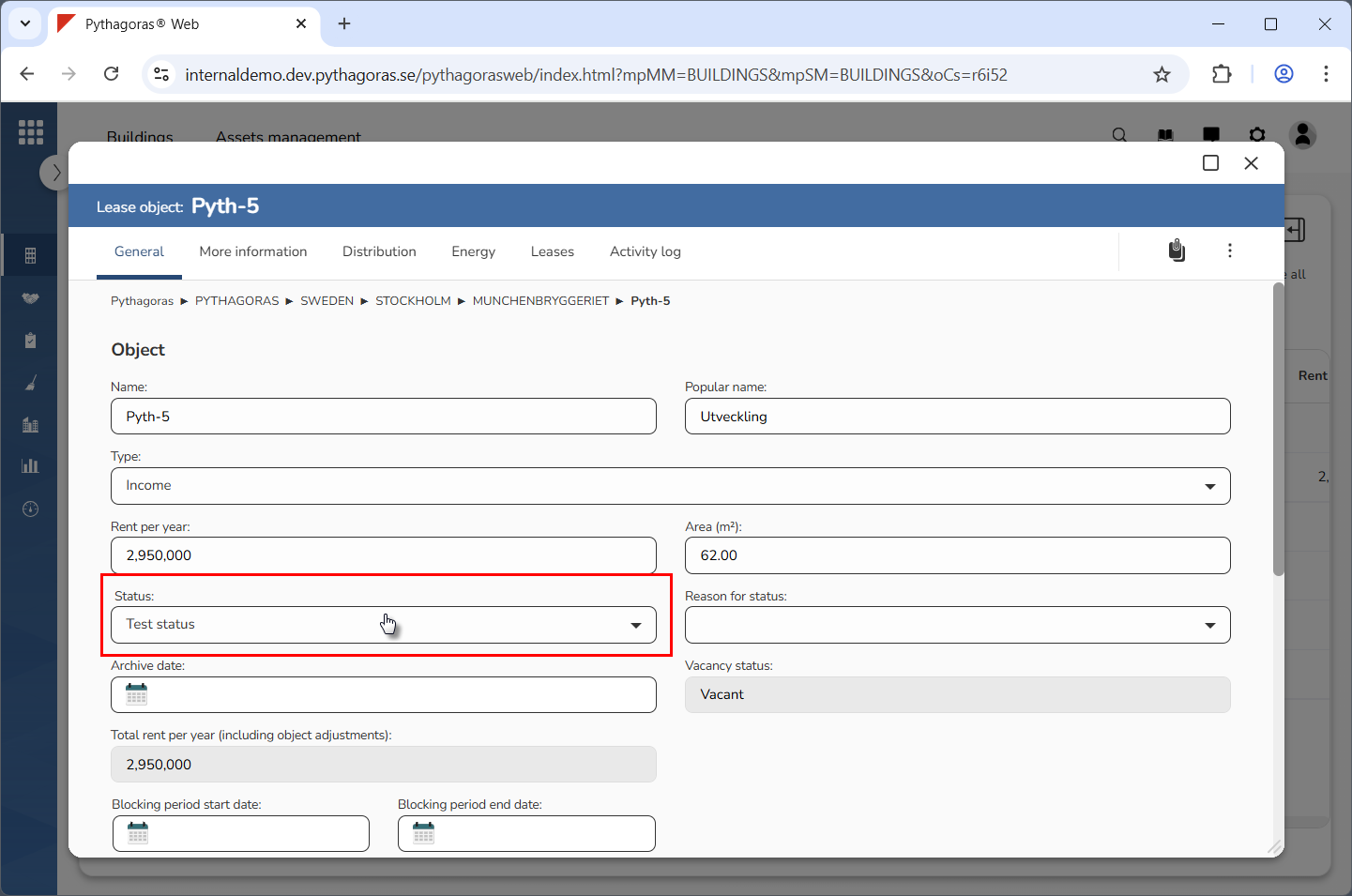
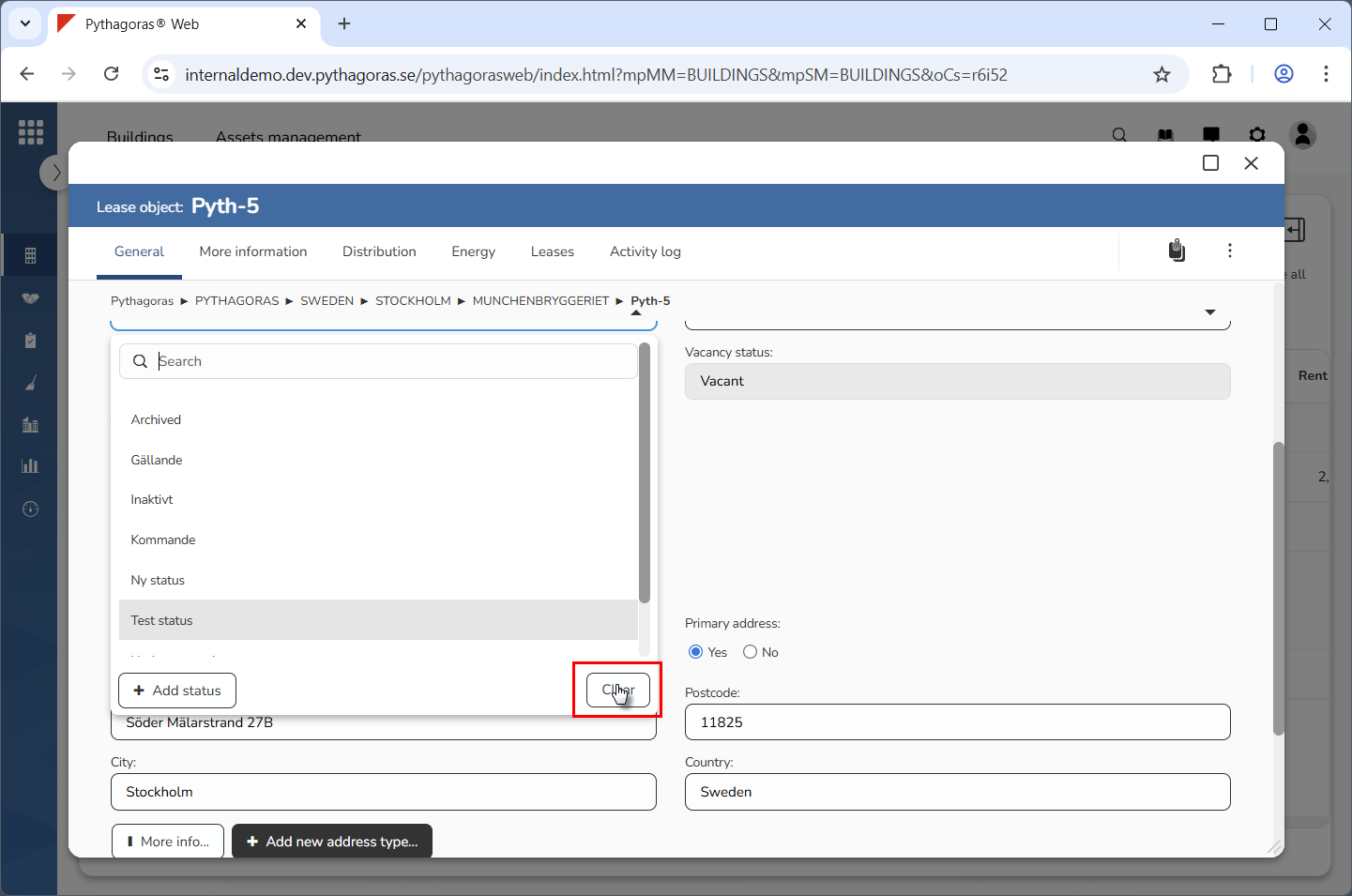
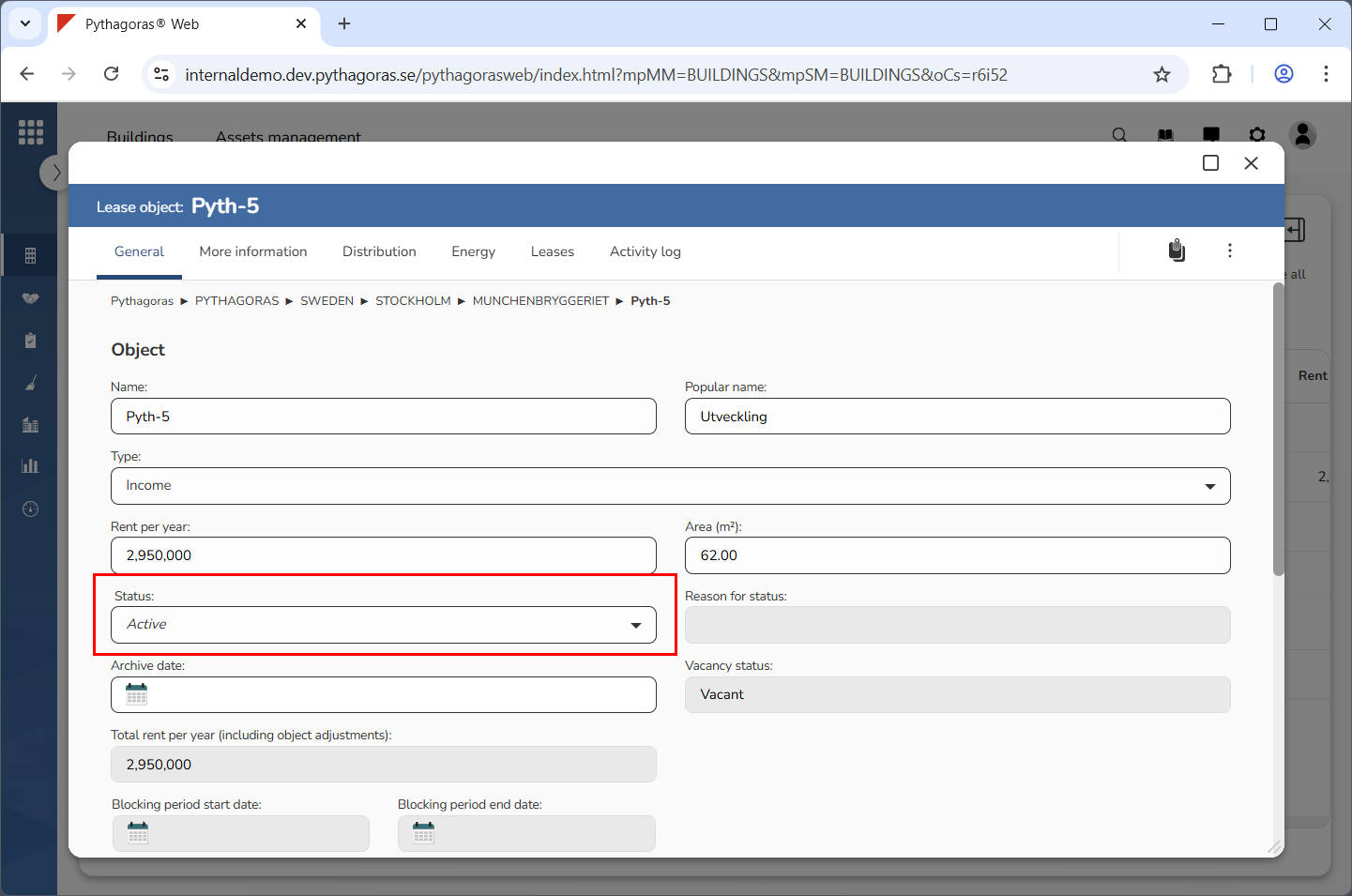
Remove the status from the lease object you are working with. Click the field "Status". Then click "Clear" in the list that opens (see the first and second image below). When you remove a status from a lease object, its status will automatically change to "Active" (see the third image below). For more information about the status "Active", continue reading below the images below.
The status "Active" means a lease object is active and usable. This status is a default setting and can not be edited.