To properly display this page you need a browser with JavaScript support.
×
Meny
Sök
Sök
Sök
9. Working with a floor
9.17. Reload a floor
Föregående sida
Nästa sida
User manual for Pythagoras Buildings. Copyright © Pythagoras AB
To properly display this page you need a browser with JavaScript support.
9.17. Reload a floor
To reload a floor:
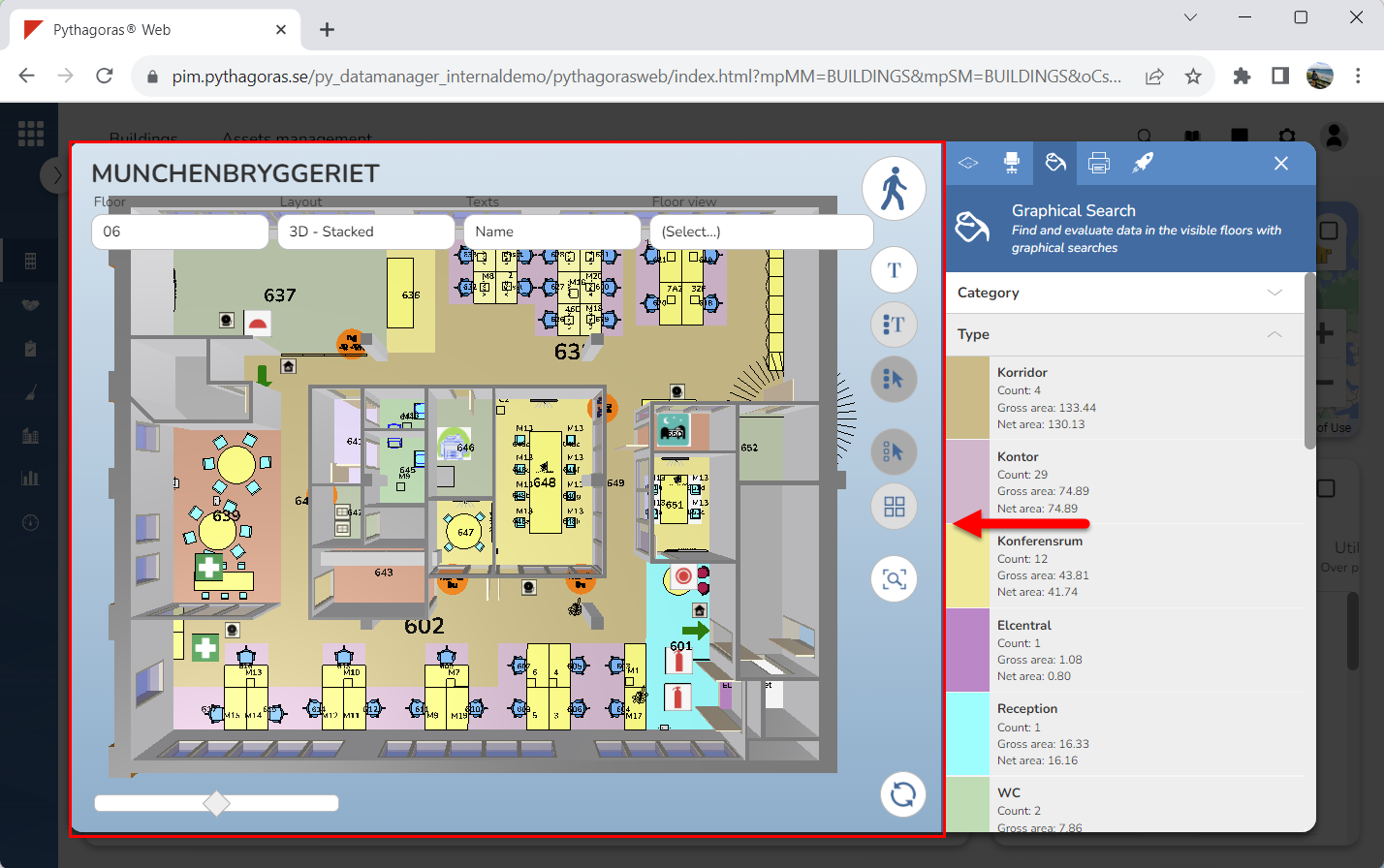
Go to the drawing window (see image below).
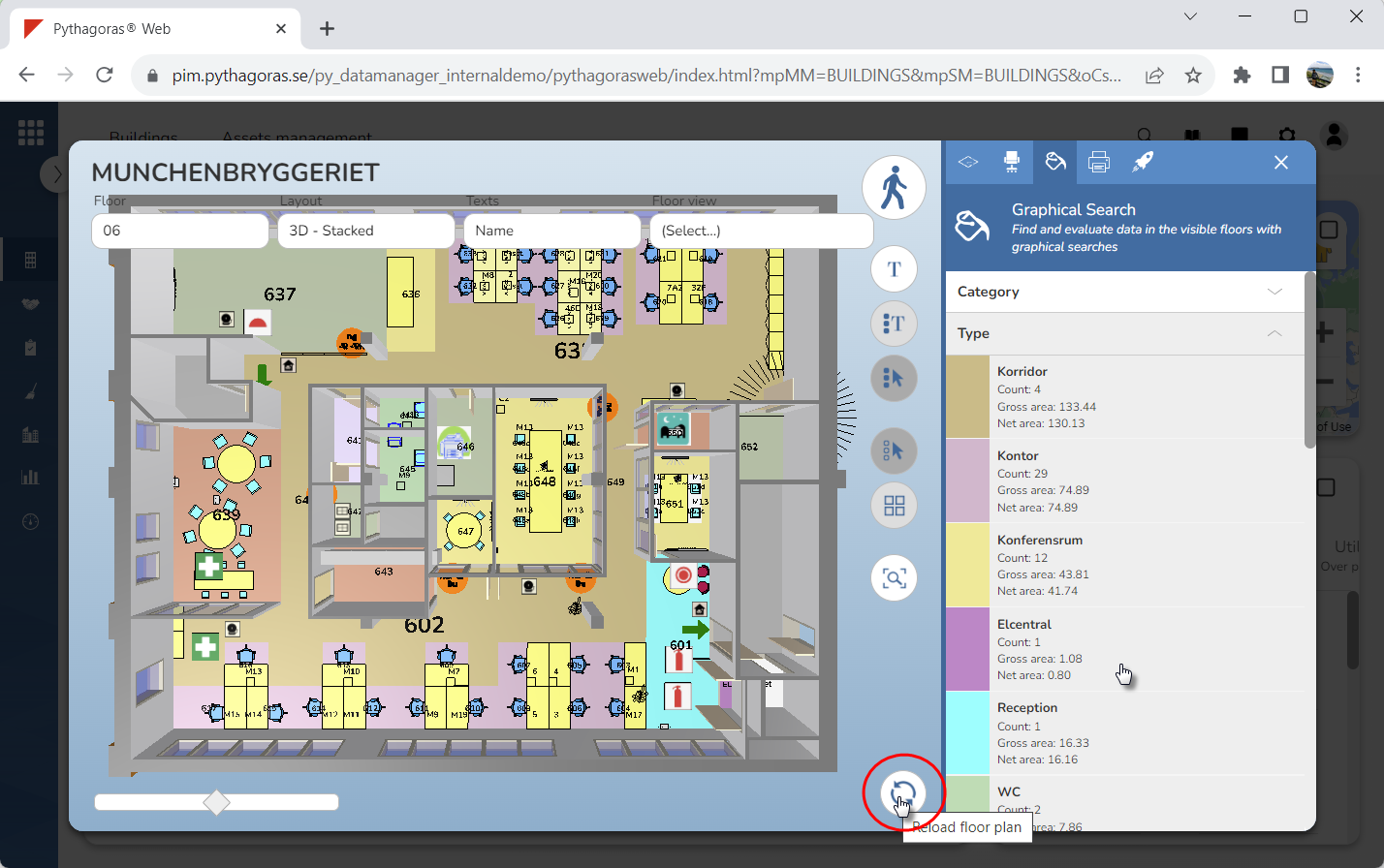
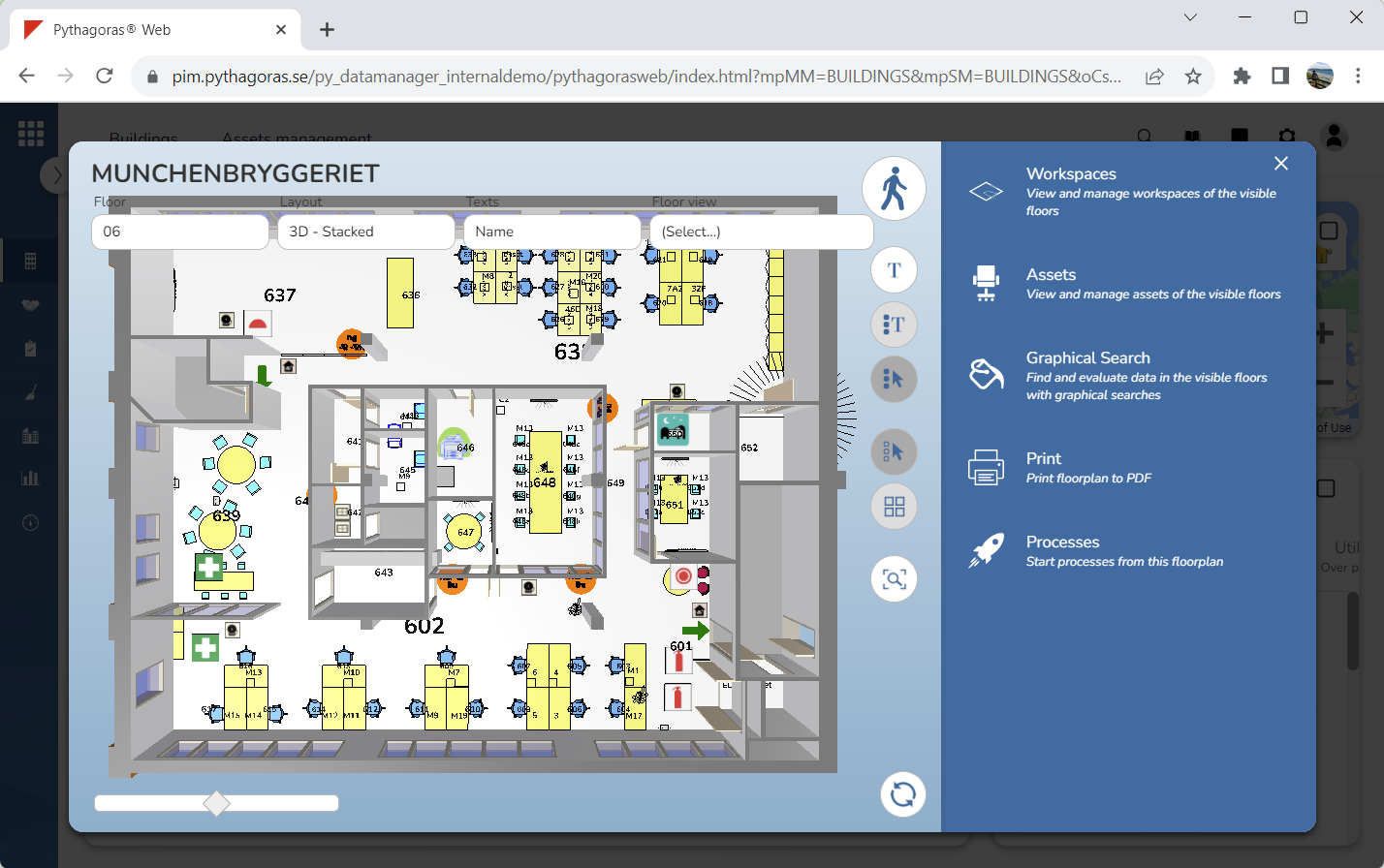
Click "Reload floor plan" (see the first image below). When you do so, the floor you originally opened will reload and reset (see the second image below). This regardless of which floor you are currently working with.