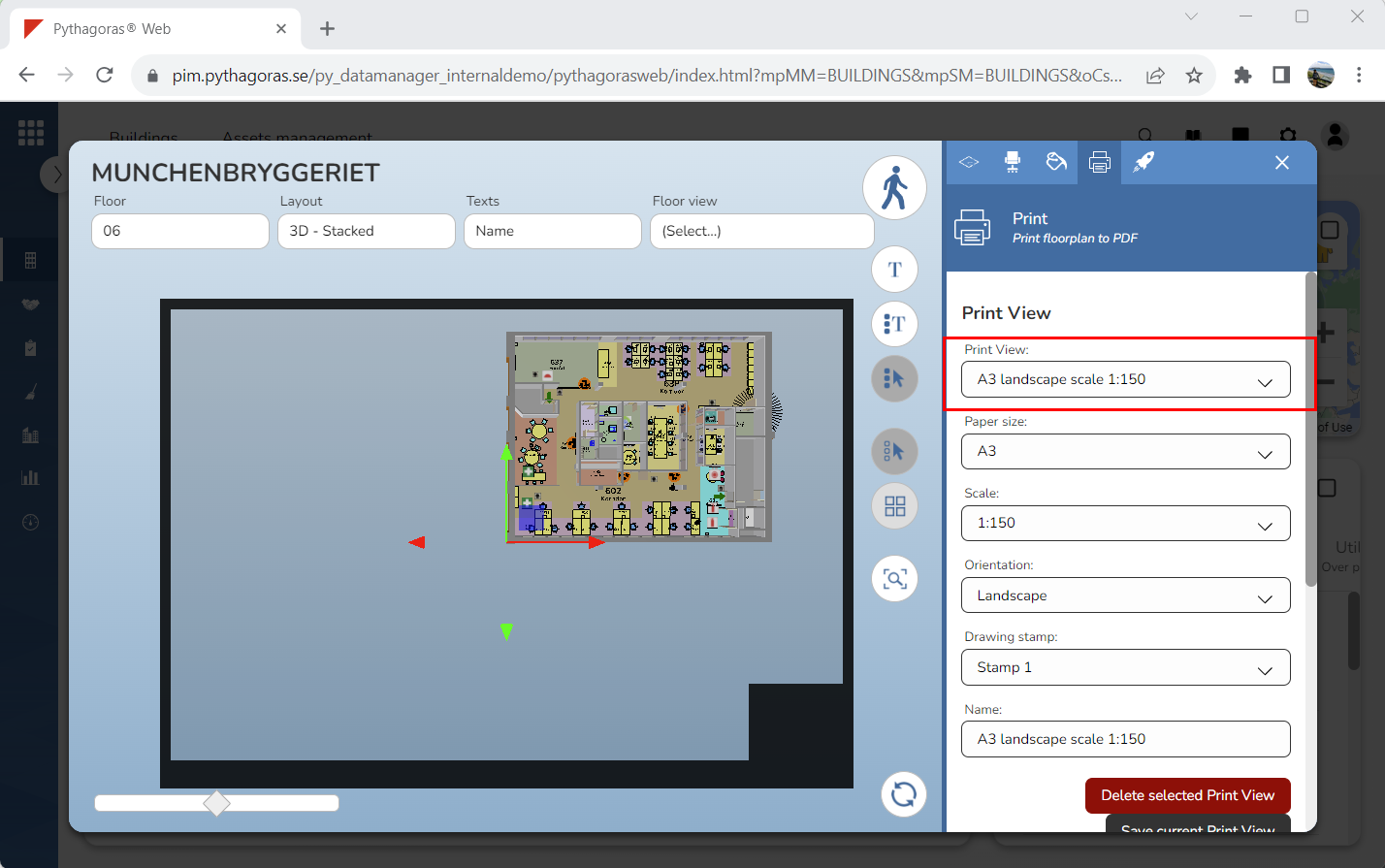
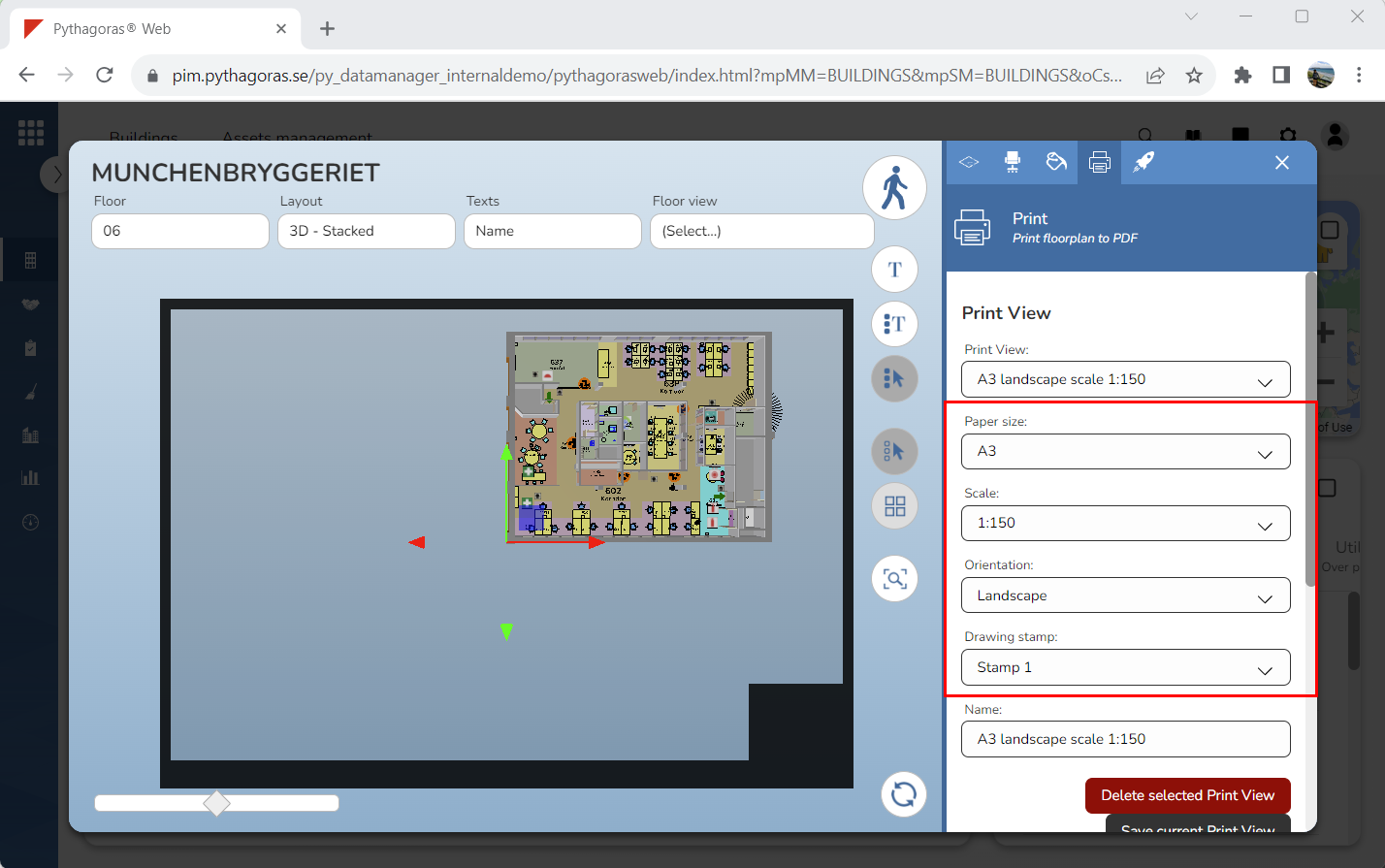
A print view is a building specific view with a predefined paper size, scale, paper orientation and drawing stamp. If you have created one or more print views for a building, you will when creating a printout be able to select a print view via the field "Print View" (see the first image below). When selecting a print view, the paper size, scale, paper orientation and drawing stamp set for the print view will appear in the fields "Paper size", "Scale", "Orientation" and "Drawing stamp (see the second image below). For more information on how to create a print view, see section 9.16.3.