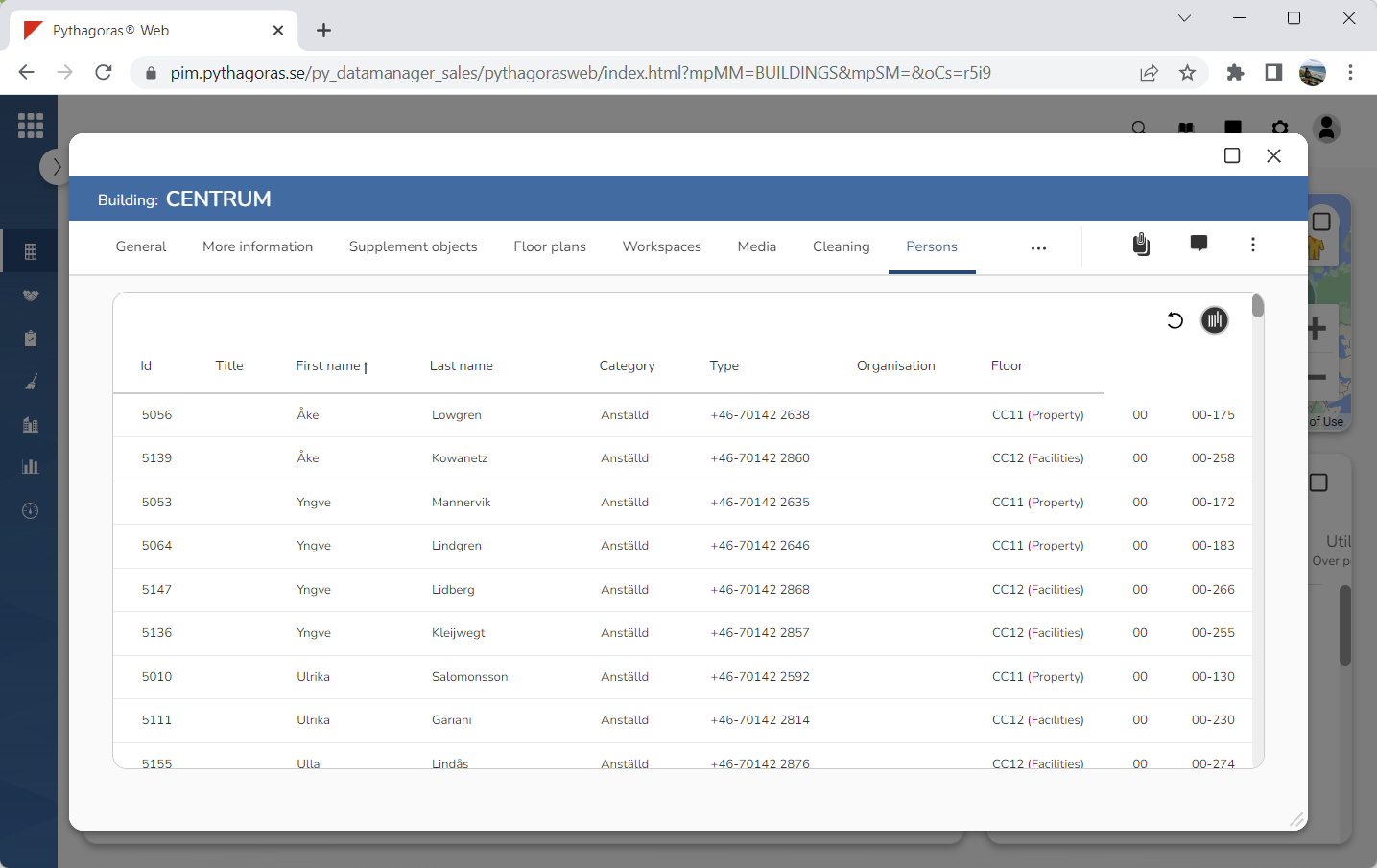
Within the tab called "Persons" you will find a list of persons placed in a building (see image below). In the persons list you will find a number of columns. The columns found in the persons list depend on the view shown in the list.
Via the tab called "Persons" you can:
open the person cards associated with the persons placed in a building
open the document manager via the persons placed in a building
filter the persons list
update the persons list
export the persons list to Excel
manage views for the persons list.
For more information on how to:
open a person's person card, see section 8.11.1.
open the document manager via a person, see section 8.11.2.
filter the persons list, see section 8.11.3.
update the persons list, see section 8.11.4.
export the persons list to Excel, see section 8.11.5.
manage views for a list such as the persons list, see chapter 3 in this manual.