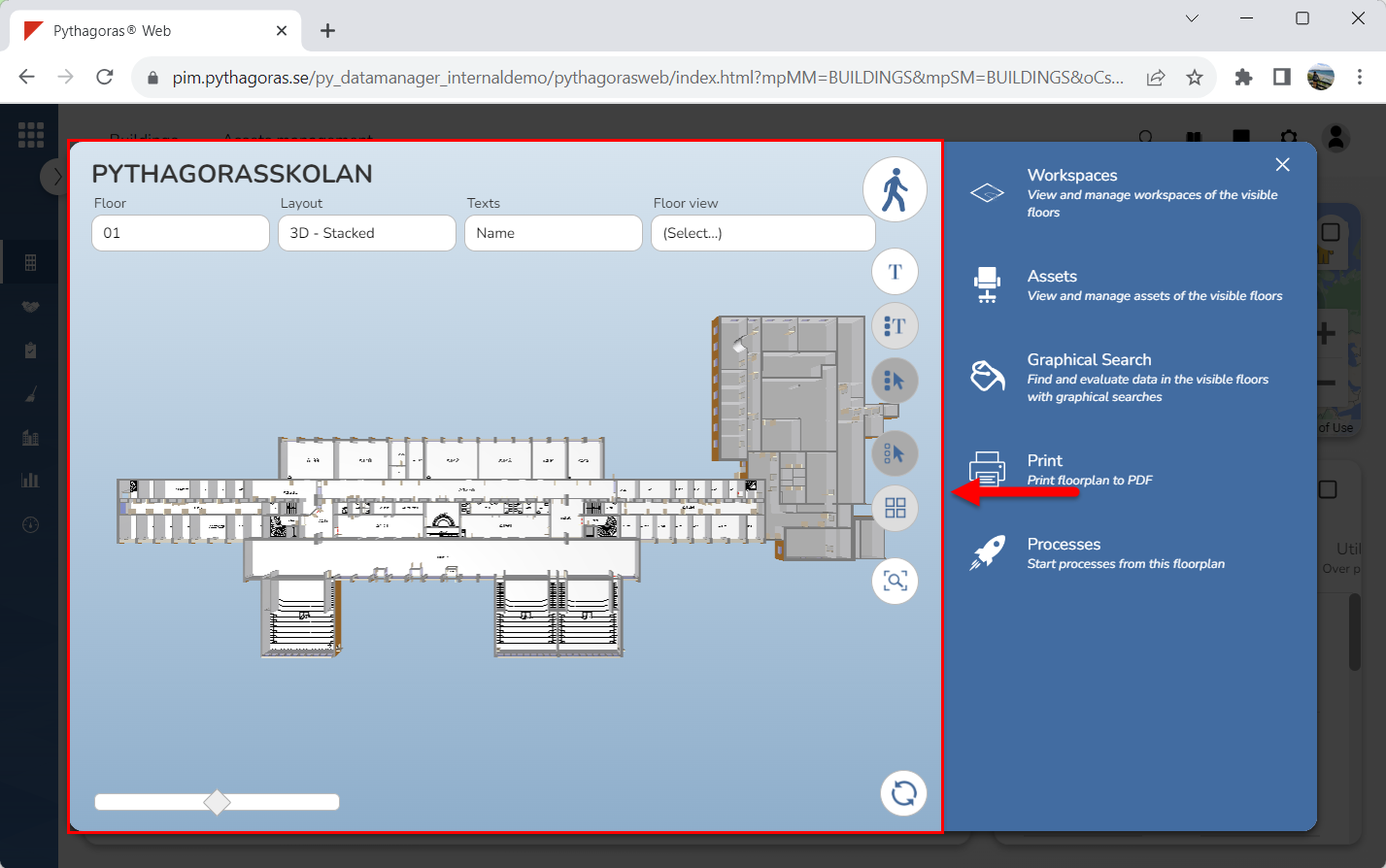
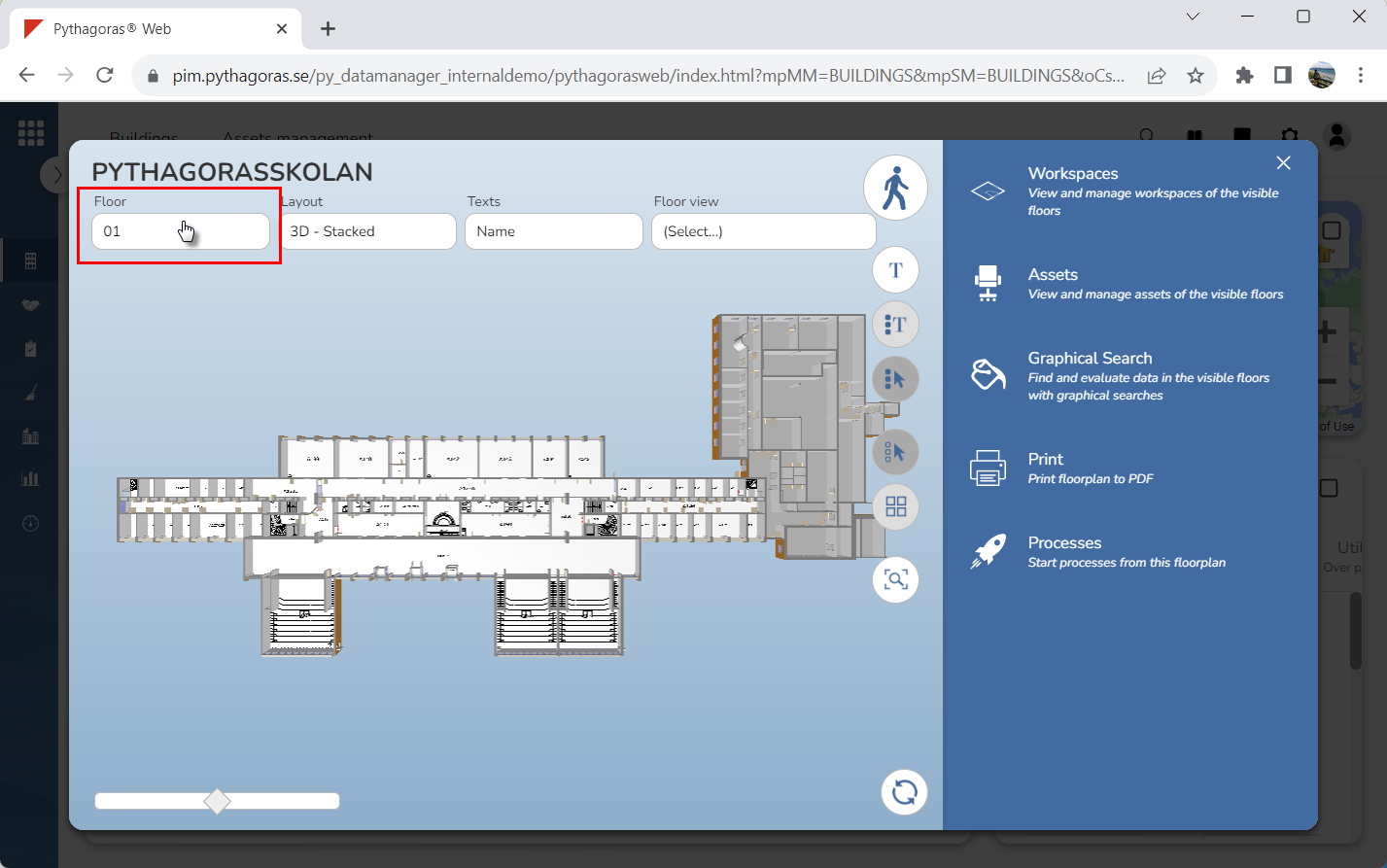
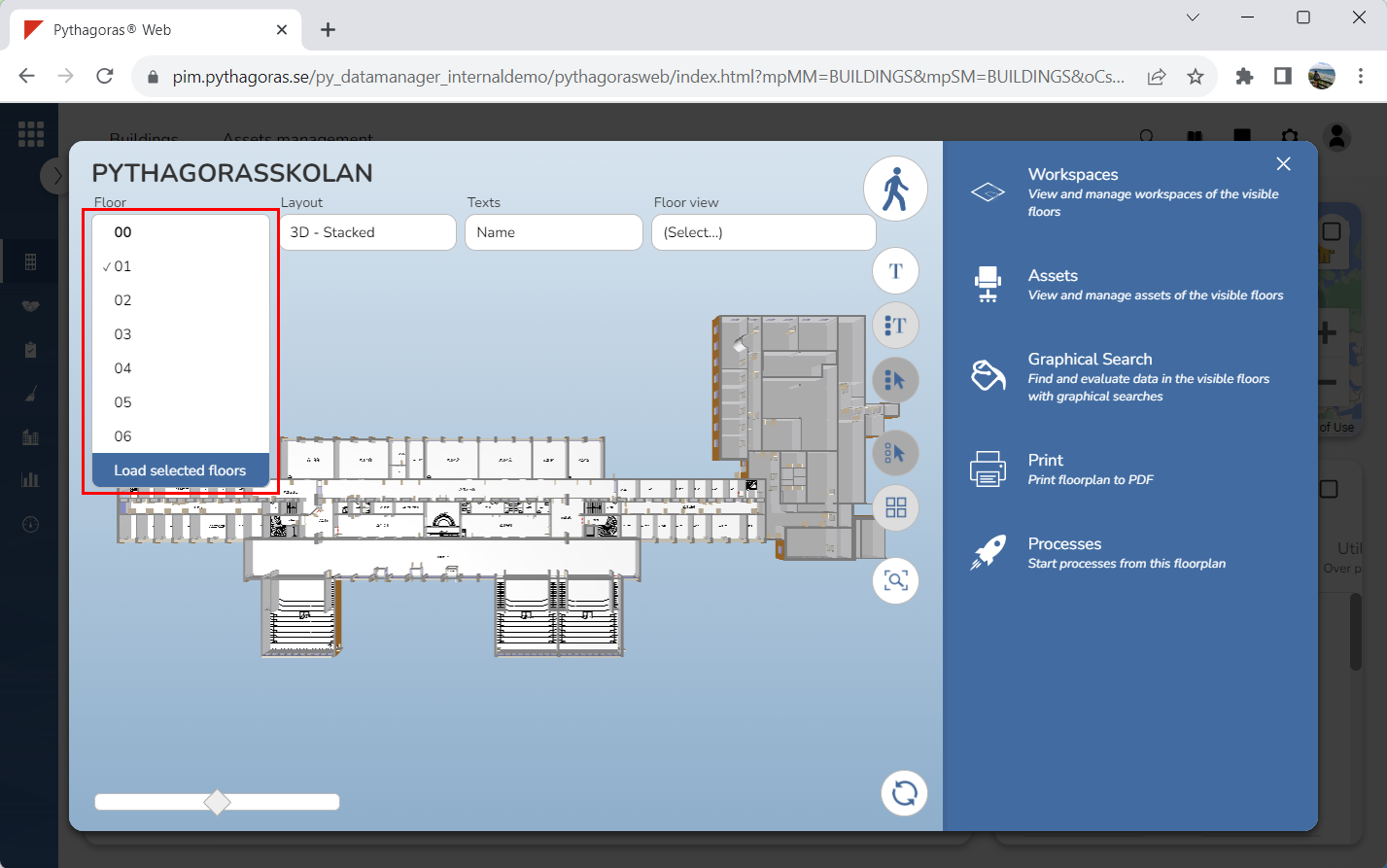
Place your cursor in the field "Floor" (see the first image below). When you do so, a floors list will open. That is, a list of floors available in the building you are working with (see the second image below).
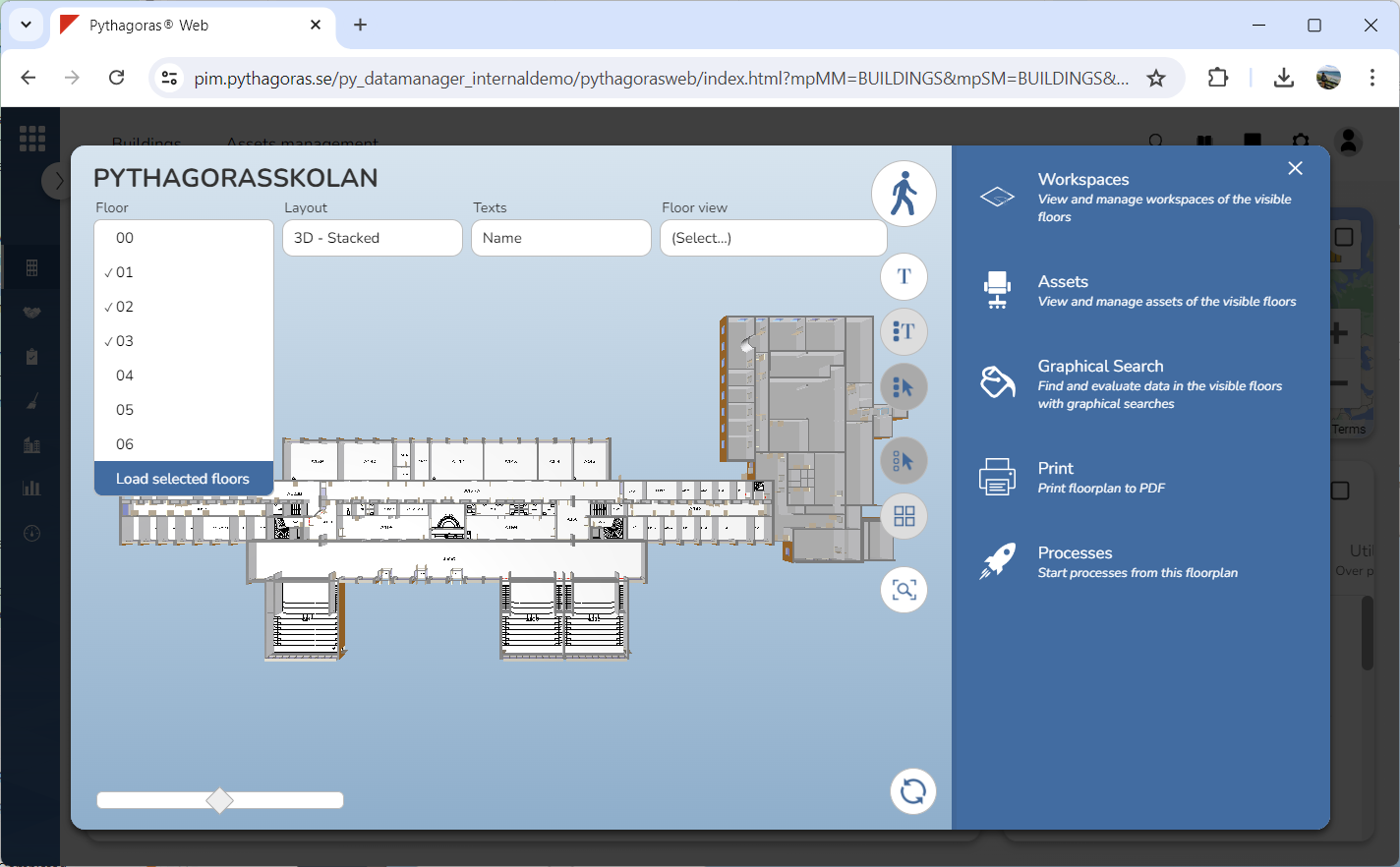
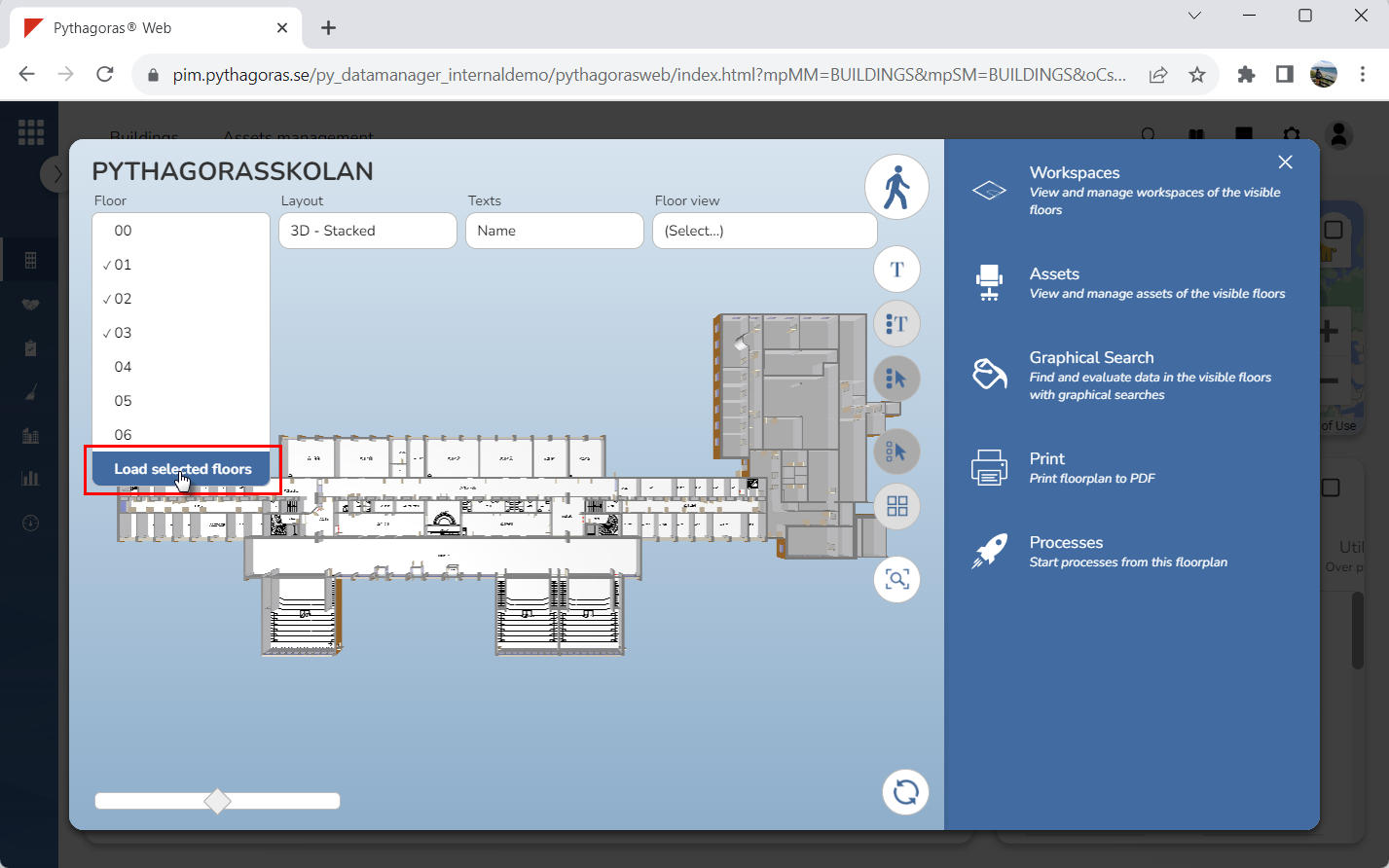
Select the floor or floors you wish to open by clicking one or more floors in the floors list. The floor or floors you select will be marked with checkmarks.
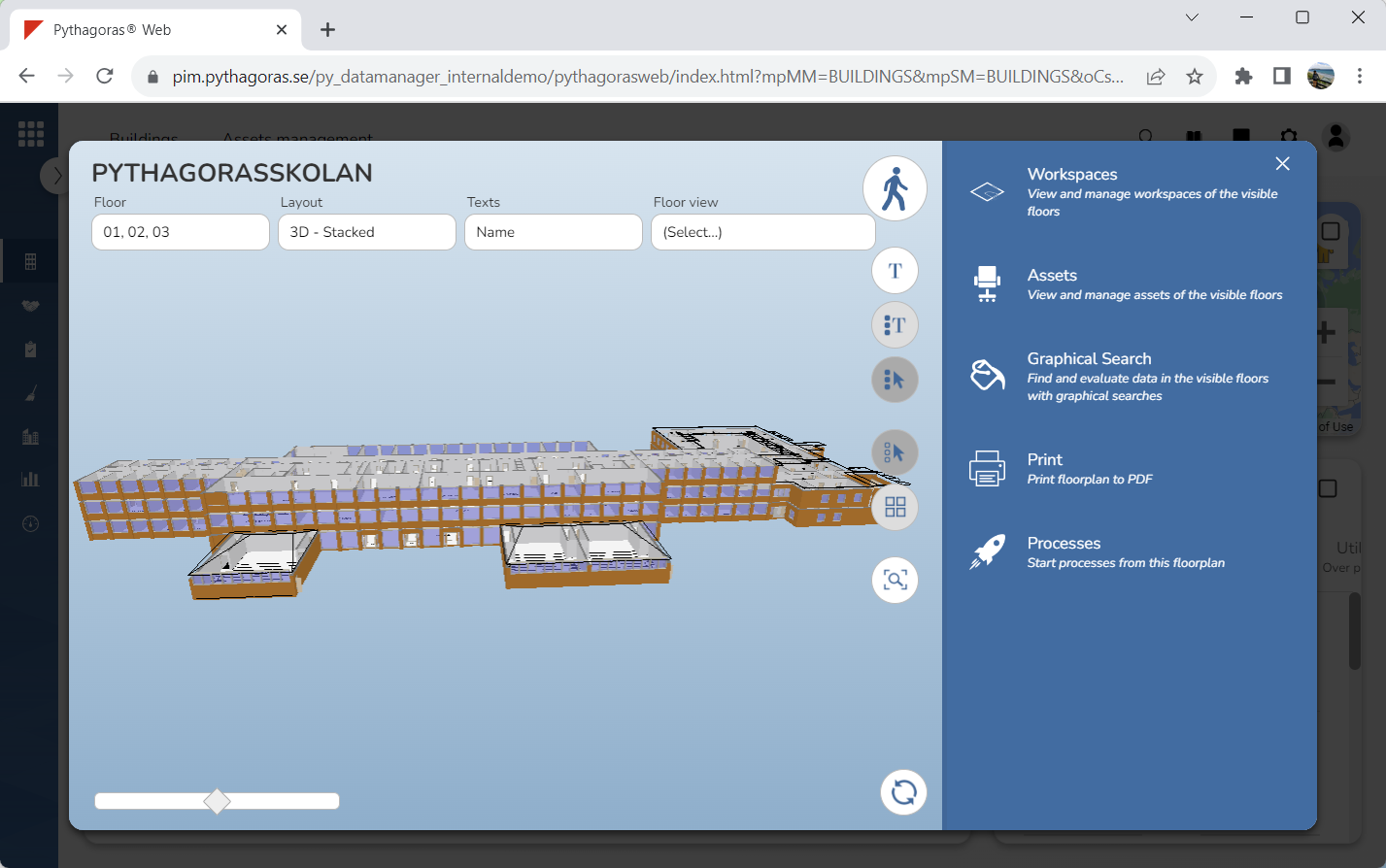
Click "Load selected floors" (see the first image below). When you do so, the floor or floors you selected will open. When a floor is opened it becomes visible in the floor plan field and the model (see the second image below).