Open a supplement object. For more information on how to do so, see section 8.3.2. In order for you to change a supplement object's map marker, the supplement object must be of a type that allows it to have a geoposition.
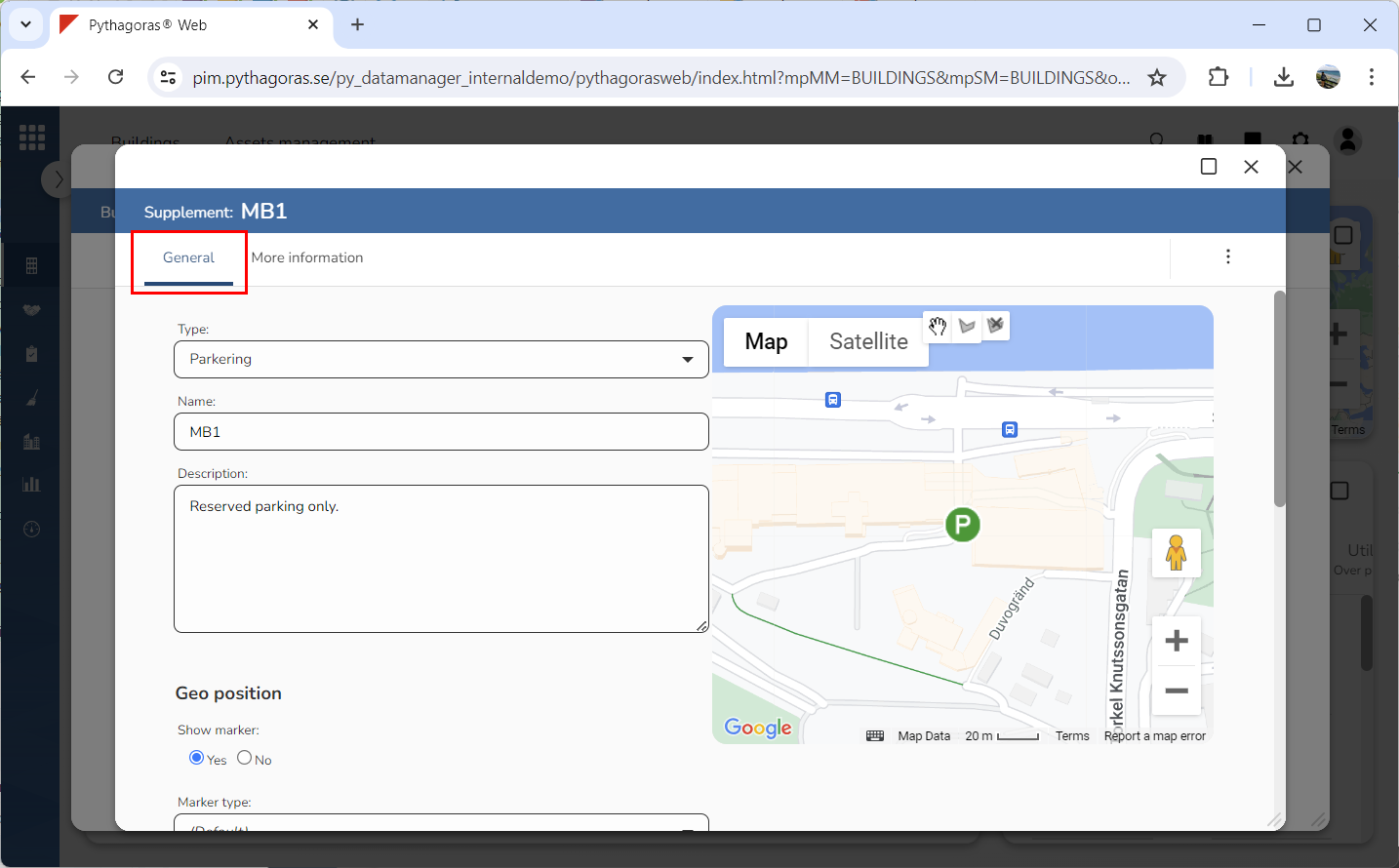
Go to the object card (see image below).
Click the tab called "General" (see image below).
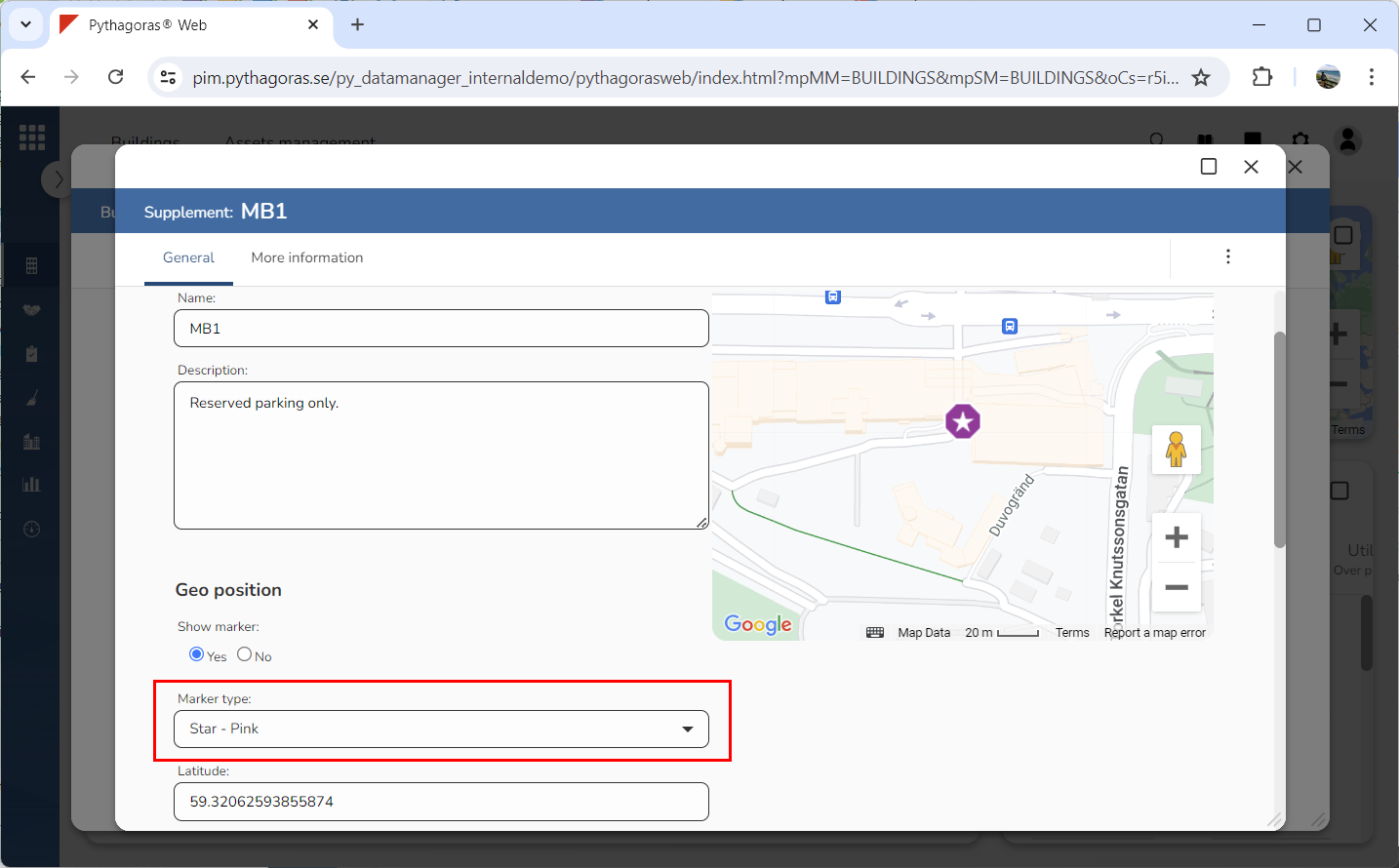
Change the map marker of the supplement object you are working with by clicking the field "Marker type" and then selecting a new map marker in the list that opens (see image below).