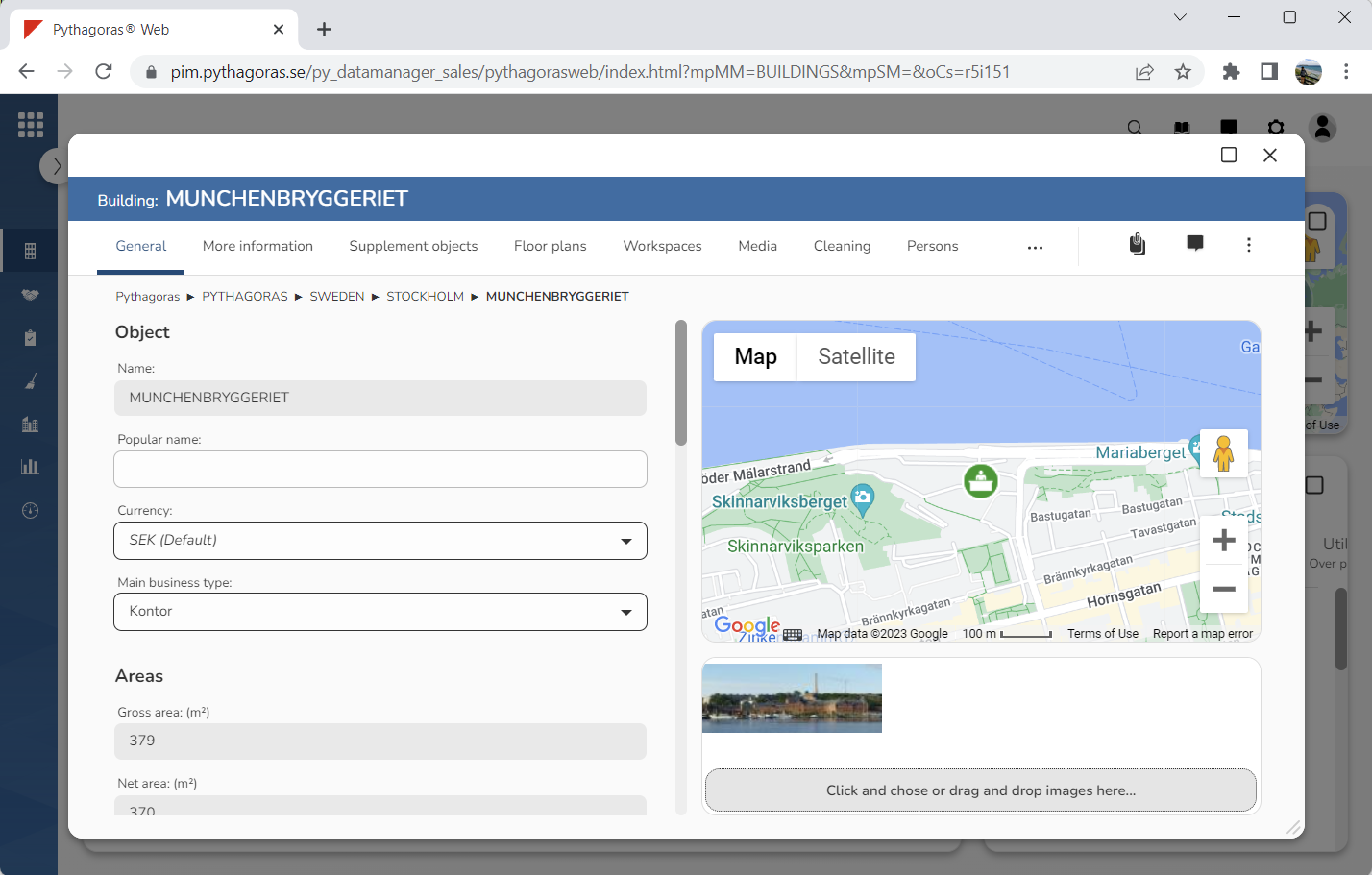
Open a building. For more information on how to do so, see section 4.6.1., 5.4.3. or 6.1.1.
Go to the building card (see image below).
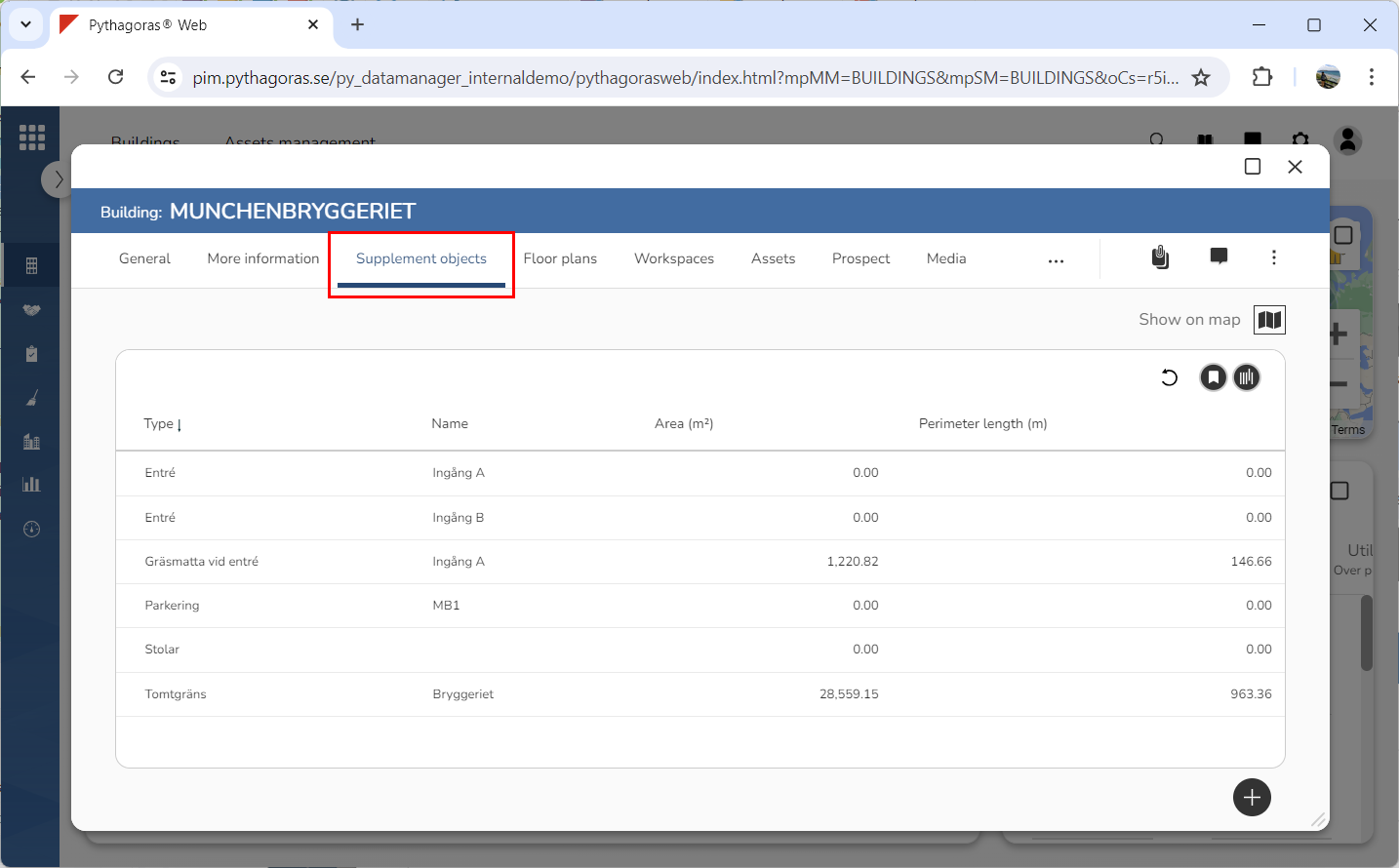
Click the tab called "Supplement objects" (see image below). When you do so, a list of supplement objects associated with the building you are working with will open.
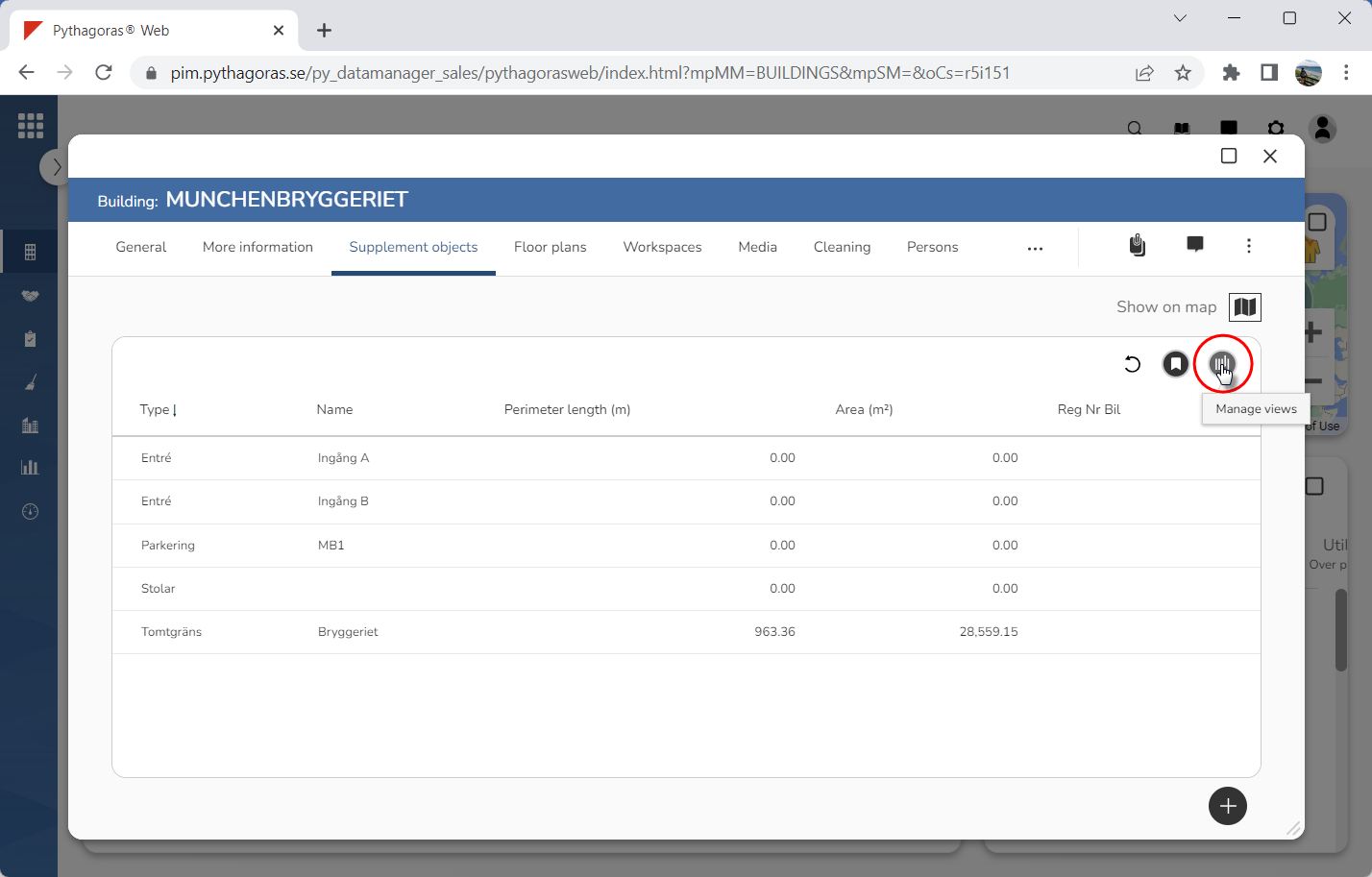
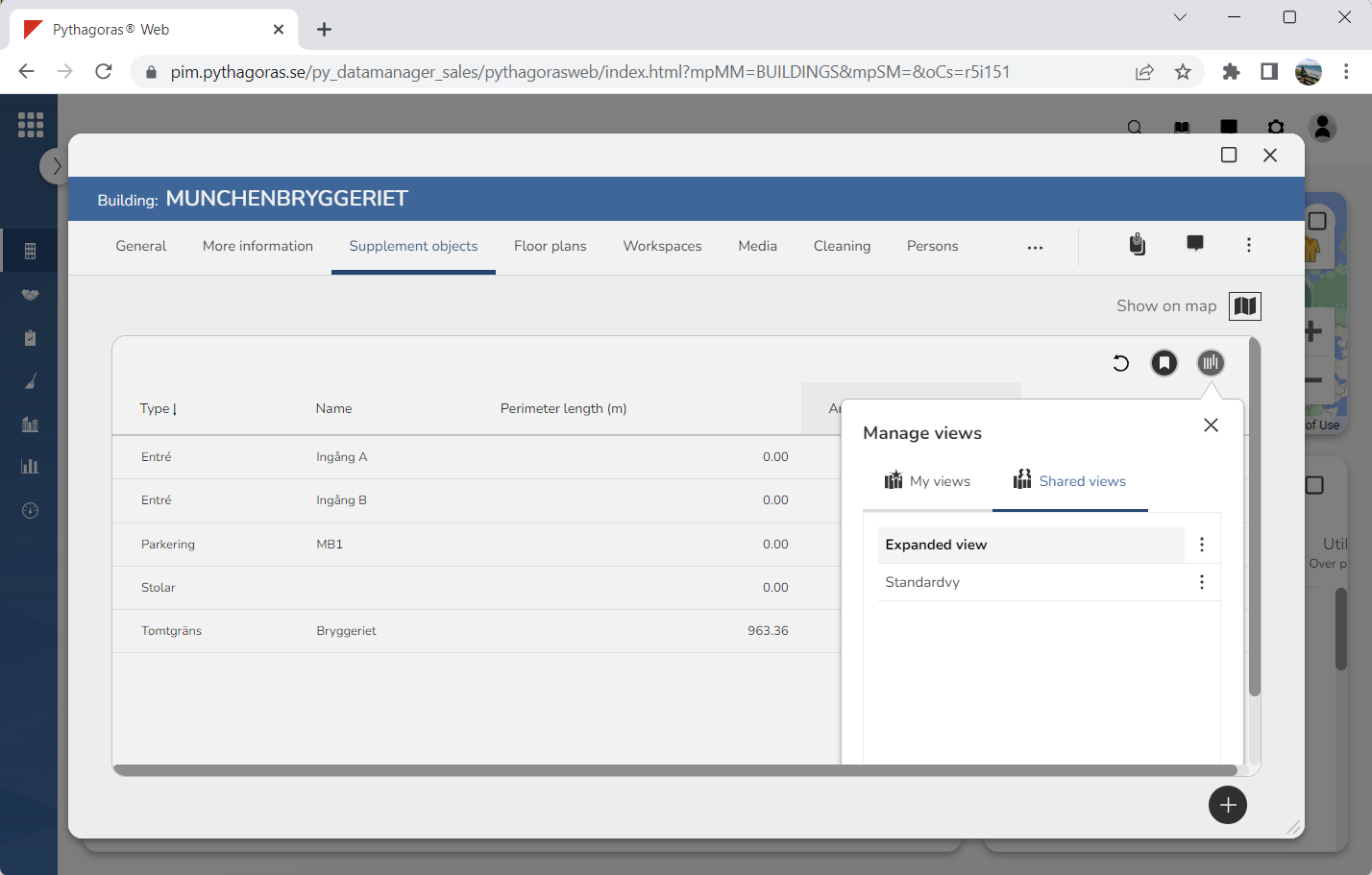
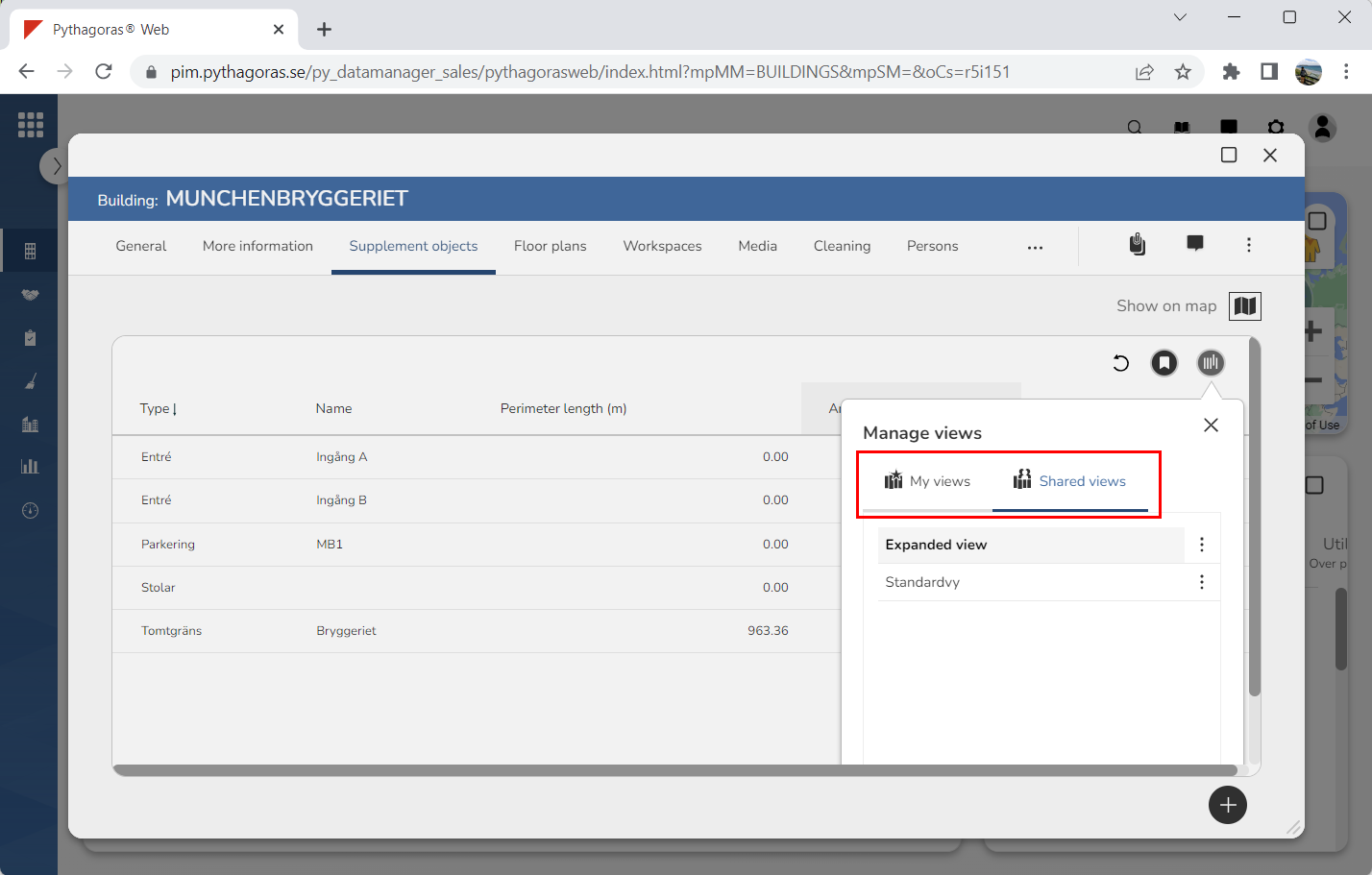
4. Click "Manage views" (see the first image below). When you do so, a views window will open containing two lists: "My views and "Shared views" (see the second image below). the list "My views" contains personal views, while the list "Shared views" contains organisation views.
5. Go to the views window.
6. Click "My views" or "Shared views" to open the list in which the view you wish to base your view report on is available (see image below).
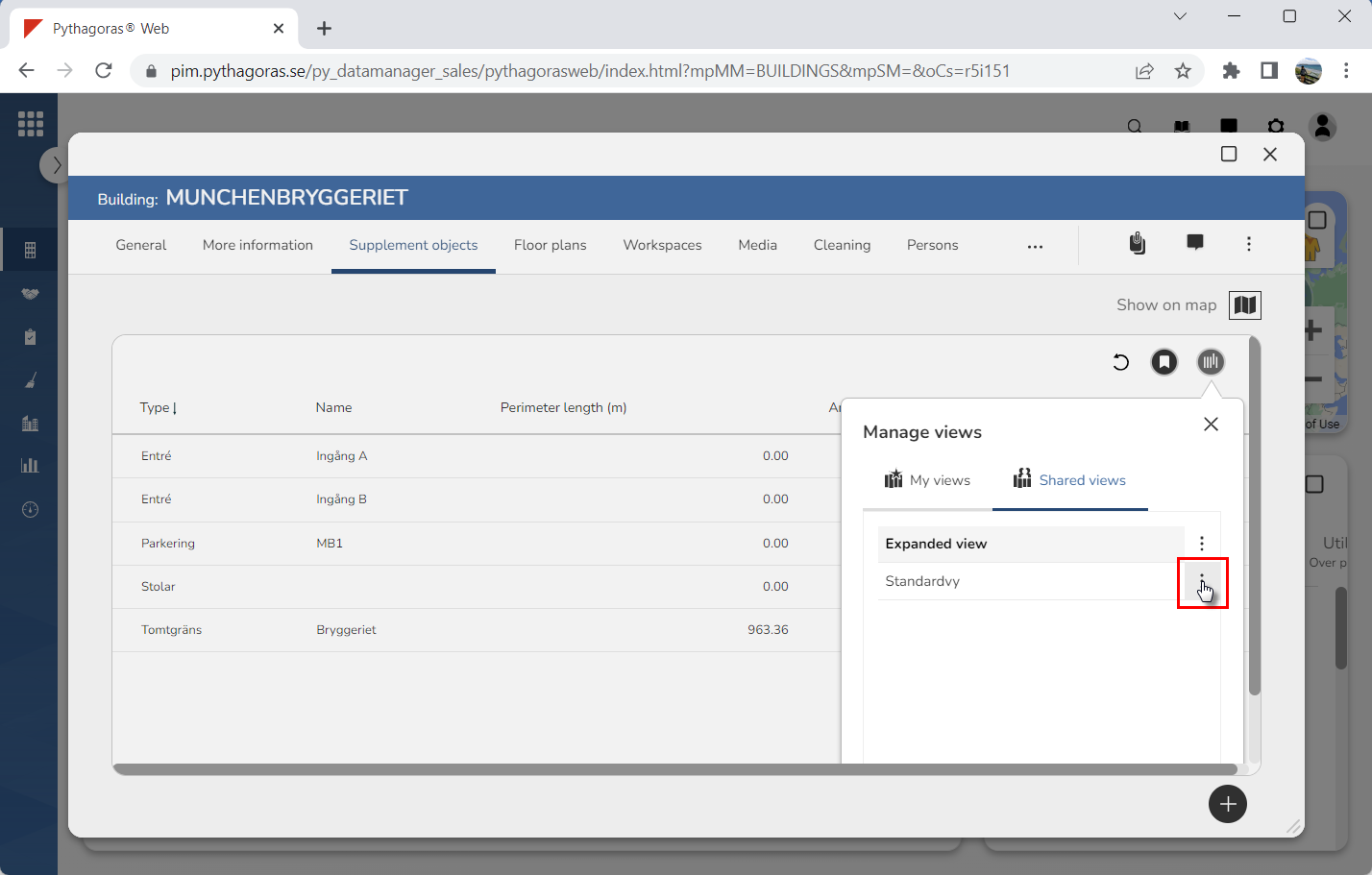
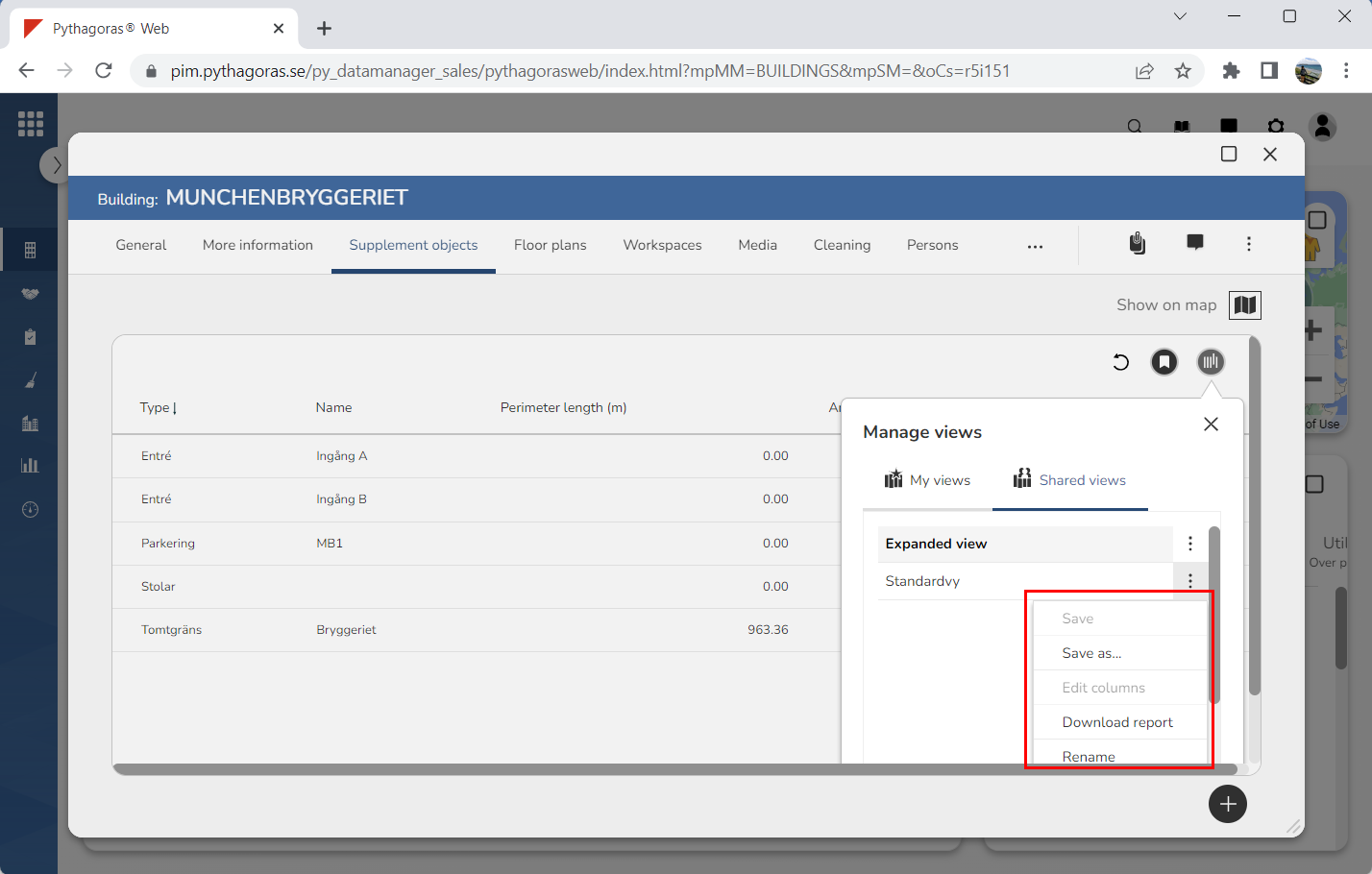
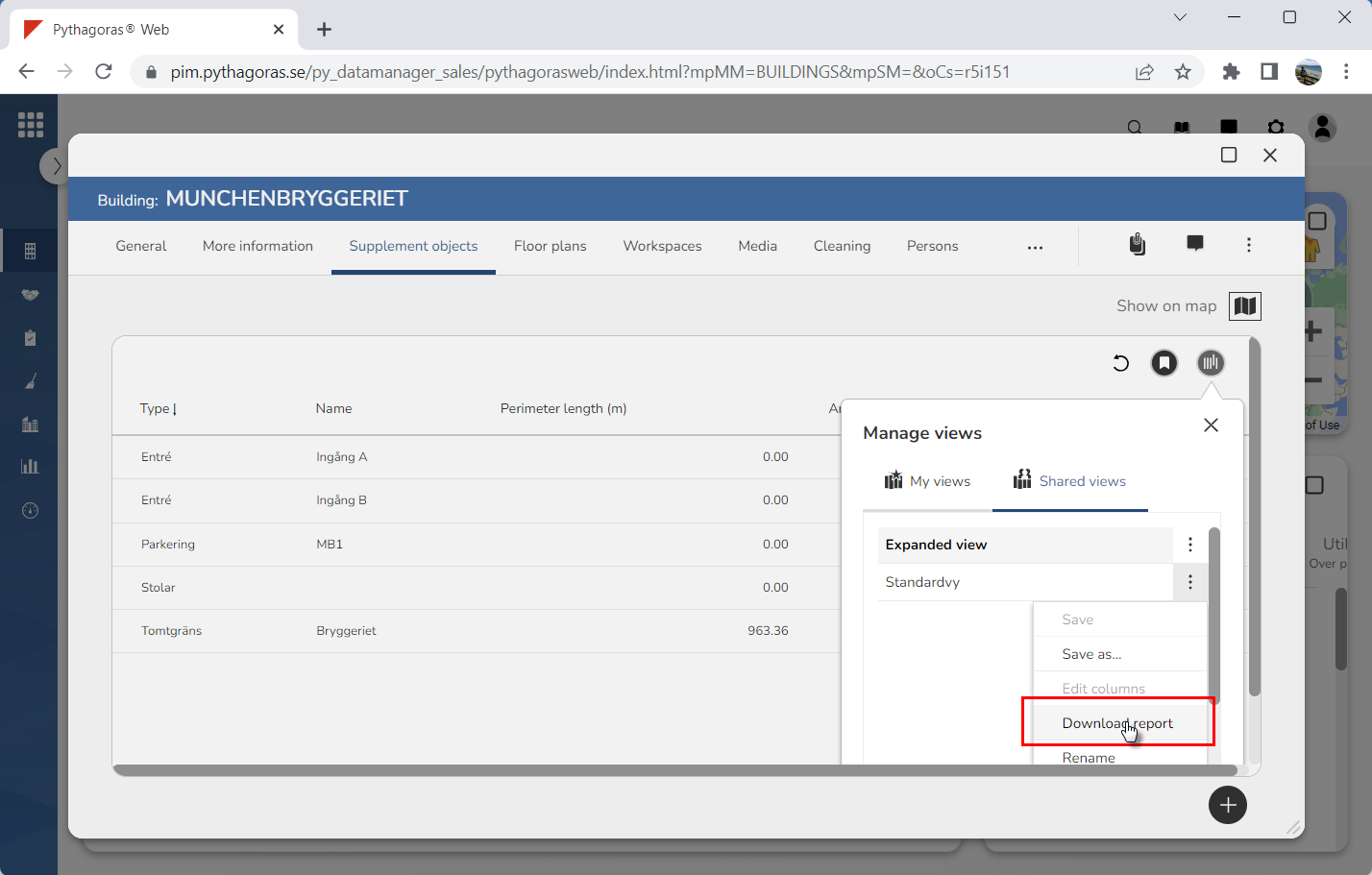
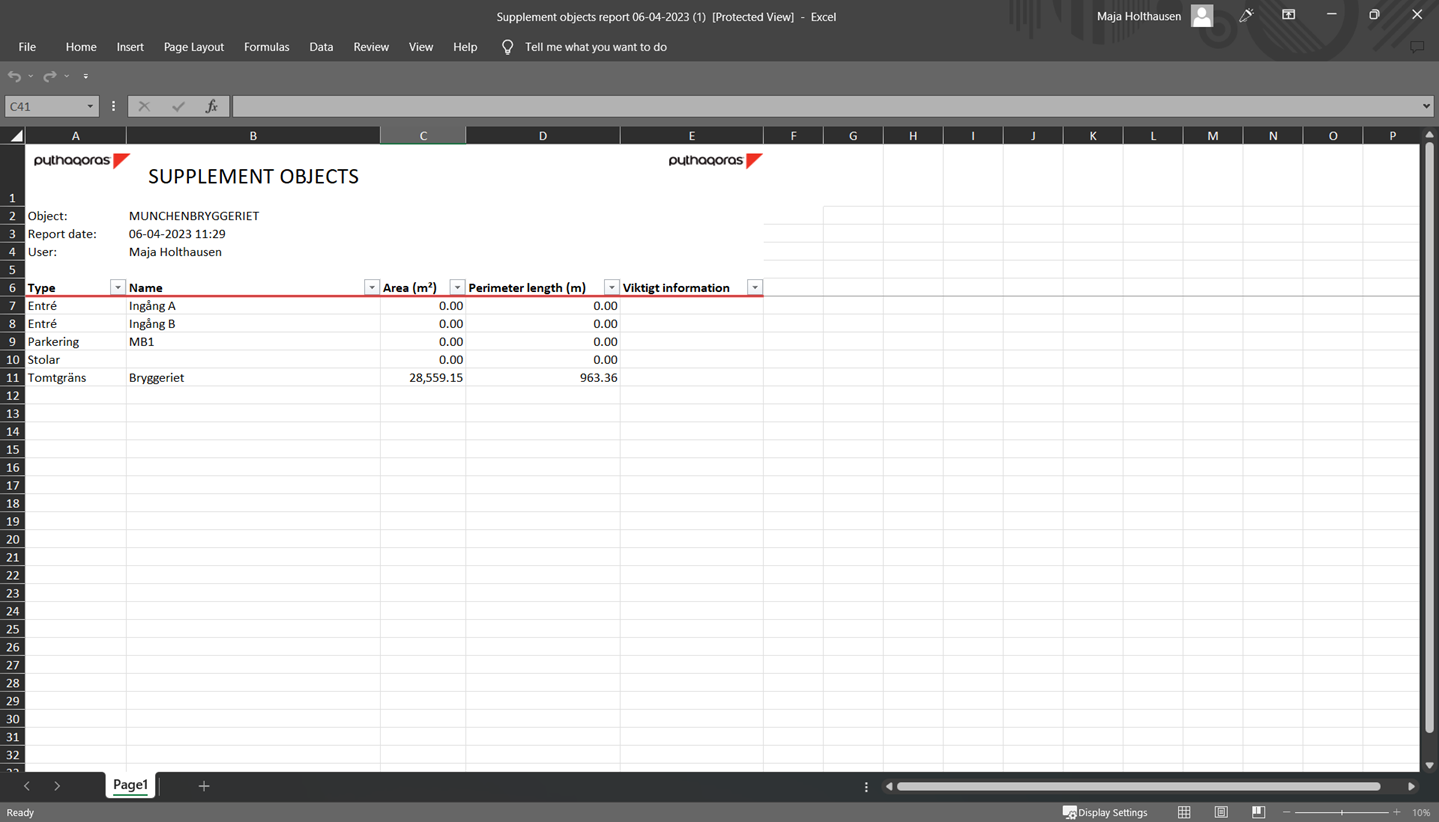
7. Click "More options" next to the view on which you wish to base your view report (see the first image below). When you do so, a menu will open (see the second image below). 8. Click "Download report" in the menu (see the first image below). When you do so, a view report based on the view you are working with will be created (see the second image below).