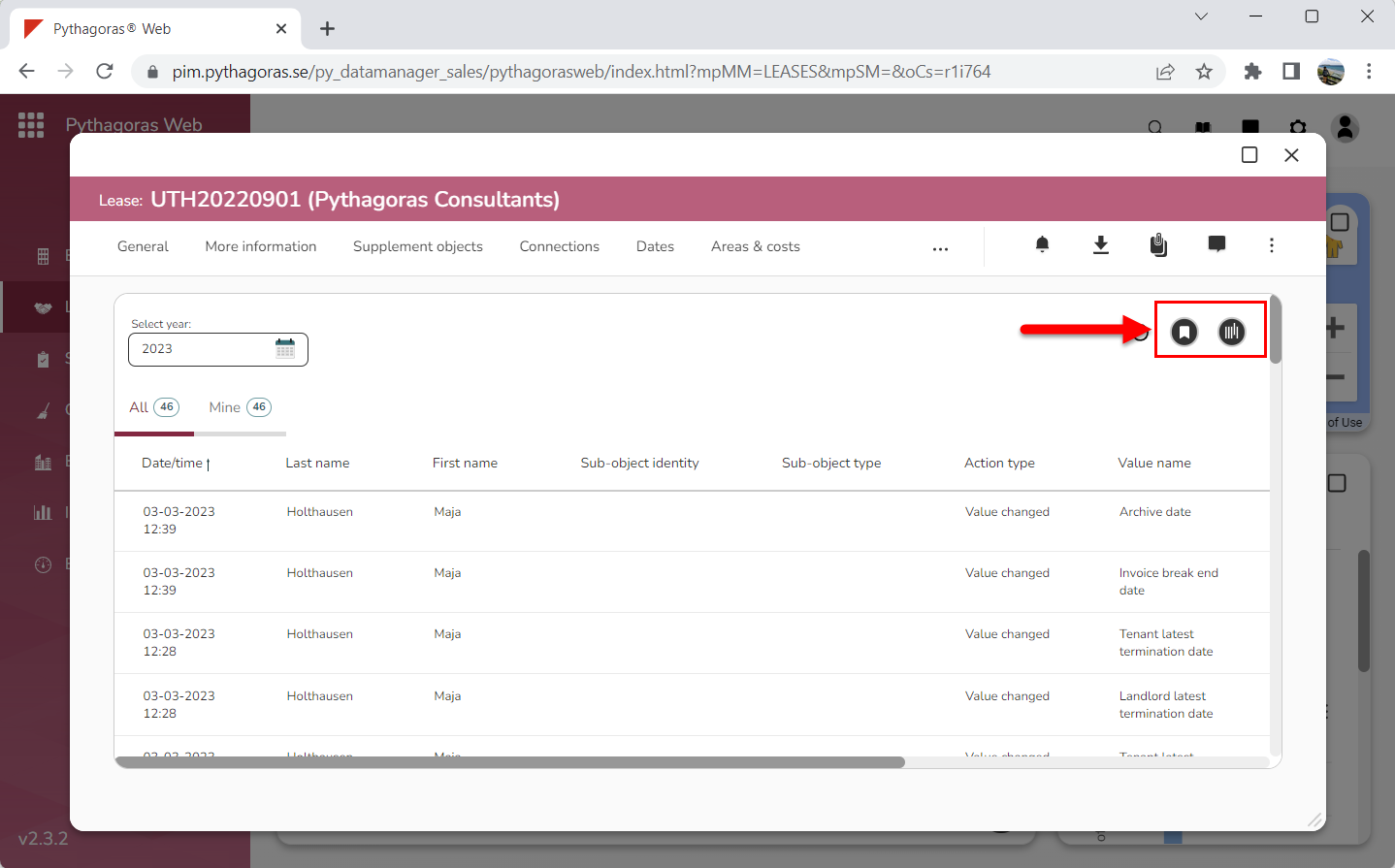
Many of the lists you come across in various cards and windows in Pythagoras Web contain the following icons "Save view" and "Manage views" (see image below). Using the icons called "Save view" and "Manage views", you can work with views for the lists in which they are available. In this chapter, we have worked with the activity log in the fix leases card, so that is the the one you will see in our images. However, the view function works the same way in all other lists.
When working with views for a list you can:
select which views to show in it
create views for it
make changes in the views for it
save the changes made in the views for it
remove views from it.
For more information on how to:
select which view to show in a list, see section 3.1.
create a view for a list, see section 3.2.
make changes in a view, see section 3.3.
save the changes made in a view, see section 3.4.
remove a view from a list, see section 3.5.
Innehållet i 3. Working with views for other lists