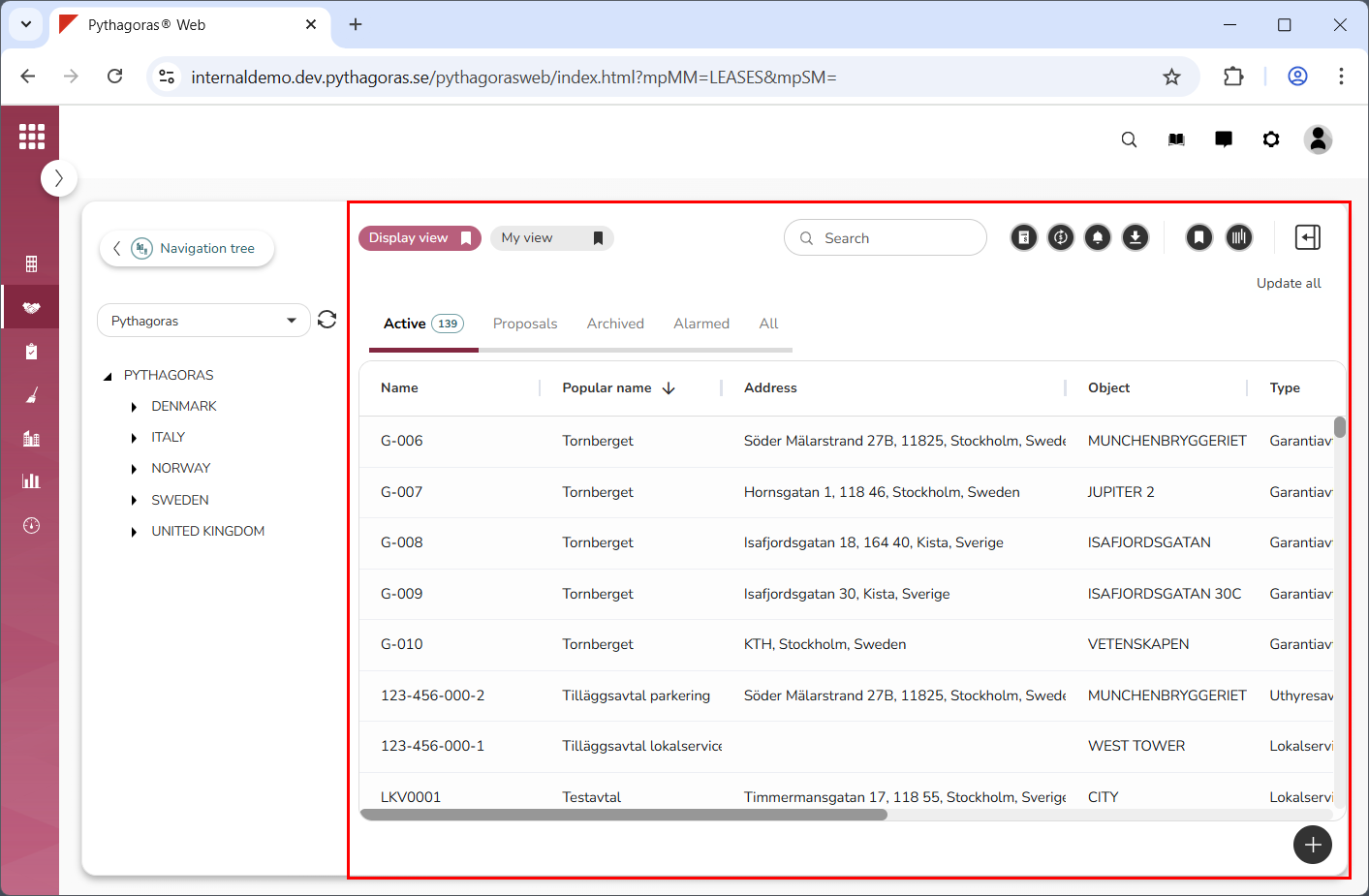
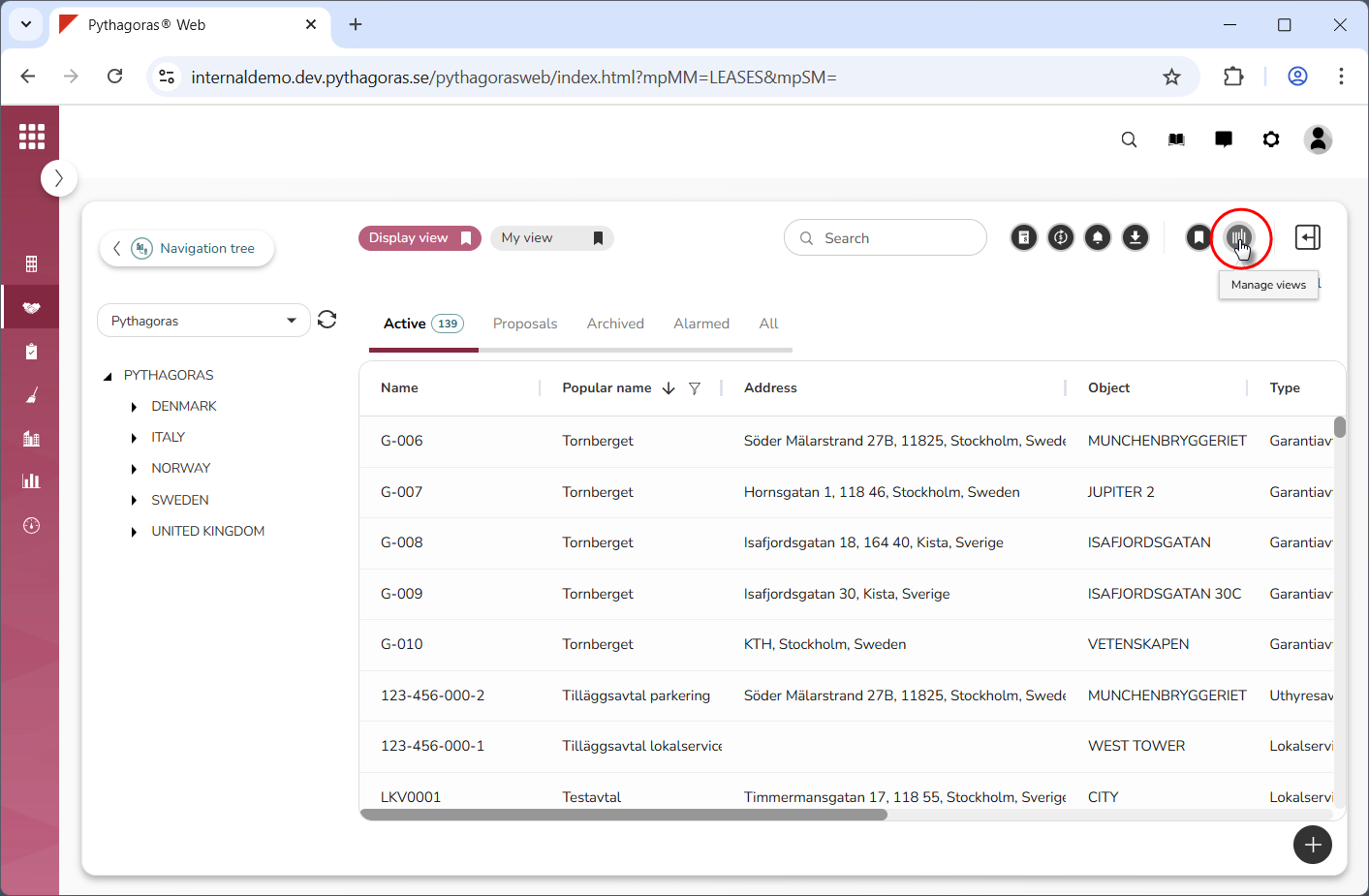
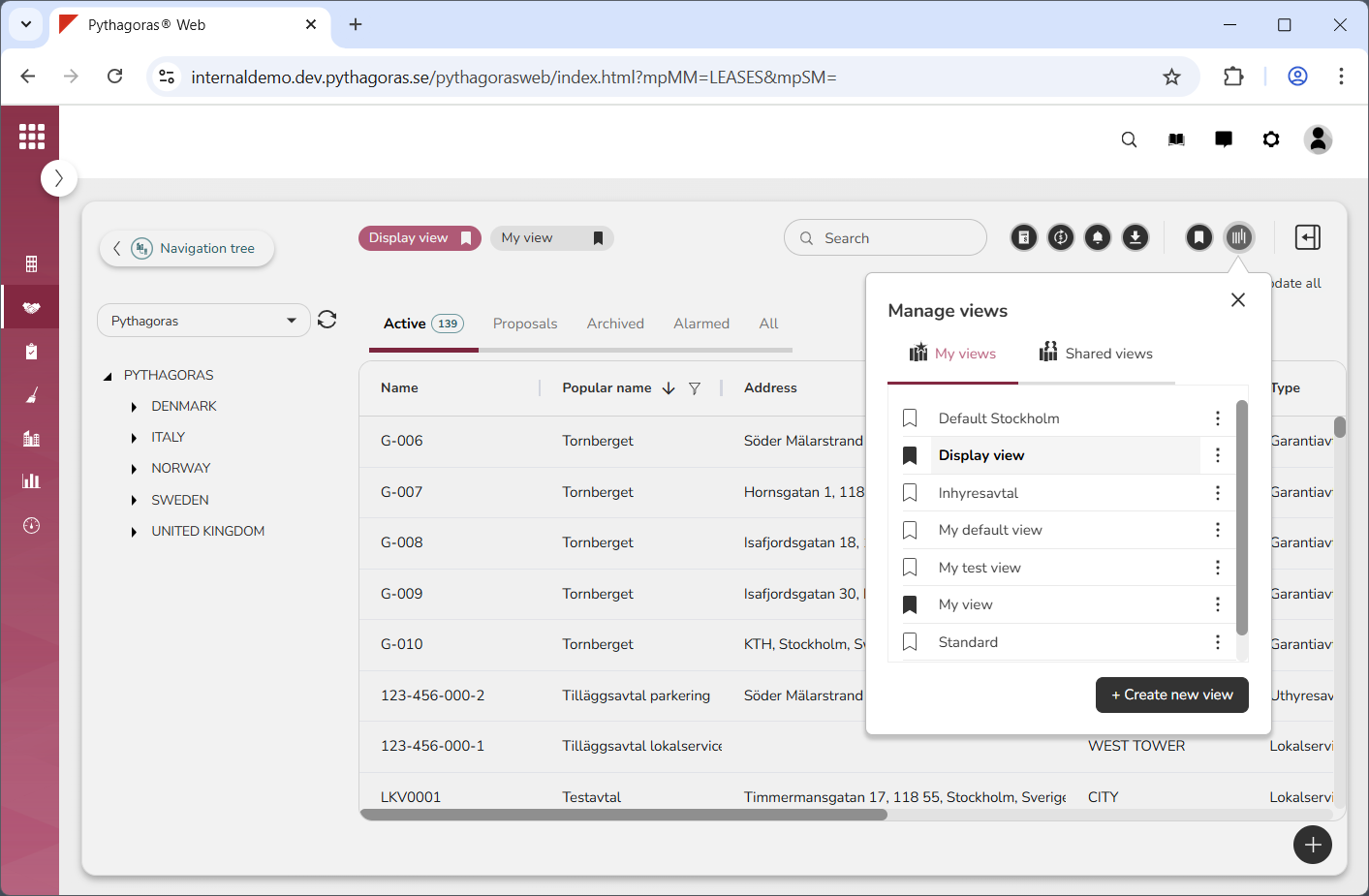
Click "Manage views" (see the first image below). When you do so, a views window will open containing two lists: "My views and "Shared views" (see the second image below). The list called "My views" contains personal views, while the list called "Shared views" contains organisation views.
Go to the views window.
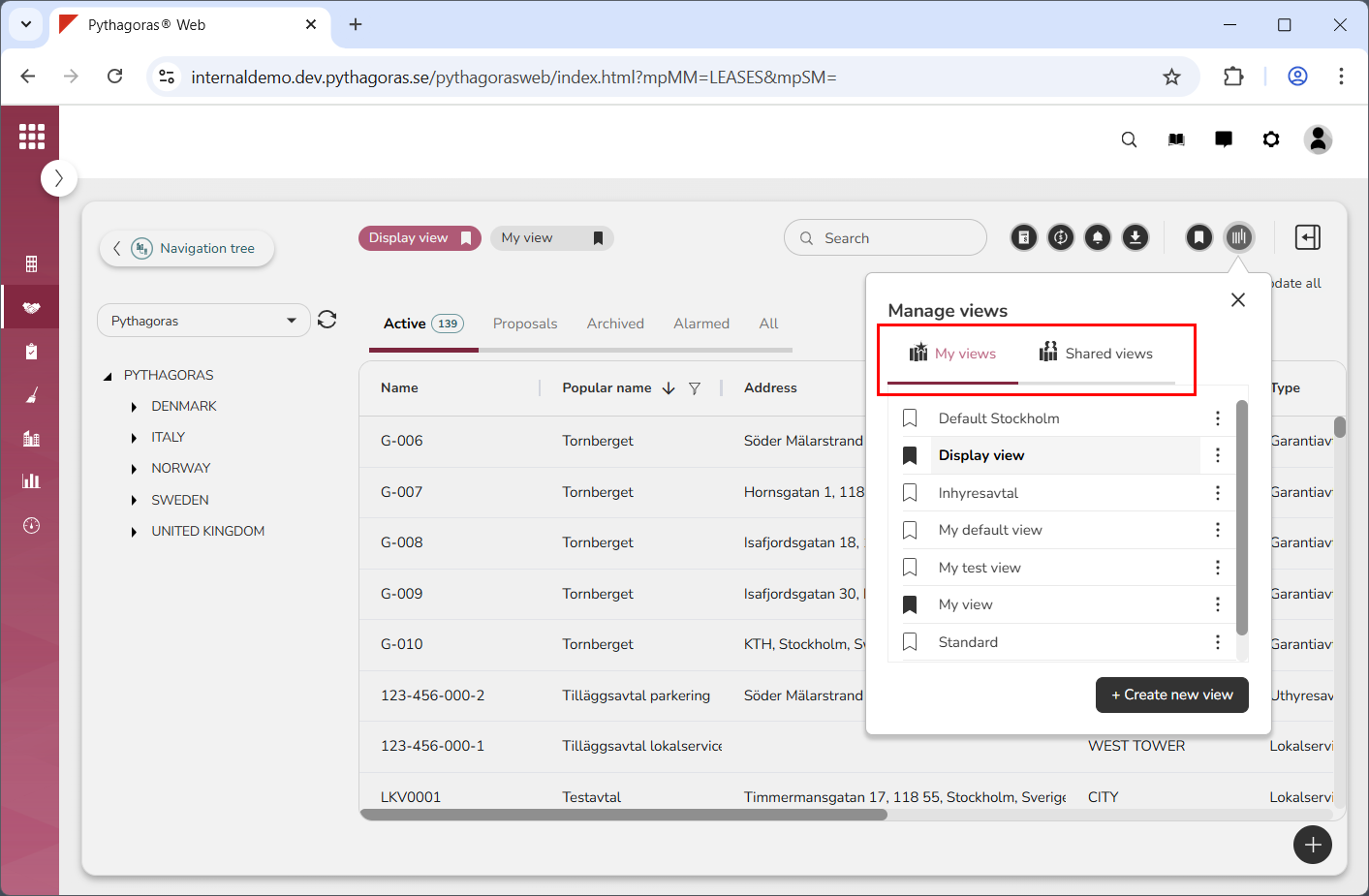
Click "My views" or "Shared views" (see image below). To be able to rename the views available in the list called "Shared views", you must belong to a user group that has permission to update organisation views. If you do not, you will only be able to rename the views available in the list called "My views".
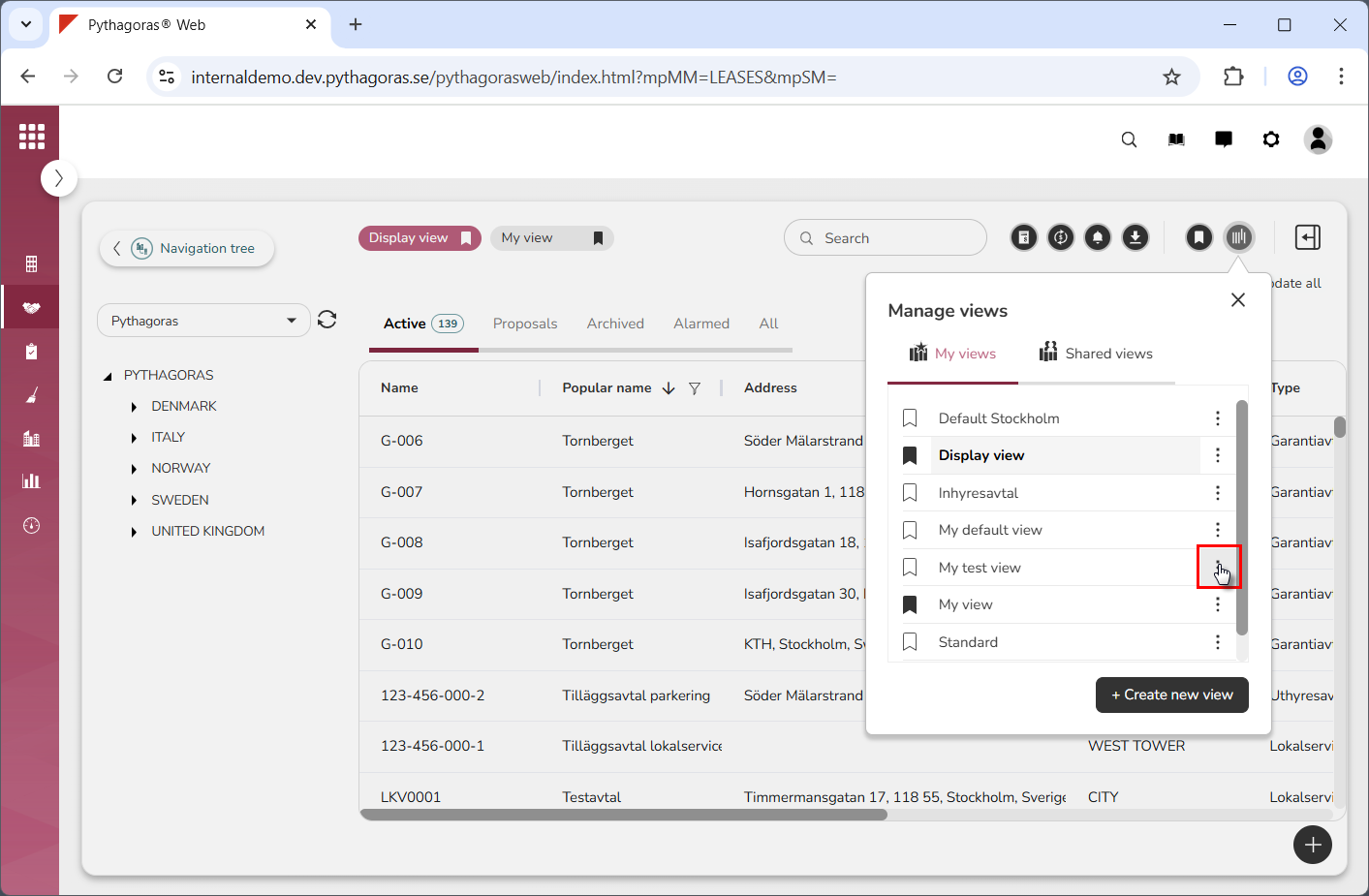
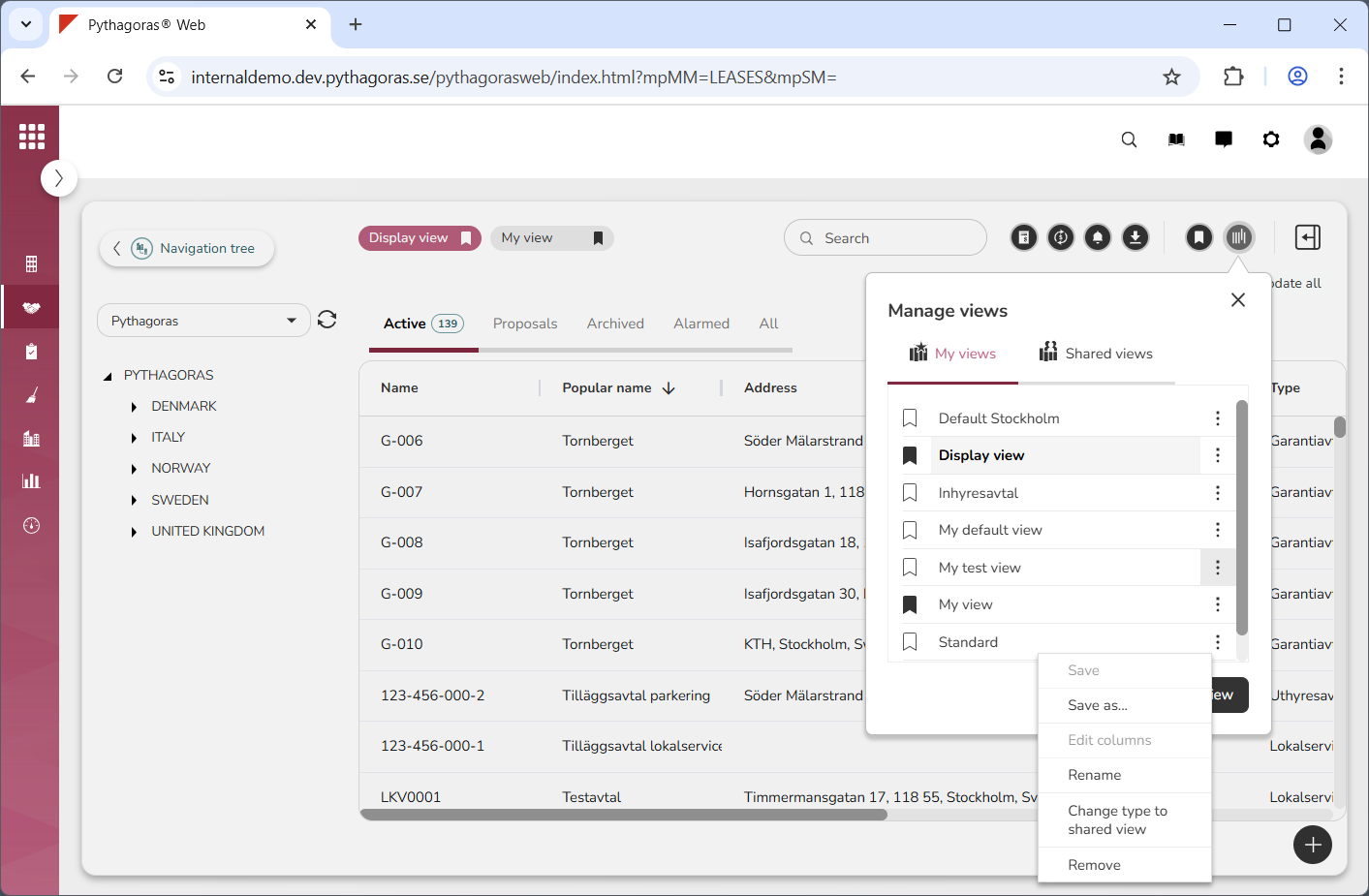
Click "More options" next to the view you wish to rename (see the first image below). When you do so, a menu will open (see the second image below).
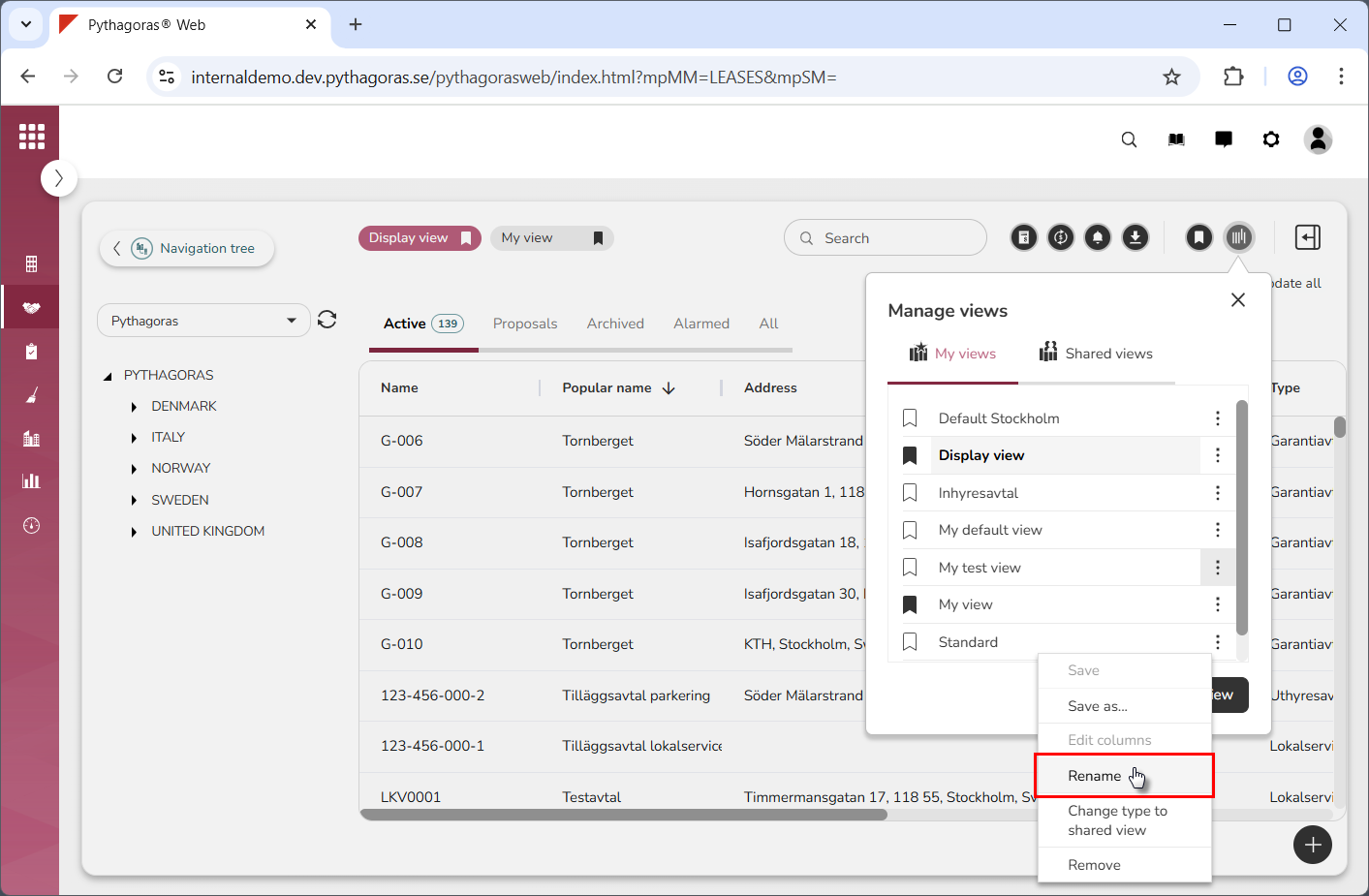
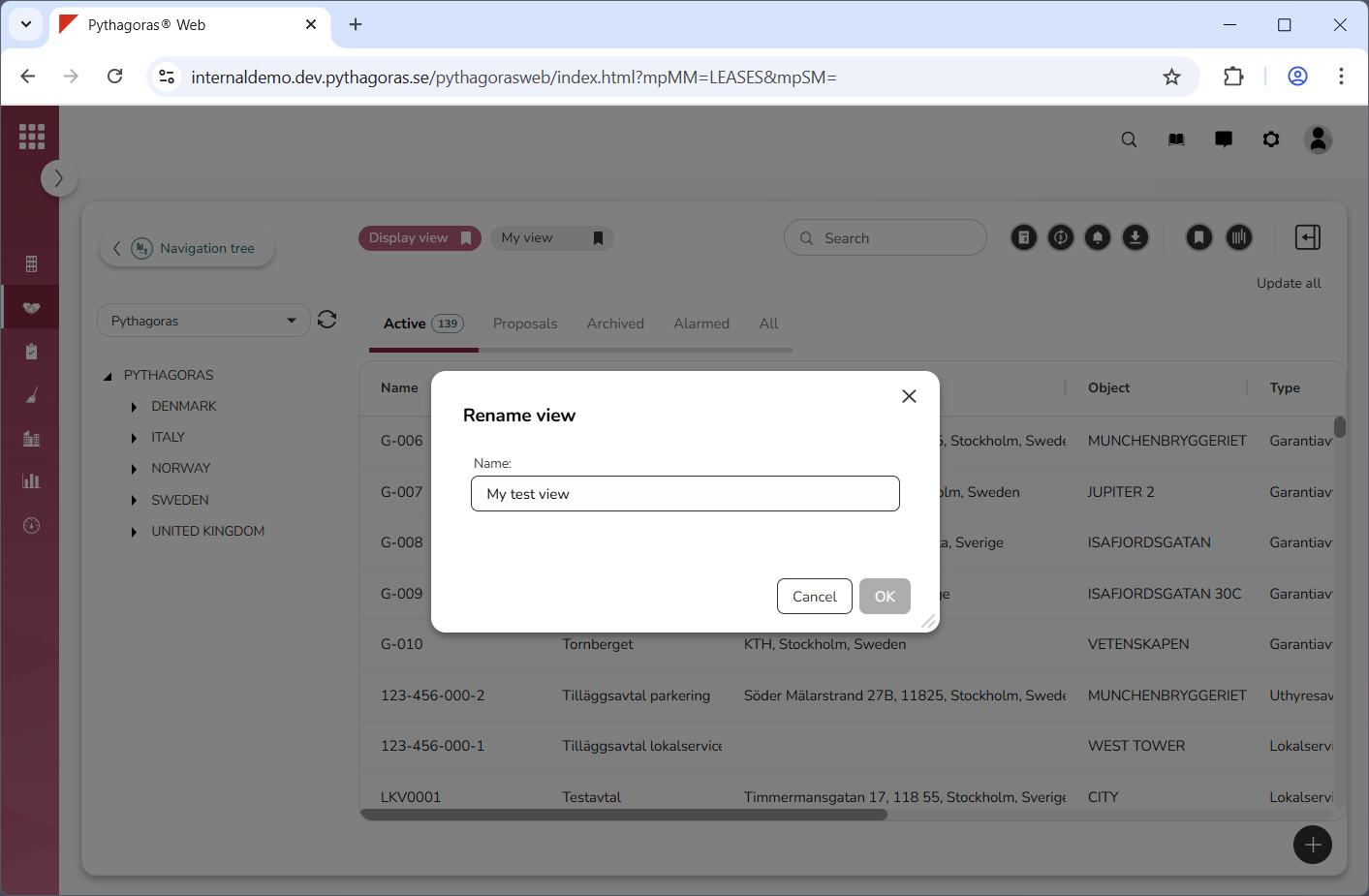
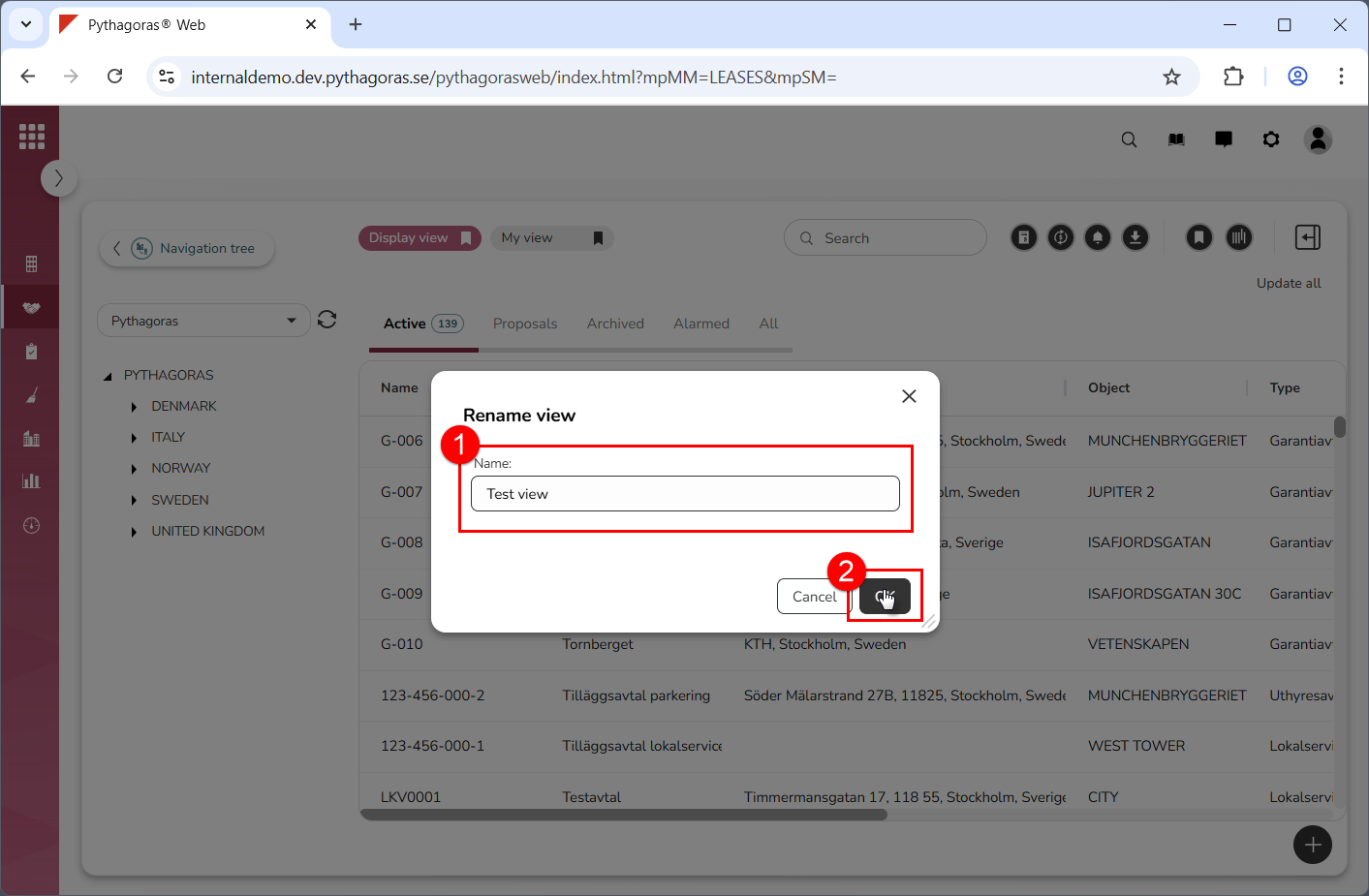
Click "Rename" in the menu (see the first image below). When you do so, a window called "Rename view" will open (see the second image below).
Rename the view you are working with (see image below).