Specify that the view you wish to change the sorting within is to be shown in the list you are working with. For more information on how to do so, see section 3.1.
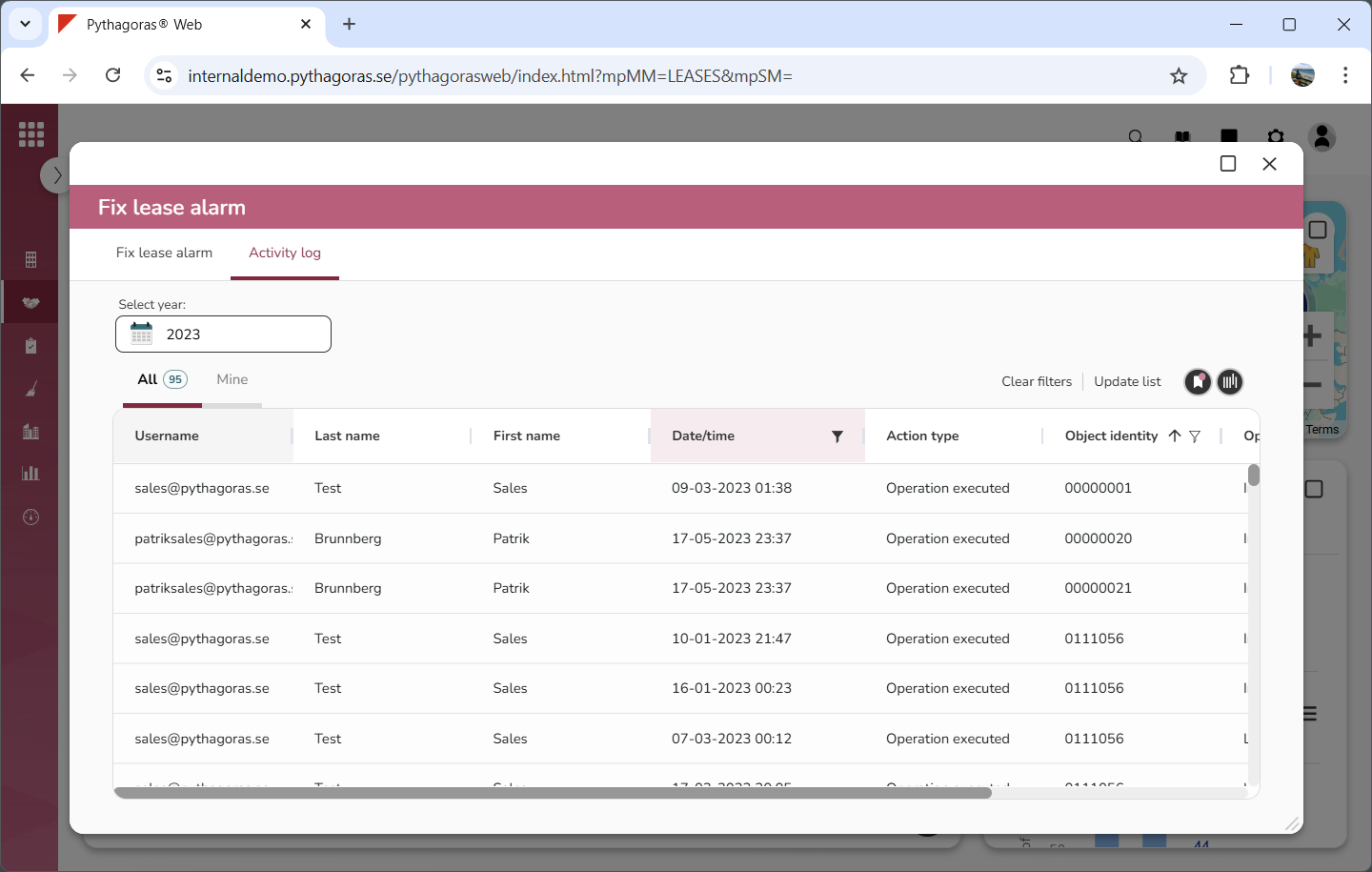
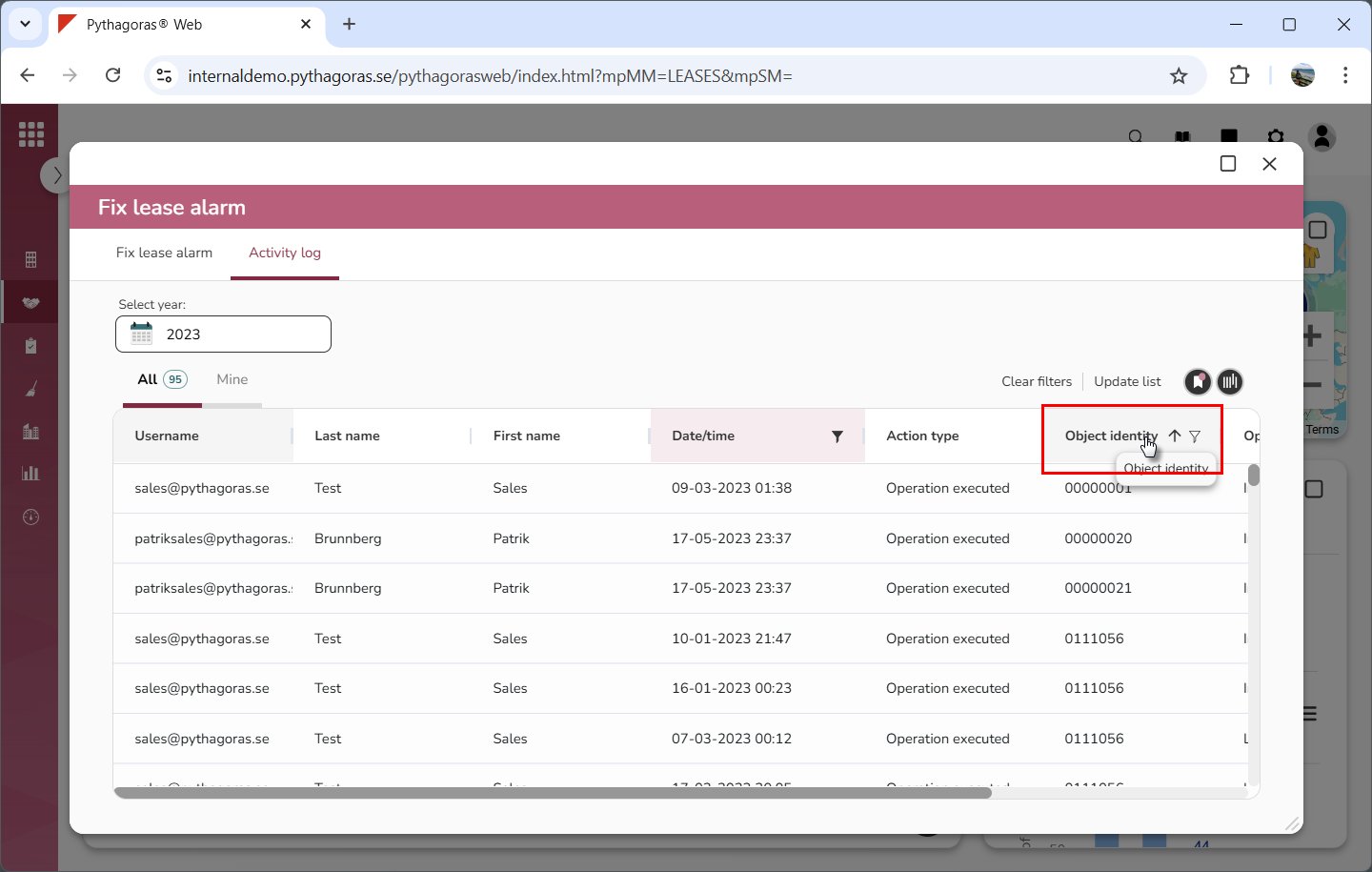
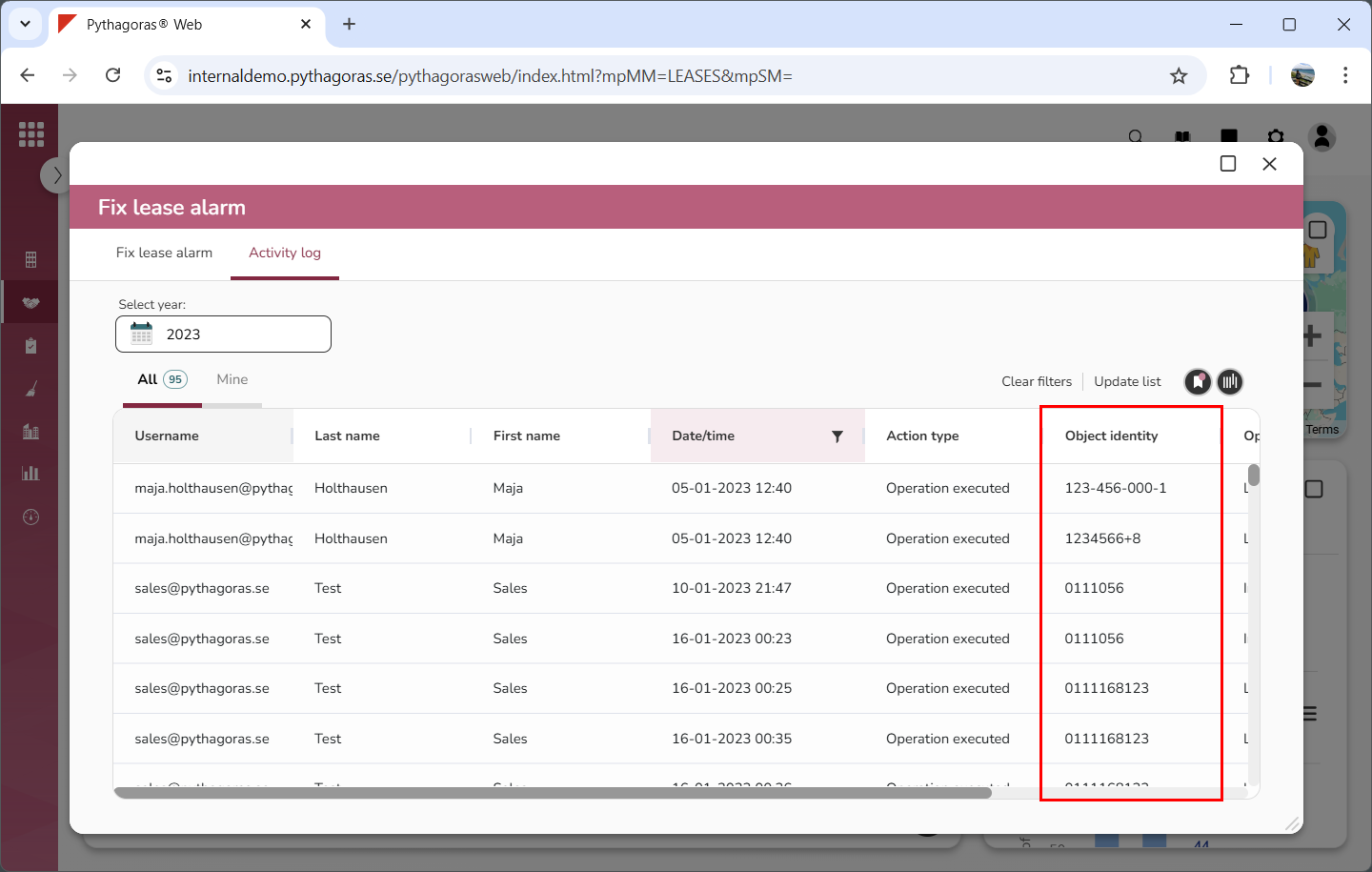
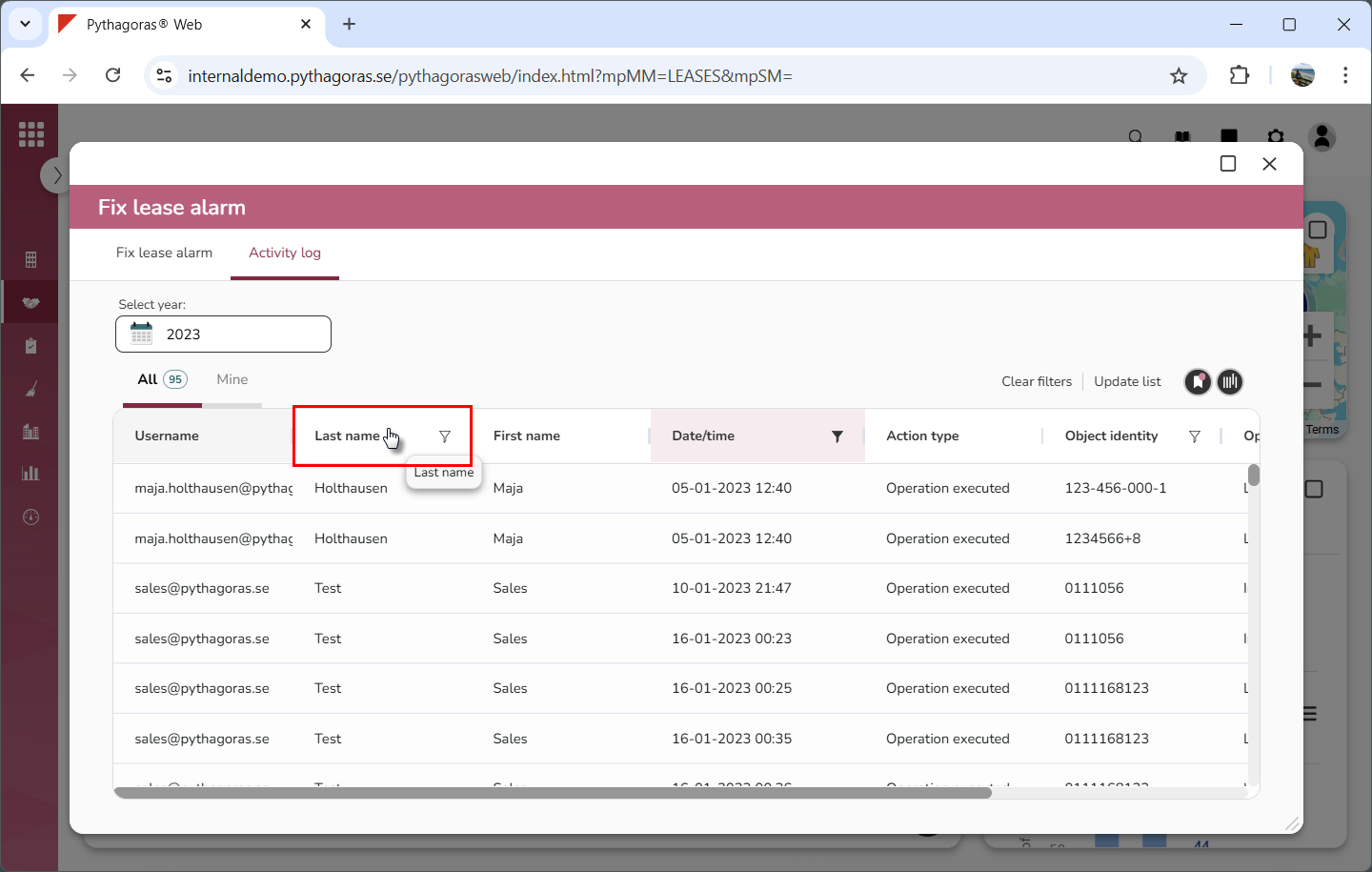
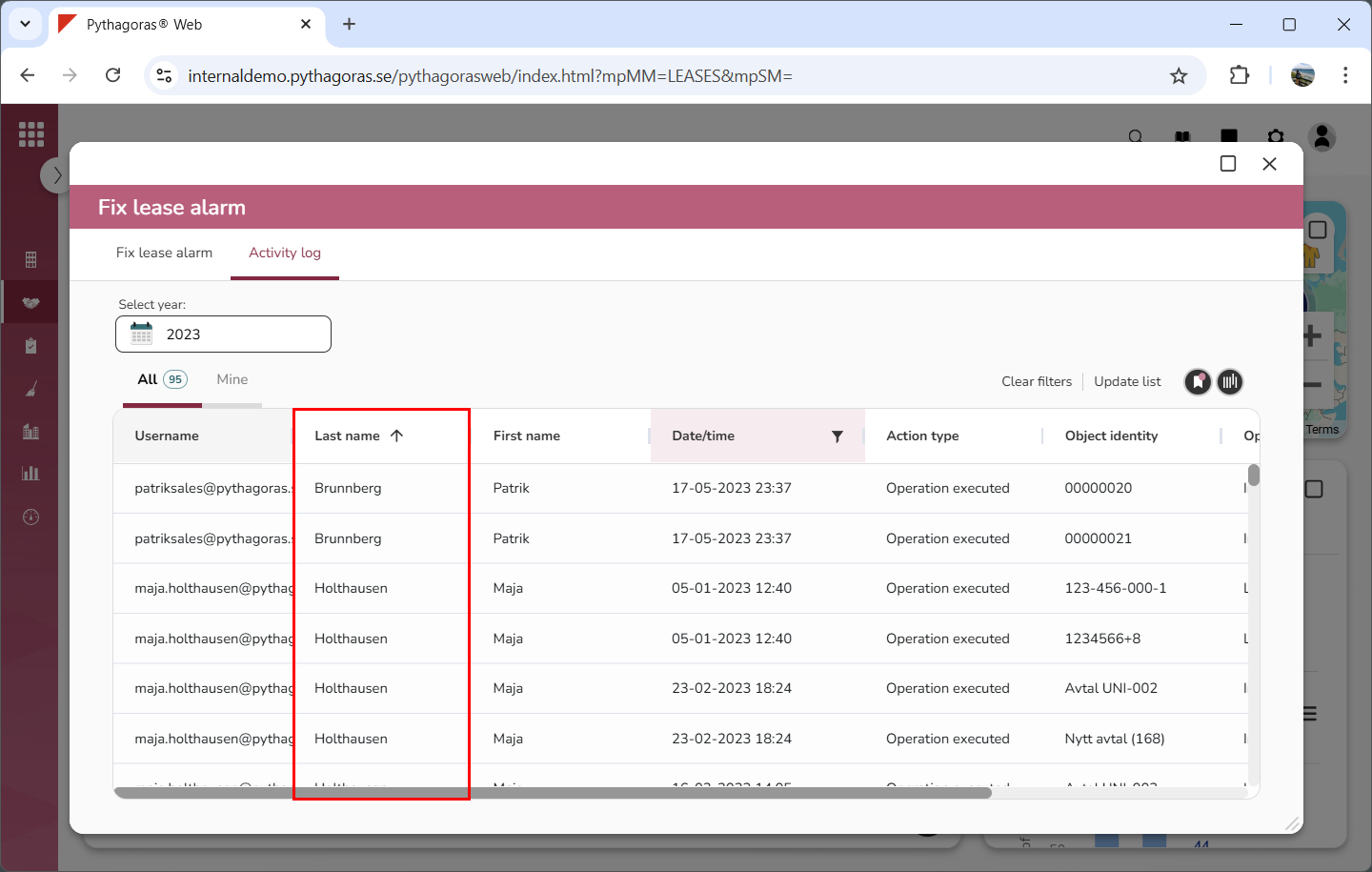
Remove the sorting from the view you are working with by removing the sorting from the column containing sorting (see images below). To remove sorting from a column, click its name until the sorting arrow disappears. If you do not wish to remove the sorting from the view you are working with, you can skip this step. The same applies if the list you are working with does not contain any sorting.
Add or change the sorting in the view you are working with by sorting a column. To sort a column, click its name until is has the sorting you want: ascending or descending (see images below). You can only sort one column per view. If you do not wish to add or change the sorting in the view you are working with, you can skip this step.
Save the sorting changes you have made by saving the changes you made in the view you are working with. For more information on how to do so, see section 3.4.