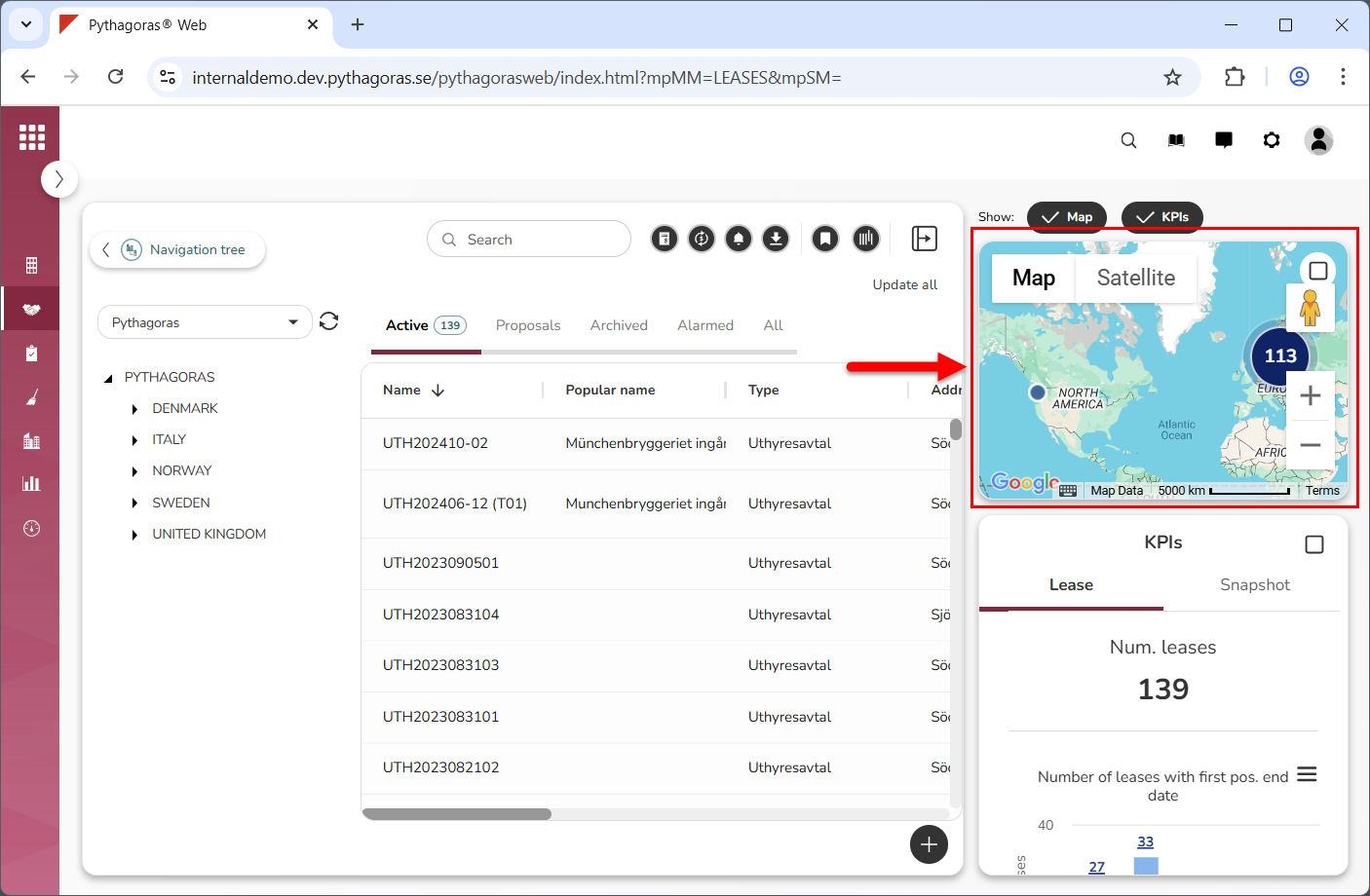
The map is located to the right of the object list below the global settings area (see image below). On the map you will see lease objects associates with leases. You can choose whether to show or hide the map. To do so, show or hide the map and KPIs. If you show the map and KPIs, you can specify that only the map should be shown. Note that, when you log into Pythagoras Web, the map and KPIs are hidden. You need to show them for them to become visible.
Via the map you can open the leases that you have access to. You can maximise and minimise the map to increase and decrease its size. The map is linked to the object list and the navigation tree. For more information about the connection between the object list, the map and the navigation tree, see section 2.7.