6.4. Update the leases shown in the object list
When updating the leases shown in the object list, you provide them with the latest information set for them.
To update the object list:
-
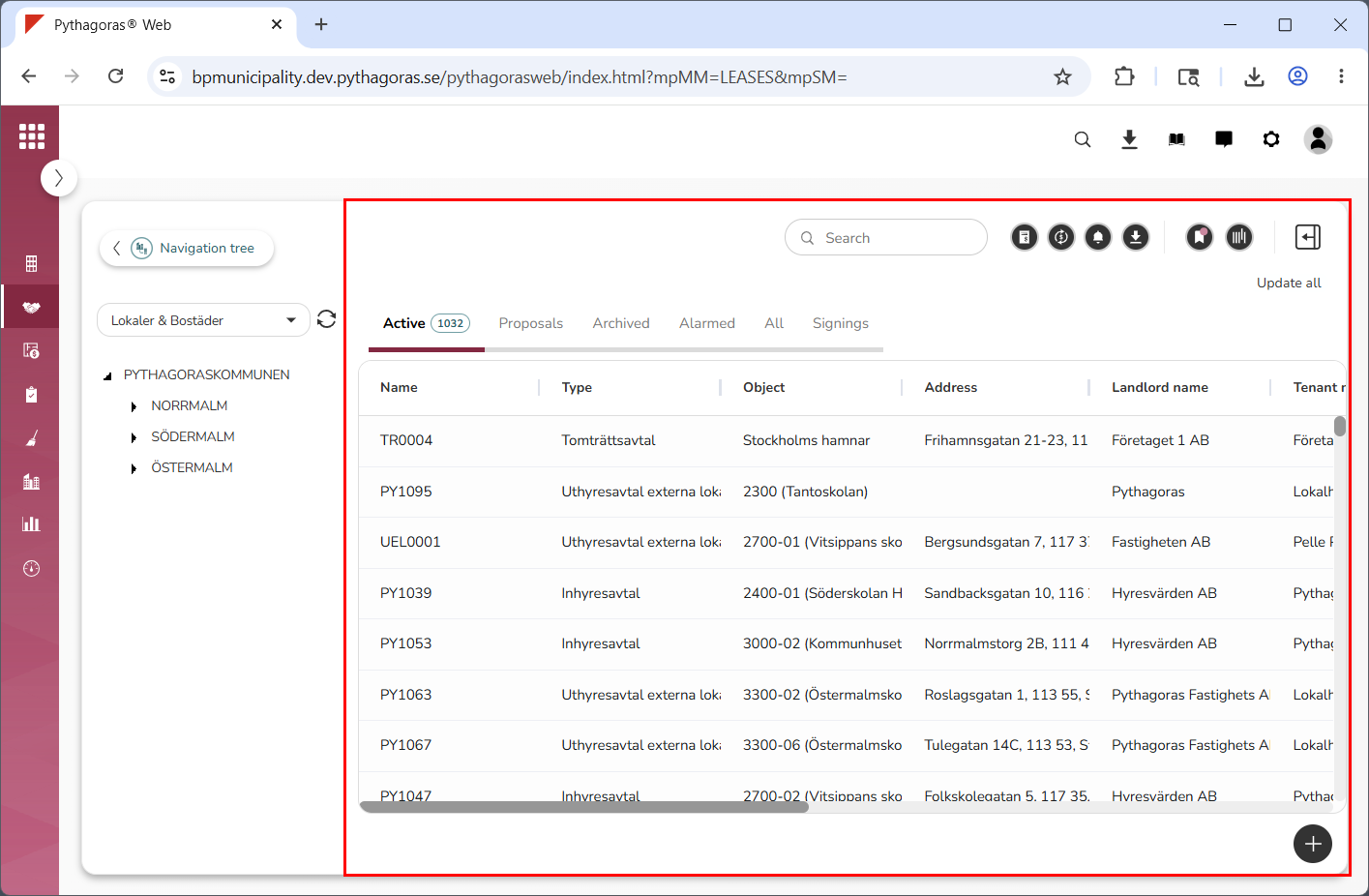
Go to the object list (see image below).
-
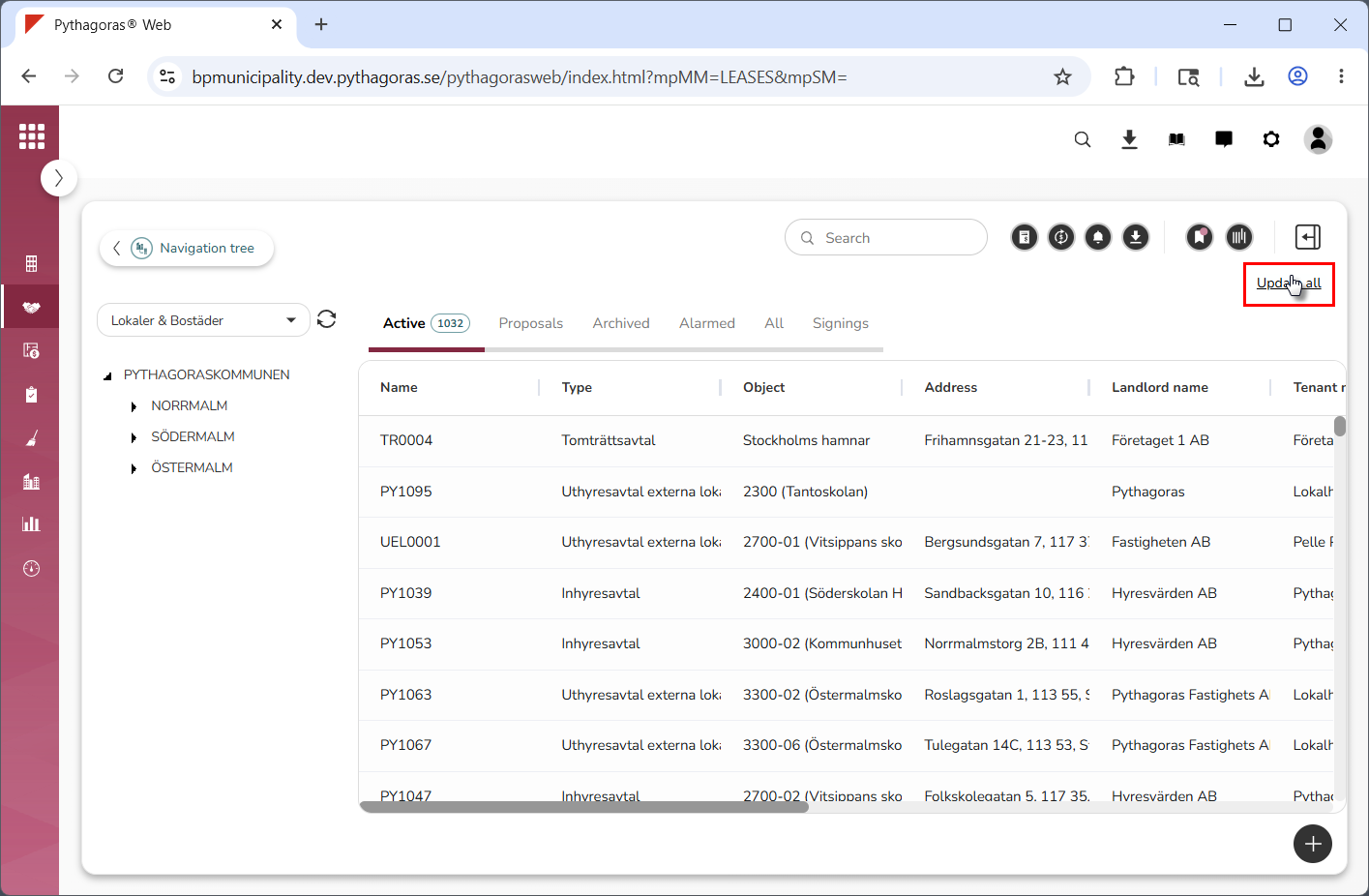
Click "Update all" (see image below). When you do so, all leases shown in the object list will be updated.