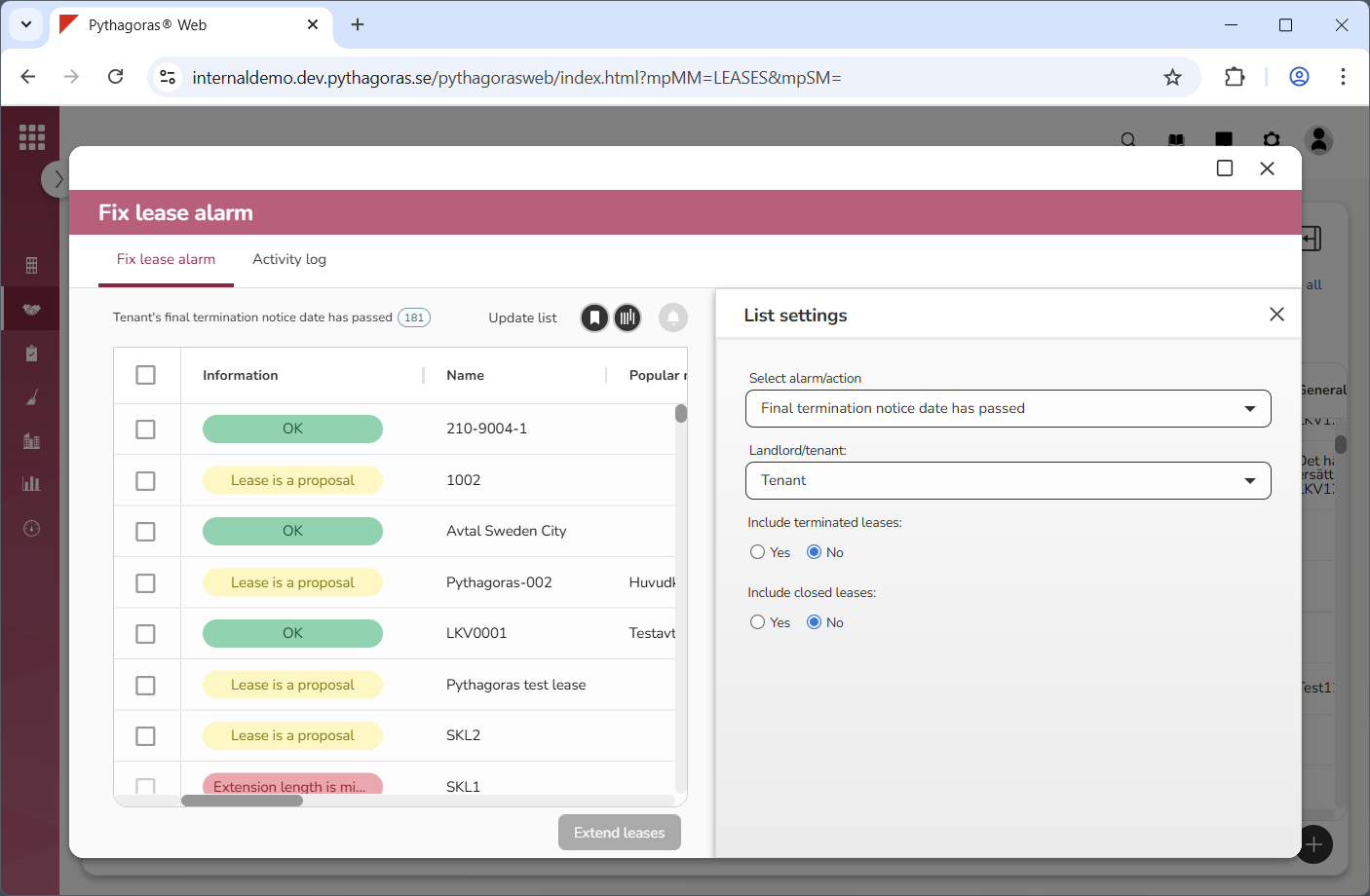
In order to fix lease alarms, you must open the fix leases card.
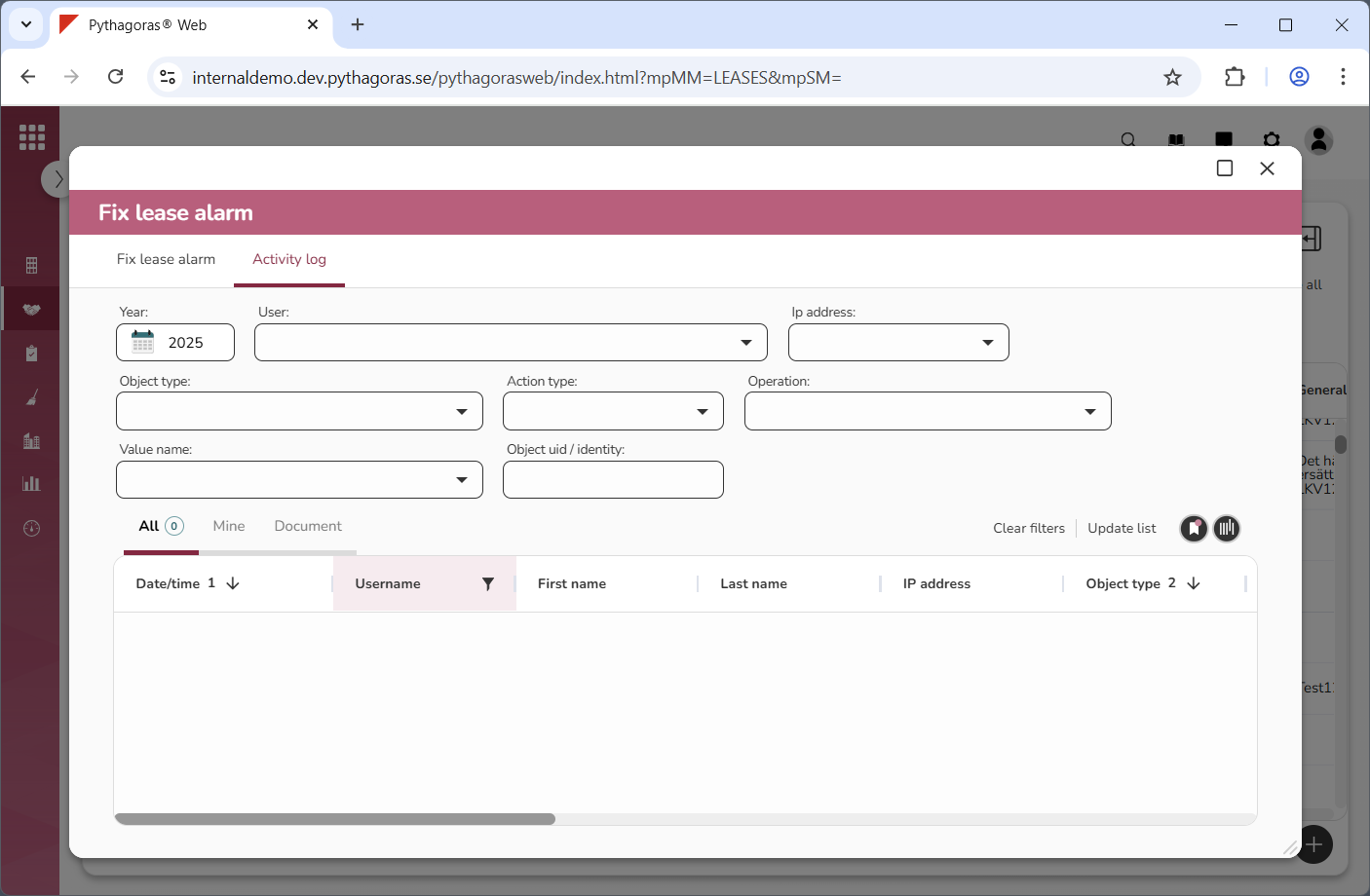
In the fix leases card you will find a leases list and an activity log. The leases list is available within the tab called "Fix lease alarm" and the activity log is available within the tab called "Activity log" (see images below).
Via the fix leases card you can:
fix alarms that has occurred because you can raise the index for one or more leases or the landlord's or tenant's latest termination date has passed
create an overview of important dates
create lease adjustments for several leases at the same time
filter the leases list and the activity log
update the leases list and the activity log
export the leases list and the activity log to Excel
manage views for the leases list and the activity log.
To create an overview of important dates, show different types of leases in the leases list.
In the leases list you can show:
leases where the landlord's or tenant's latest termination date is approaching
leases containing extension options whose expiration date is approaching
leases containing lease adjustments whose start or end date is approaching
leases containing adjustment options whose start date is approaching.
For more information on how to :
open the fix leases card, see section 6.5.1.
fix lease alarms that has occurred because you can raise the index for one or more leases, see section 6.5.2.
fix lease alarms that has occurred because the landlord's or tenant's latest termination date has passed, see section 6.5.3.
show leases where the landlord's or tenant's latest termination date is approaching, see section 6.5.4.
show leases containing extension options whose expiration date is approaching, see section 6.5.5.
show leases containing lease adjustments whose start or end date is approaching, see section 6.5.6.
show leases containing adjustment options whose start date is approaching, see section 6.5.7.
create a lease adjustment and then apply it to several leases at the same time, see section 6.5.8.
filter the leases list and the activity log, see section 6.5.9.
update the leases list and the activity log, see section 6.5.10.
export the leases list and the activity log to Excel, see section 6.5.11.
manage views for list such as the leases list and the activity log, see chapter 3 in this manual.