Open a lease. For more information on how to do so, see section 4.6. or 6.1.
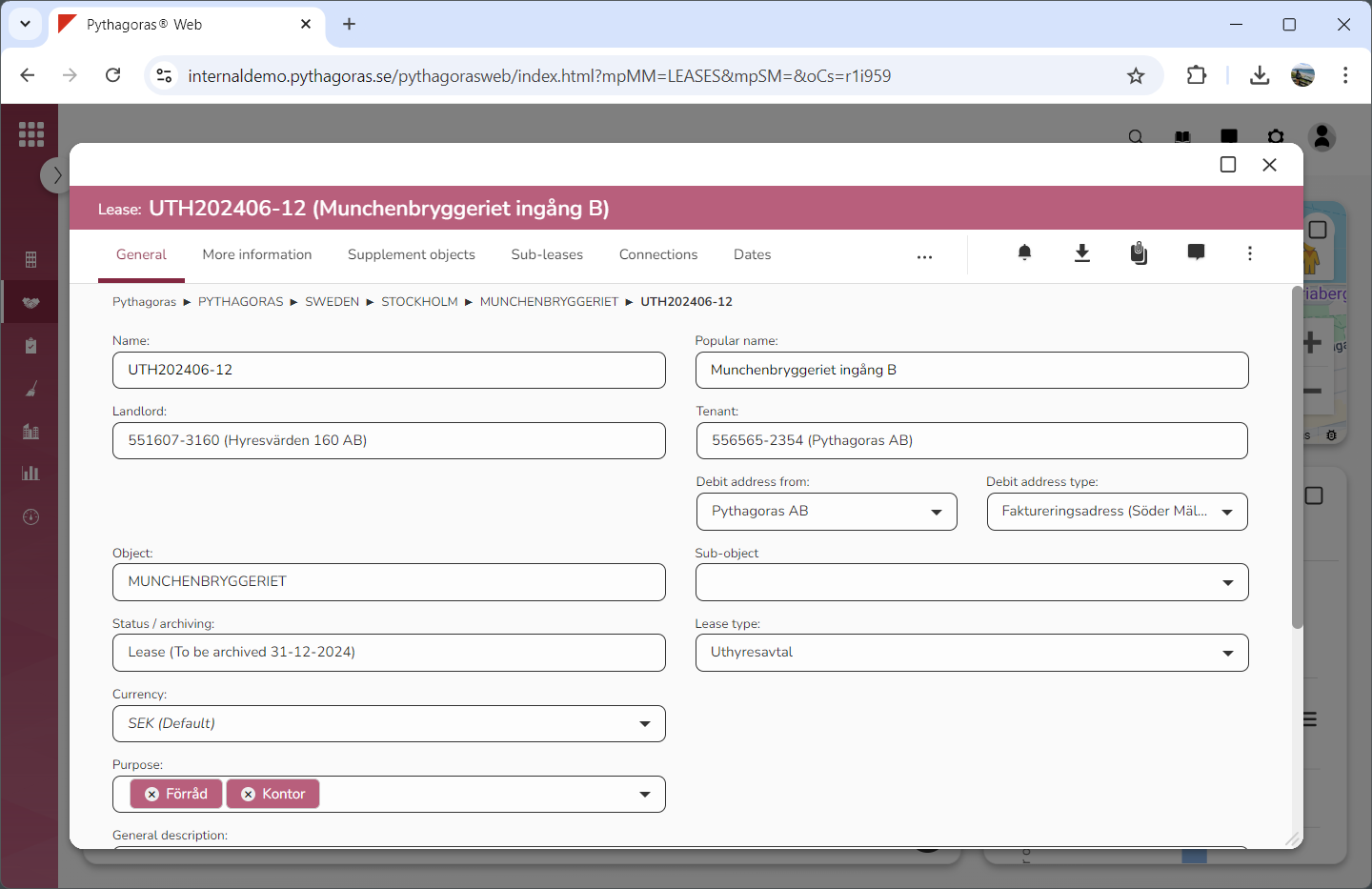
Go to the lease card (see image below).
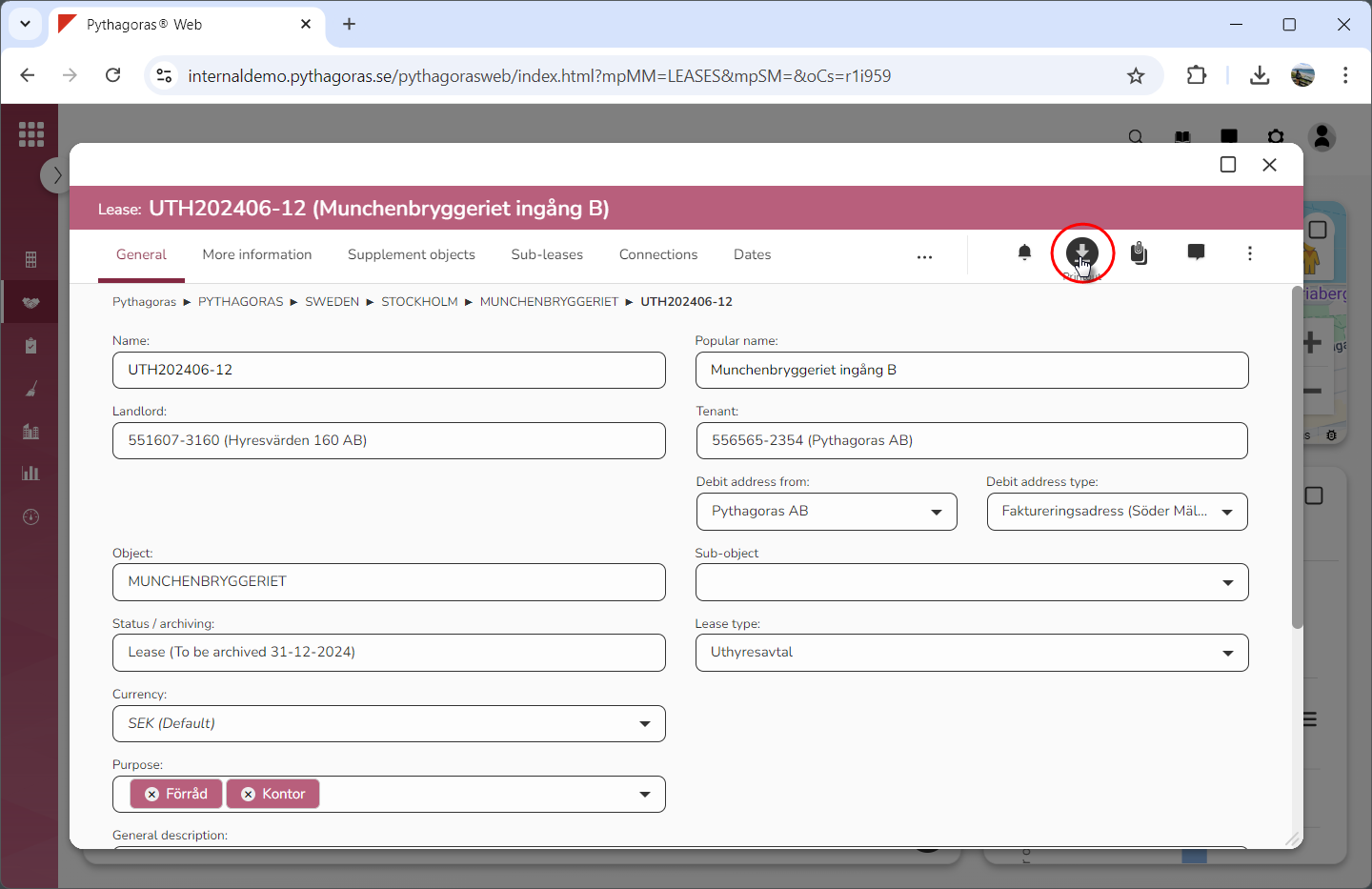
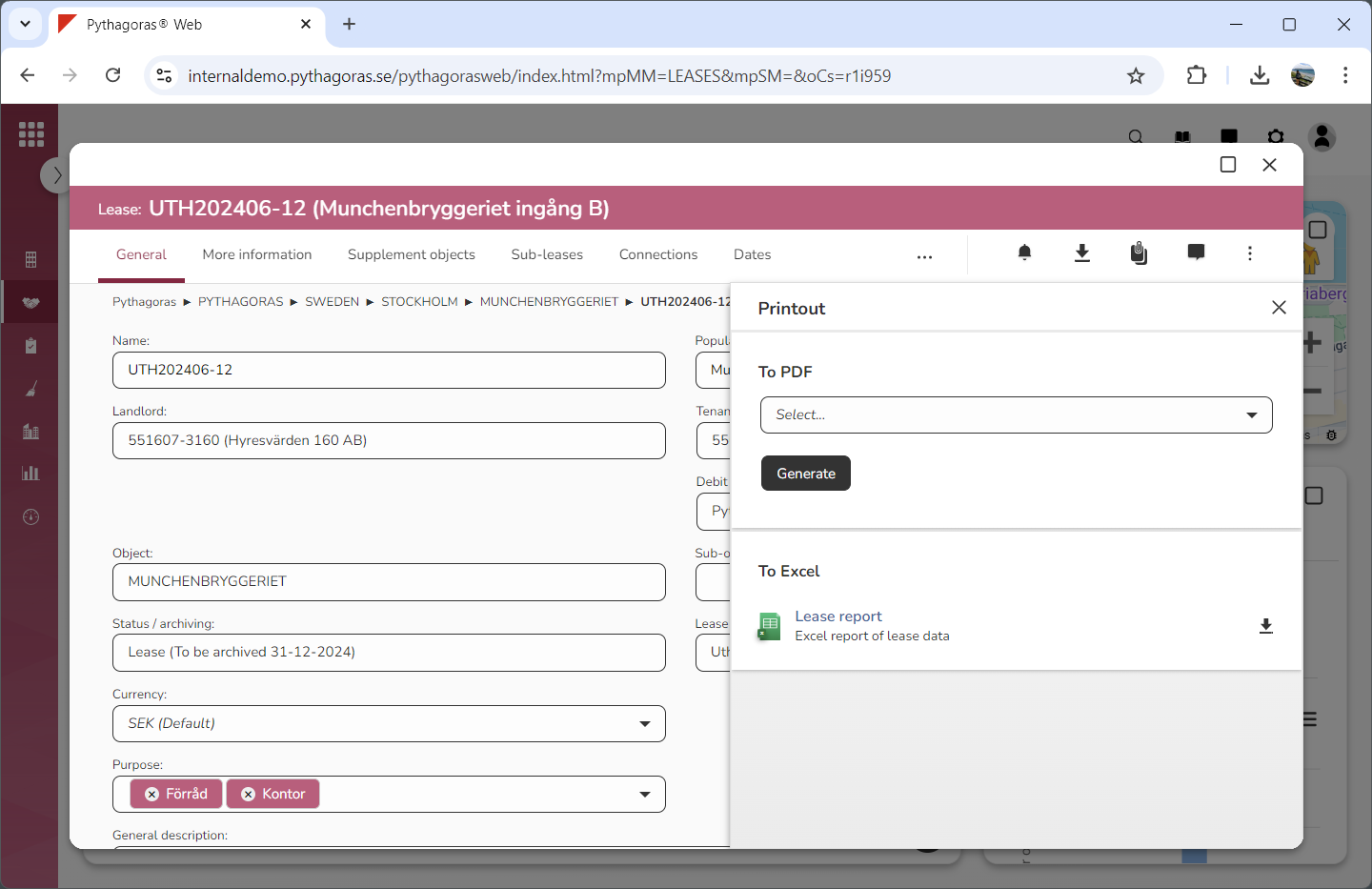
Click the icon "Printout" (see the first image below). When you do so, a window called "Printout" will open (see the second image below).
Go to the window called "Printout".
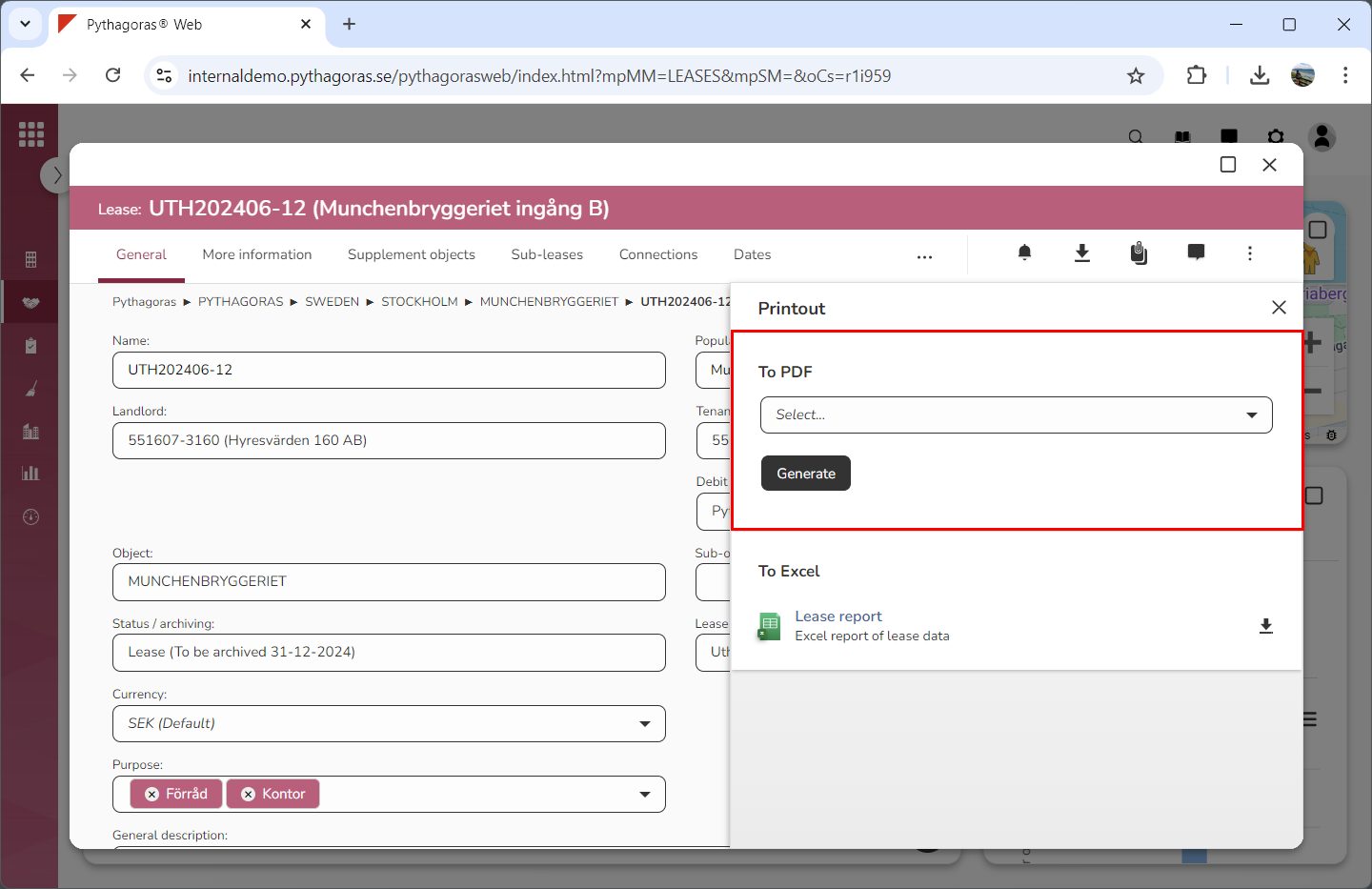
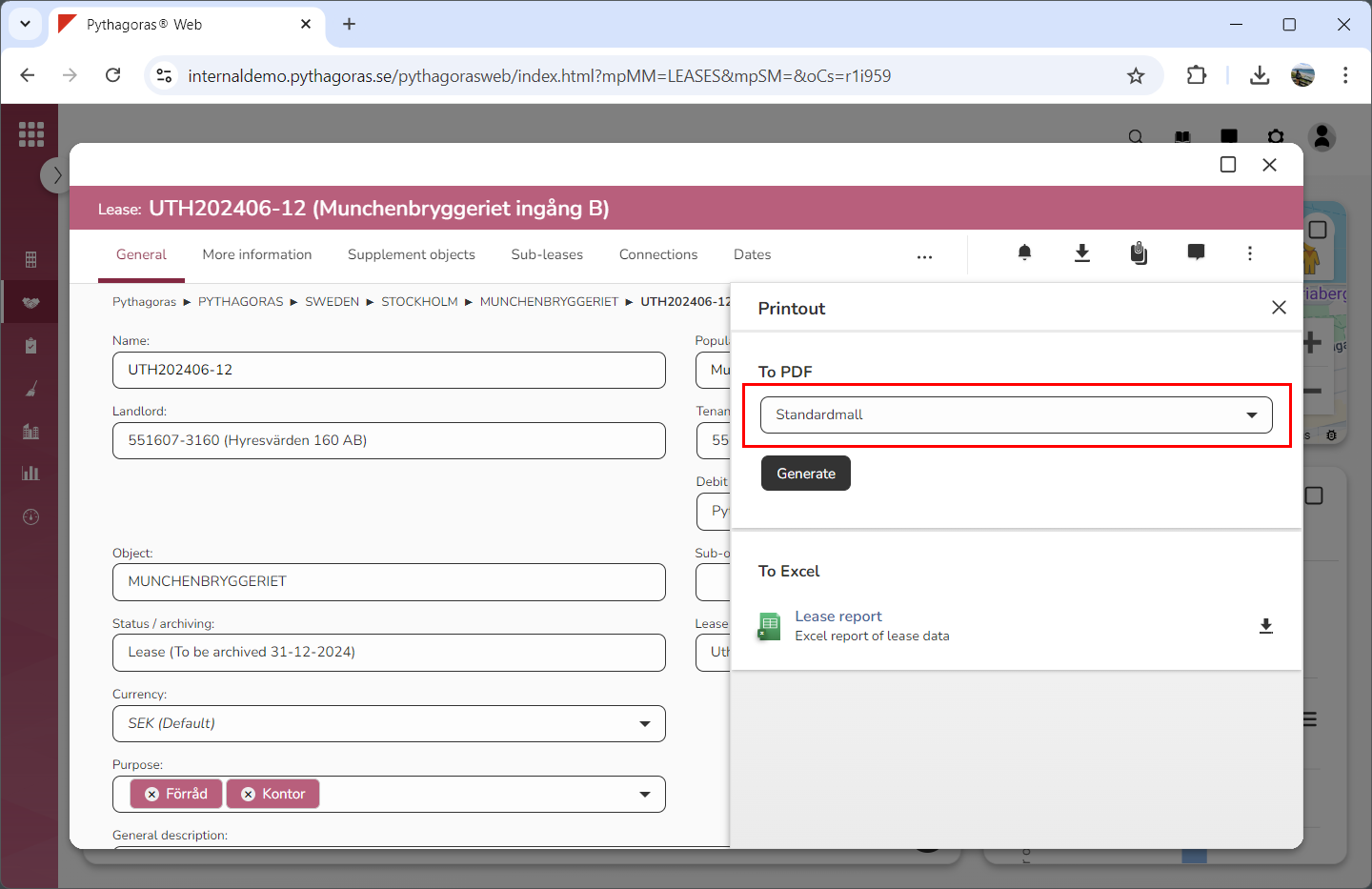
Go to the heading "To PDF" (see image below).
Select which report template to base your printout on by clicking the field "Select" and then selecting a report template in the list that opens (see image below).
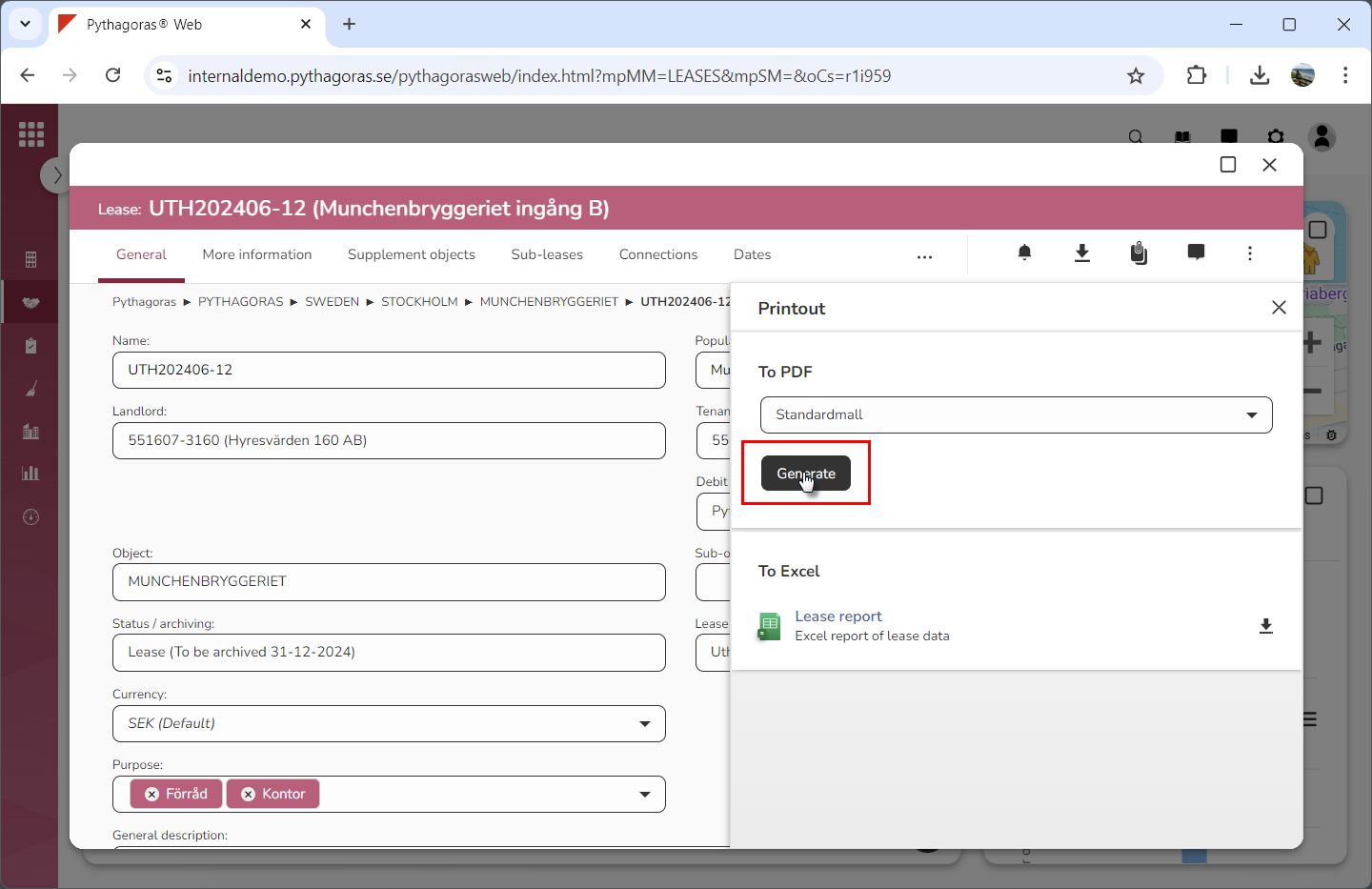
Click "Generate" (see the first image below). When you do so, the data set for the lease you are working with will be compiled in a PDF that you can save and/or print (see the second image below).