Open a lease. For more information on how to do so, see section 4.6. or 6.1.
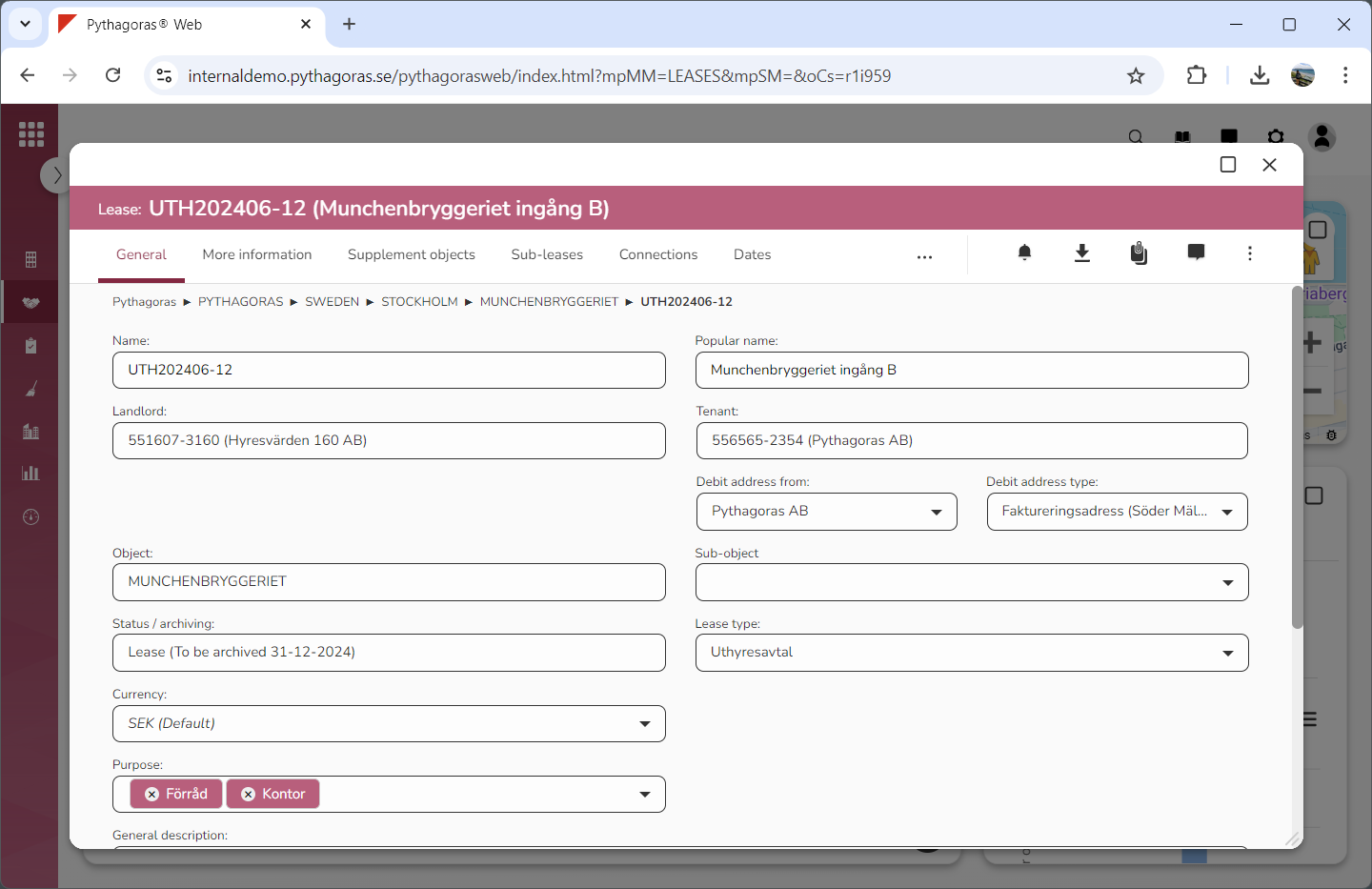
Go to the lease card (see image below).
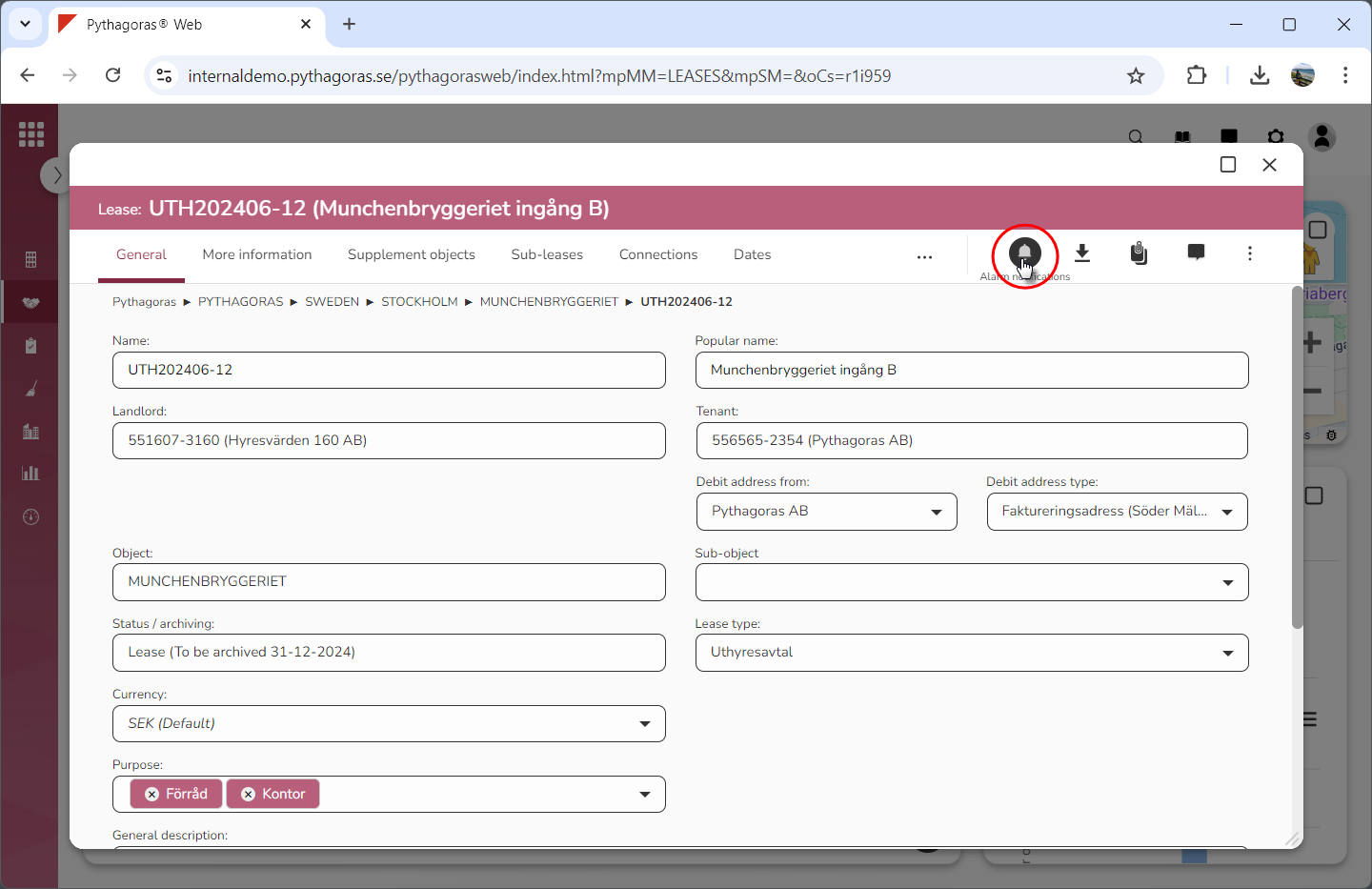
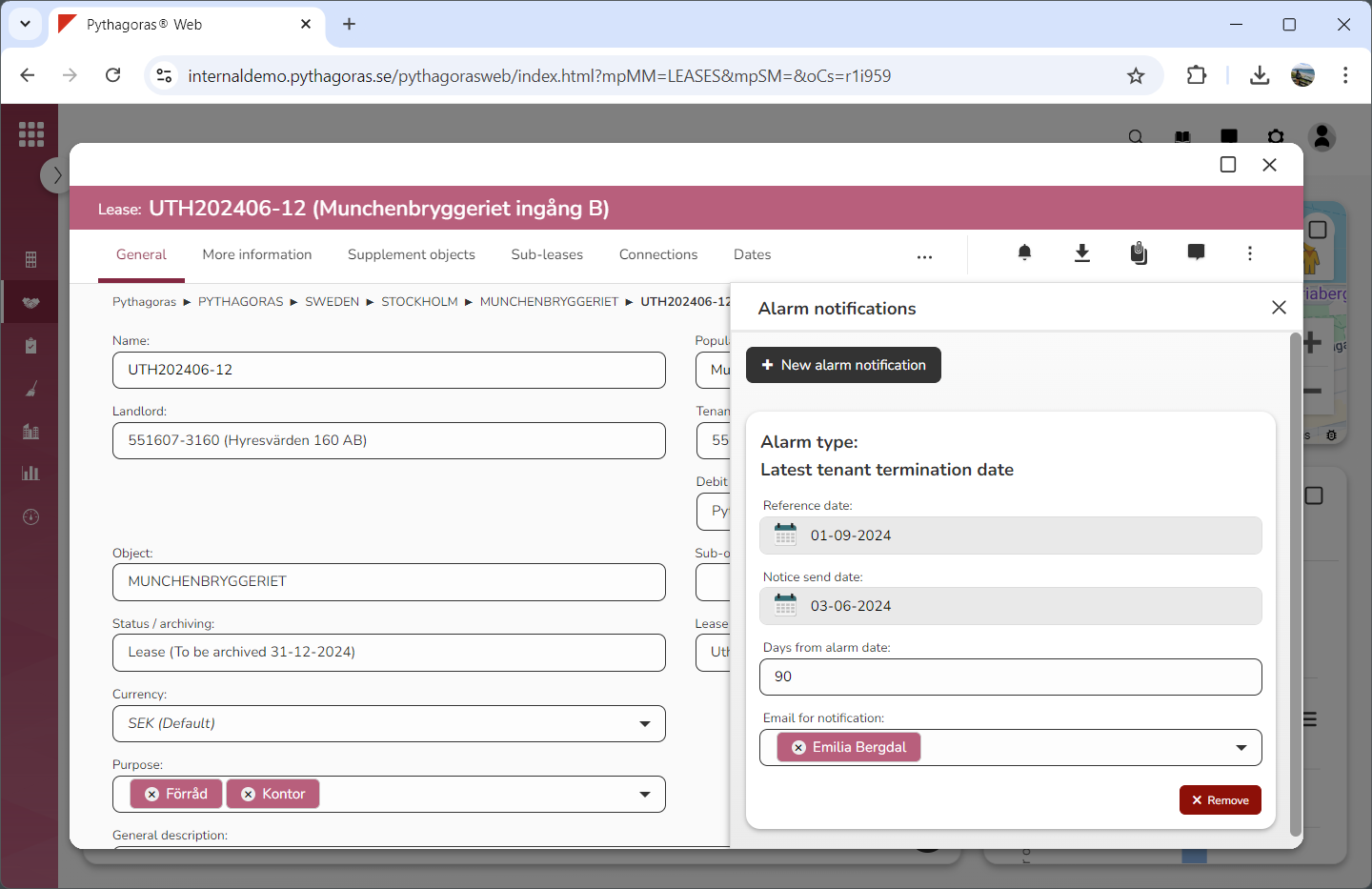
Click the icon "Alarm notifications" (see the first image below). When you do so, a window called "Alarm notifications" will open (see the second image below).
Go to the window called "Alarm notifications".
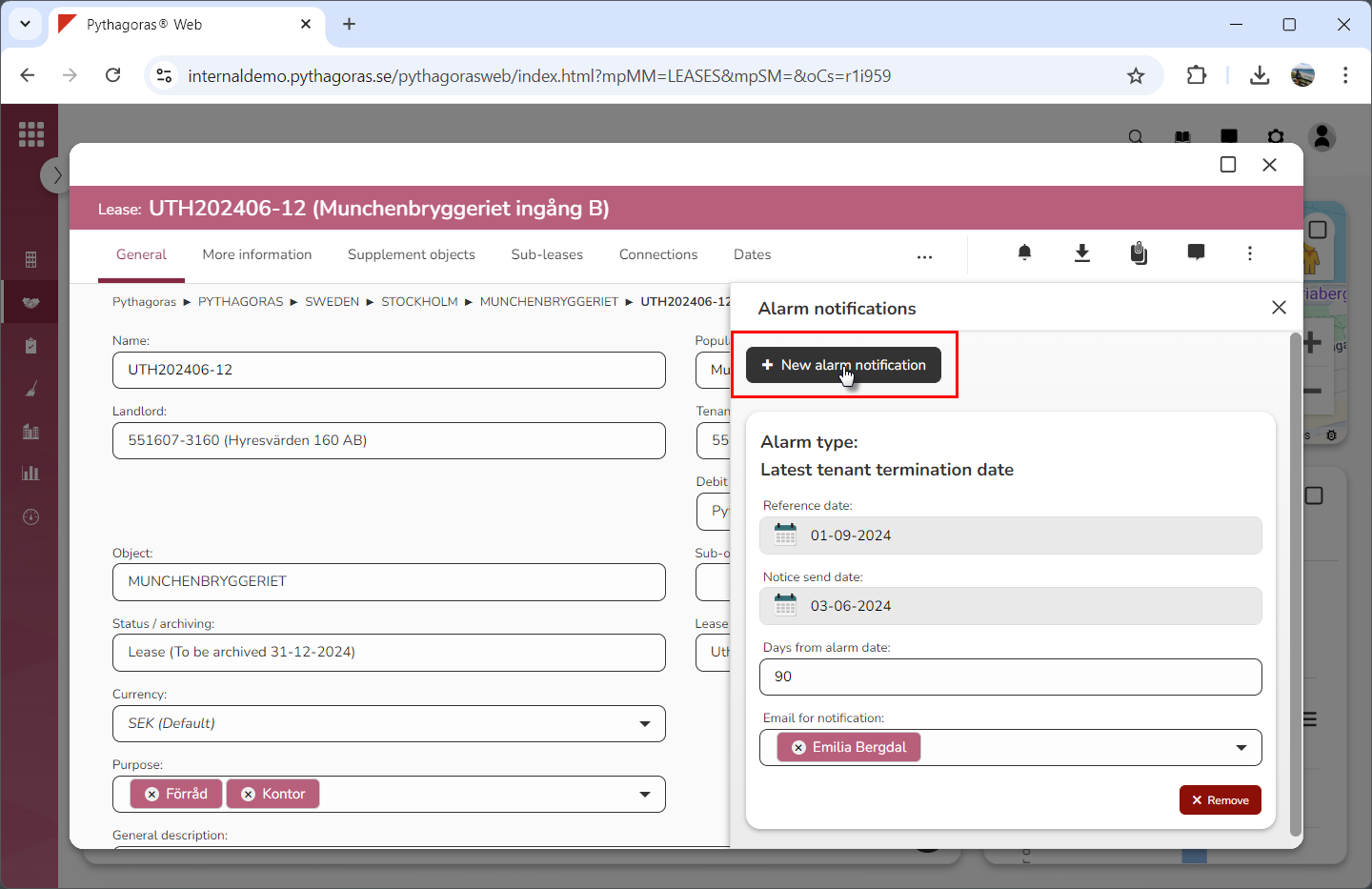
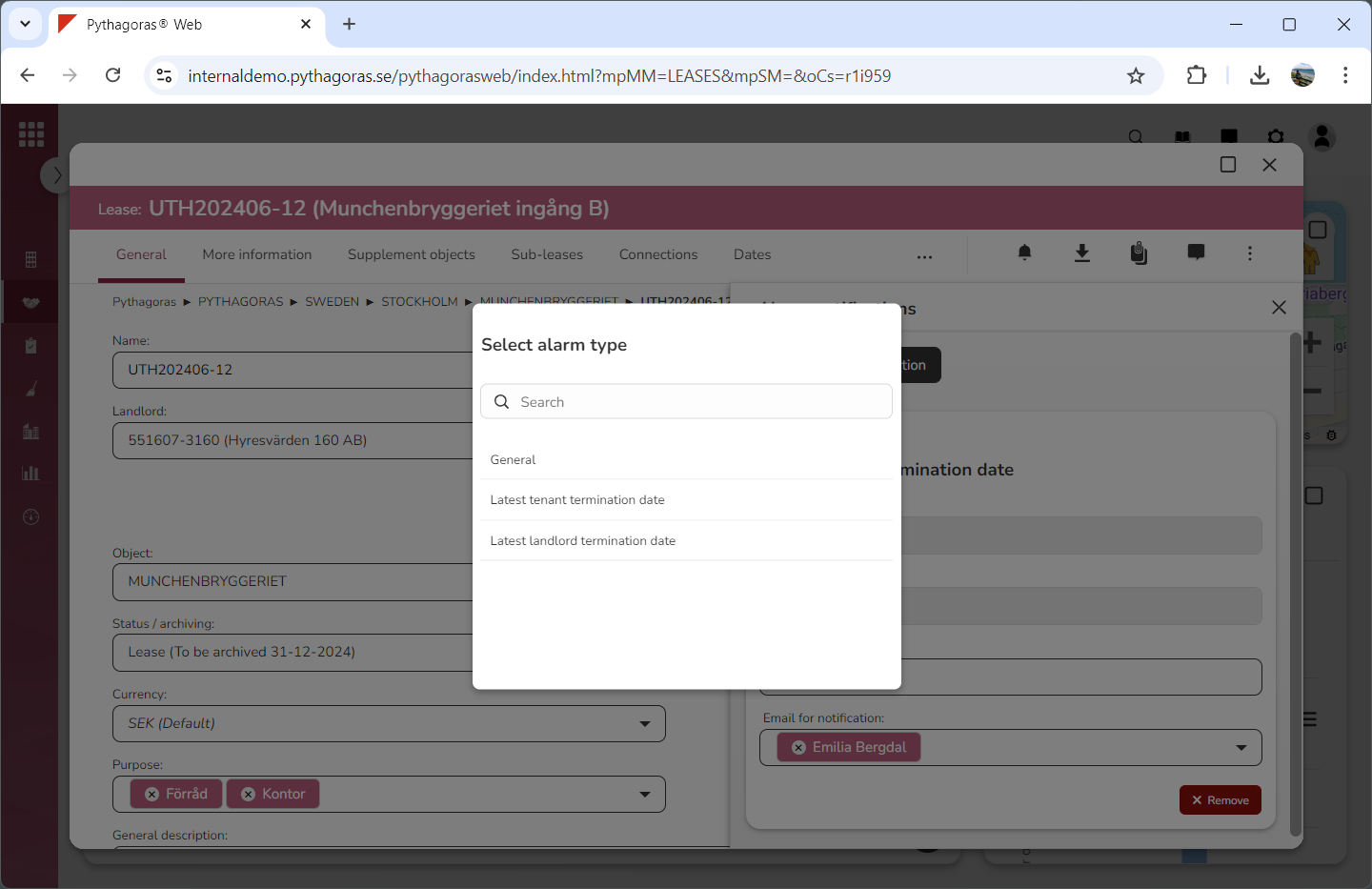
Click "New alarm notification" (see the first image below). When you do so, a list called "Select alarm type" will open (see the second image below).
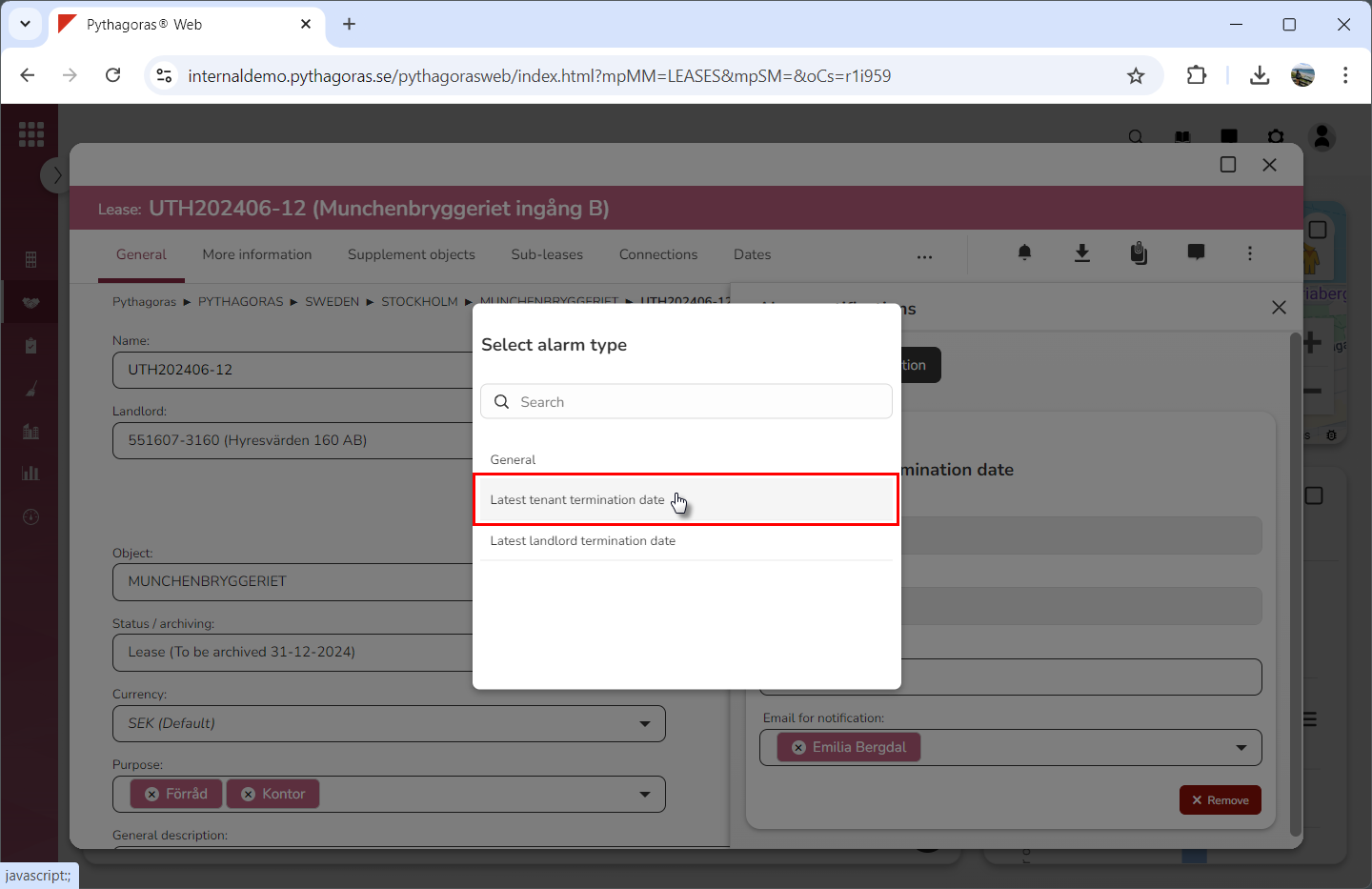
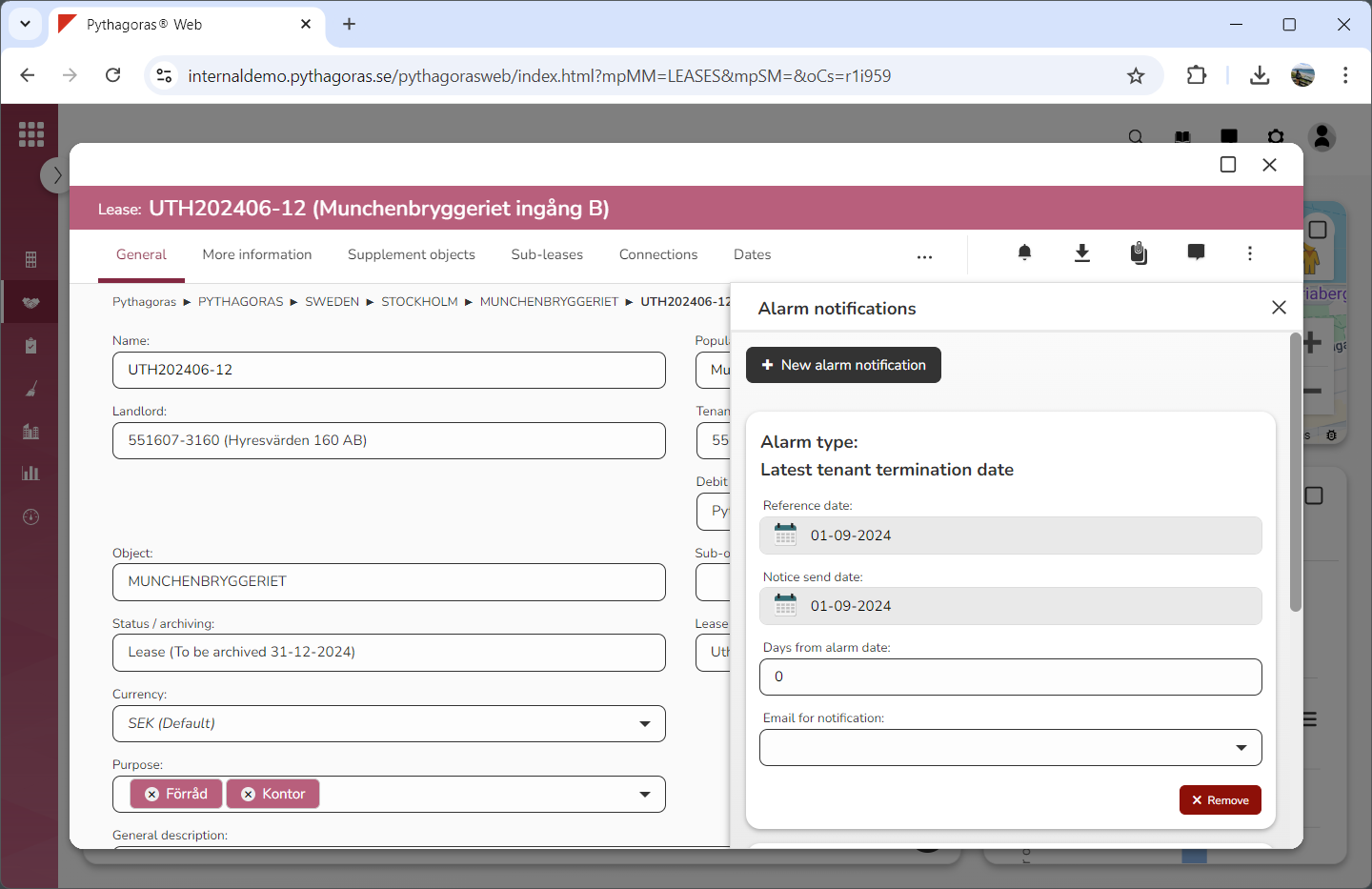
Click an alarm type in the list called "Select alarm type" (see the first image below). Note that an alarm notification of the selected type will be added for the lease you are working with (see the second image below).
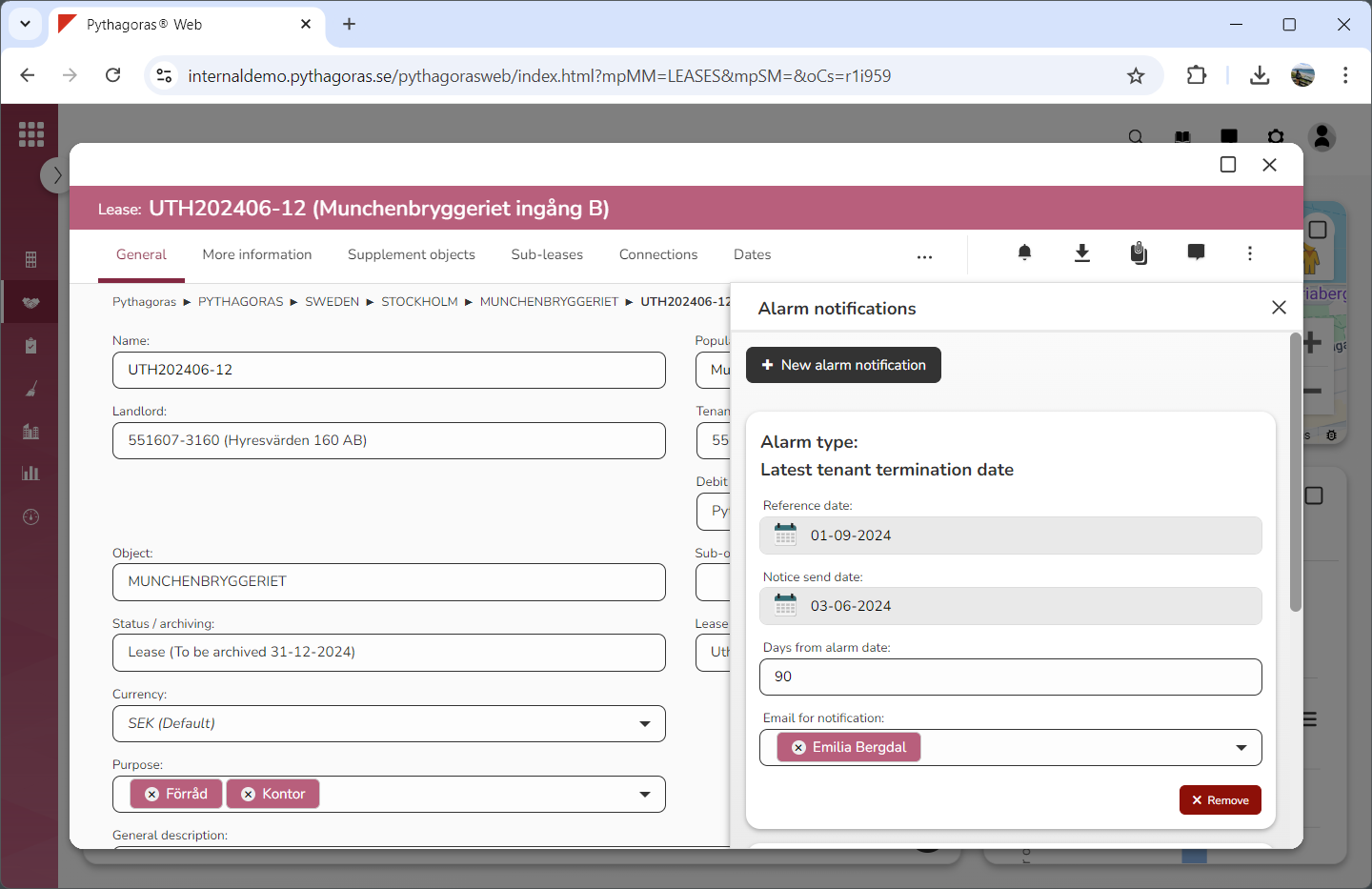
Set information for the alarm notification you added to the lease you are working with by entering information in the active fields (see image below). Note that which fields are active depends on which type of alarm notification you are working with.