2.11.1. Perform a broad search within the document manager
To perform a broad search within the document manager:
Open the document manager. For more information on how to do so, see section 2.1.
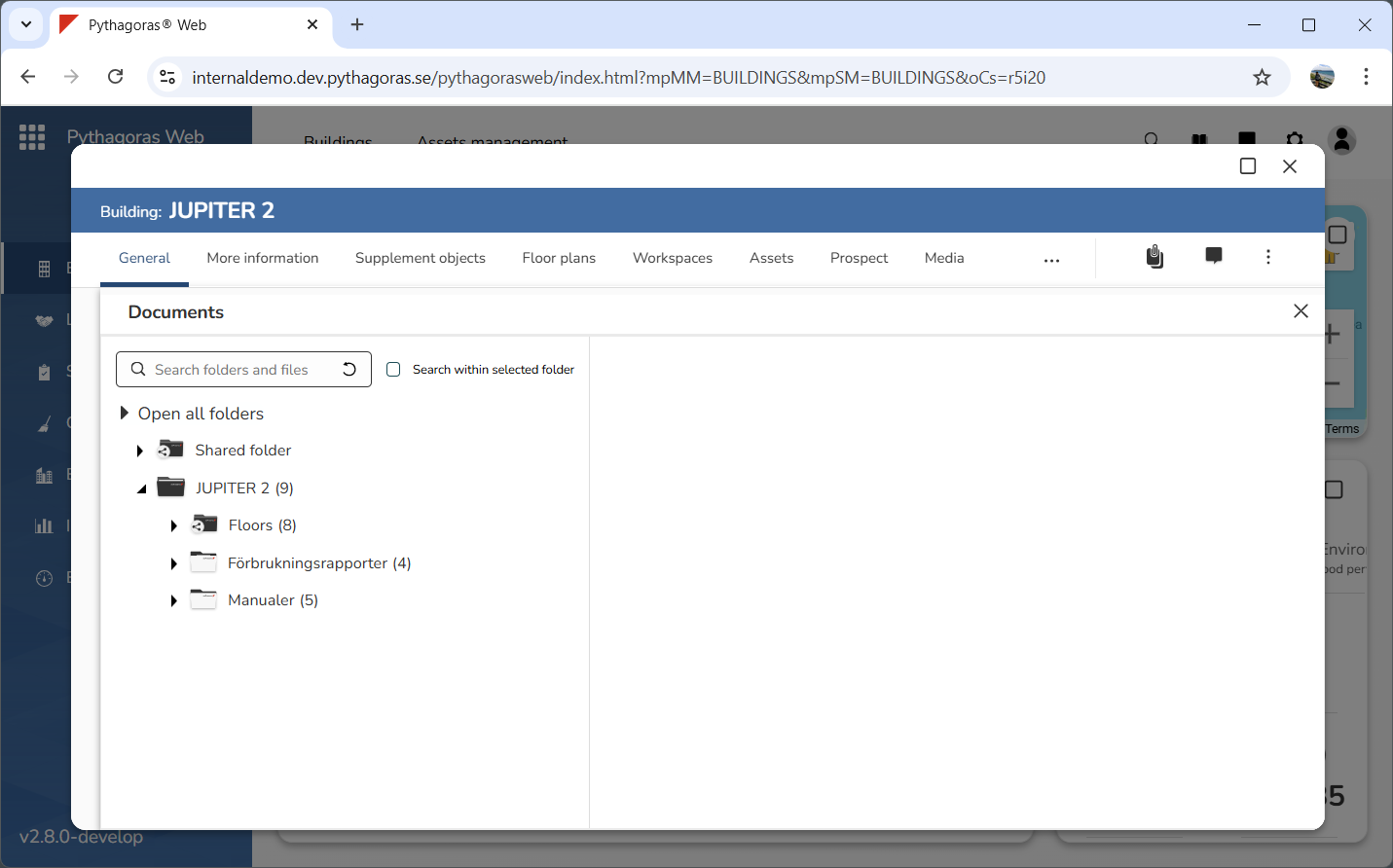
Go to the document manager (see image below).
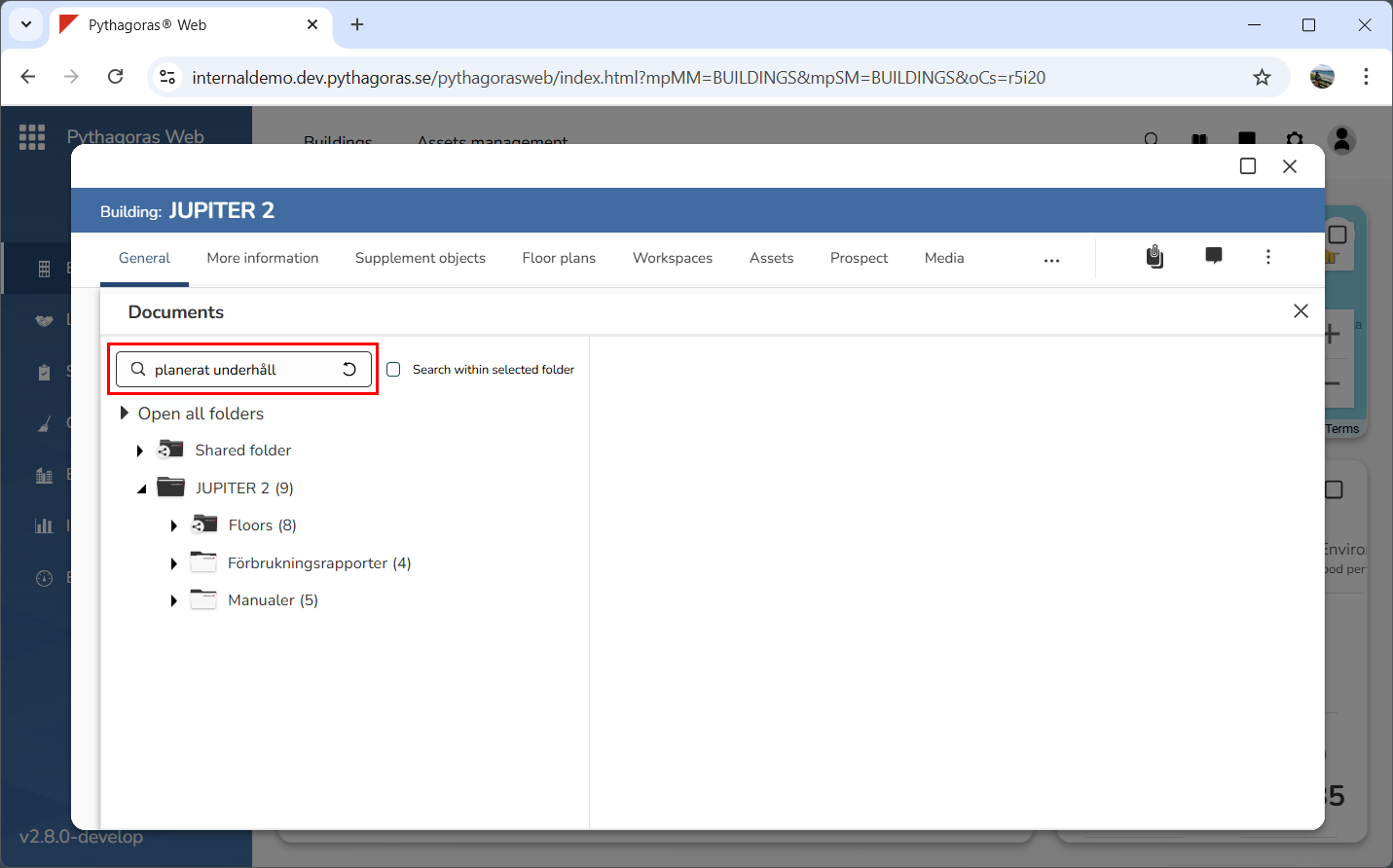
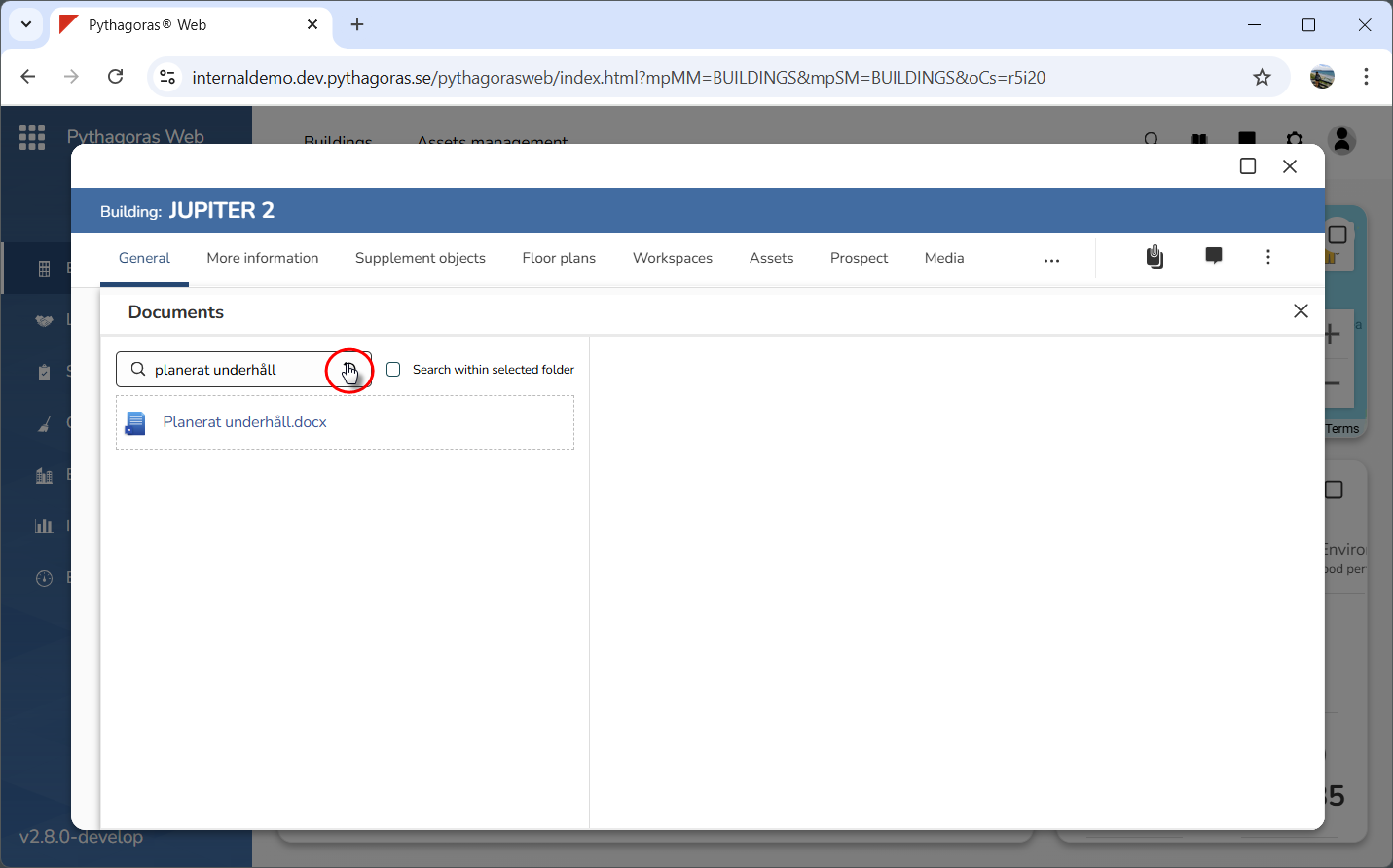
Enter a search string in the search field (see image below).
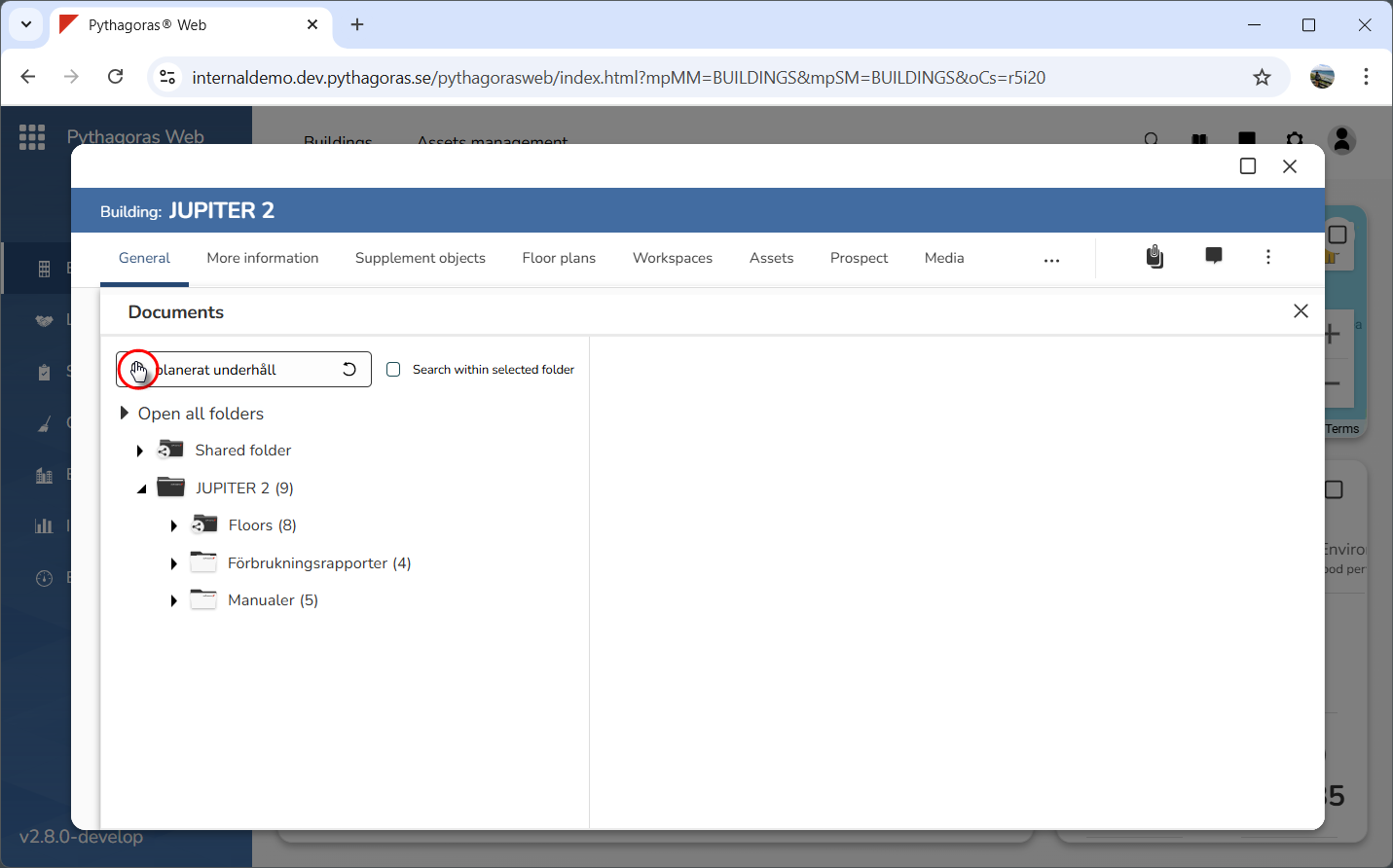
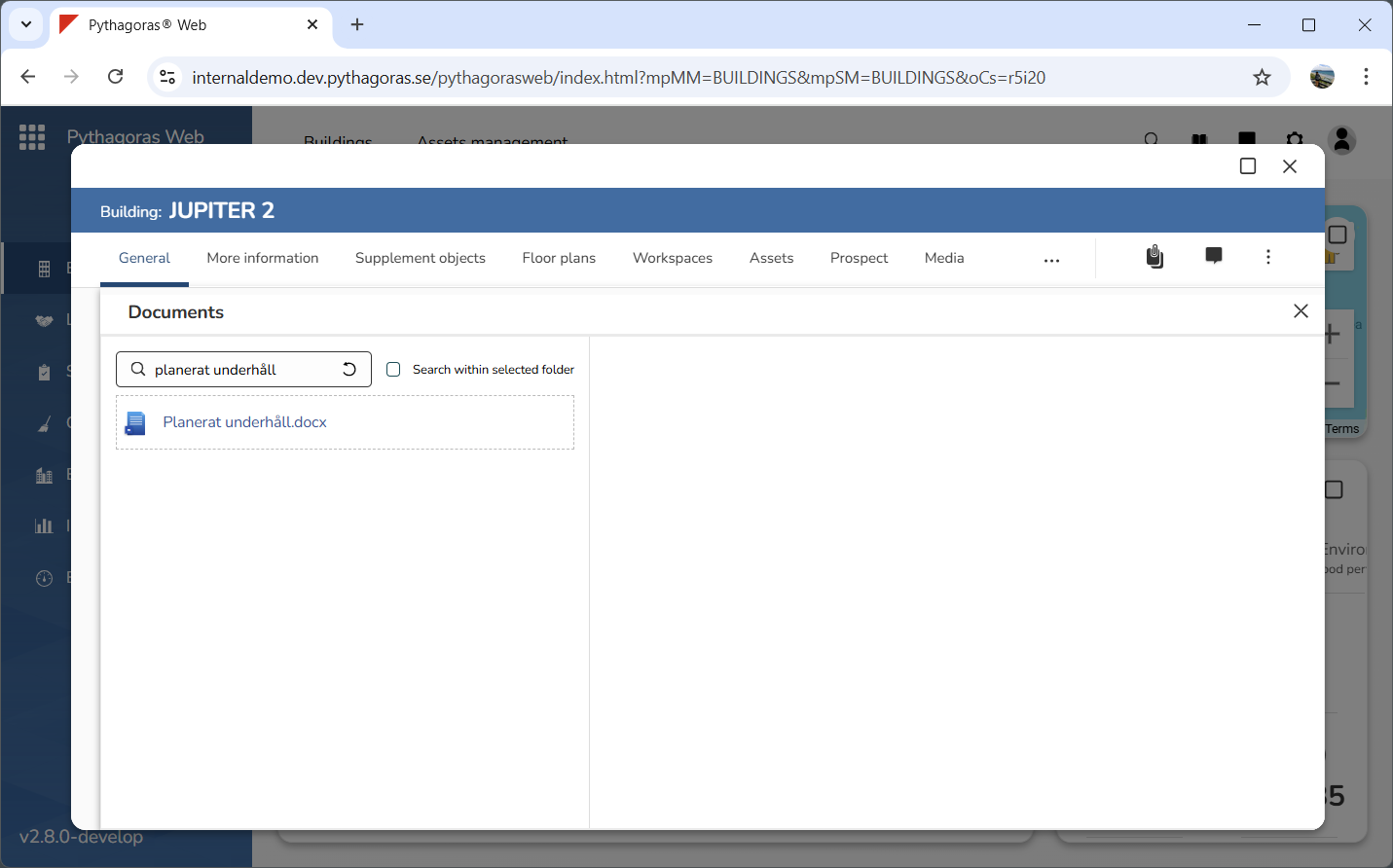
Click the Search icon or the Enter key on your keyboard (see the first image below). When you do so, a search including the entire document manager will be performed. Once a search has been performed, a list of search results will open (see the second image below). For more information on how to reset the document manager after performing a search within it, continue reading below the images below.
To reset the document manager after performing a search within it, click "Reset" (see images below).