To specify which information the KPIs should show:
Specify which KPIs you wish to work with. For more information on how to do so, see the section "Specify which KPIs you wish to work with".
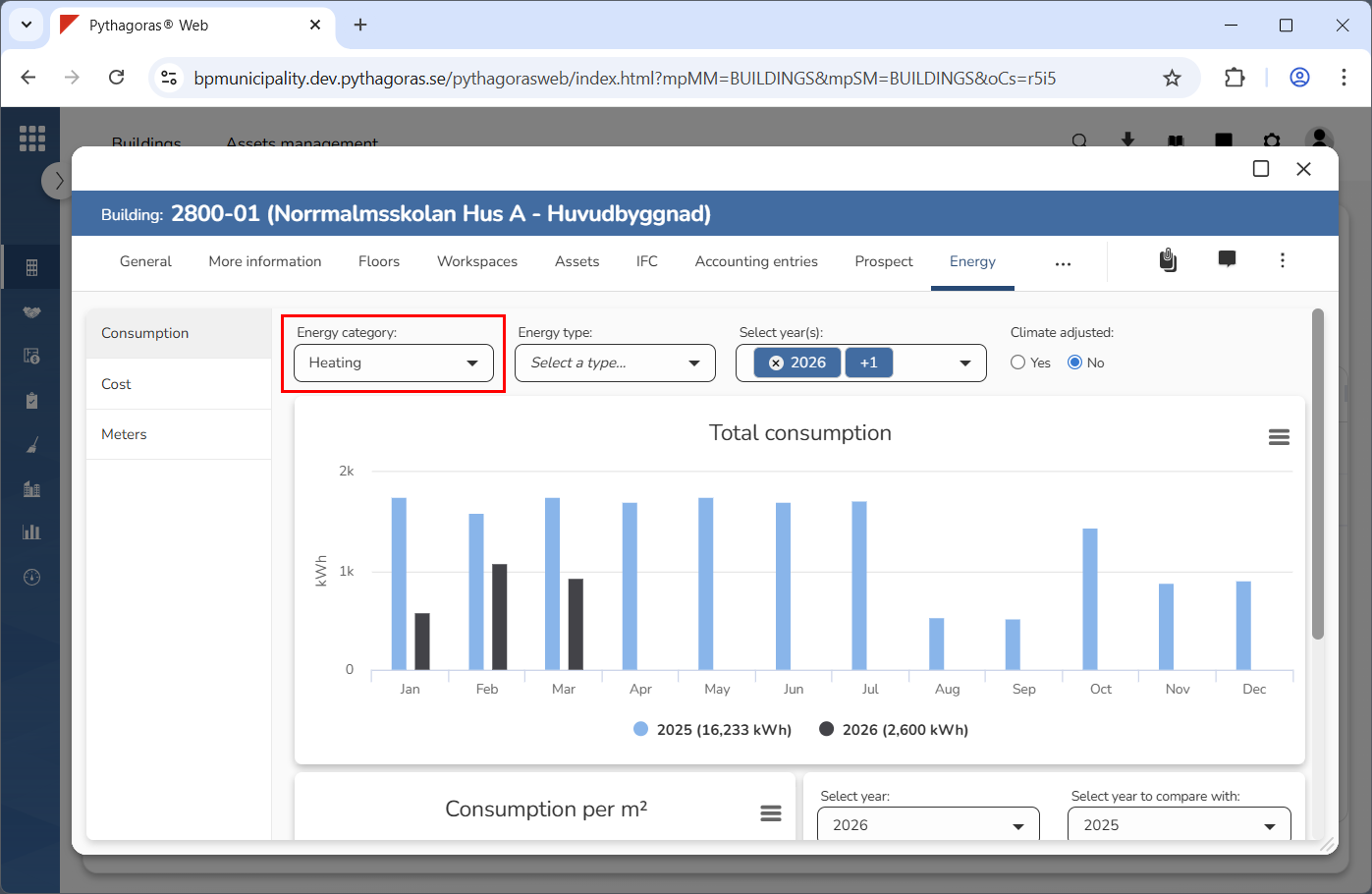
Specify which energy category the KPIs should show information for (see image below). Click the field "Energy category". Then click an energy category in the list that opens.
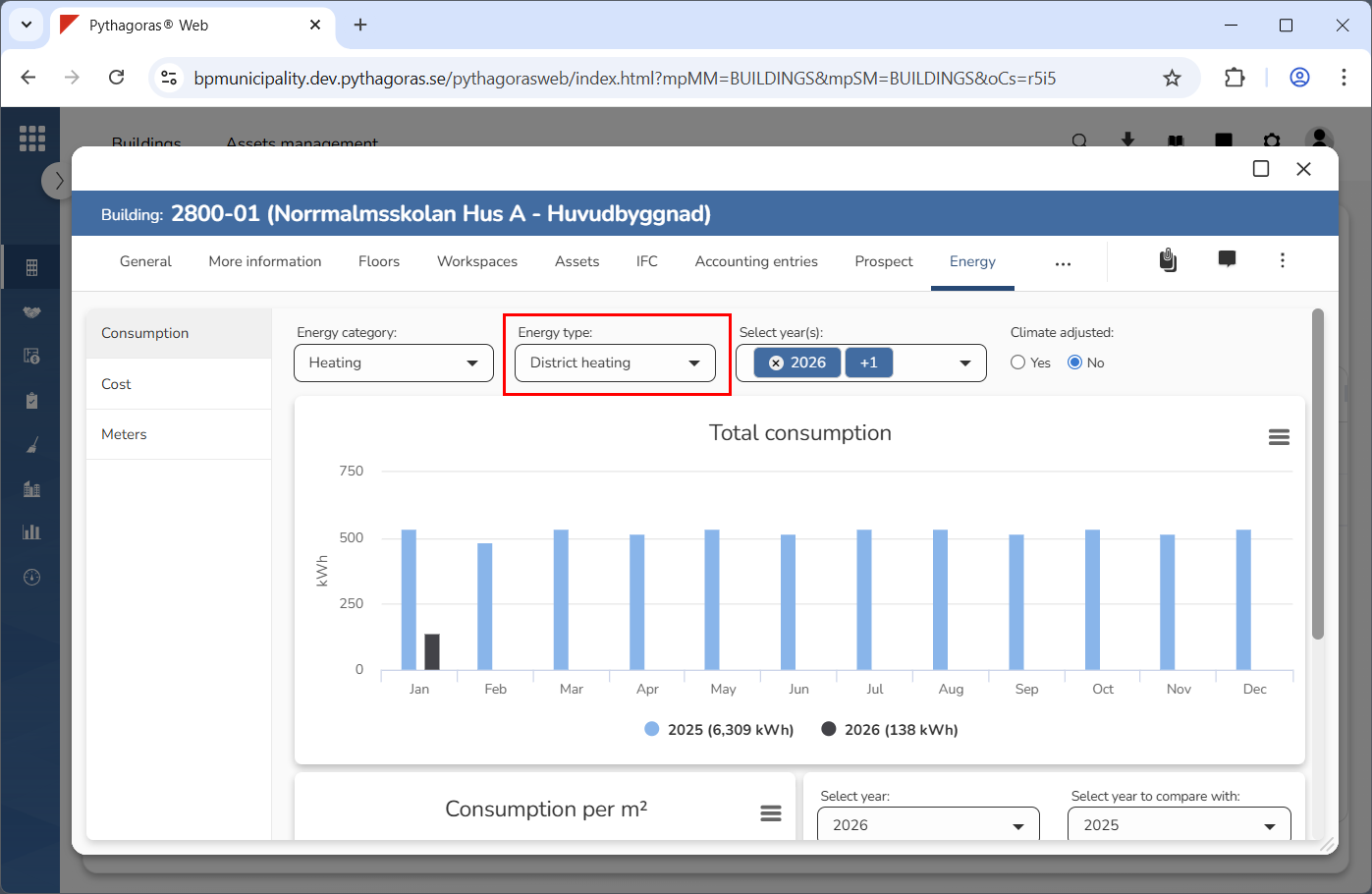
Specify which energy type the KPIs should show information for (see image below). Click the field "Energy type". Then click an energy type in the list that opens.
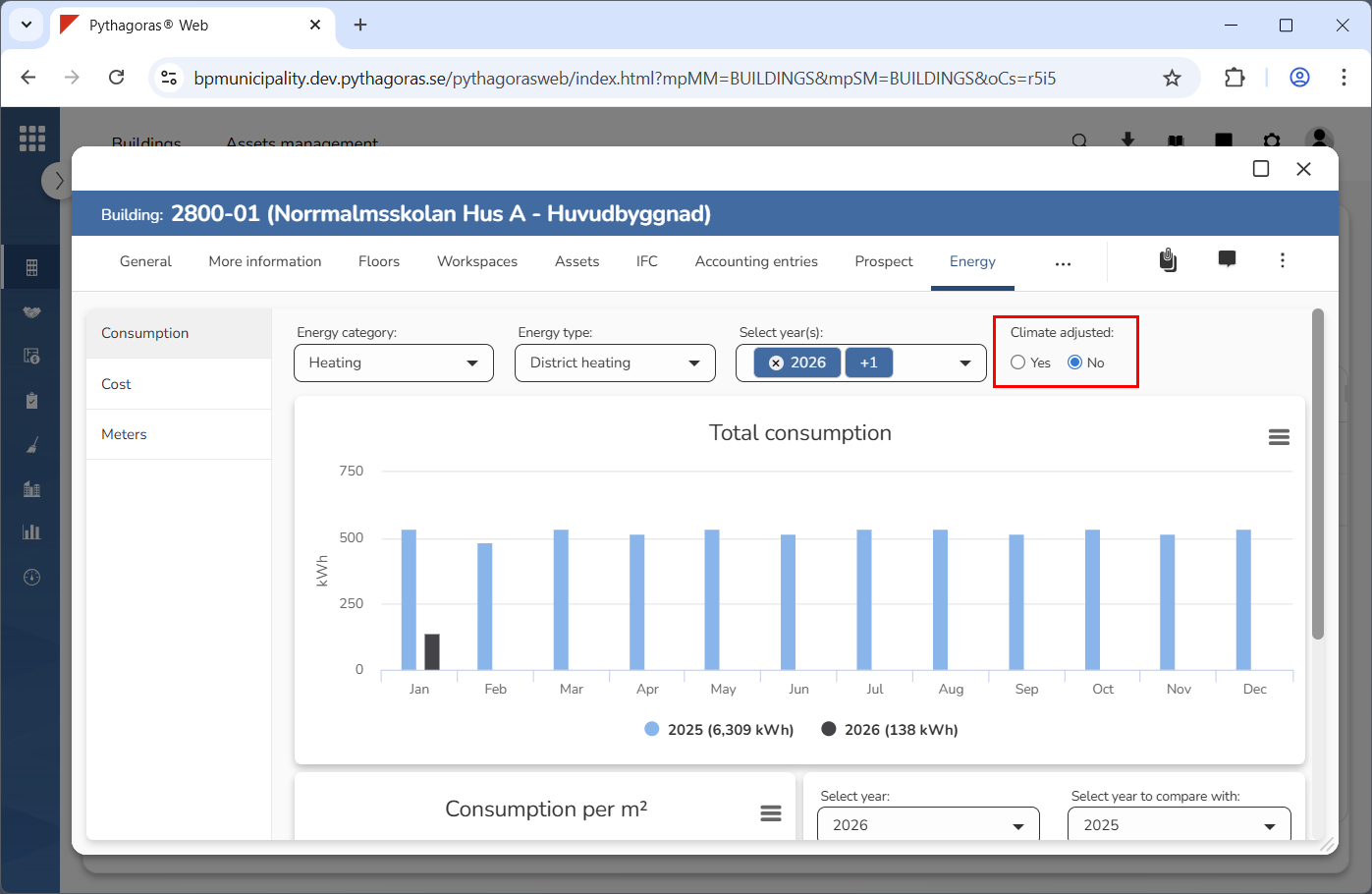
Specify whether the information shown by the KPIs should be climate adjusted or not (see image below). Select "Yes" or "No" below the label "Climate adjusted". Note that, you can only do this if you are working with the KPIs that show consumption. If you are working with the KPIs that show costs, you can skip this step.