To properly display this page you need a browser with JavaScript support.
×
Meny
Sök
Sök
Sök
9. Working with a floor
9.8. Show and hide workspace borders in the model
9.8.1. Show workspace borders in the model
Föregående sida
Nästa sida
User manual for Pythagoras Buildings. Copyright © Pythagoras AB
To properly display this page you need a browser with JavaScript support.
9.8.1. Show workspace borders in the model
To show workspace borders in the model:
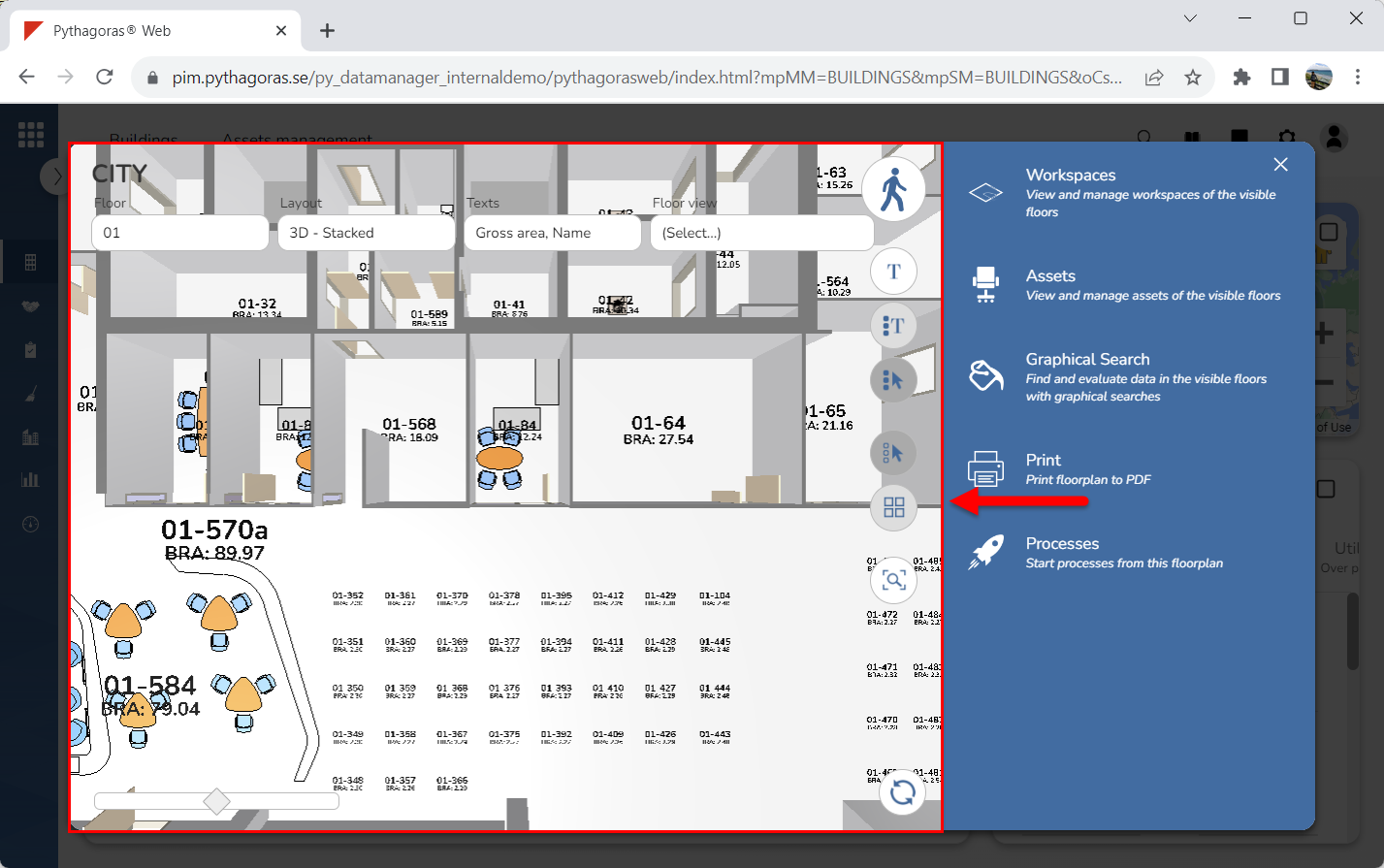
Go to the drawing window (see image below).
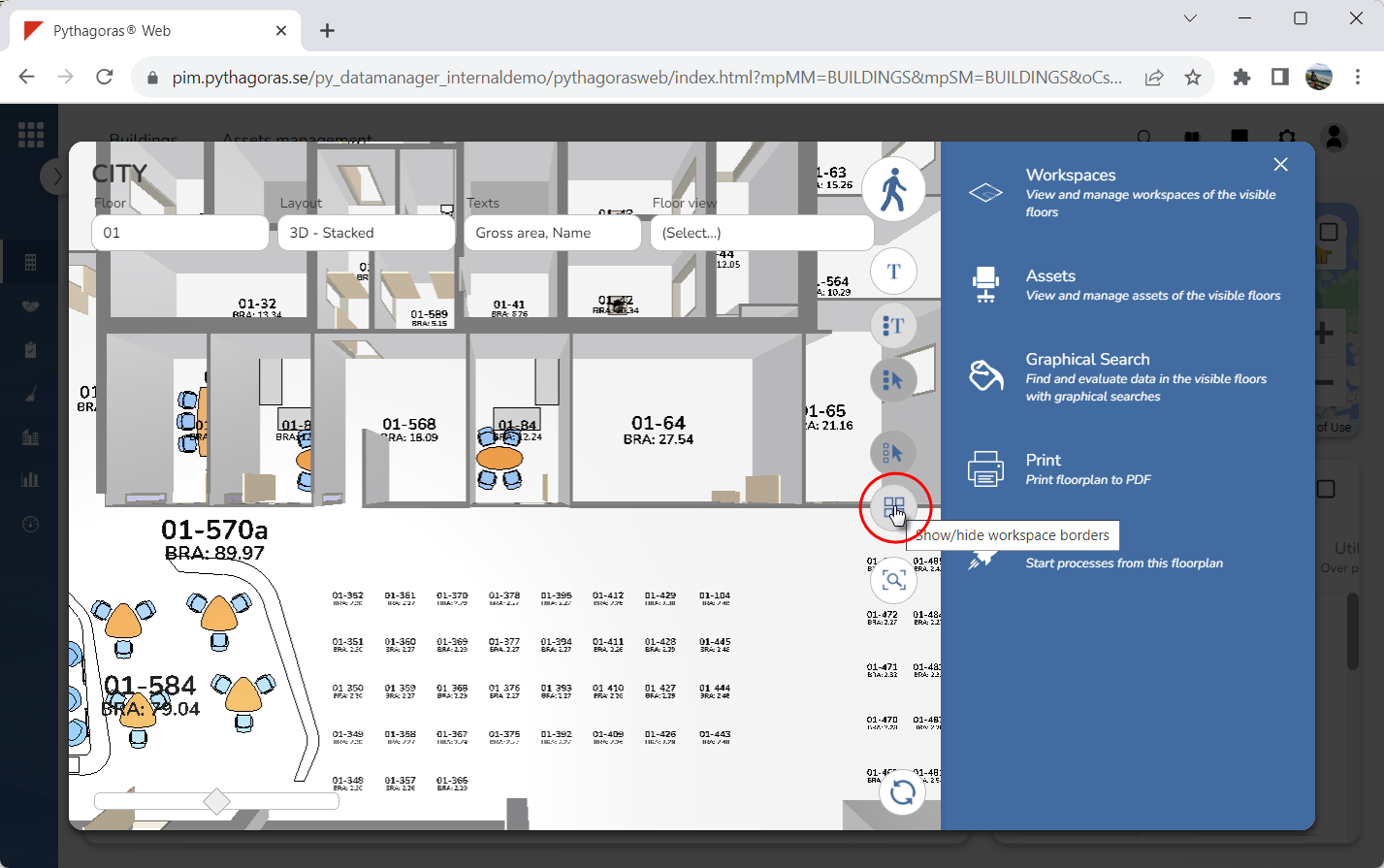
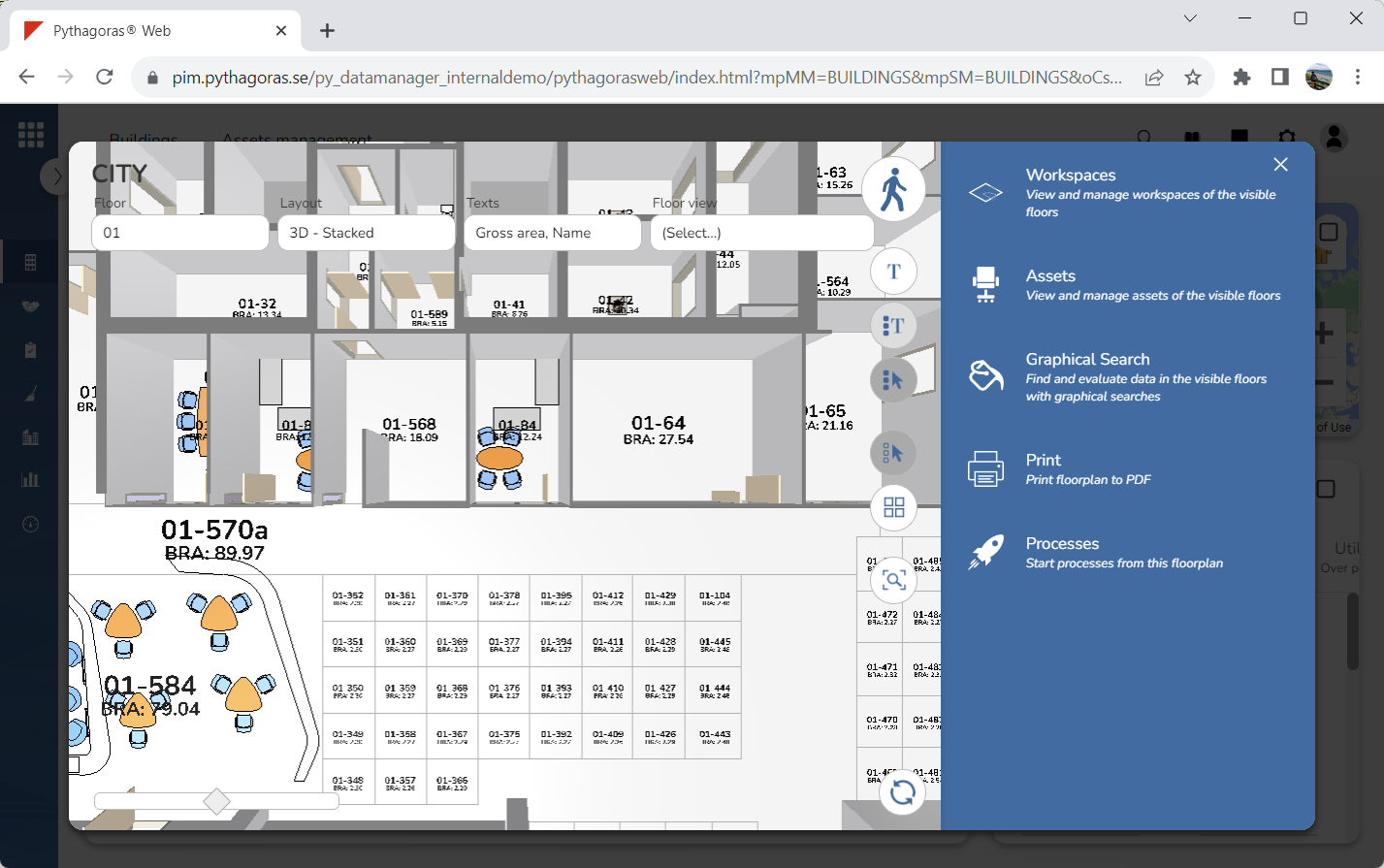
Click "Show/hide workspace borders" (see the first image below). When you do so, workspace borders will become visible in the model (see the second image below).