10.6.4. Show supplement objects on the map in the land card
To show supplement objects on the map in the land card:
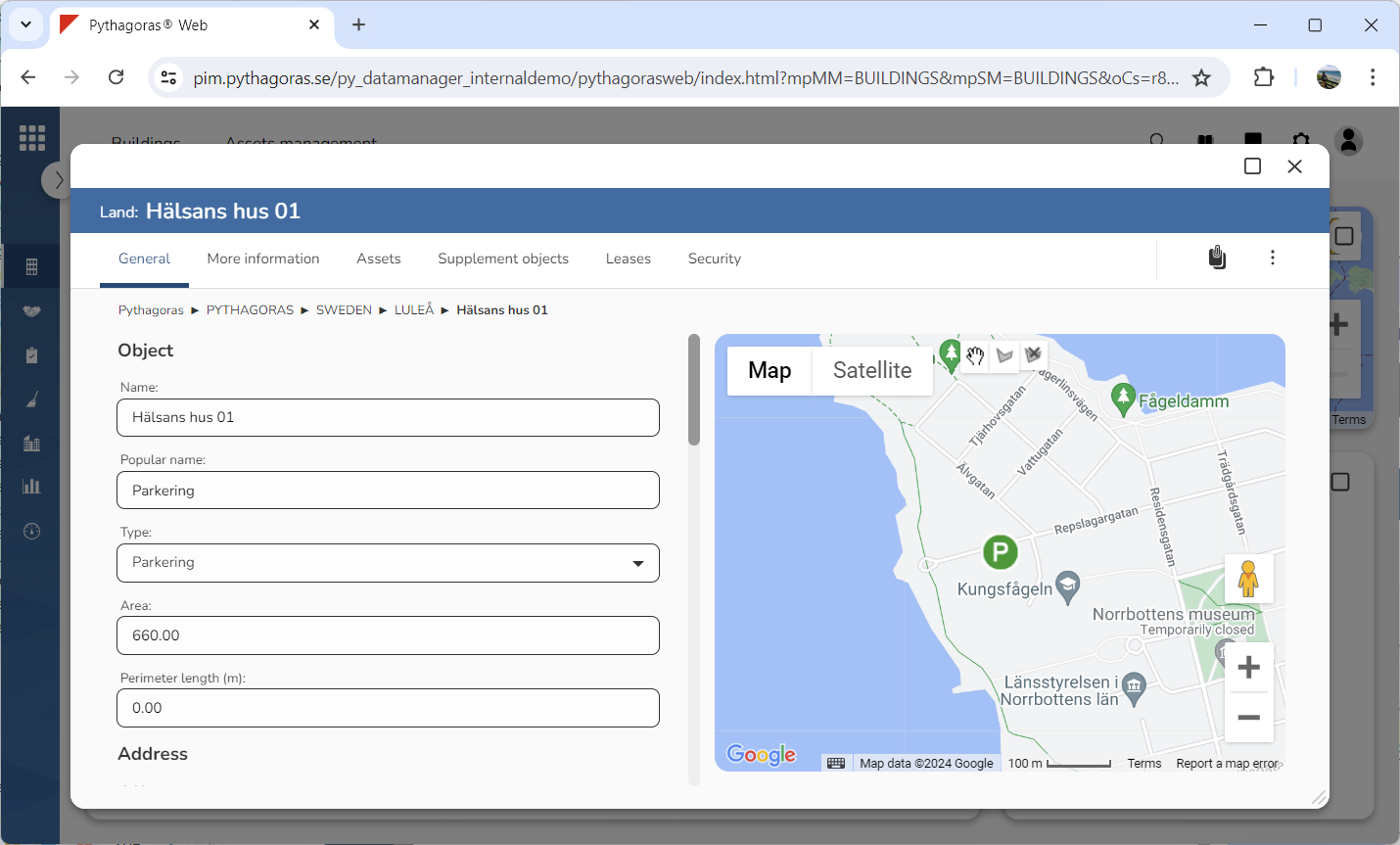
Go to the land card (see image below).
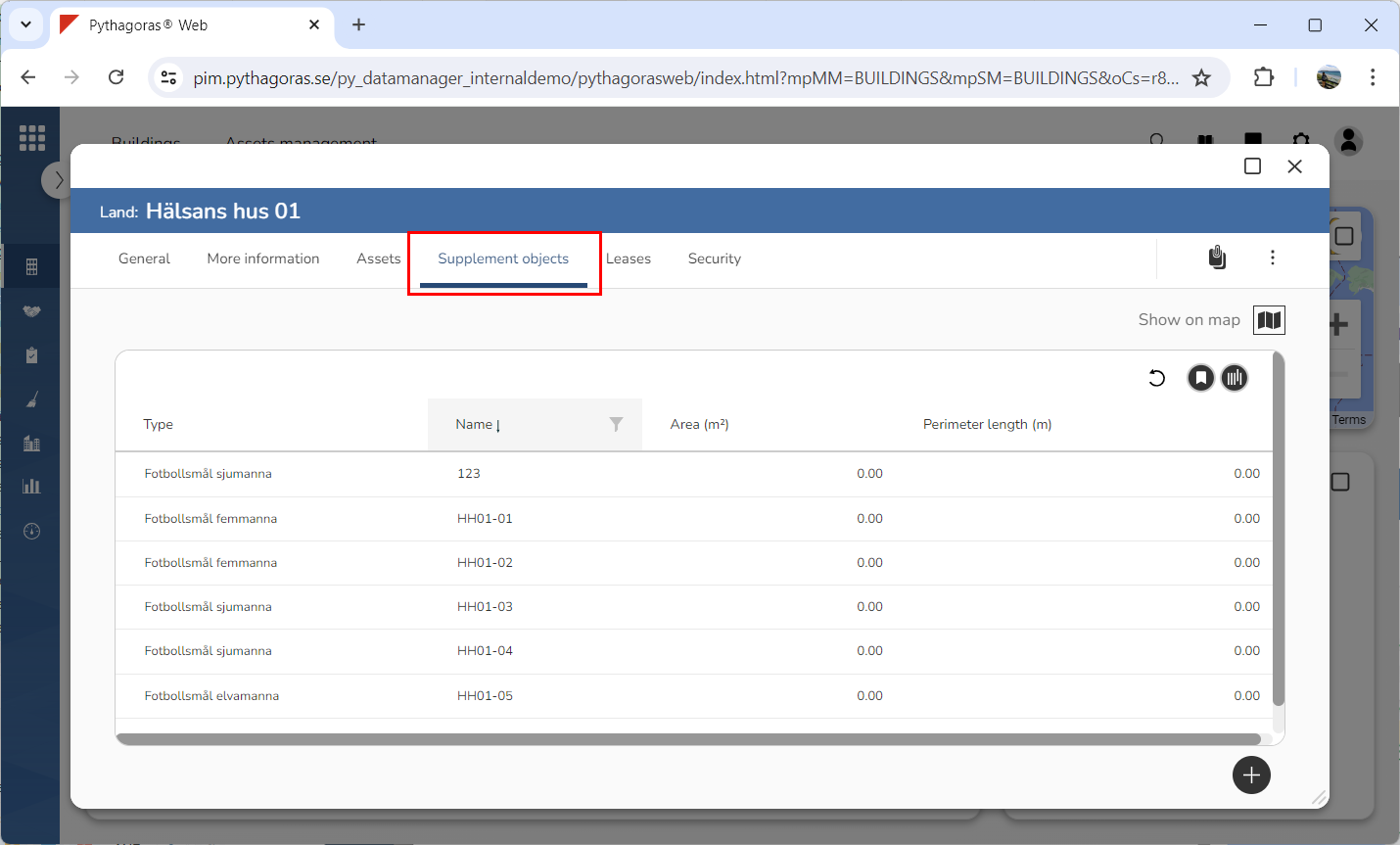
Click the tab called "Supplement objects" (see image below). Within the tab called "Supplement objects" you will find a list of supplement objects associated with the land object you are working with.
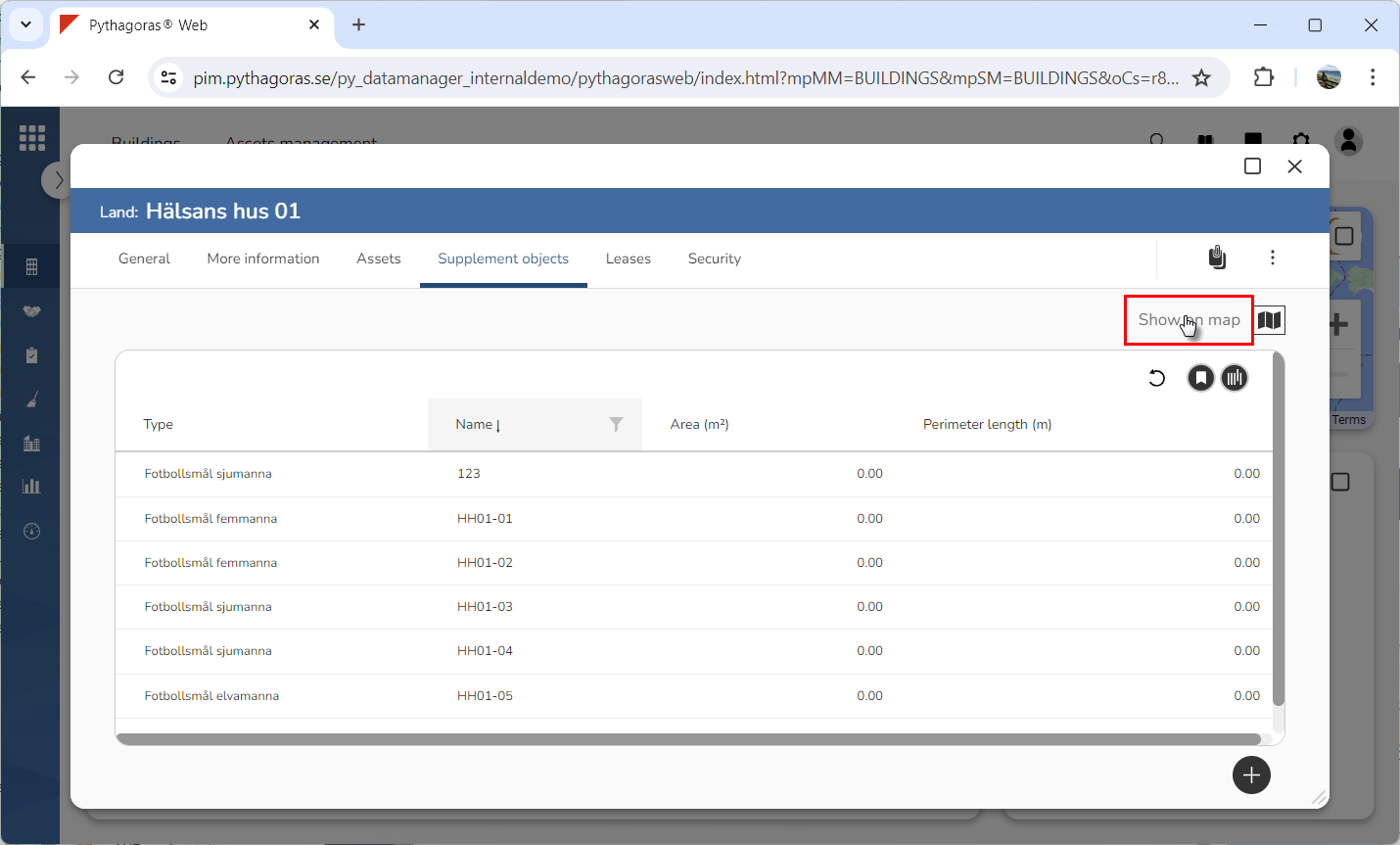
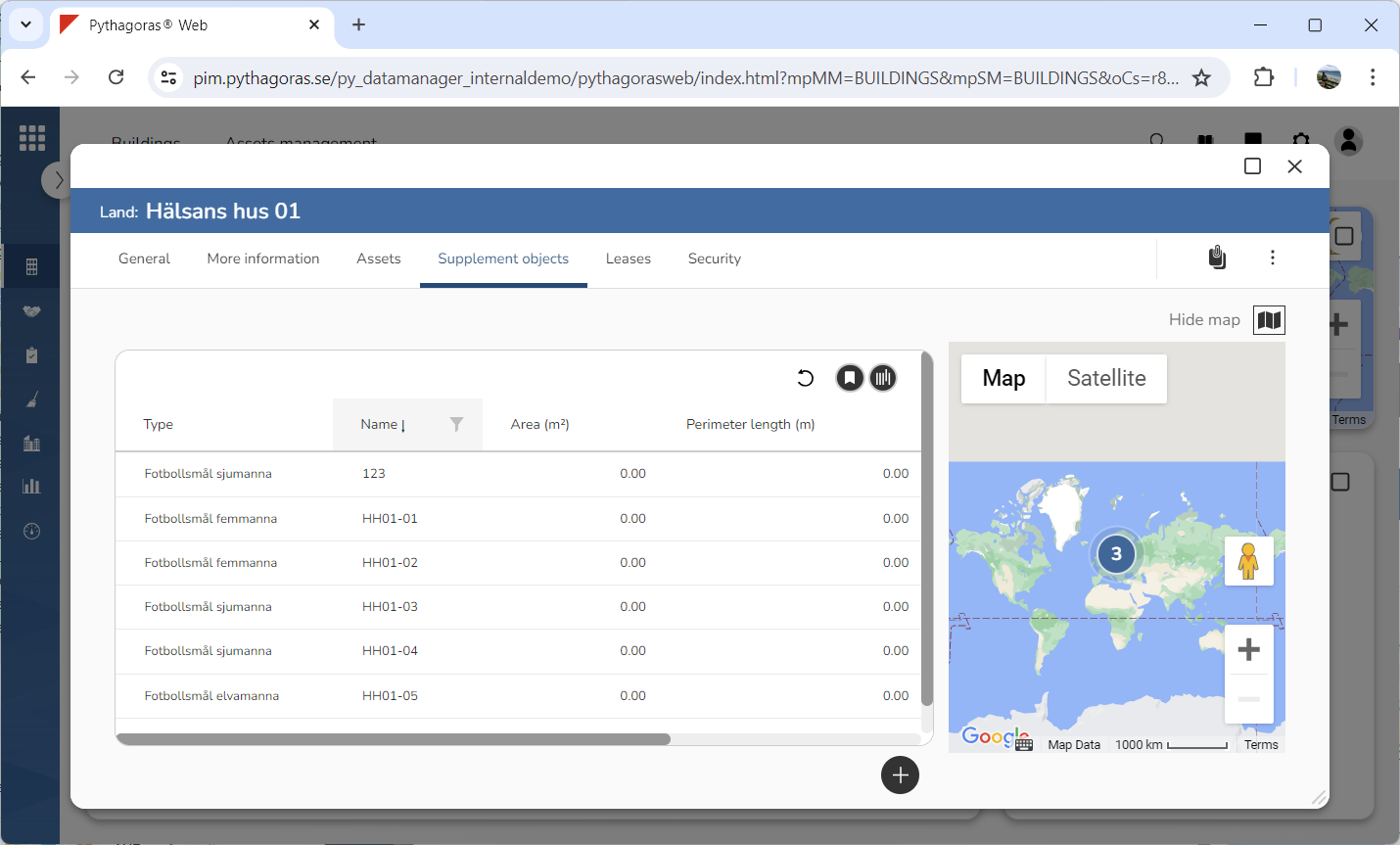
Click "Show on map" (see the first image below). When you do so, a map showing the supplement objects associated with the land object you are working with will open (see the second image below).