How you set more information for a supplement object depends on who you are and what organisation you are working for. This is because this information is customer specific and looks different for different organisations. Which type of additional information you can set for a supplement object depends on which additional information your organisation has chosen to use.
To access more information that can be set for a supplement object:
Open a supplement object. For more information on how to do so, see section 10.6.2.
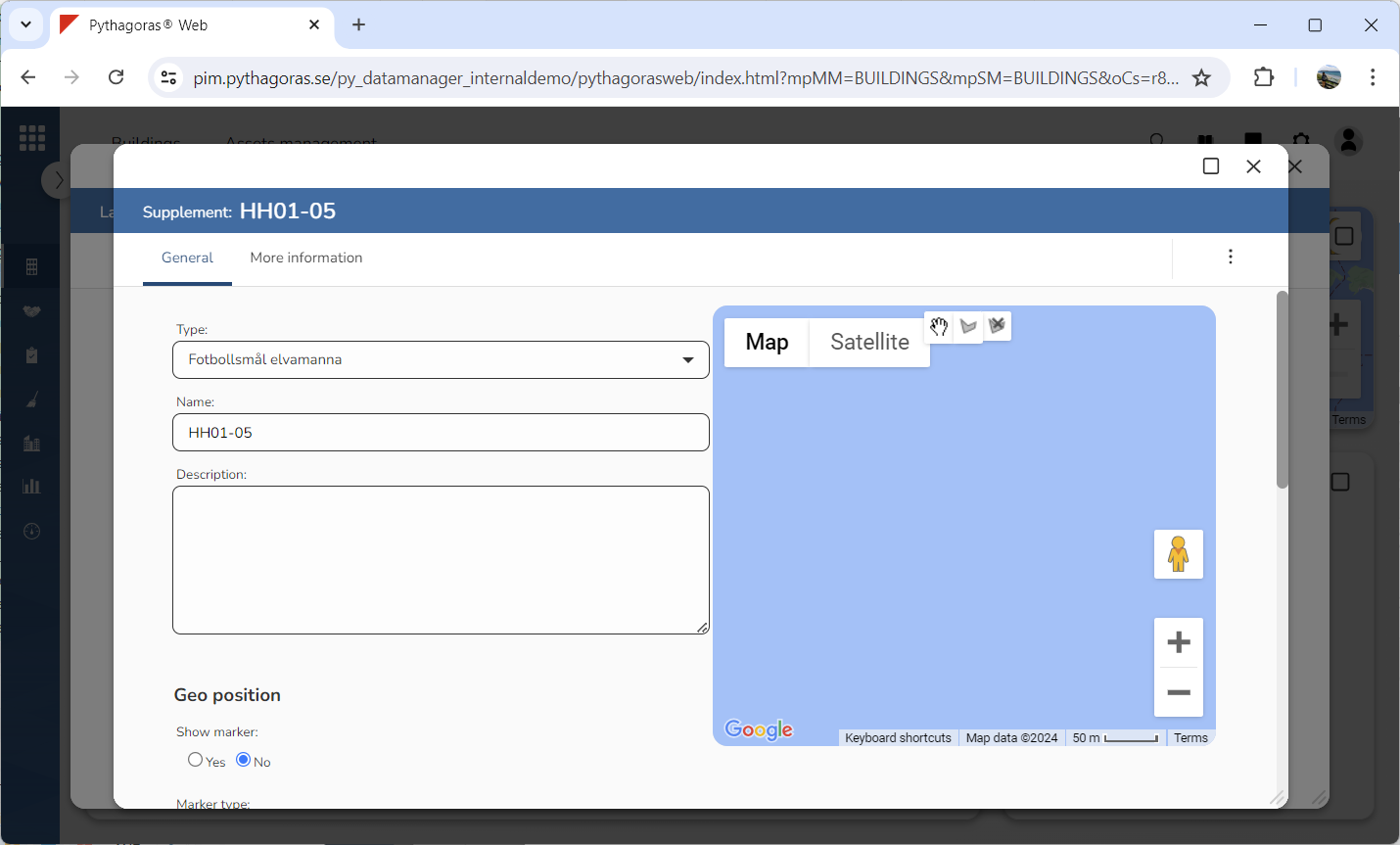
Go to the object card (see image below).
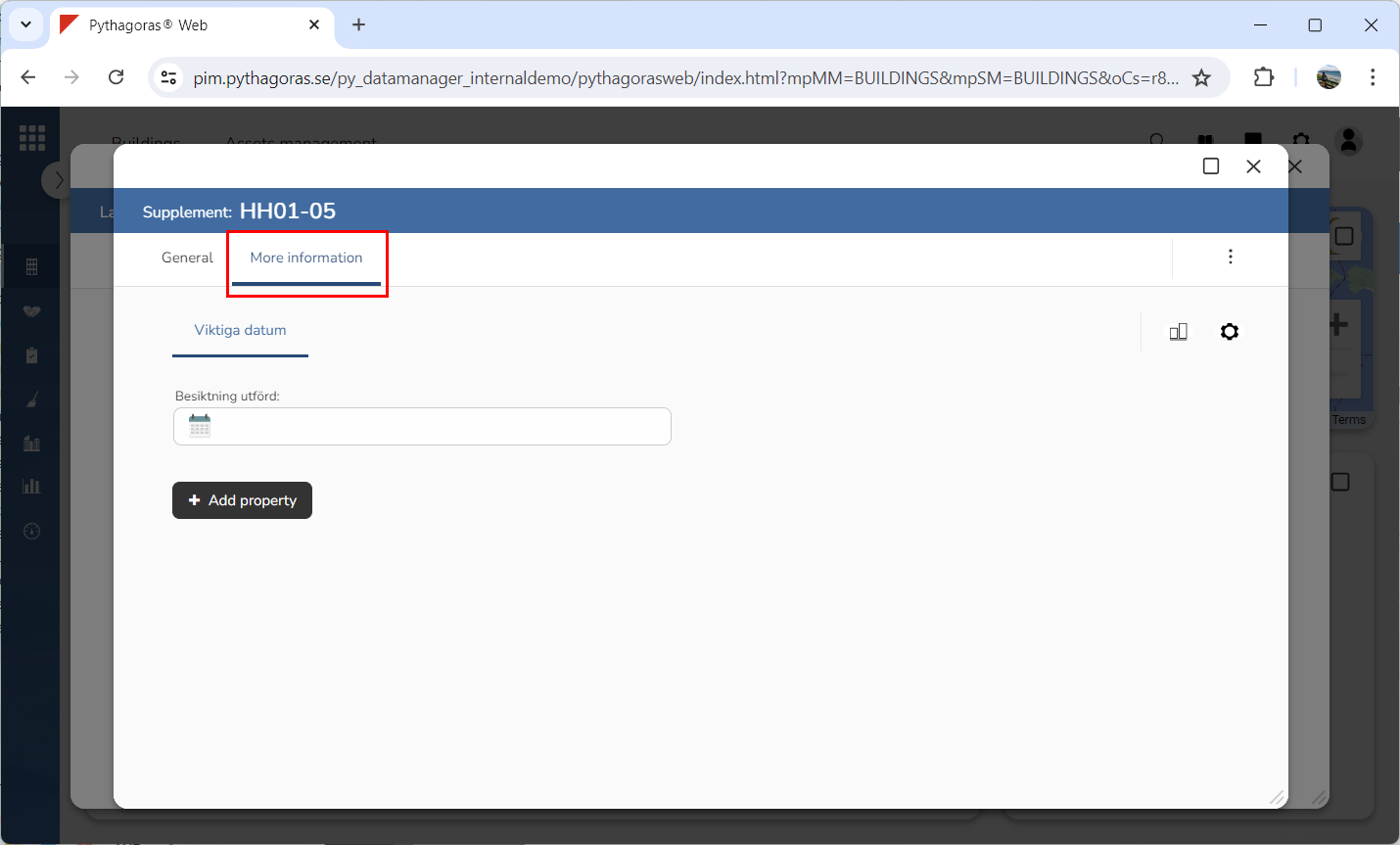
Click the tab called "More information" (see image below). When you do so, you will access the additional information you can set for the supplement object you are working with.