To properly display this page you need a browser with JavaScript support.
×
Meny
Sök
Sök
Sök
9. Working with a floor
9.4. Select which workspace texts to show in the model
9.4.2. Remove workspace texts from the model
Föregående sida
Nästa sida
User manual for Pythagoras Buildings. Copyright © Pythagoras AB
To properly display this page you need a browser with JavaScript support.
9.4.2. Remove workspace texts from the model
To remove workspace texts from the model:
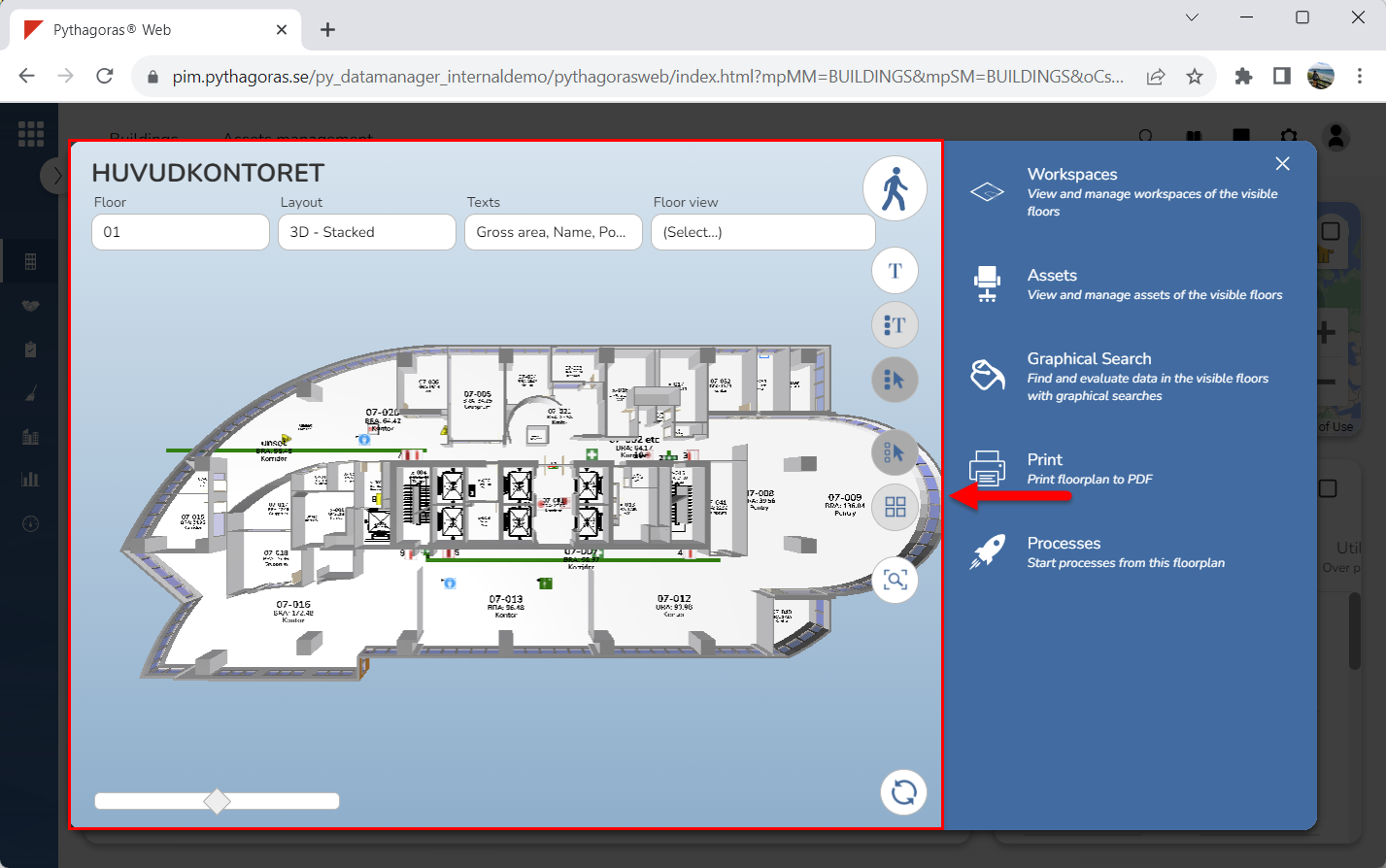
Go to the drawing window (see image below).
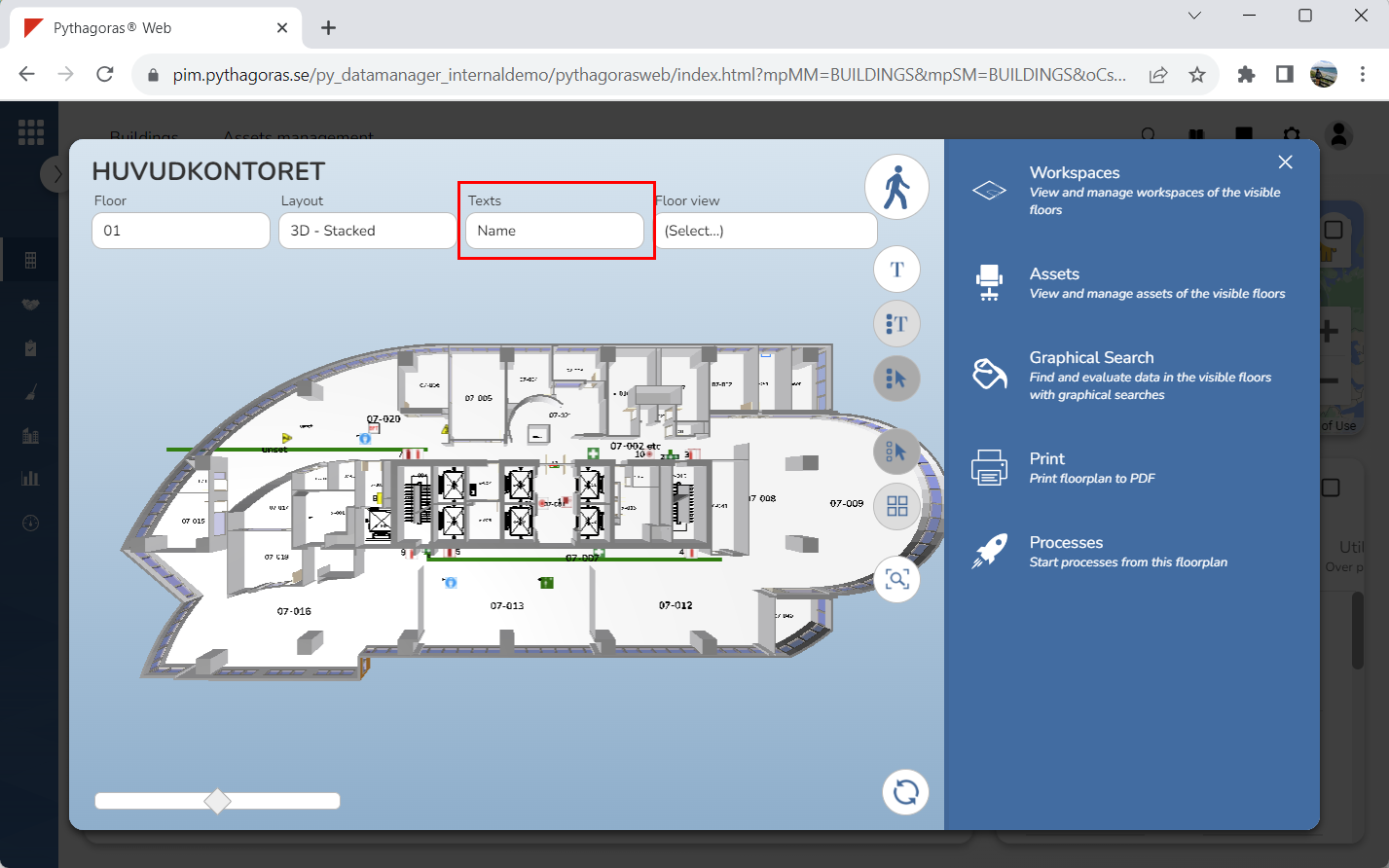
Remove one or more workspace texts from the model by clicking the field "Texts" and then deselecting one or more workspace texts in the list that opens (see images below).