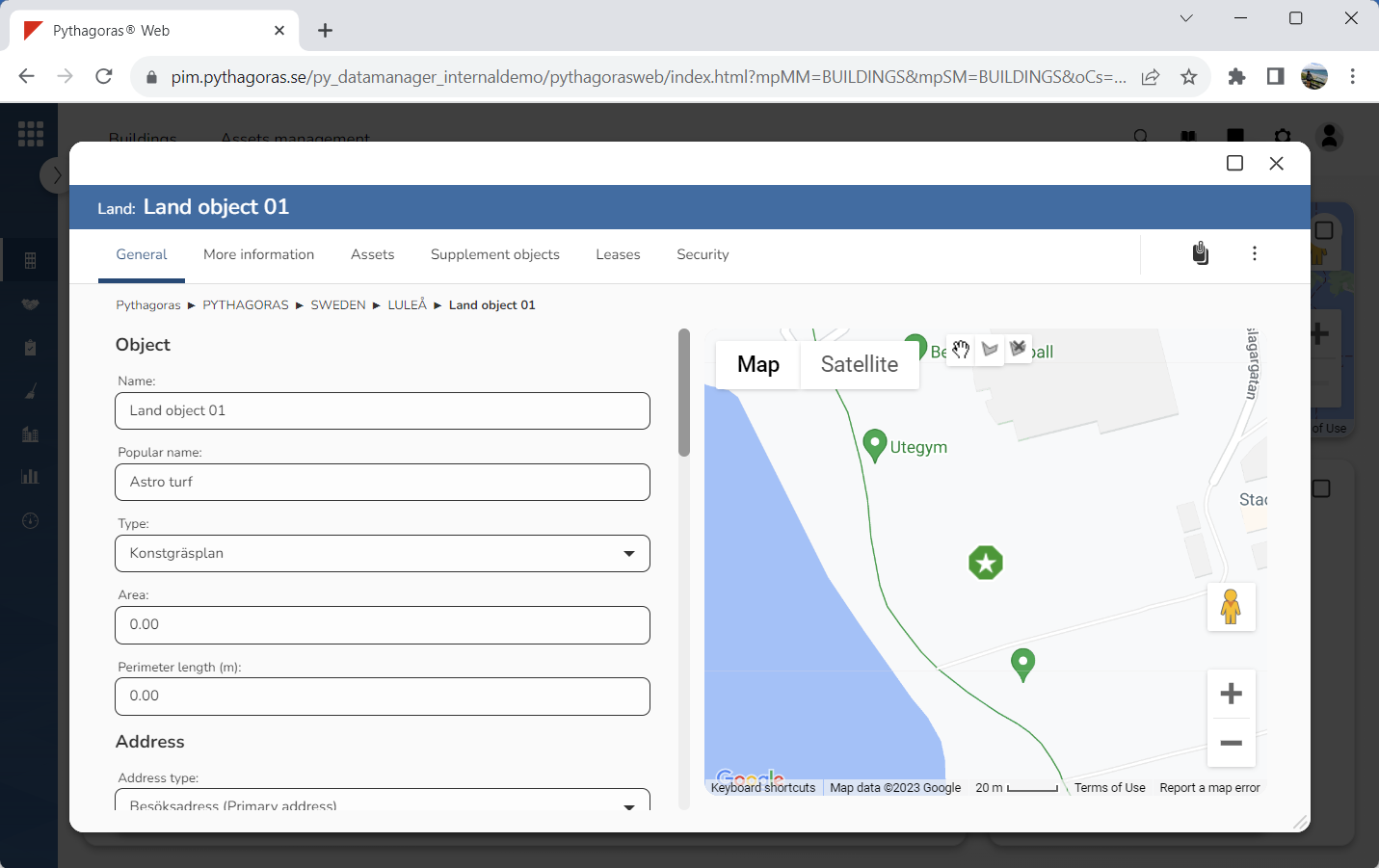
By removing a polygon from the map, you can remove the area of a land object from it. Removing a polygon from the map resets the area and circumference of the land object you are working with.
To remove a polygon from the map:
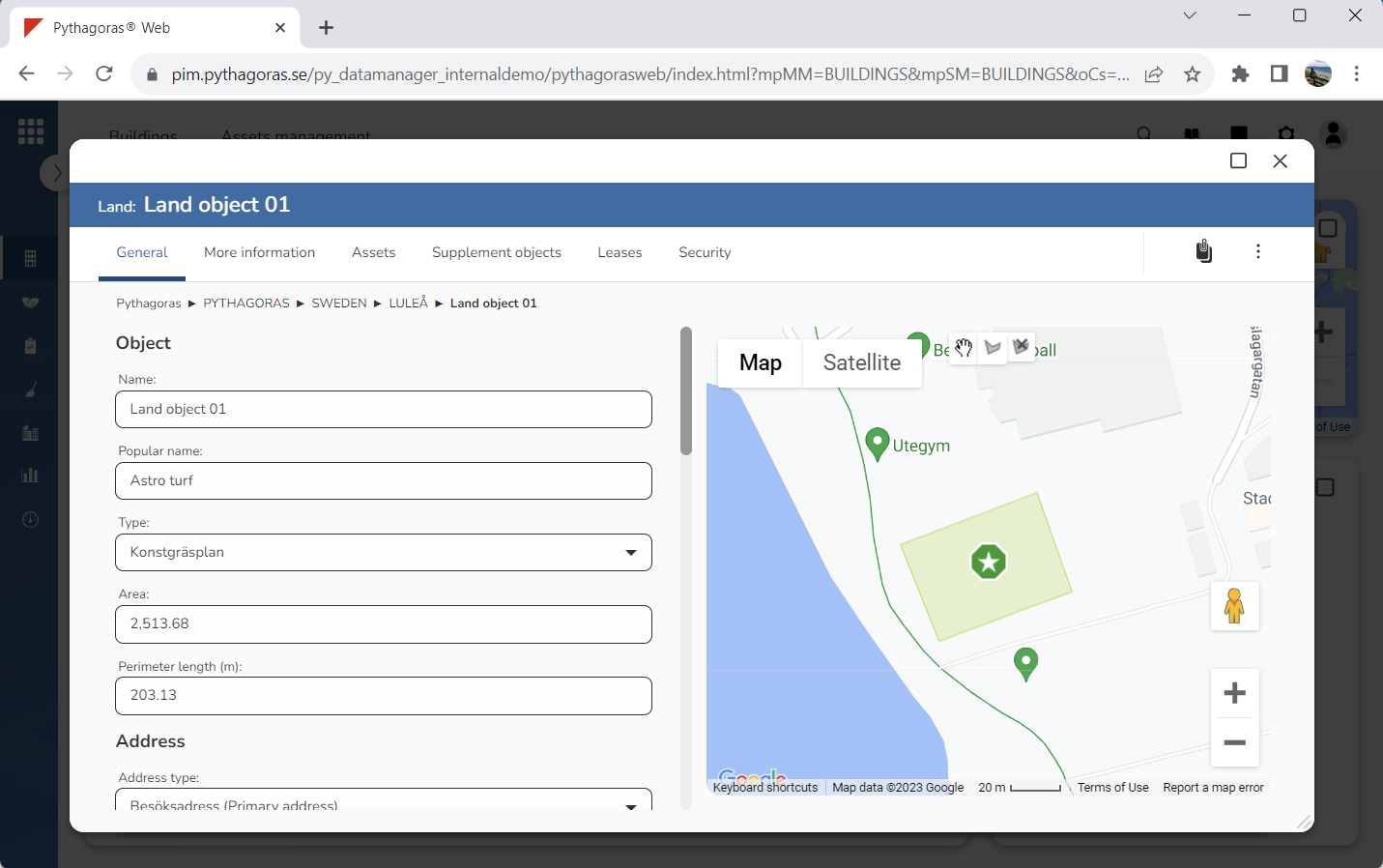
Open a land object. For more information on how to do so, see section 10.1.
Go to the land card (see image below).
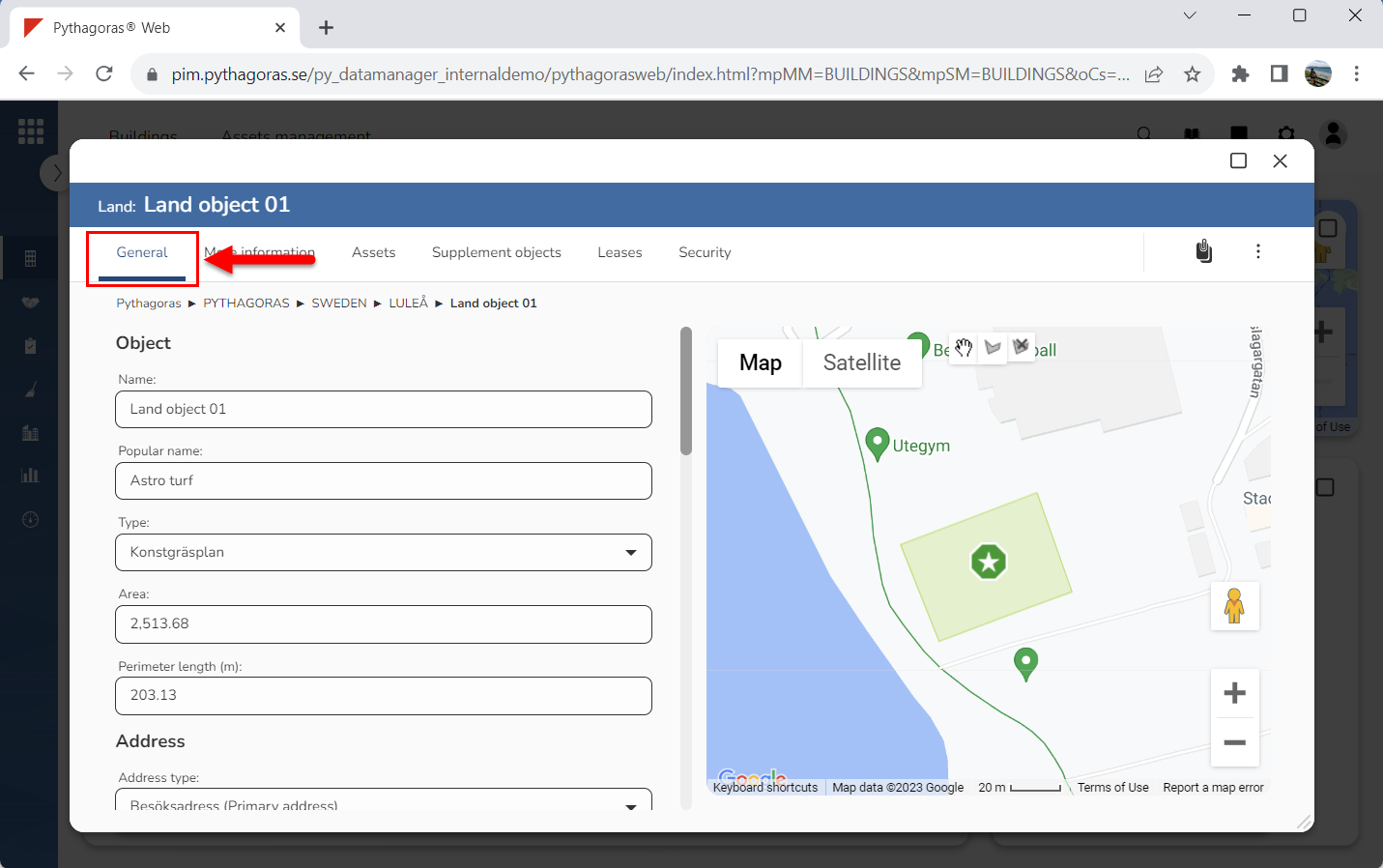
Click the tab called "General" (see image below).
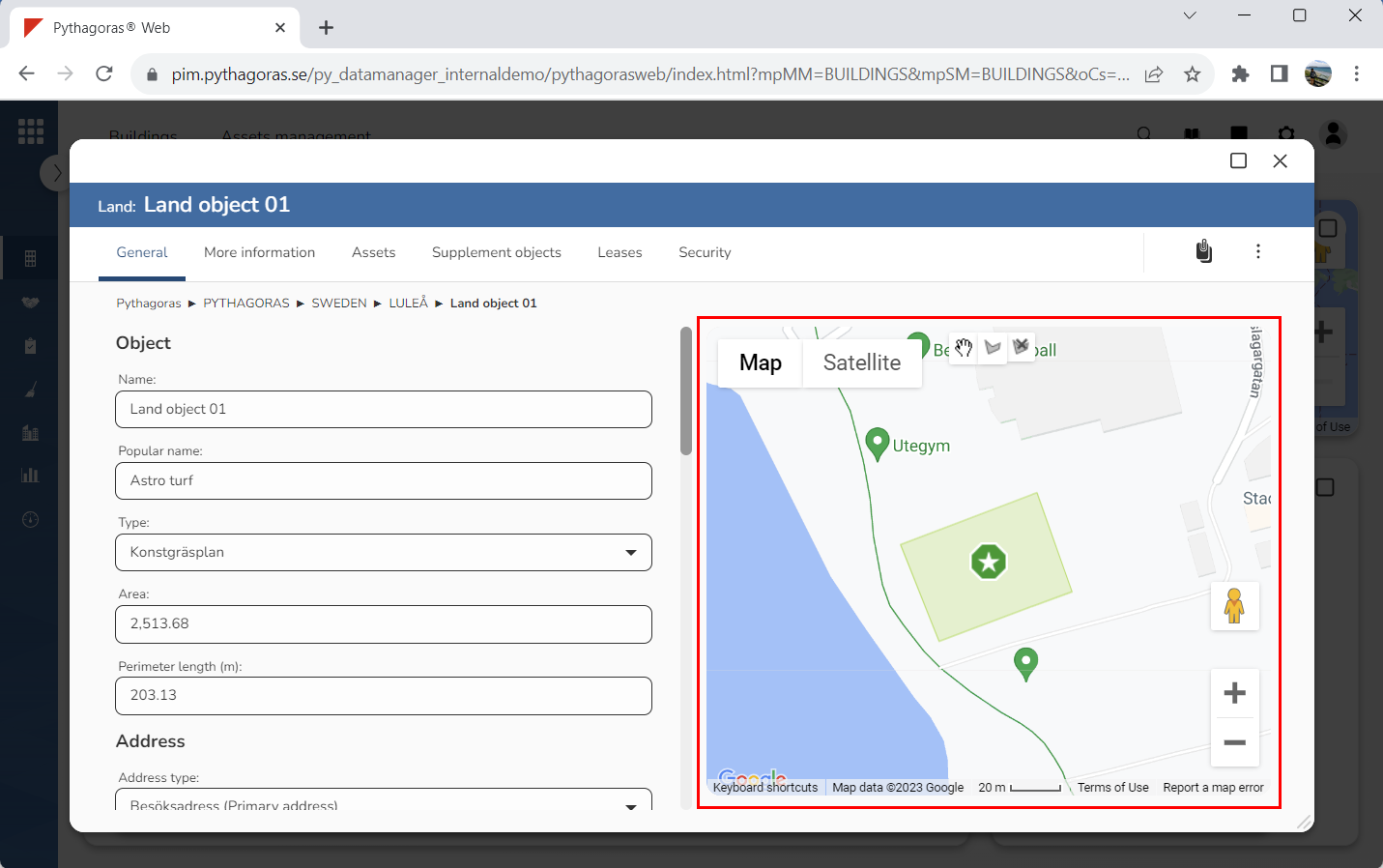
Go to the map (see image below).
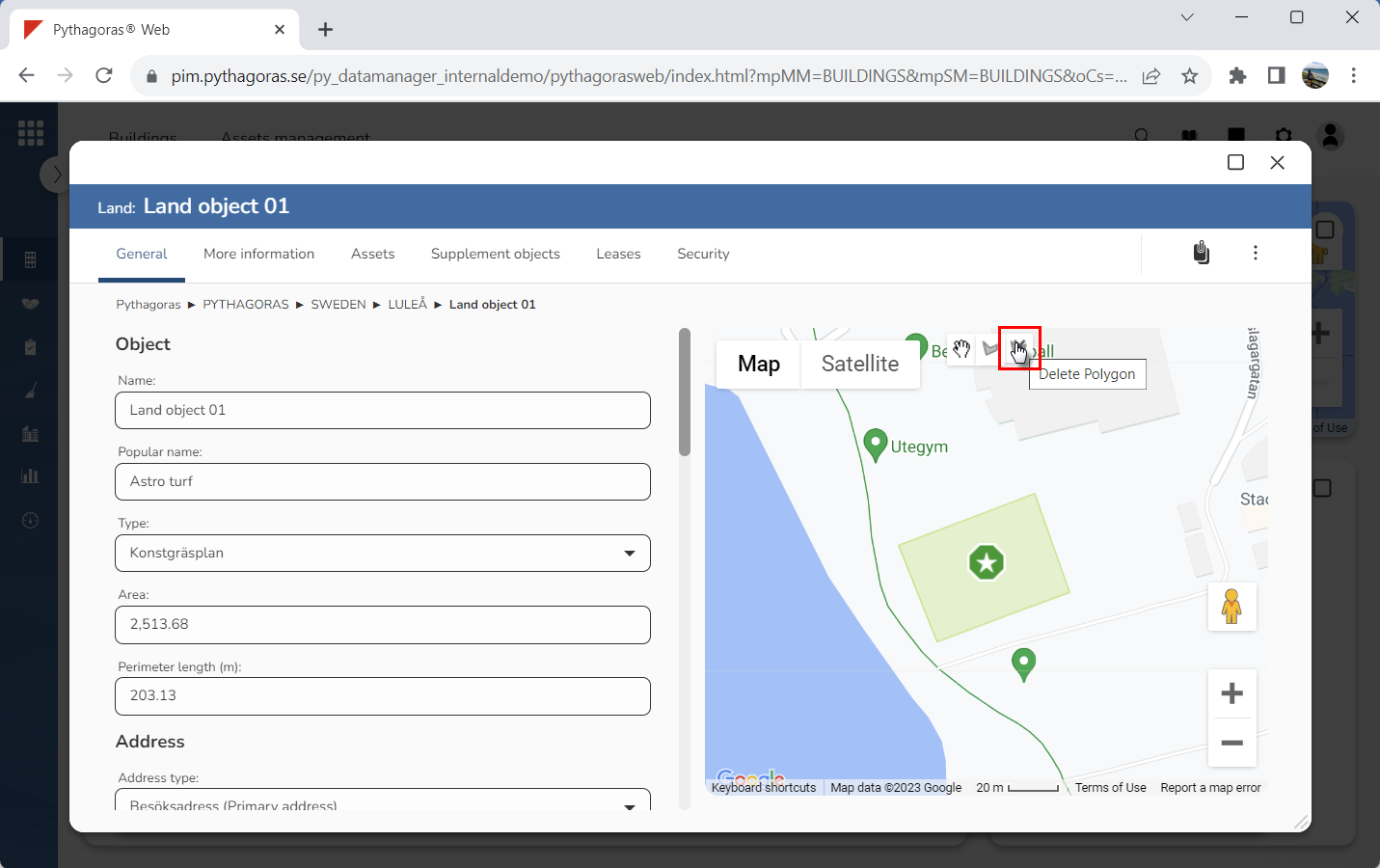
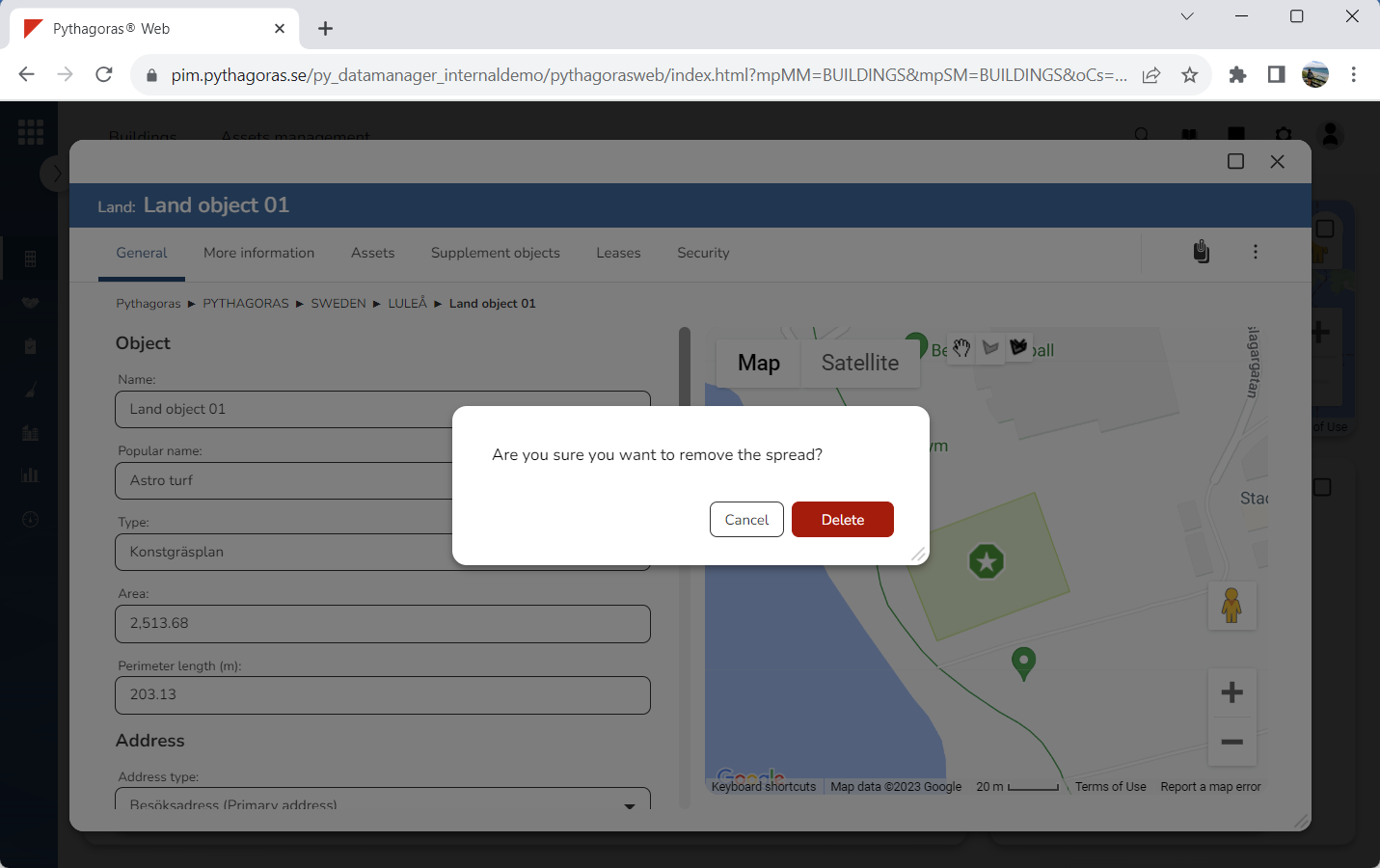
Click "Delete Polygon" (see the first image below). When you do so, a dialog asking the following question will open: "Are you sure you want to remove this area?" (see the second image below).
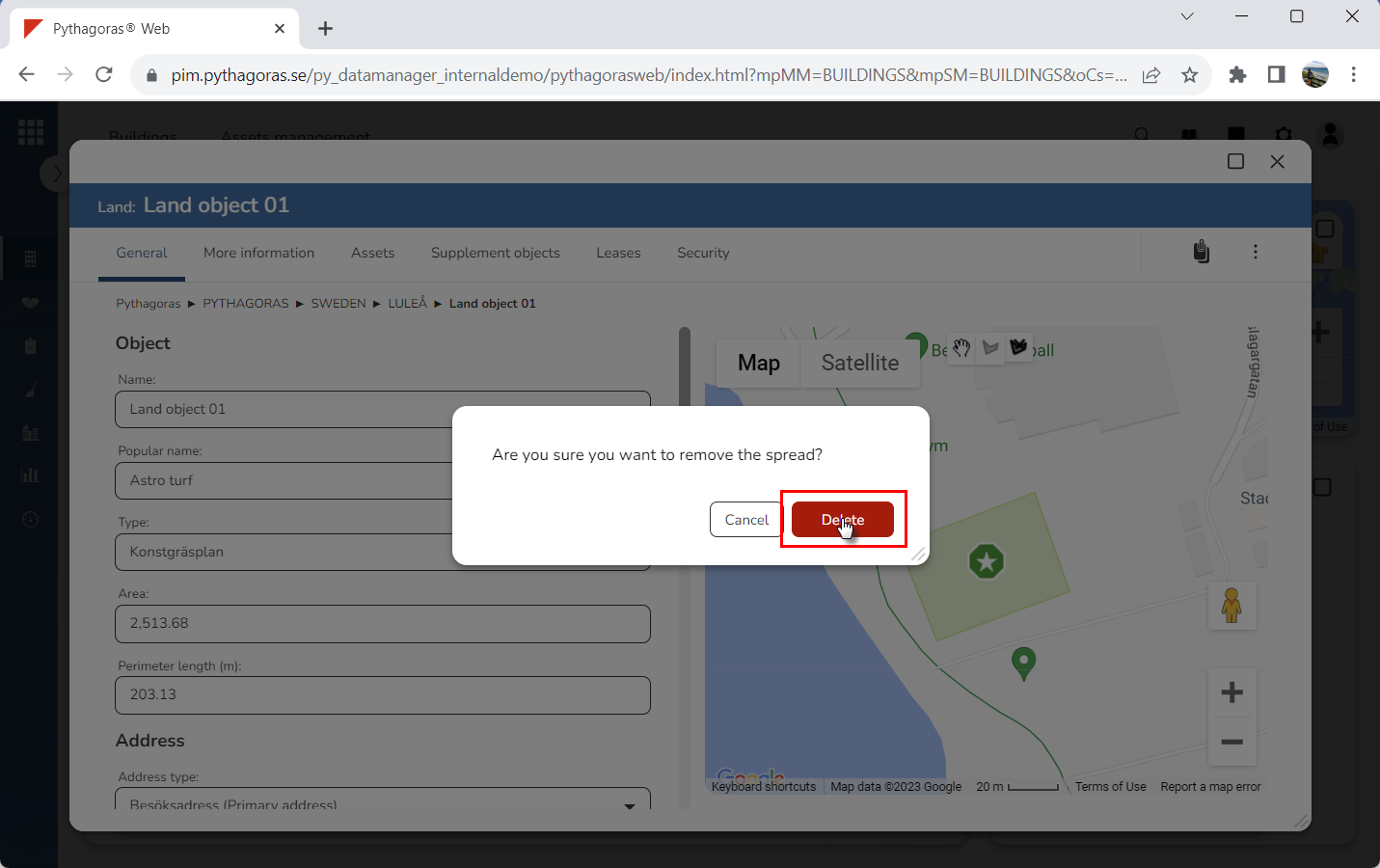
Click "Delete" in the dialog (see the first image below). When you do so, the polygon linked to the land object you are working with will be removed from the map (see the second image below).