Within the tab called "Processes" you will find a list of processes. Via the tab called "Processes" you will be able to start the processes you have access to.
To start one or more processes:
Open a building. For more information on how to do so, see section 4.6.1., 5.4.3. or 6.1.1.
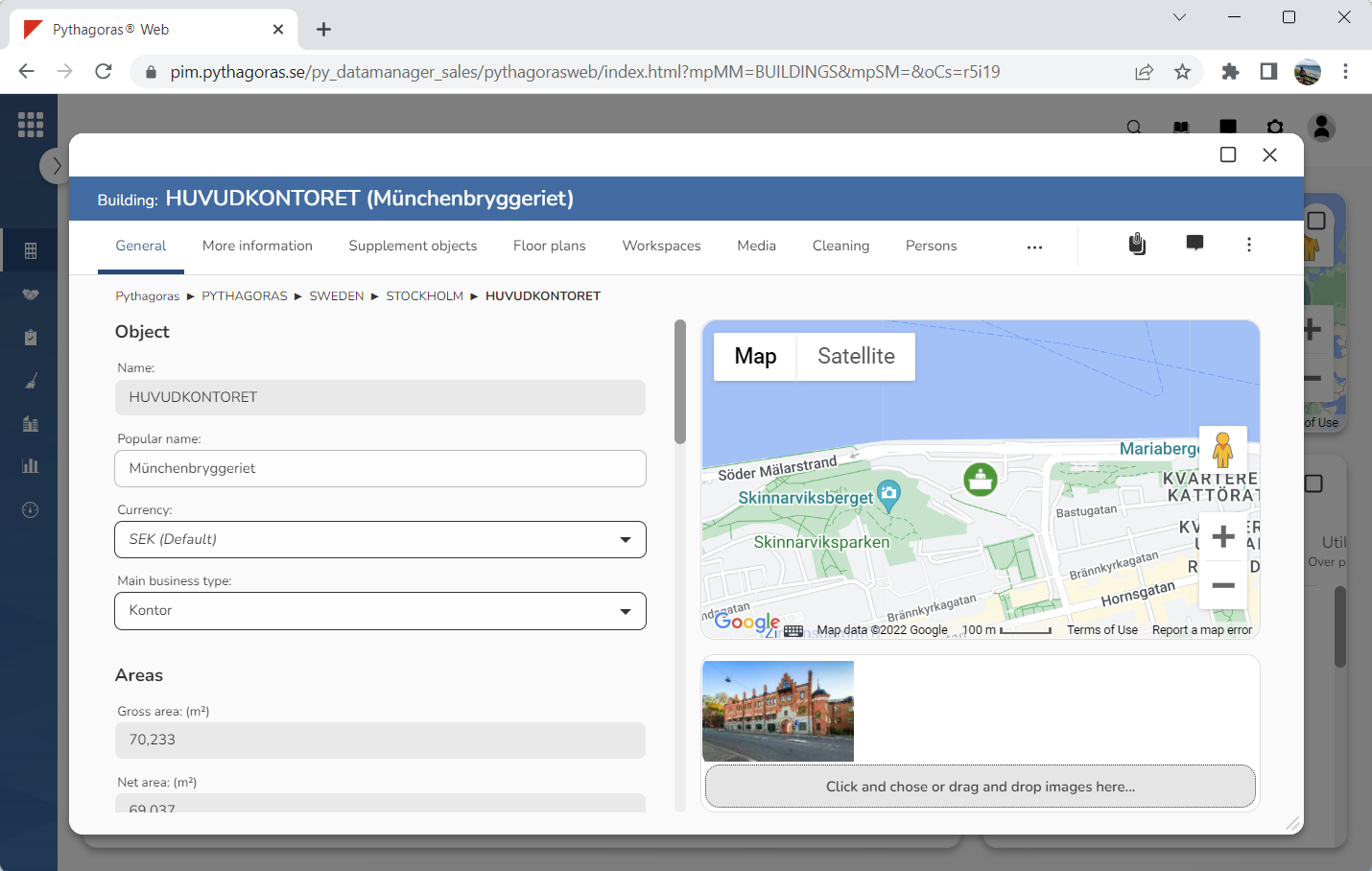
Go to the building card (see image below).
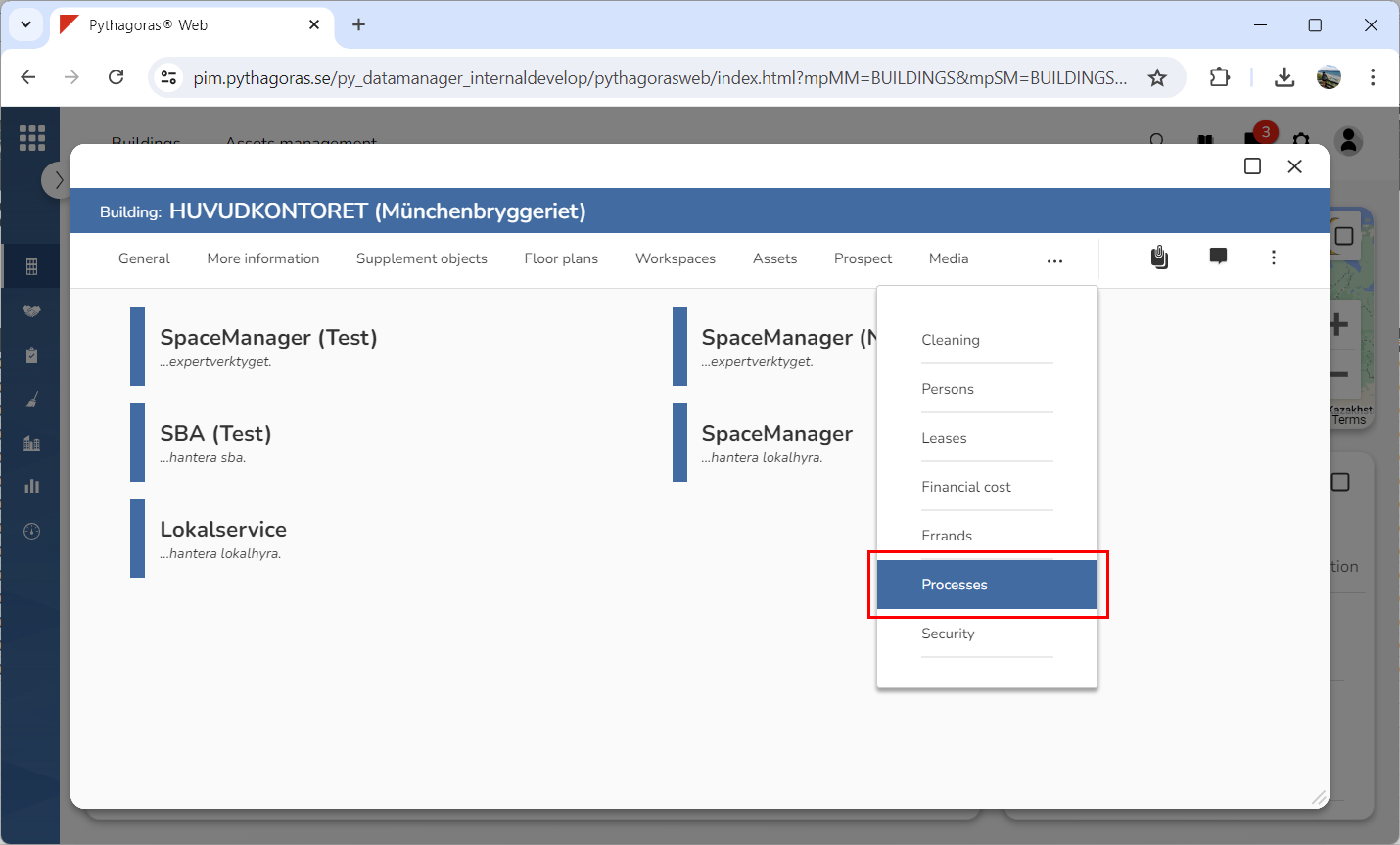
Click the tab called "Processes" (see image below). When you do so, a list of processes will open.
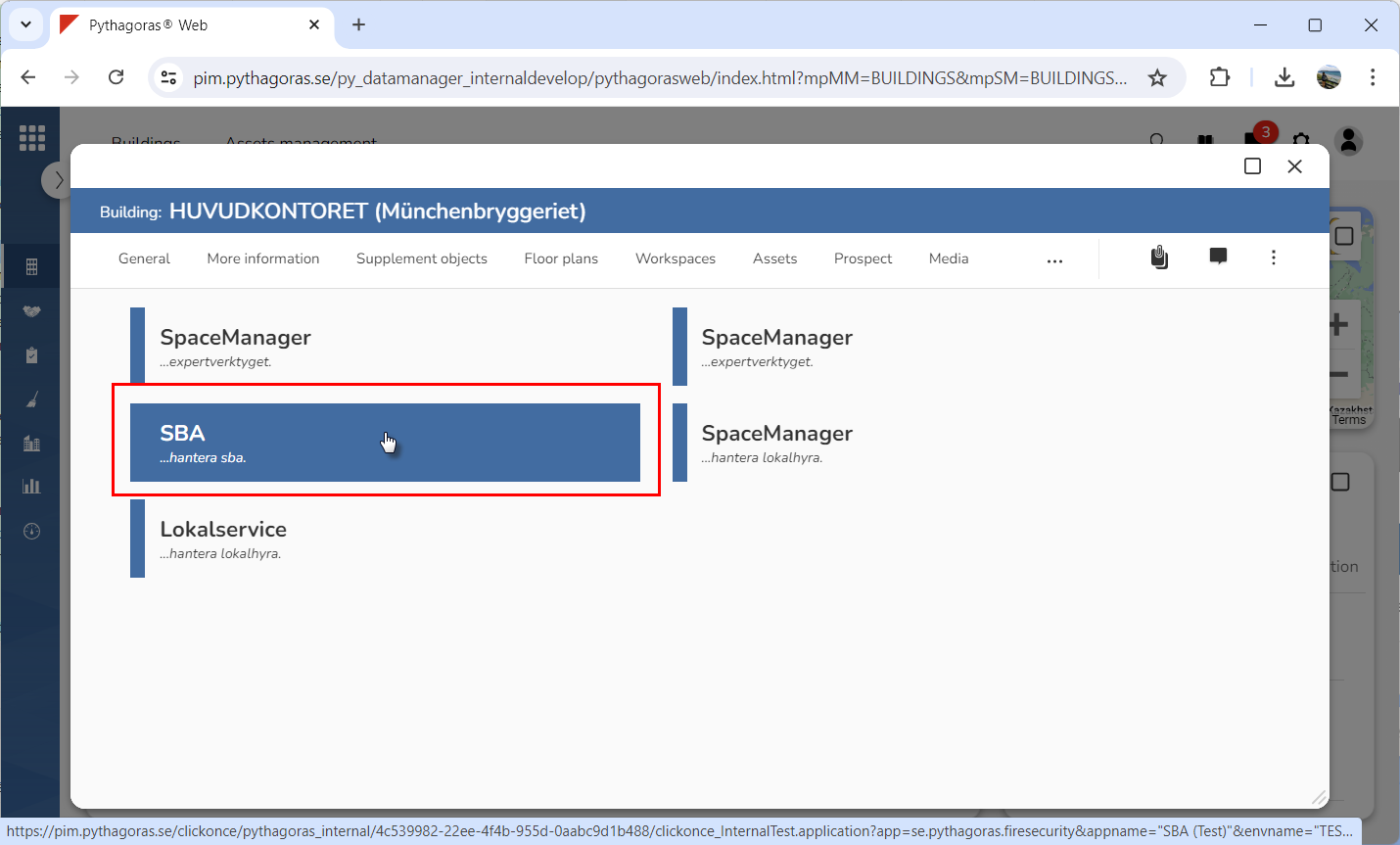
4. Go to the list of processes.
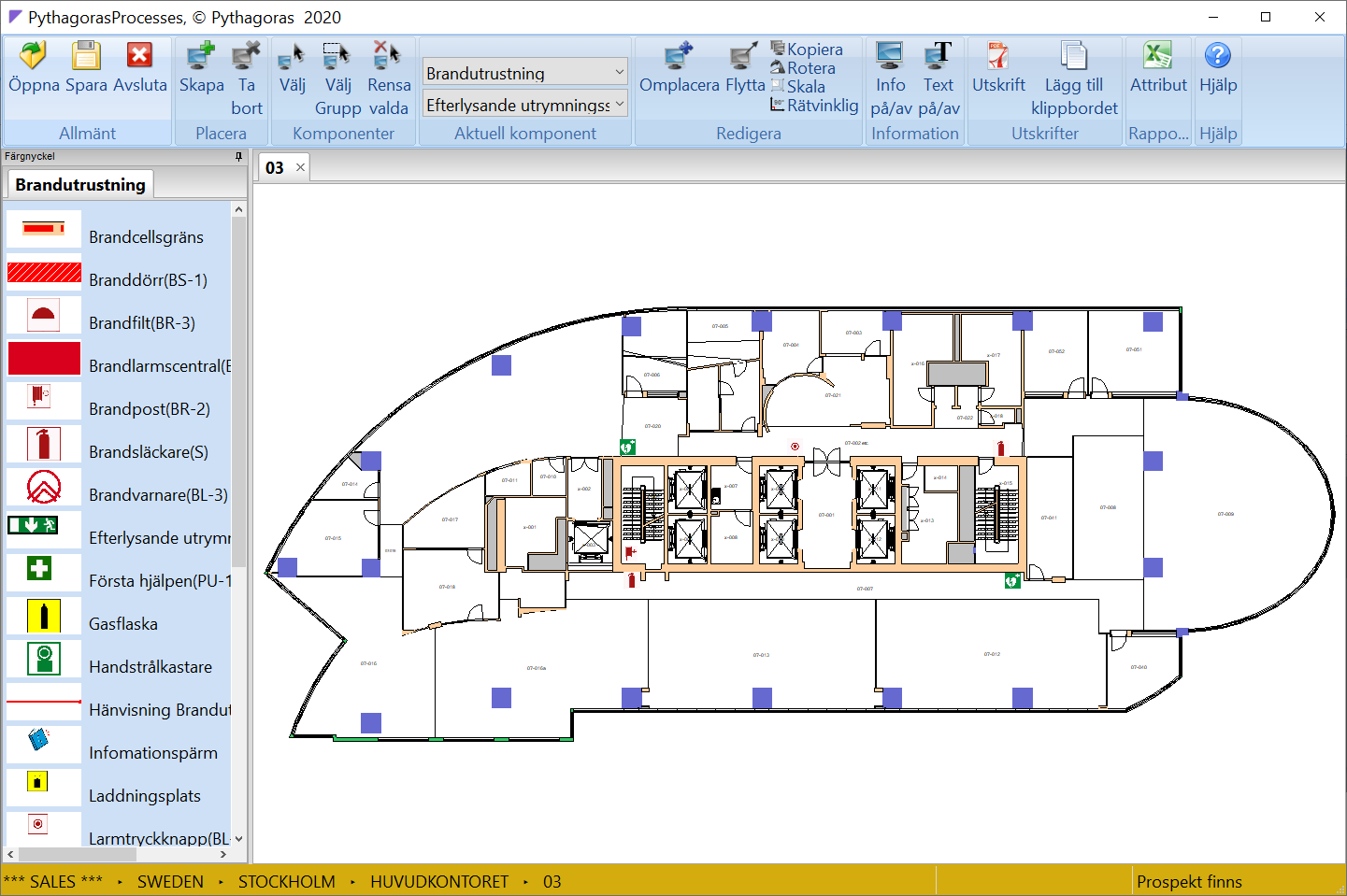
5. Click one or more processes (see the first image below). The process or processes you click will start. When a process is started, you will be sent directly into the building via which you started the process (see the second image below).