Open a building. For more information on how to do so, see section 4.6.1., 5.4.3. or 6.1.1.
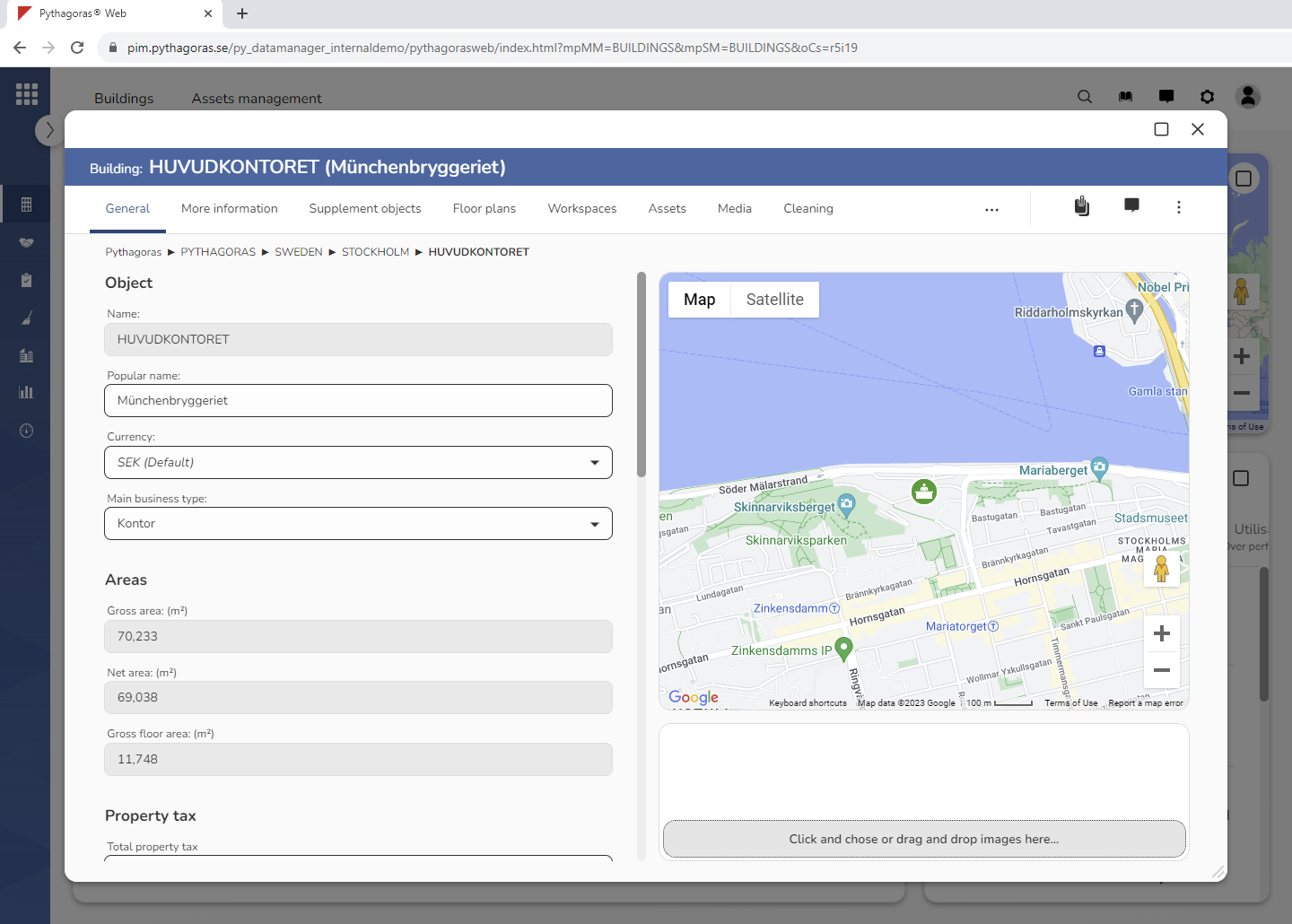
Go to the building card (see image below).
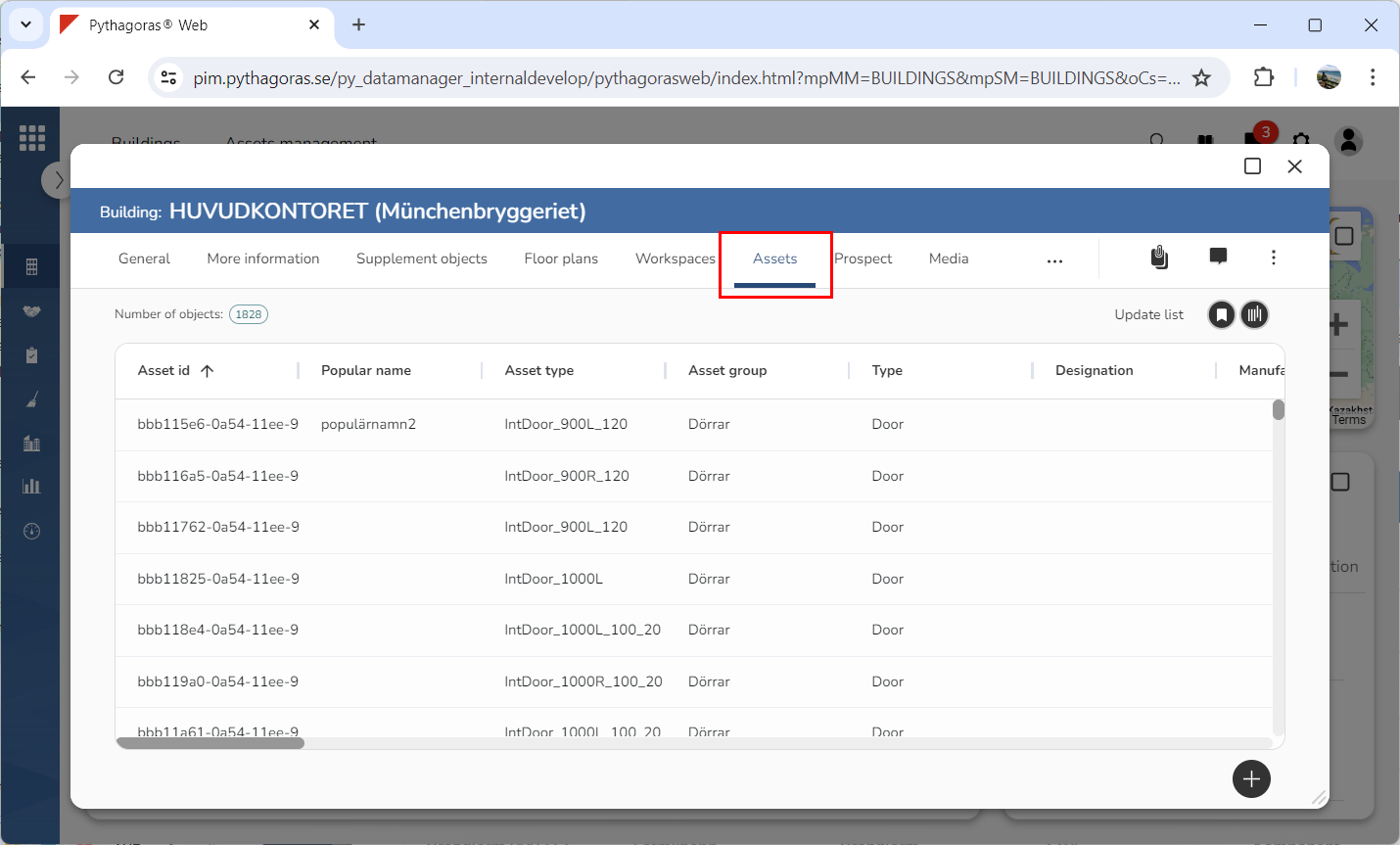
Click the tab called "Assets" (see image below). Within the tab called "Assets" you will find a list of the assets. In the assets list you can see the assets associated with the building you are working with.
Go to the assets list.
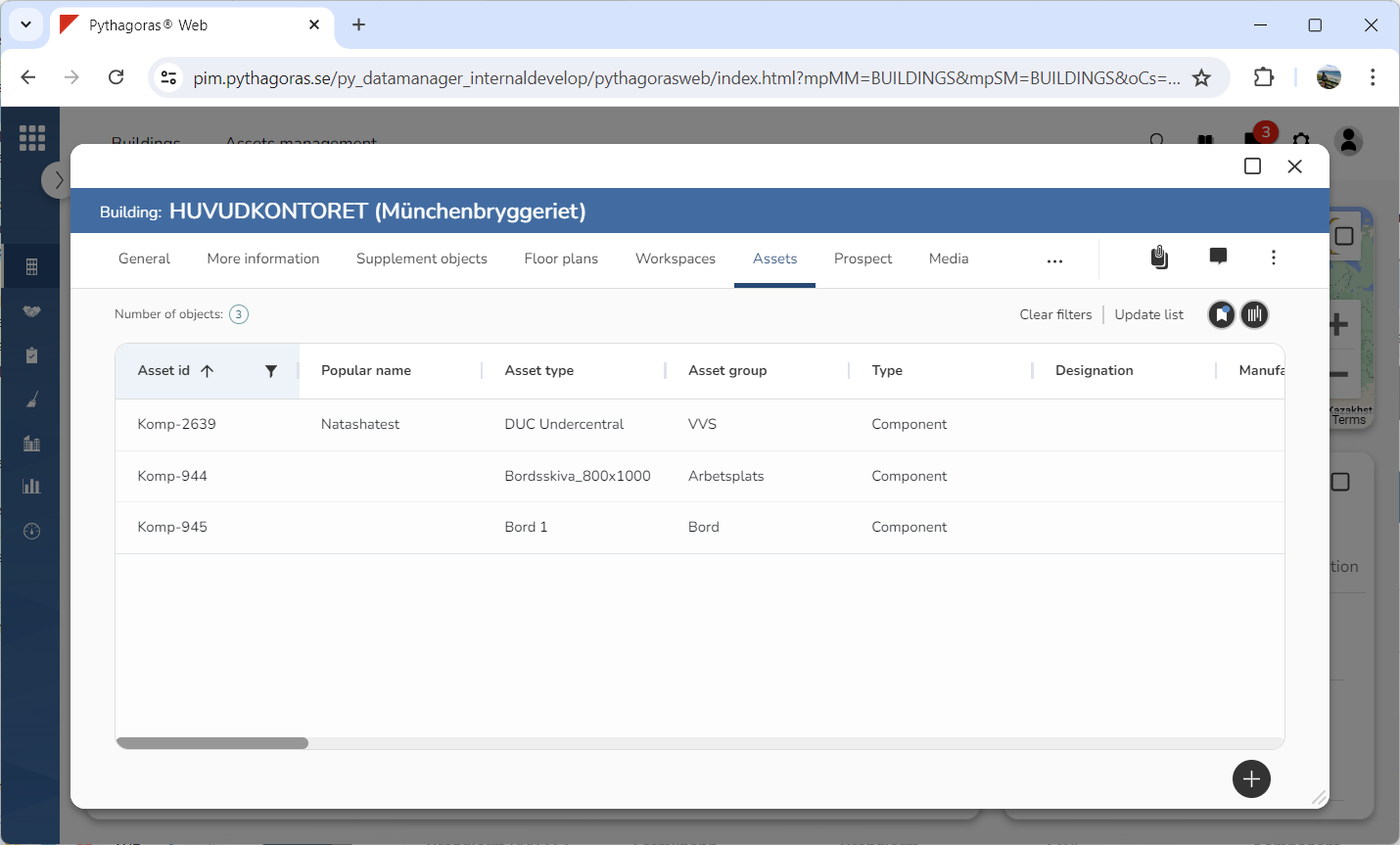
5. Filter the assets list if you wish to limit its contents (see image below). For more information on how to do so, see section 8.6.4. If you do not wish to filter the assets list you can skip this step and go straight to step 6.
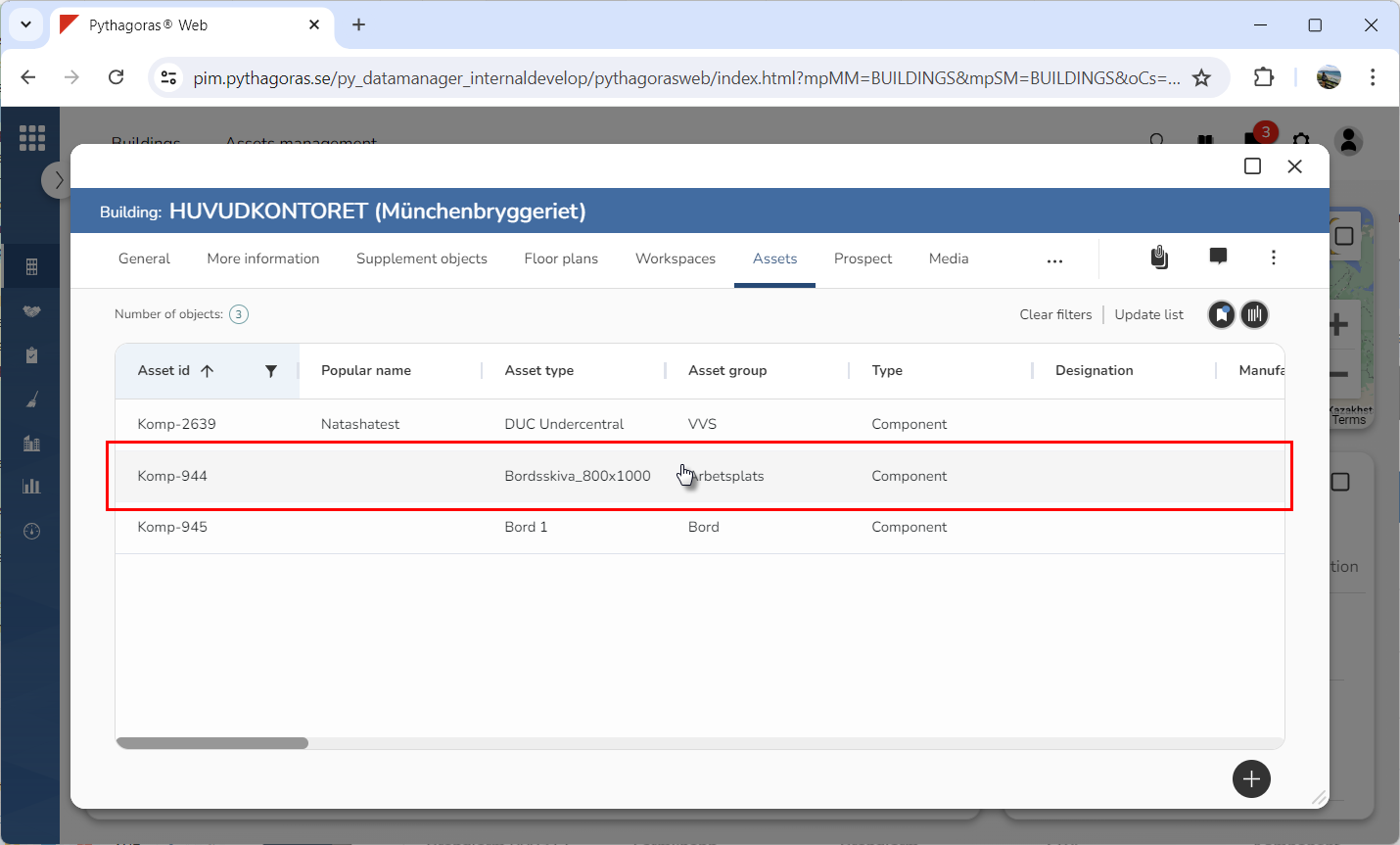
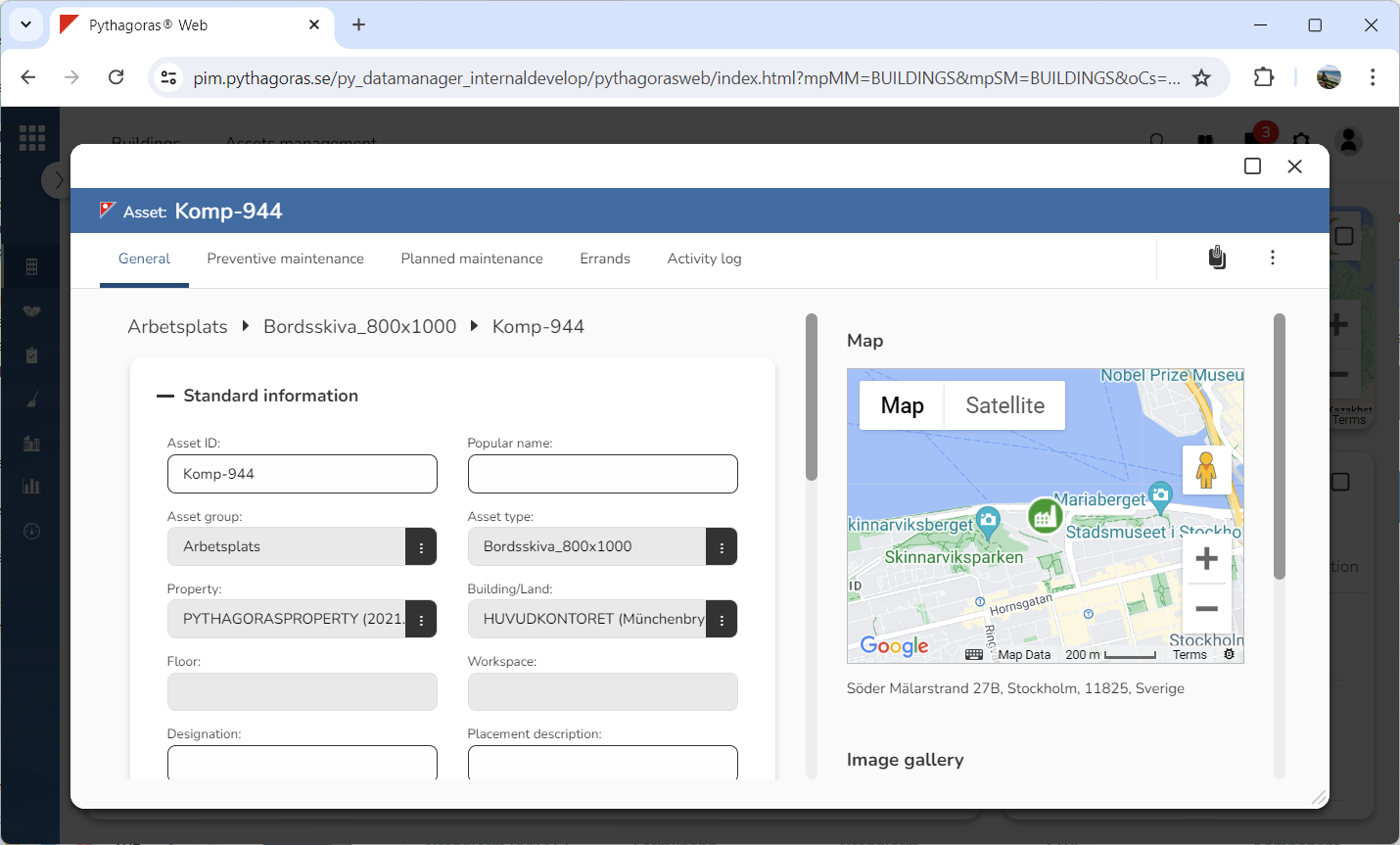
6. Click the asset you wish to open (see the first image below). When you do so, the asset will open. When an asset is opened, so is its asset card (see the second image below). Via the asset card you can work with an asset.