5.4.6. Open a supplement object via the navigation tree
To open a supplement object you can either use the map or the navigation tree. In this section you will find information on how to open a supplement object via the navigation tree. For more information on how to open a supplement object via the map, see section 4.6.4.
To open a supplement object via the navigation tree:
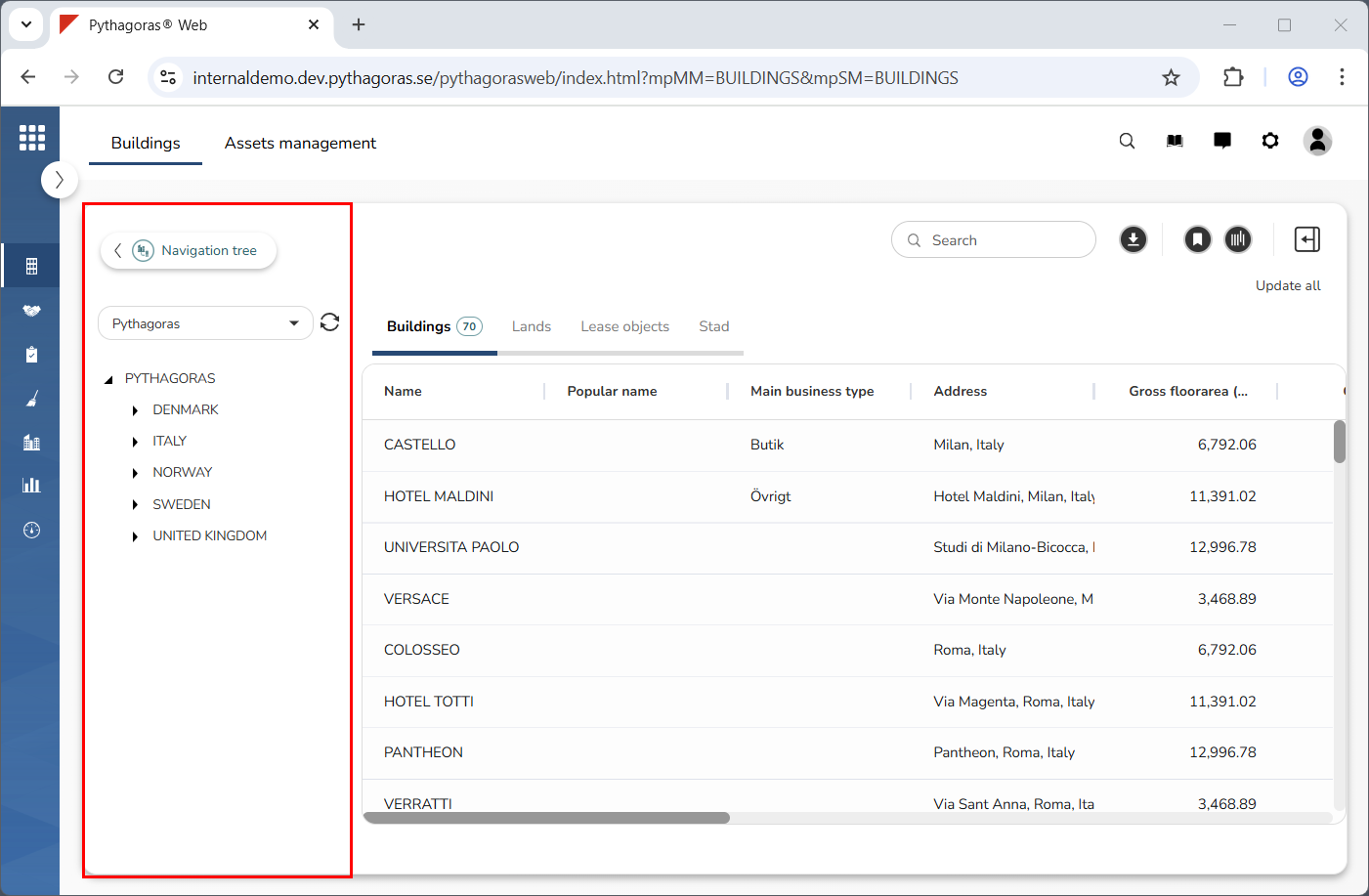
Go to the navigation window (see image below).
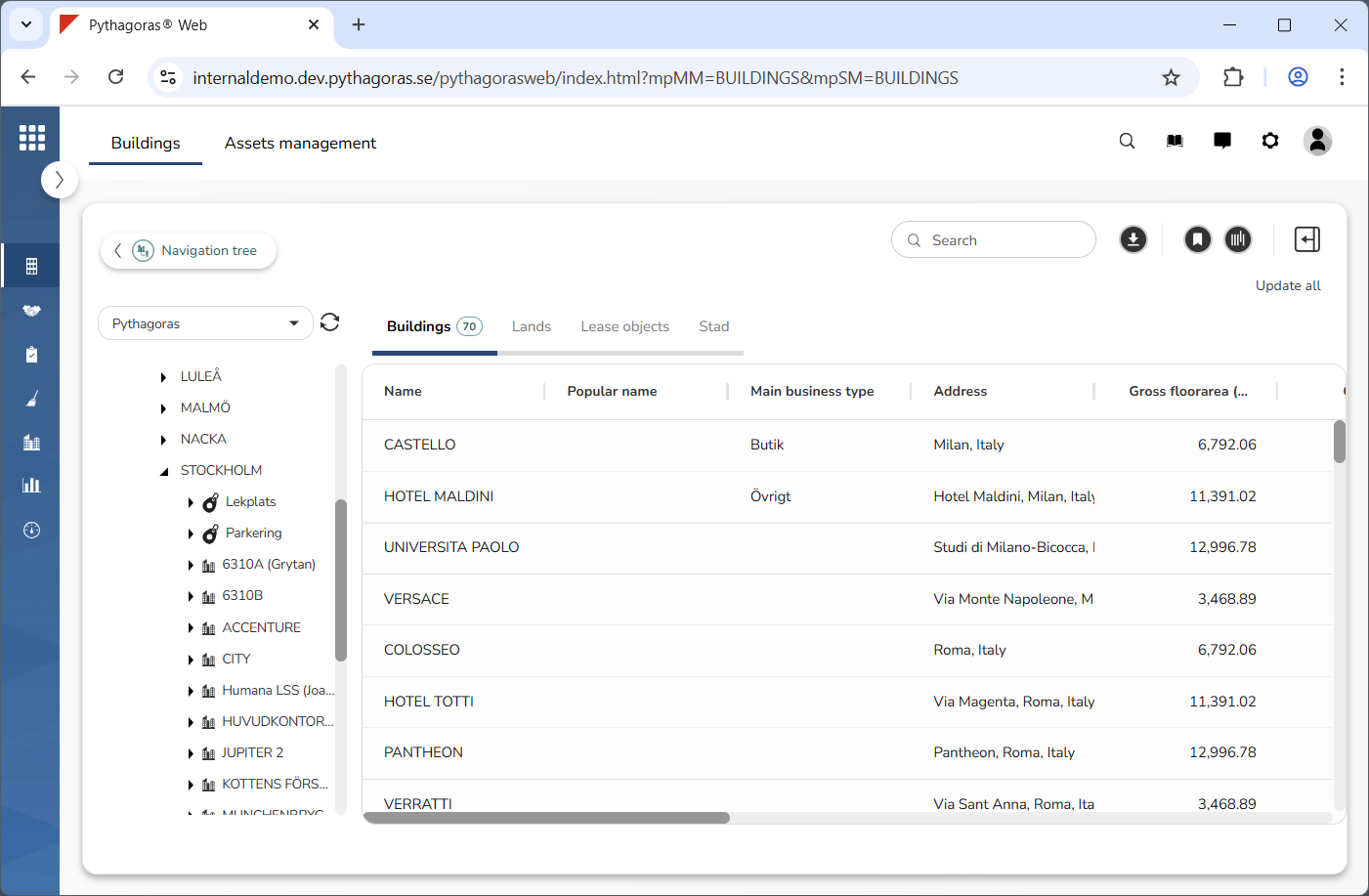
Make sure that the supplement object you wish to open is visible in the navigation tree by working your way down the navigation tree structure (see image below).
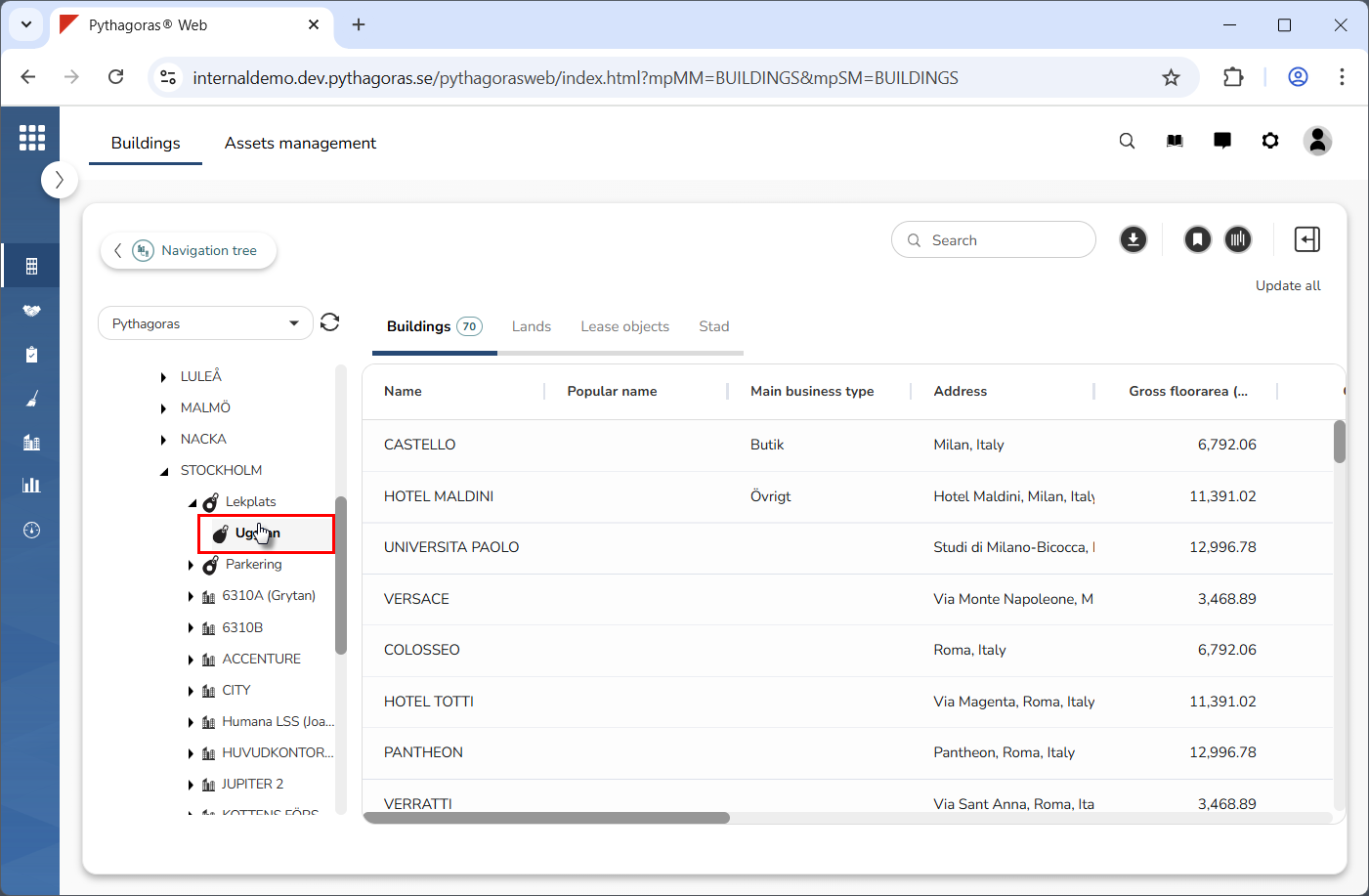
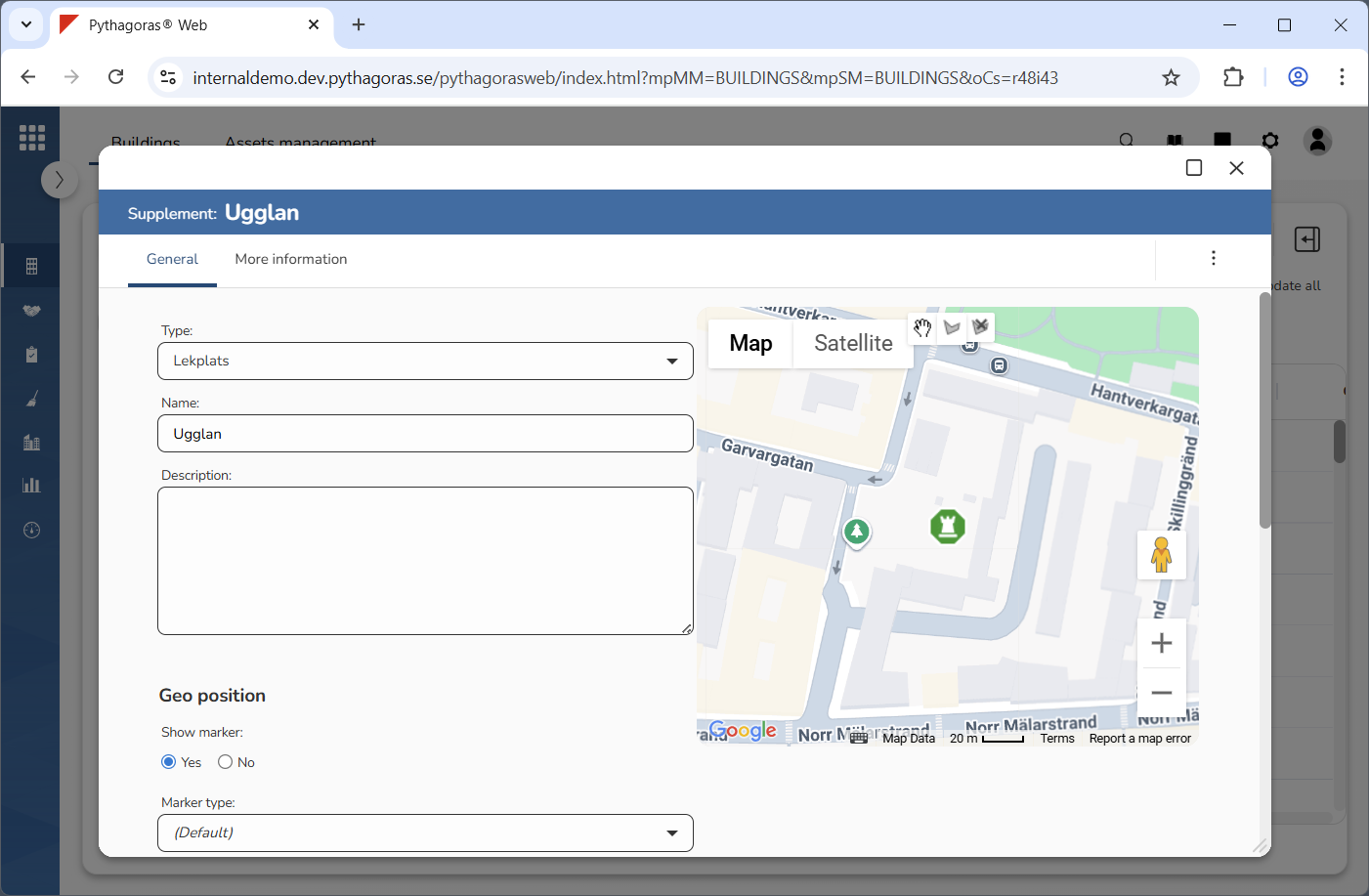
Click the supplement object you wish to open (see the first image below). When you do so, the supplement object will open. When a supplement object is opened so is its object card (see the second image below). Via the object card you can work with a supplement object. For more information about supplement objects, see section 8.3.