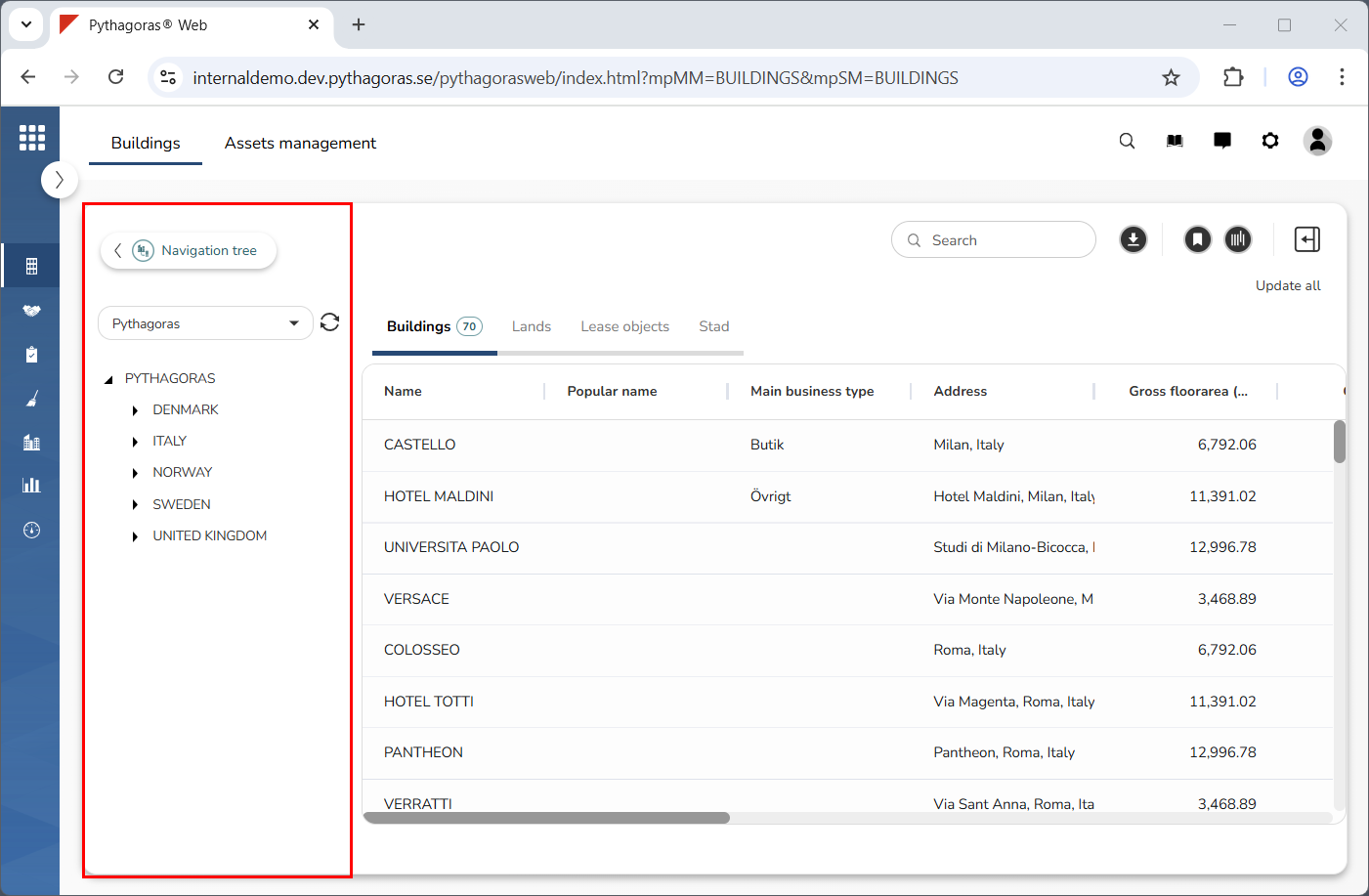
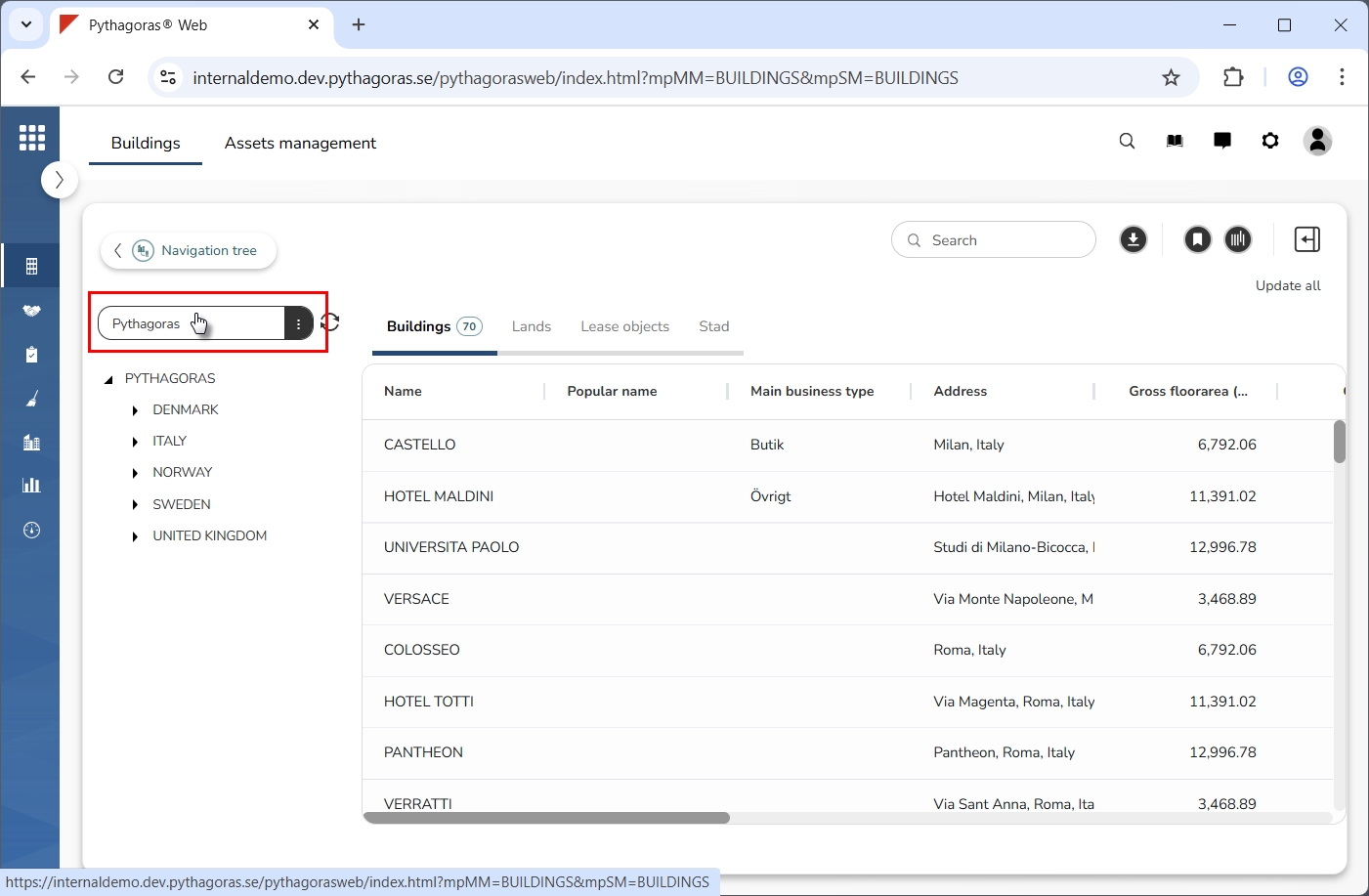
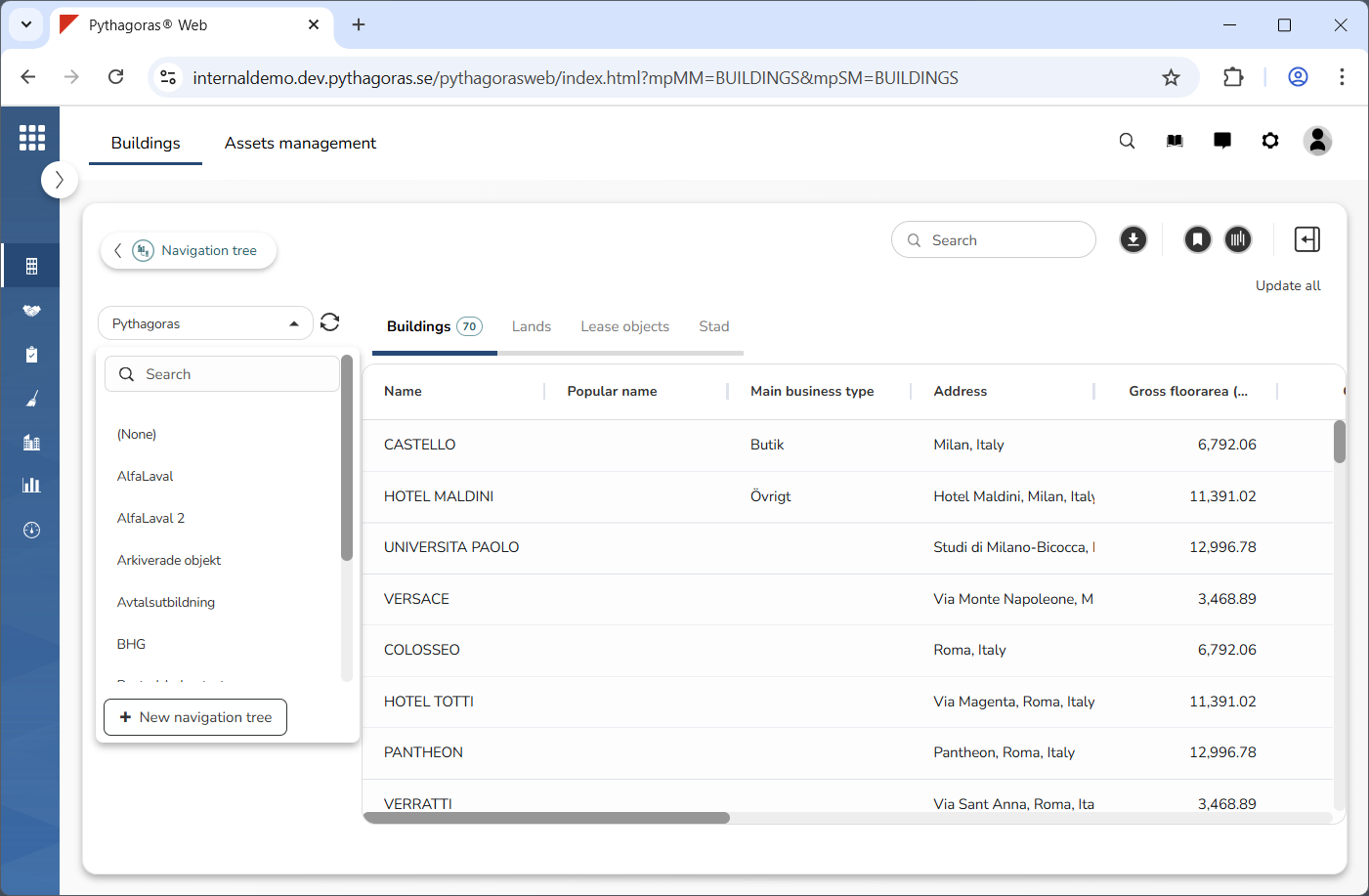
Click the field "Navigation tree" (see the first image below). When you do so, a list of navigation trees will open (see the second image below). In the list of navigation trees you will find the navigation trees available to you.
Go to the list "Navigation tree".
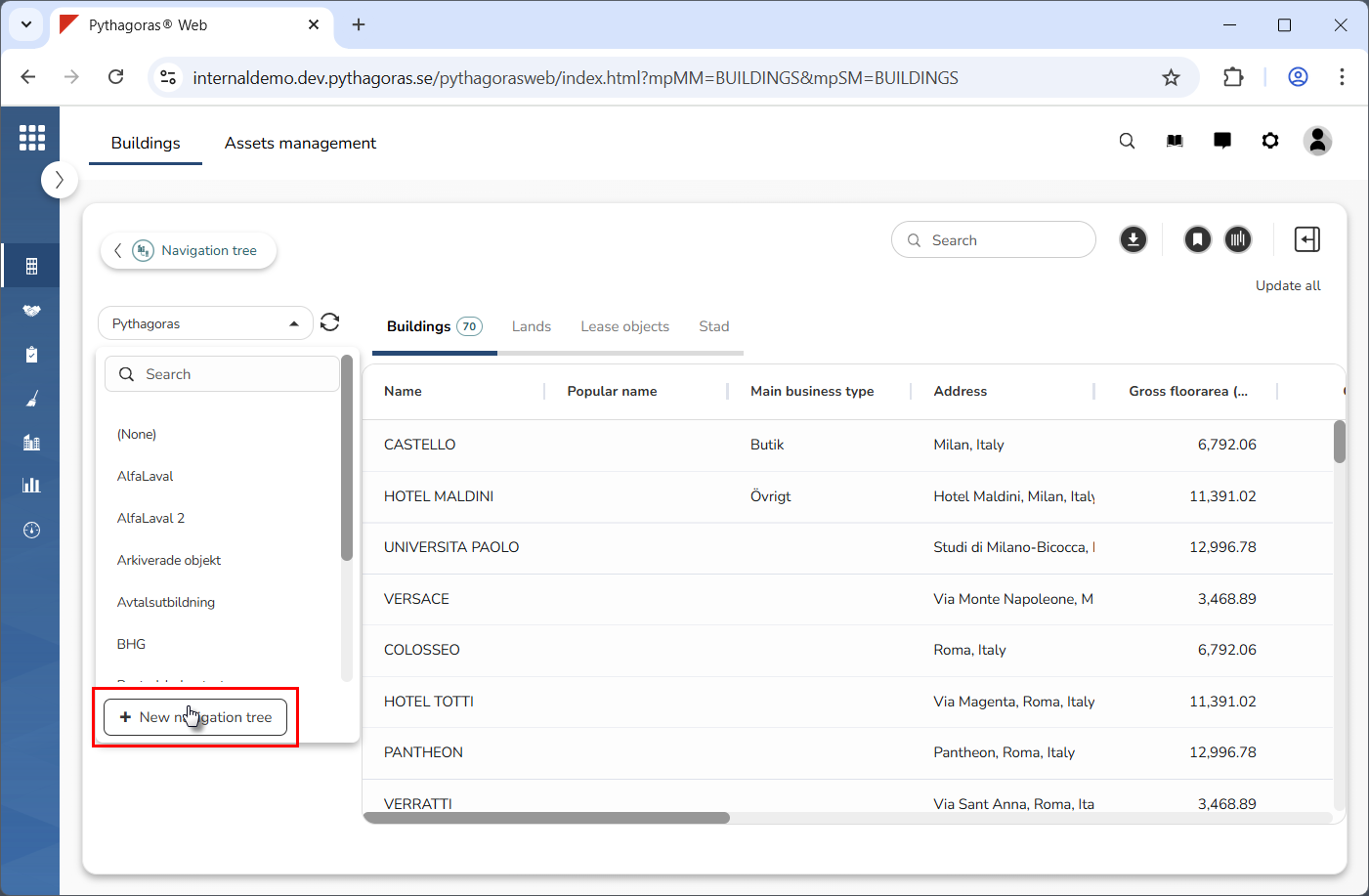
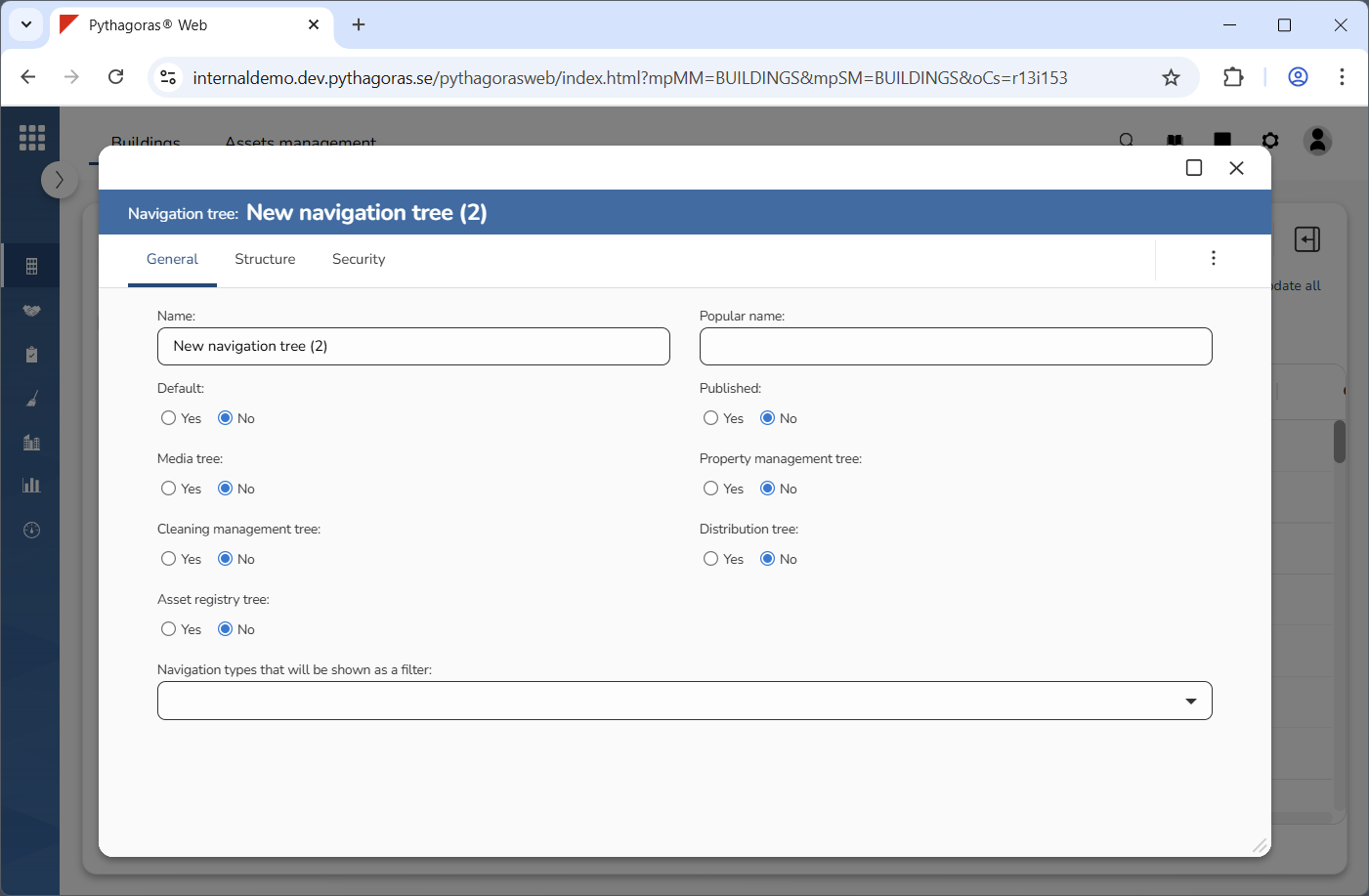
Click "New navigation tree" (see the first image below). When you do so, a navigation tree will be created. At the same time as a navigation tree is created, its navigation tree card will open (see the second image below). Via the navigation tree card you can work with the navigation tree settings for the navigation tree you have created. For more information on how to do so, see section 5.6.