There are three ways in which to open a land object: via the map, the navigation tree and the object list. In this section you will find information on how to open a land object via the map. For more information on how to open a land object via the navigation tree, see section 5.4.5. For more information on how to open a land object via the object list, see section 6.1.2.
To open a land object via the map:
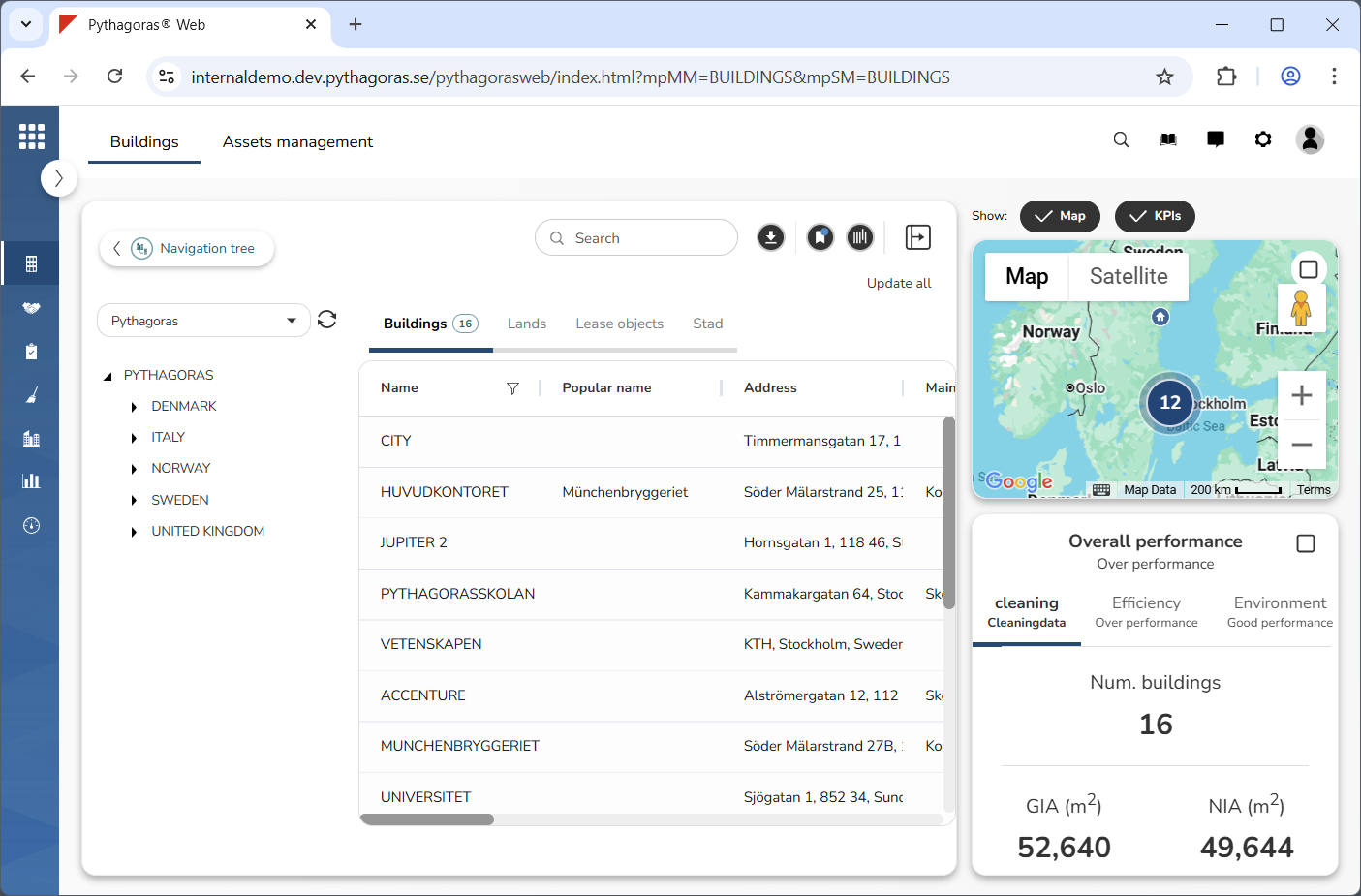
Show the map and the KPIs (see image below). For more information on how to do so, see section 4.1
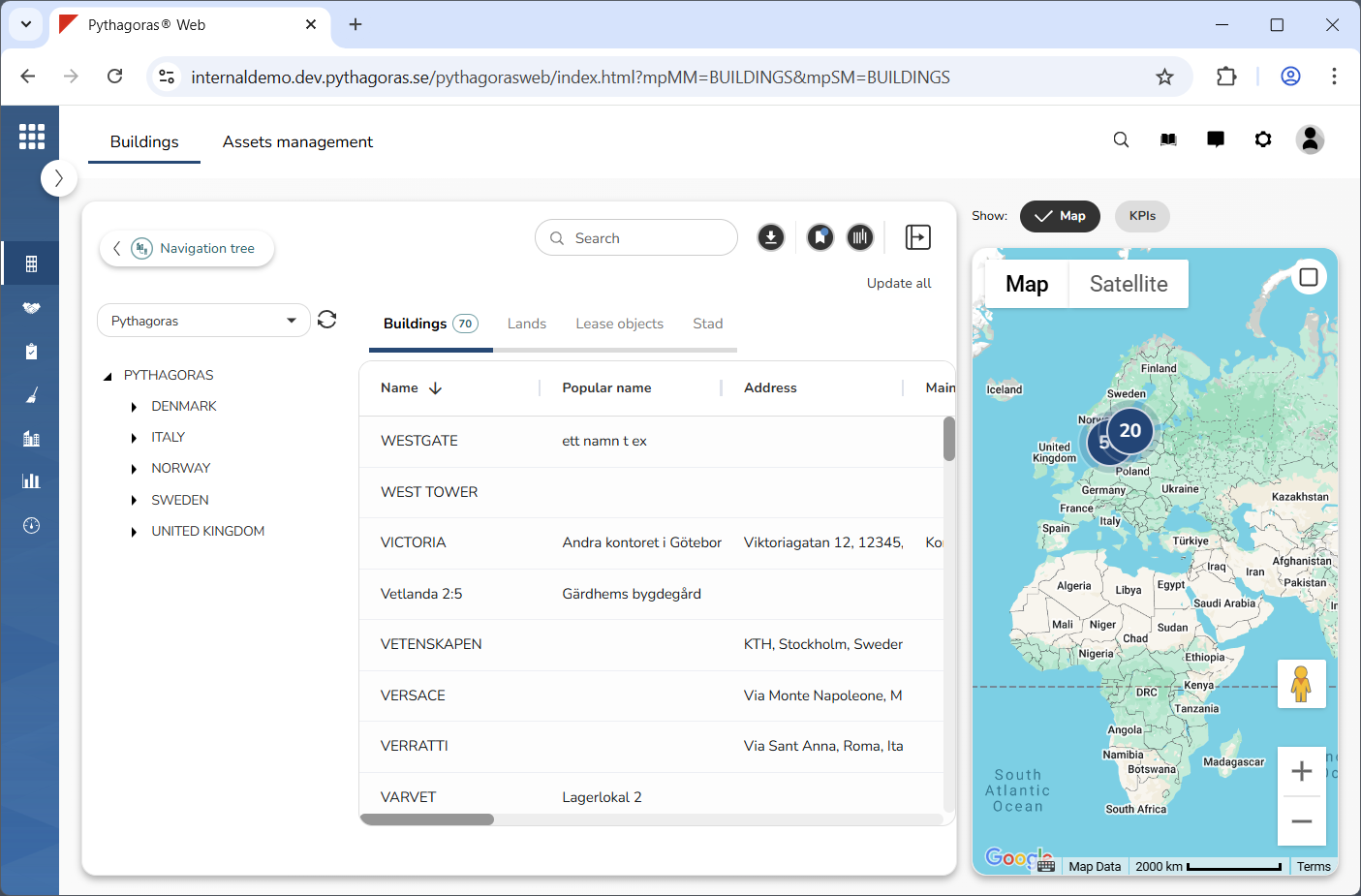
Show only the map (see image below). For more information on how to do so, see section 4.3. If you wish to show both the map and the KPIs you can skip this step and go straight to step 3.
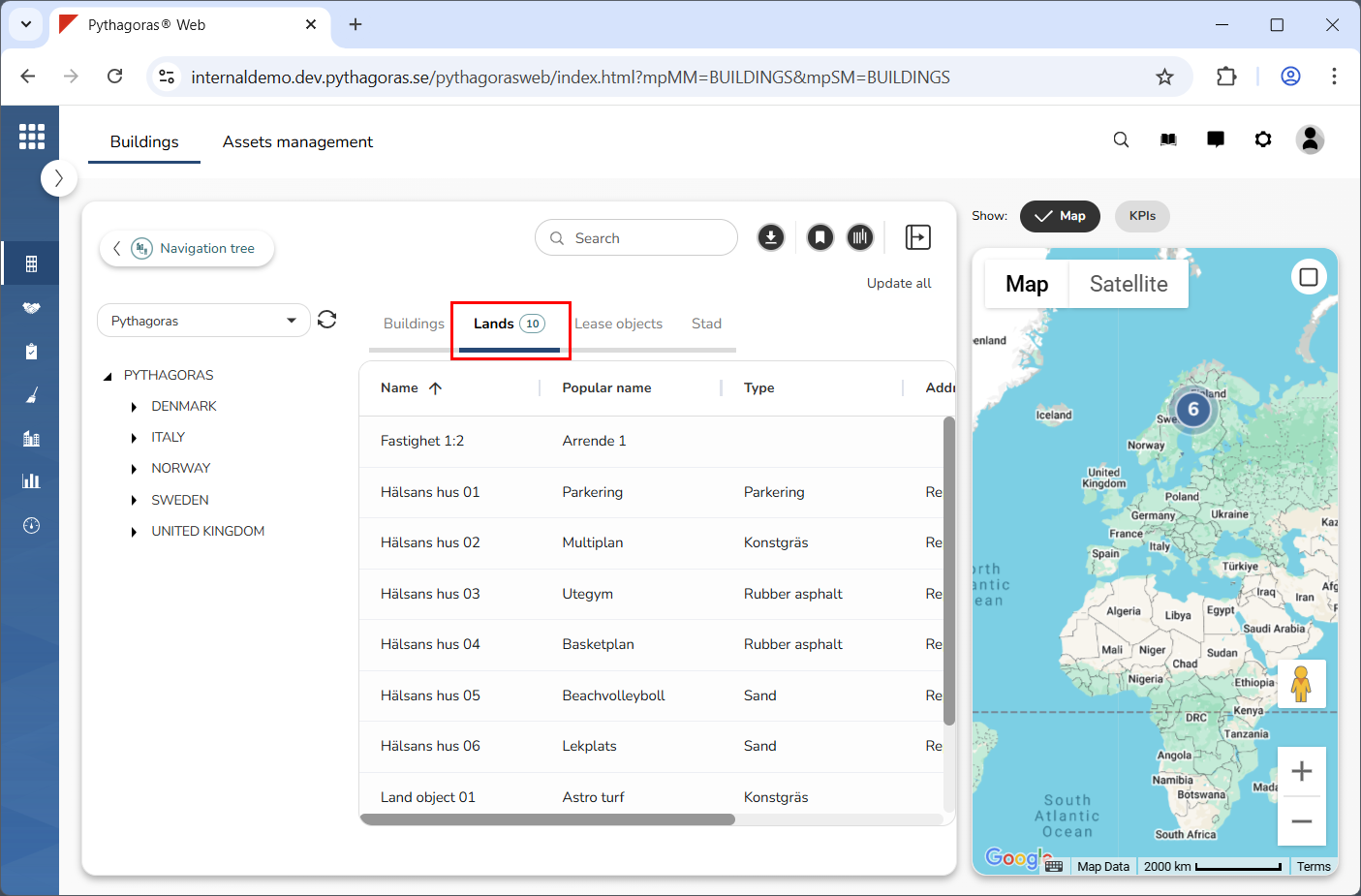
Click the lands tab in the object list (see image below).
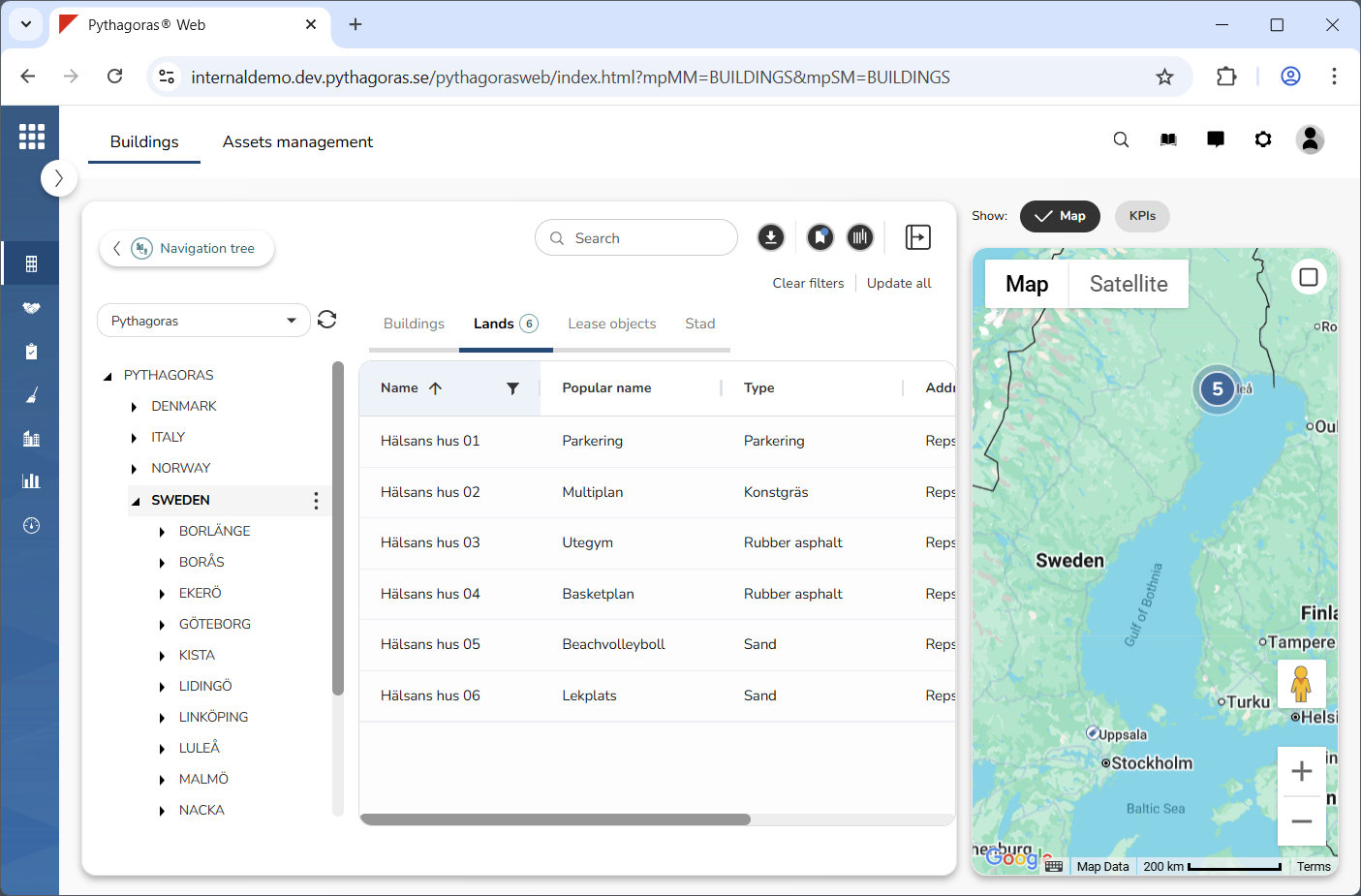
Make sure that the land object you wish to open is visible on the map by filtering land objects on the map. To filter a land object on the map you can either use the navigation tree and/or filter the object list (see image below). For more information on how to filter the object list, see section 6.2. If the land object you wish to open already is visible on the map you can skip this step and go straight to step 5.
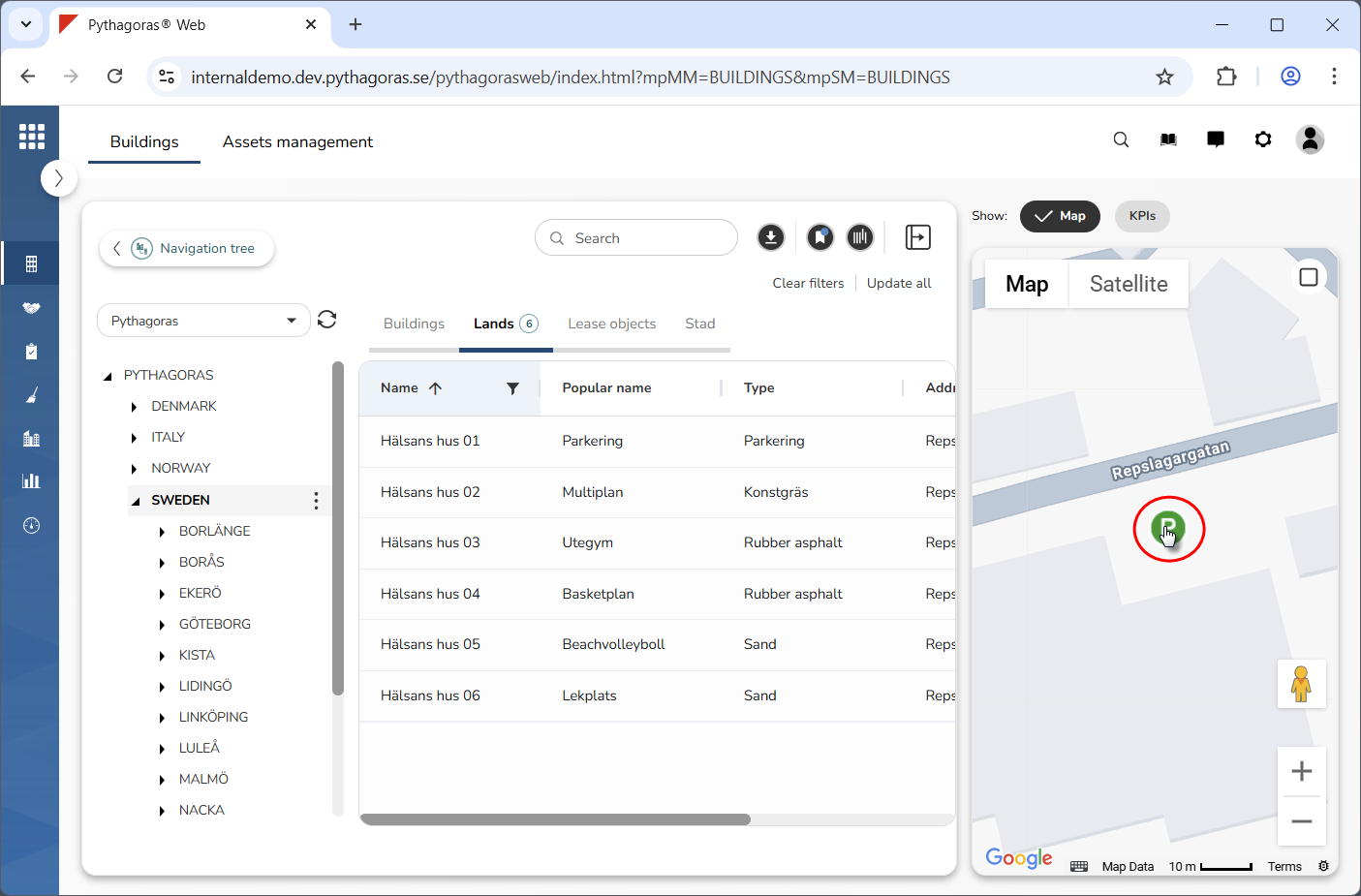
5. Go to the map.
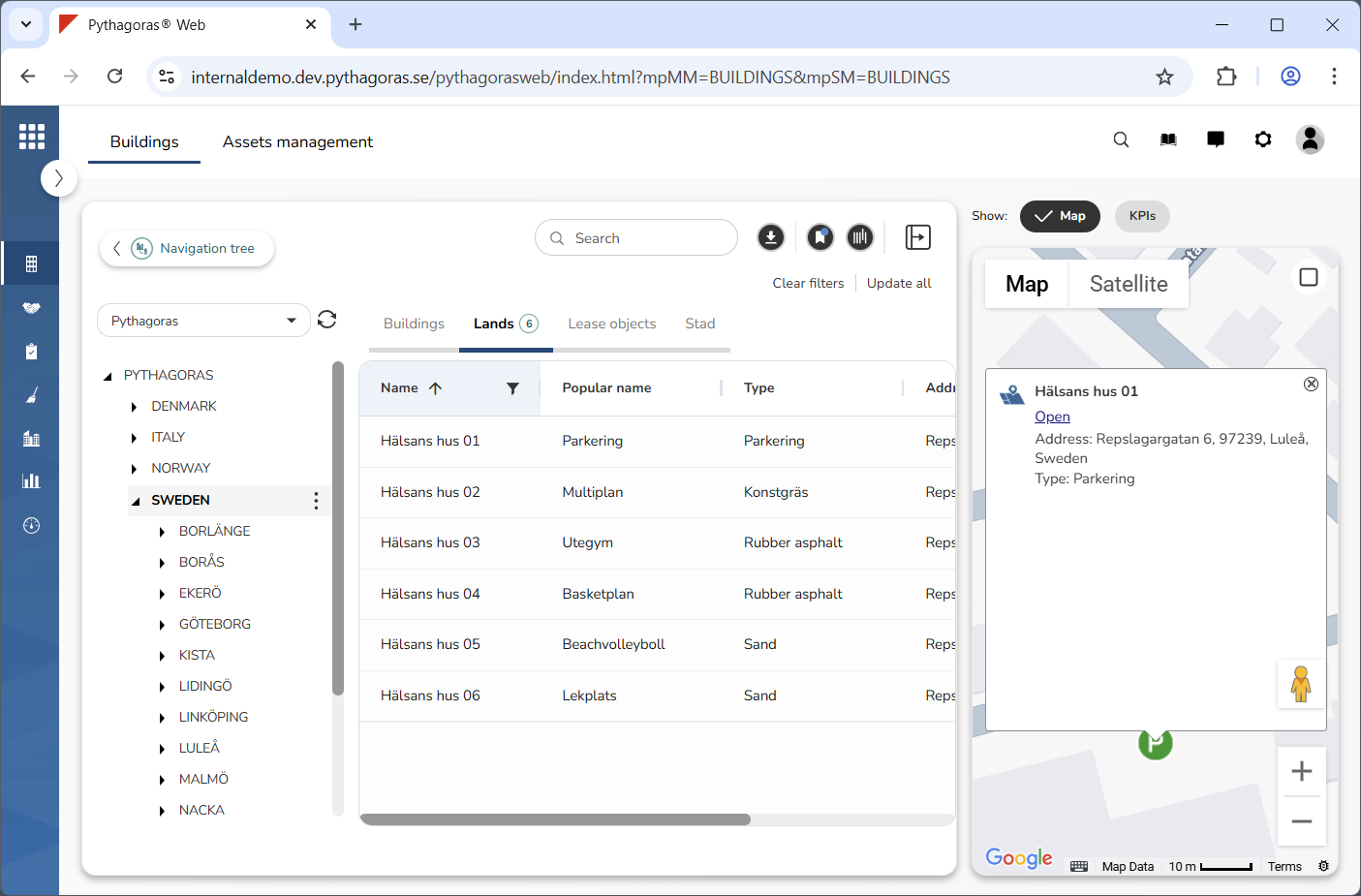
6. Click the map marker belonging to the land object you wish to open (see the first image below). When you do so, a window linked to the land object you are working with will open (see the second image below).
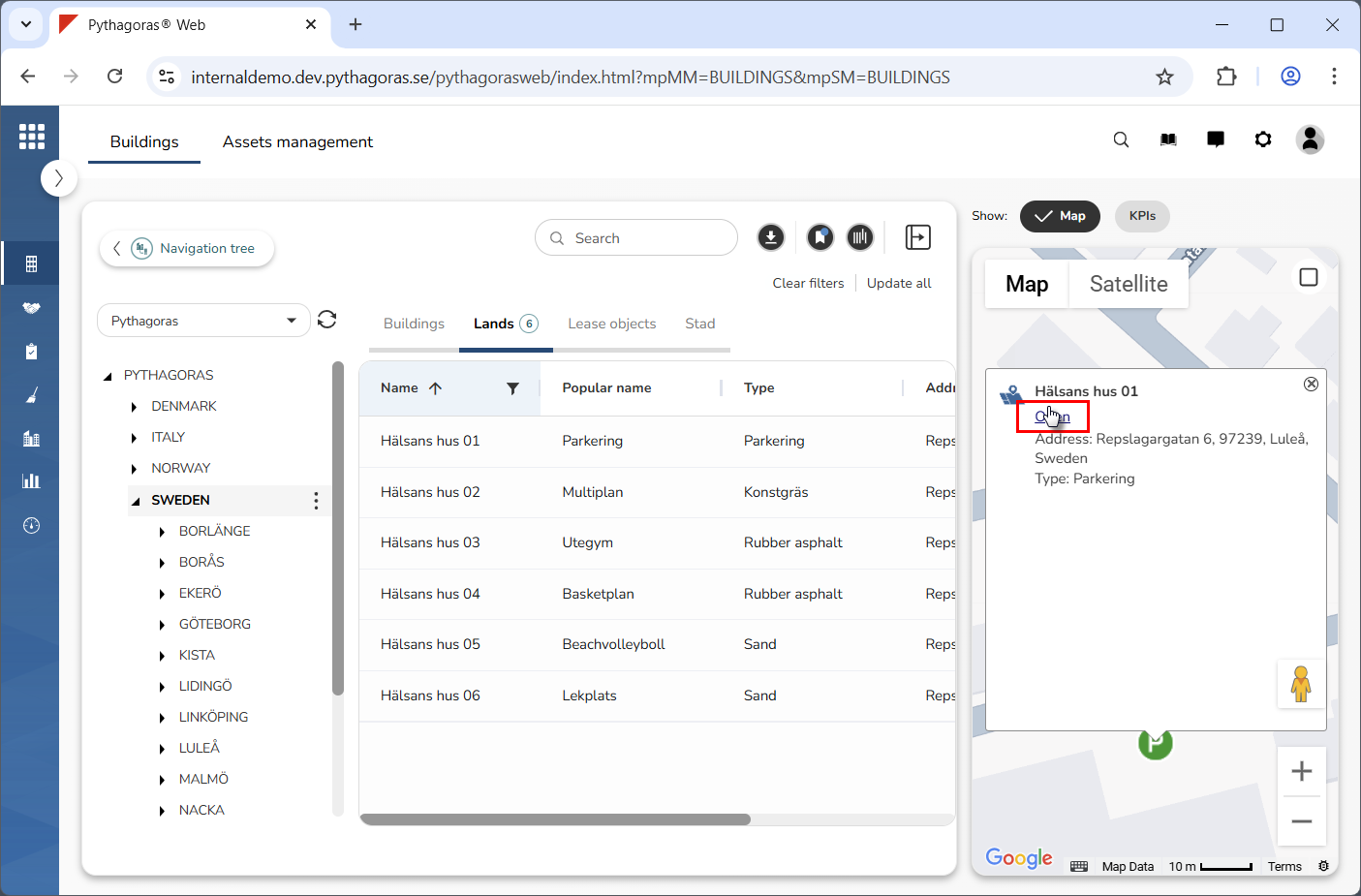
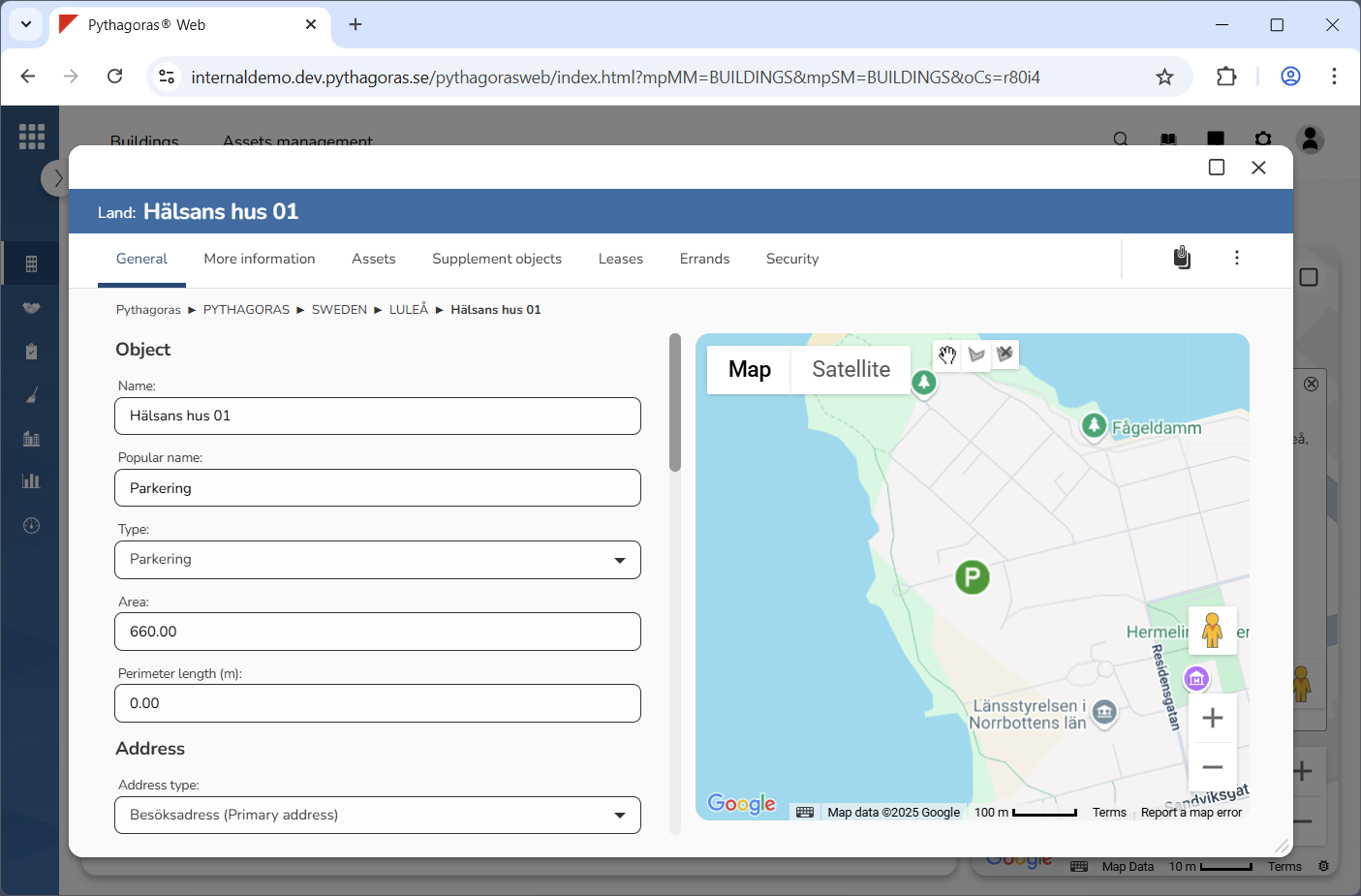
7. Click "Open" in the window (see the first image below). When you do so, the land object you are working with will open. When a land object opens, so does its object card (see the second image below). Via the object card you can work with a land object. For more information on how to do so, see chapter 10.